
Odoo Migration Services
Confidence from Start to Finish in Your Odoo Migration
Get all the benefits of Odoo with none of the stress. We handle everything for zero data loss, no surprises, and uninterrupted operations. With us, your migration is smooth and built to last.



Calculate the Costs. Plan Confidently
Complete the questions to send a project estimation request.
JavaScript is needed to use this questionnaire. The authored questions are shown below; controls are disabled.
Does your company currently have an ERP system?
How many employees or contractors will need access to the Odoo system?
What areas do you want to improve within your organization?
What problems are you looking to solve?
Explore our proven Odoo delivery models
Start Pack
Ideal for startups and small businesses looking for a quick Odoo launch
- Workload:
- 30 hours
- Price:
- $90/h for US, AU; €90/h for other countries
Includes:
- Odoo installation and setup
- Basic configuration of core modules
- Data import templates
- Employee training (2 sessions)
- Cost:
- $2700 (fixed price)
Business Pack
Best for small and mid-size companies looking for a cost-effective Odoo launch
- Workload:
- 50-200 hours
- Price:
- $70/h for US, AU; €70/h for other countries
Includes:
- Odoo installation and configuration based on business requirements
- Data import support
- Business process customization
- Personalization: custom layouts, etc.
- Employee training
- Cost:
- From $3500 to $14,000
Scale & Optimize Pack
Ideal for companies looking for scalability and integration with existing systems
- Workload:
- 200+ hours
- Price:
- $60/h for US, AU; €60/h for other countries
Includes:
- Everything from the Business Pack
- Customization of Odoo modules
- E-commerce integration
- API integration with external systems
- Automation of complex business processes
- Large-scale data migration
- Analytics integration
- Dedicated project manager
- Cost:
- From $12,000
Dedicated Team Pack
Perfect for companies needing a dedicated team for long-term Odoo development, scaling, and support
- Workload:
- Ongoing, based on monthly commitment
- Price:
- $55/h for US, AU; €55/h for other countries
Includes:
- Dedicated Odoo experts (developers, consultants, project managers)
- Ongoing system optimization and feature enhancements
- Advanced customization and automation
- Continuous data imports and integrations
- AI-driven analytics & forecasting tools implementation
- Security updates and performance optimization
- Priority support and troubleshooting
- Cost:
- From $11,000/month
Result
Let’s connect and finalize your custom Odoo plan
Your answers will be included with your request.

Curious if Odoo fits?
Try it risk-free — schedule a demo
Upgrade Your ERP with Expert Assistance
Moving from Legacy to Odoo ERP
Switch from outdated systems to a multi-functional Odoo ERP for improved productivity and streamlined business processes.
Upgrading to a New Odoo Version
Switch to the latest Odoo version to access new features, improve functionality, and enhance your system’s capabilities.
Updating Odoo Server and Hosting
Update your Odoo server and hosting to optimize performance, boost reliability, and enable seamless business integrations.
End-to-End Odoo Migration Services That Fit Your Needs
Move to Odoo with confidence, knowing that your data is secure, all your business processes are under control, you're saving time, and receiving guaranteed results.
Odoo Version Migration
Access new features and boost productivity without data loss or disruption. Transitioning to a new version of Odoo is seamless and preserves all essential business processes.
Migration to Odoo ERP
Break free from the limitations of legacy ERP systems. Migrate to Odoo to simplify operations, retain critical data, and improve overall business manageability.
Data Migration to Odoo
Transfer financial records, contacts, order history, and other vital data cleanly and efficiently. Launch confidently with a well-structured, reliable foundation in Odoo.
Custom Code Migration
Preserve your unique configurations and business logic during migration. Custom modules, integrations, and scripts are adapted to the new environment, ensuring full functionality.
Odoo Module Migration
Ensure full operational functionality post-transition. Each module is migrated with a focus on compatibility and the architecture of the updated version.
Odoo Cloud Migration
Move your Odoo system to the cloud for improved scalability, reliability, and performance. Ensure seamless access to your data with enhanced security and minimal downtime.
Why Businesses Migrate to Odoo
See how migrating to Odoo empowers businesses to optimize workflows, boost performance, and transform the way they run every day.
 Access to New Features
- Enhanced Security
- Next-level Performance
- Intuitive UI/UX
- Smooth Integrations
- Reduced Costs
What to Consider Before Migrating to Odoo ERP
Security Measures
Secure data migration without loss or leakage is a must. To ensure protection, we apply multi-layered security protocols, from encryption to access control.
Data Backup
We always ensure a complete backup before starting any migration. This crucial step allows for a swift rollback to a stable state in case of unforeseen issues.
Existing Odoo Version
Older systems bring more issues. Expert analysis of Odoo ensures an efficient migration, even if intermediate upgrades are necessary.
Database Size
Before starting, the database's volume and structure are assessed. For large databases, a phased migration approach is used to avoid delays and bottlenecks.
Client-Server Architecture
Whether on-premises, cloud, or hybrid, we select the best tools, ensuring every detail, from IP access to integrations, is carefully managed.
Estimated Downtime
Business downtime before migration is carefully estimated and planned to minimize disruption, ensuring a smooth transition with minimal impact on your operations.
Tackling Complex Migrations from Other Systems to Odoo
| ERP System | Migration Result |
|---|---|
SAP Business One | Data is securely transferred from SAP B1 and restructured into flexible Odoo modules, featuring a simplified interface and lower support costs. |
MS Dynamics Nav | Business processes are migrated to a flexible Odoo ERP system, featuring customized reports, financial logic, and multicurrency support. |
Zoho CRM | Workflows are consolidated from fragmented Zoho solutions into a unified Odoo system, optimizing efficiency and enabling automation. |
Sage 50 / Sage 100 | Switching to Odoo reduces reliance on consultants, moving operations to a flexible ERP with better control and transparency. |
Odoo Migration Without Business Interruption
Work uninterrupted as we handle your migration in the background. Chat with our Odoo specialists to get a personalized migration roadmap.
Book a CallAdapting Odoo Migration to Meet Your Industry Standards
- Healthcare
- Real Estate
- Fintech
- Edtech
- Retail
- Travel & Hospitality
Real Stories of Businesses That Switched to Odoo
Modernizing Operations with Odoo ERP
- Challenge:
- Excel-based planning caused errors and delays
- Disconnected tools led to inventory mismatches
- Manual shipping slowed down order fulfillment
- Results:
- 35% fewer defects from built-in quality control
- 90%+ inventory accuracy with barcode-based tracking
- 20+ hours/month saved with shipping label automation
Streamlining Global Perfume Sales with Odoo ERP
- Challenge:
- Inventory inefficiencies led to stockouts and overstocking
- POS and online store were not properly synced
- Manual tax work risked fines and wasted time
- Results:
- $10,000/year saved by reducing stockouts and overstocking
- 95% drop in overselling after POS and online sync
- $2,600/year saved through automated tax compliance
Transforming Food Service with Odoo ERP
- Challenge:
- Disconnected POS systems across locations
- Spreadsheet-based tracking of inventory and recipes
- Manual scheduling leading to overtime and inefficiency
- Results:
- 50% faster reporting with unified POS across stores
- 22% less food waste through automated stock control
- 28% faster shift planning with Odoo HR workflows
Why Choose Glorium Technologies for Odoo Migration?
You deserve a strategic partner (not just a vendor). From the first data map to the final validation, we ensure your transition is flawless and smooth.
Request a Call- Certified Partner
- Minimal Downtime
- Data-Driven Approach
- Budget-Friendly Pricing
- End-to-End Support
- Proven Track Record
From Old Systems to Odoo Excellence
Seamlessly shift from outdated tools to a fully optimized Odoo system with a proven 7-step journey.
We dive deep into your current system, uncovering any potential roadblocks to make your migration as smooth as possible.
Can’t Find What You’re Looking for?
Explore our end-to-end Odoo services for smarter business management
- Odoo Development

- Odoo CustomizationOdoo Customization
- Odoo ImplementationOdoo Implementation
- Odoo IntegrationOdoo Integration

What our clients say about us






Success Stories
Case studies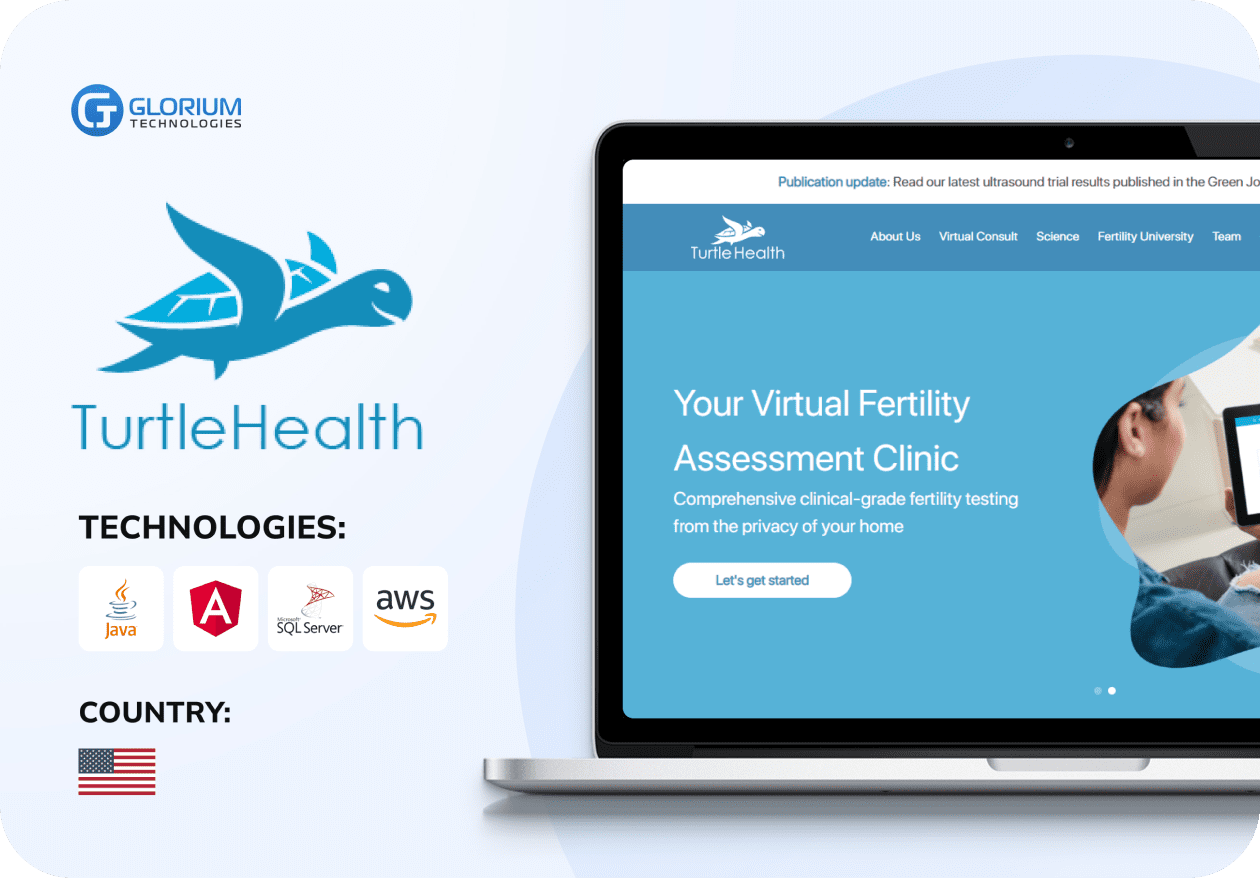
- Healthcare
Web Portal for Remote Fertility Testing
- Healthcare
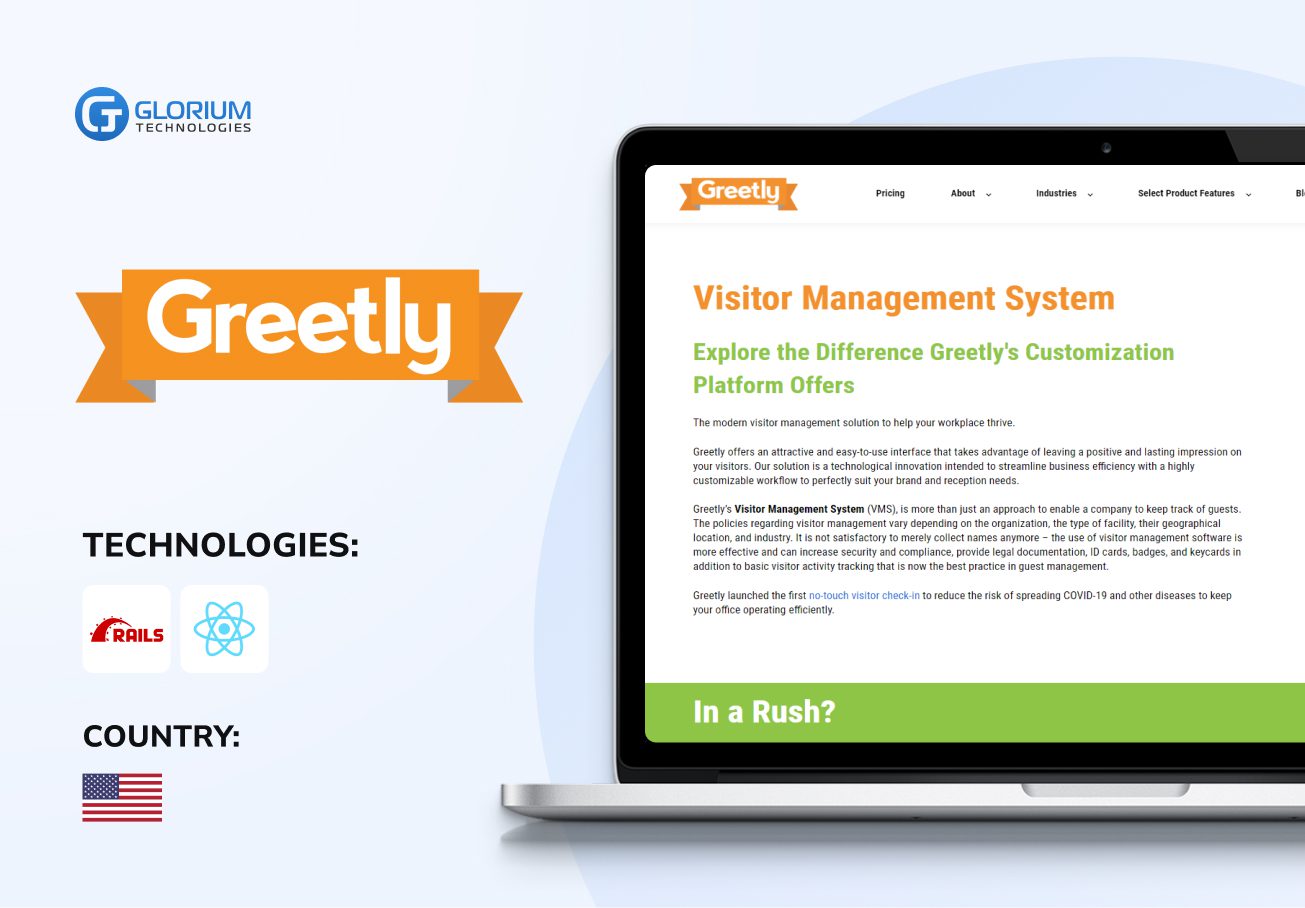
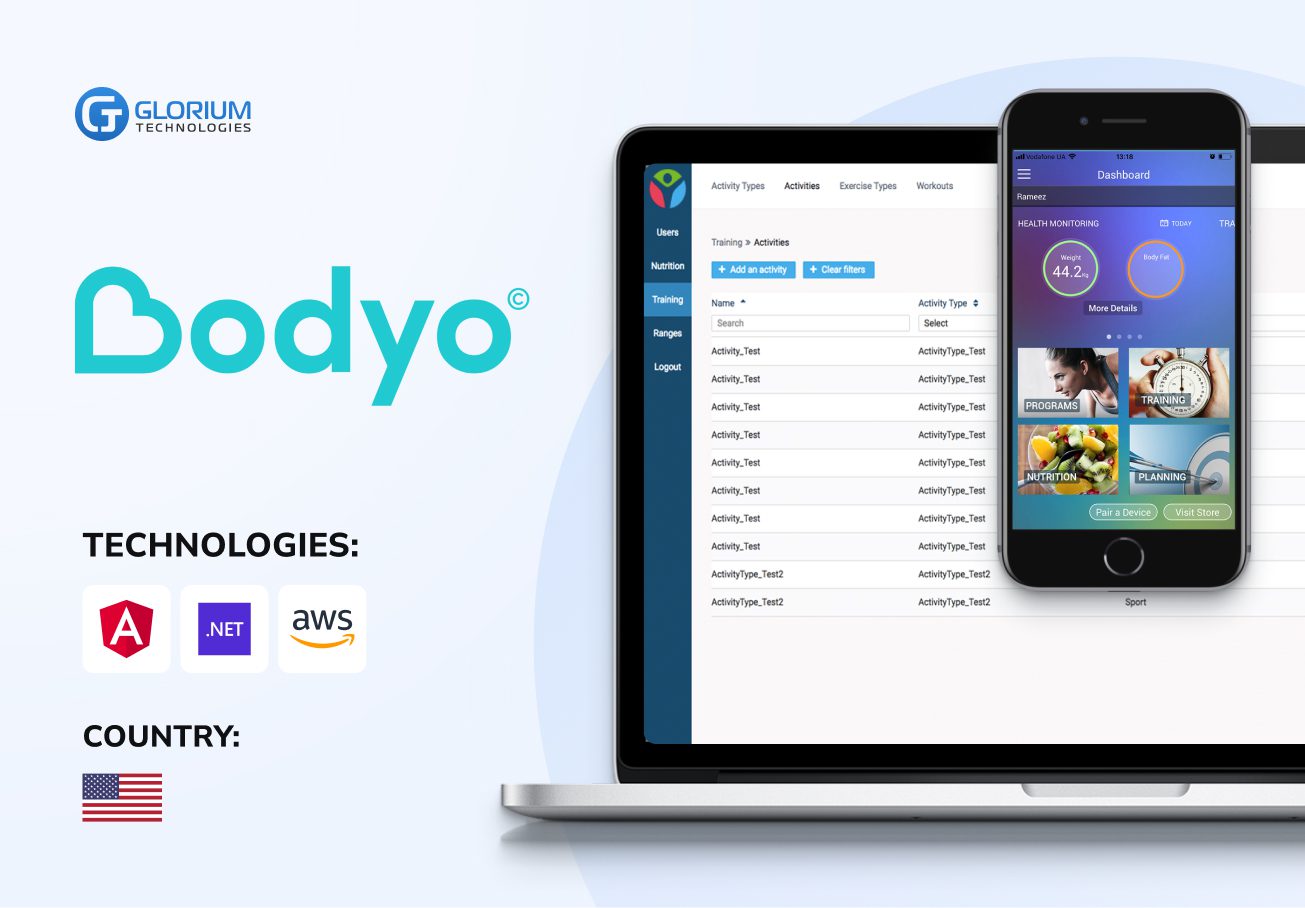
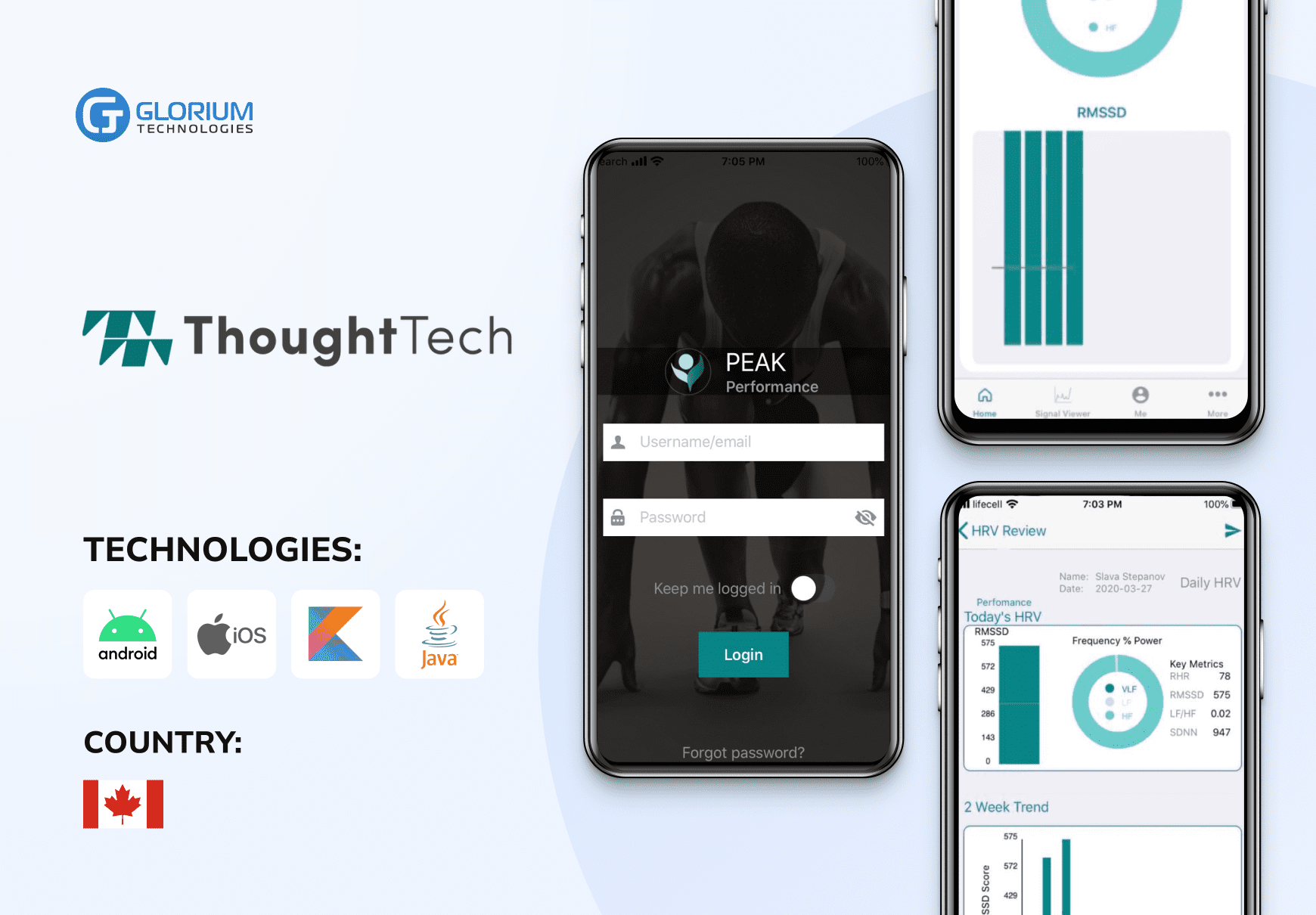
Health monitoring and tracking platform
- Healthcare
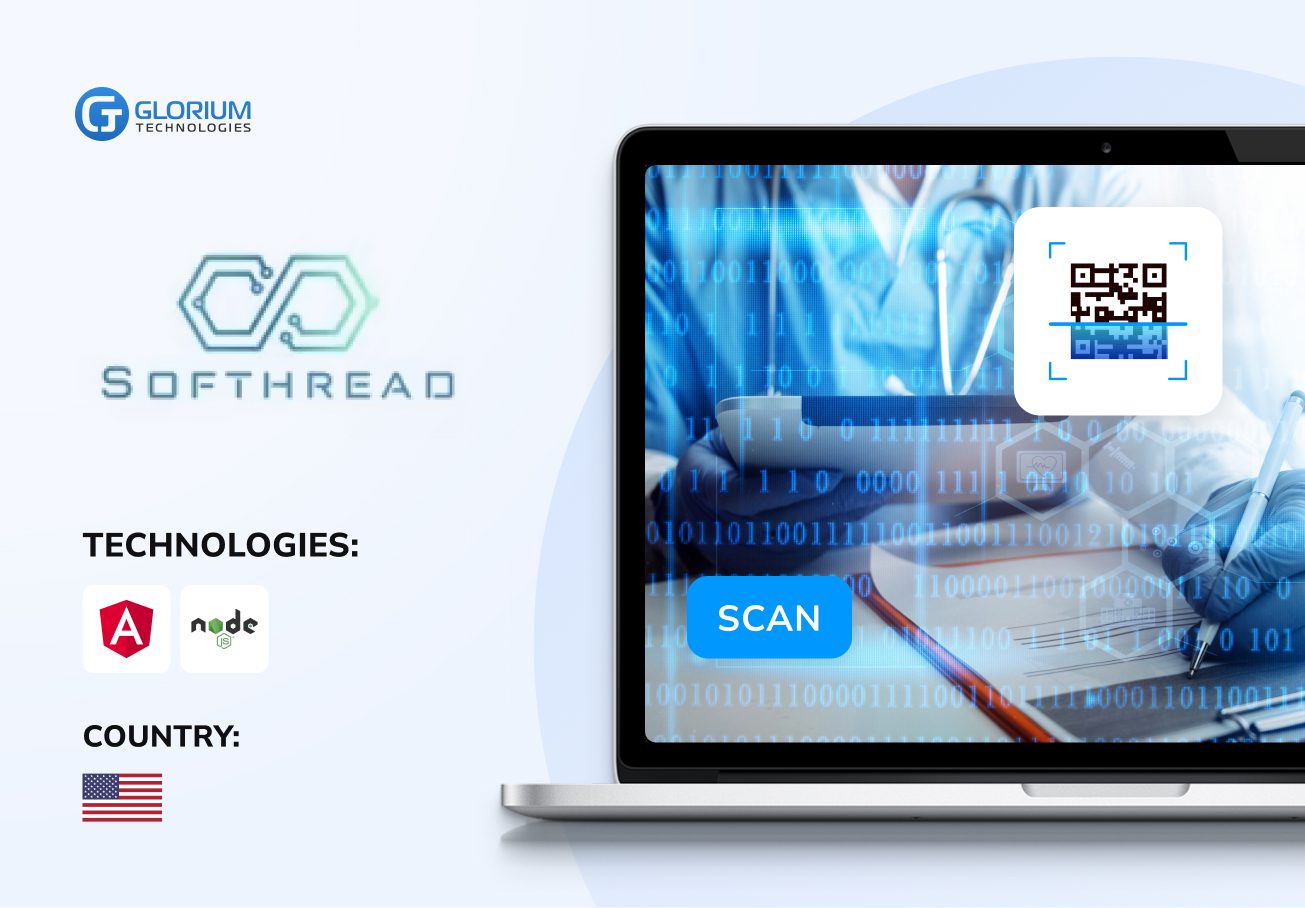
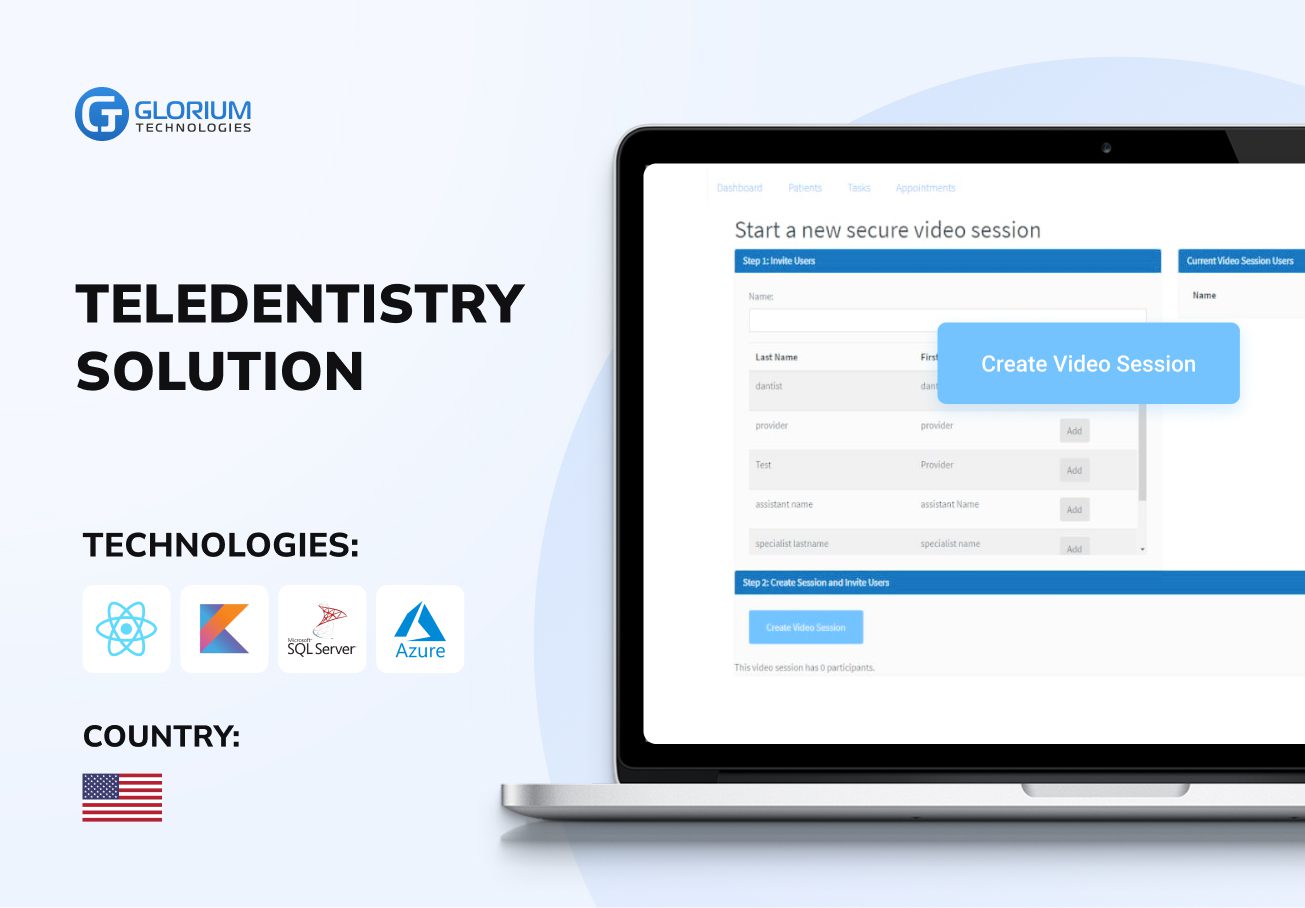
Streaming solution for healthcare
Who we are
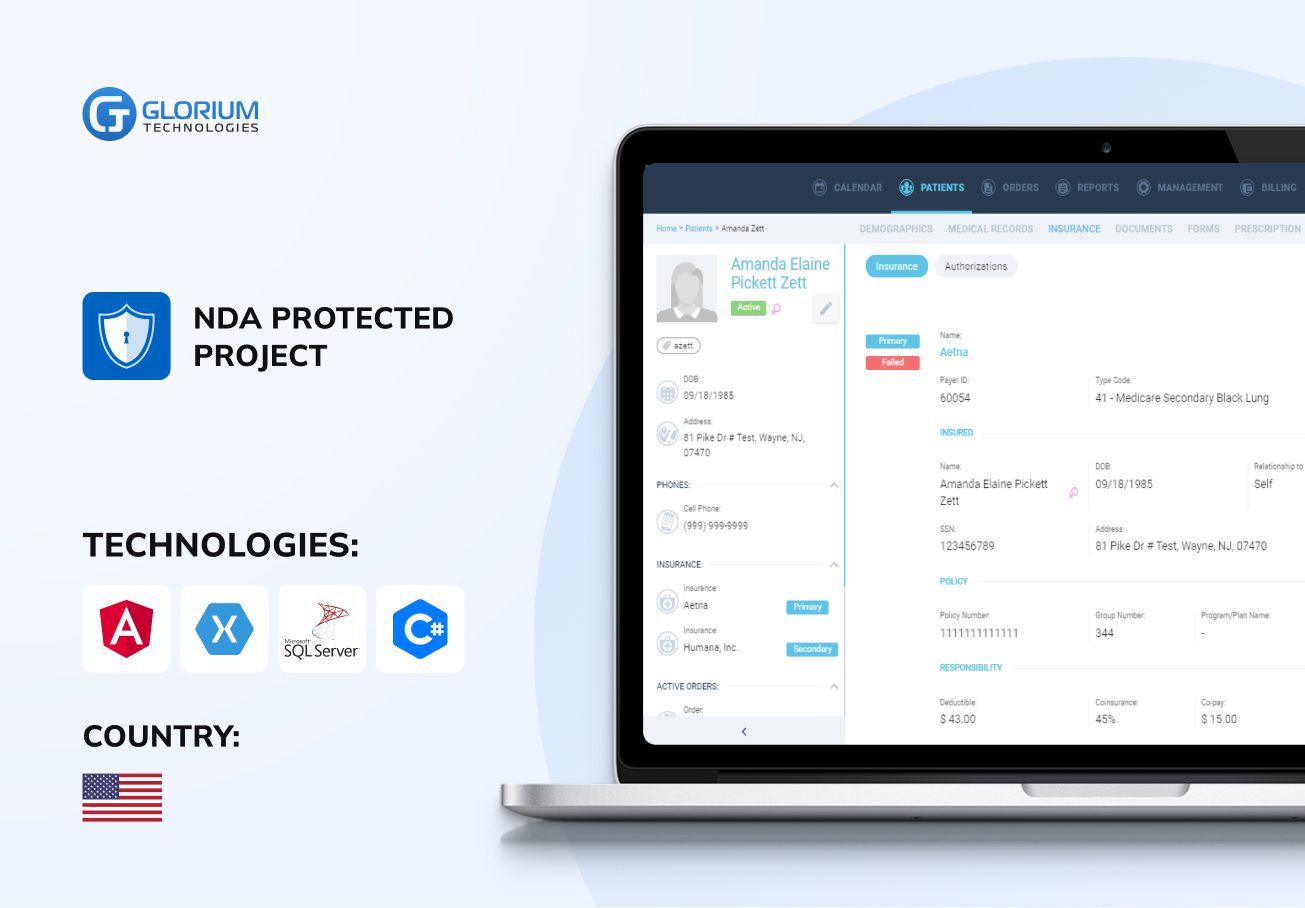
Glorium Technologies is a full-cycle app & software development company which covers specific client business needs and manage them with the help of the best possible technology solutions.
Since 2010, we have been inventing digital breakthroughs, helping startups and businesses come out on top in their markets.
About us
Why choose us
Products delivered
Years on the market
Client satisfaction rate
Awards & certifications
Awards & recognitions
More achievements



Certifications



Let's Connect!
Send us a message, and we'll promptly discuss your project with you.
Your journey with Glorium Technologies
Research
You’ve done your research and realized we could be the right fit.
Form submission
Provide details to help us tailor our approach. Let us know what you’re working on!
Initial consultation
We discuss your needs and explain our process.
Discovery call
This is a deep technical consultation to discuss all requirements, commitment-free.
Kick-off
We sign the contract and help your business grow strategically and achieve long-term success.
The Essential Guide to Avoiding Mistakes During Odoo ERP Migration
Moving to Odoo ERP might sound like just another upgrade, but in reality, it’s pretty complicated. So many pieces have to fit together. And if you’re not really on top of it, things can go wrong incredibly fast. One small misstep can mess up your finances, throw your whole operation into chaos, and even leave your team wondering why they ever trusted the system at all.
This guide will walk you through the most common problems businesses hit when they’re migrating to Odoo. We’ll show you how to fix them and lay out the steps to take to make sure your ERP changes are as smooth and successful as possible.
What Happens When Odoo Migration Fails (and How to Handle These Issues)
Migrating your ERP is never just a technical job: it involves careful planning, strong financial insights, and a deep understanding of how both the old and new systems work. At Glorium Technologies, we’ve worked with clients who faced rushed or poorly executed migrations and came to us for help, bringing lessons from their previous experiences.
Here are the classic Odoo migration mistakes and how we resolve or prevent such problems from happening:
Incorrect migration or data corruption
Any data migration strategy can be fraught with challenges. Incorrect imports or file corruption can lead to missing or inaccurate data. It disrupts reporting, creates major hurdles in financial management, and ultimately results in accounting errors. These inaccuracies undermine decision-making and can negatively impact your business’s success.
Our solution: We perform a comprehensive data audit before migration, verifying accuracy and ensuring a smooth transition. Using advanced validation tools and automated backups at every stage, we ensure data integrity and enable rapid recovery if needed.
Insufficient testing and quality control
Without proper testing, system issues can go unnoticed until after launch, leading to downtime, data loss, and expensive fixes. Some problems may stay hidden for months, only surfacing when discrepancies in reporting or accounting arise.
Our solution: We conduct rigorous testing throughout the migration process, including functionality checks, module compatibility, and configuration validation. Real-world testing ensures the system performs reliably before final deployment.
Ignoring Odoo customization for specific business needs
If your current Odoo version and setup are too generic, the system may not align with your business workflows, leading to inefficiencies and reduced productivity. Lack of customization can result in unnecessary manual work and missed automation opportunities.
Our solution: When our experts perform Odoo migration, they tailor the system to clients’ business requirements and build custom modules, interfaces, and workflows. Our team ensures the ERP reflects your operational logic and supports automated processes for maximum efficiency.
Incompatibility of legacy systems with Odoo
Older ERP software often lacks integration capabilities with modern ERP platforms like Odoo. This can prevent seamless data transfer and disrupt processes.
Our solution: We audit the existing system to identify integration challenges and migrate data securely using APIs and specialized modules. This ensures smooth data exchange and uninterrupted operations.
Failure to address multi-currency and international settings
For global businesses, overlooking multi-currency and international configurations can lead to serious financial errors, such as incorrect exchange rates or non-compliant reporting.
Our solution: We configure Odoo’s multi-currency and international features to support accurate global transactions. Automated exchange rates and country-specific reporting standards are implemented to ensure compliance.
No rollback or error recovery plan
Without a contingency plan, unexpected issues during the Odoo platform migration can result in data loss or a prolonged migration timeline. A lack of rollback procedures makes recovery difficult and risky.
Our solution: We establish a robust backup and rollback strategy before migration begins. Automated backups and a clear recovery protocol ensure business continuity in case of unforeseen problems.
Temporary workarounds instead of structural fixes
Quick fixes may solve surface-level issues, but they often ignore deeper system flaws. These workarounds increase long-term costs and create inefficient workflows.
Our solution: We focus on root-cause resolution, implementing structural changes that restore system integrity. Our approach to Odoo migration services ensures lasting stability and eliminates the need for recurring fixes.
Manual error correction without addressing the source
Manually correcting migration strategy errors may offer short-term relief, but often leads to new problems and increased maintenance overhead.
Our solution: We use automated tools and standardized processes to resolve errors at their source. This reduces manual intervention and ensures consistent, reliable system behavior.
As you see, migrating to Odoo ERP can be difficult, but the right approach allows you to avoid common problems, ensuring optimal operation of the ERP. Thanks to our experience and proven methods, we minimize risks and help enterprises succeed in Odoo implementation.
Your Proven Path to Stable and Secure Odoo Migration
A successful ERP migration is never a quick import. It’s a deliberate, phased journey that demands structured planning, validation, and deep domain expertise. That’s why dozens of companies turn to Glorium Technologies when they need to rescue failed implementations or ensure their Odoo ERP migration is executed with precision.
We specialize in complex Odoo migration projects, including technical audits, historical data cleansing, localization, and post-launch stabilization. Whether you’re starting fresh or recovering from a flawed rollout, our approach ensures your system is not just operational but stable, secure, and trusted.
If your Odoo migration has already taken place but the system isn’t functioning properly, it’s not the end. But it’s essential to recognize that fixing ERP errors is not like fixing a spreadsheet. It’s about restoring logic, structure, and confidence in your financial operations.
That’s why every successful migration, or recovery, is built on a structured methodology, where every step matters. Below are the key phases our experts follow in all Odoo migration projects.
Phase 1: Planning before migration
The foundation of successful Odoo migration services lies in understanding your existing data, not just moving it. Before any technical actions, we:
- Identify all data sources: legacy ERP, spreadsheets, CRM platforms, and more
- Assess data quality: detect duplicates, missing entries, and inconsistent formats
- Define essential relationships: invoices, transactions, customers, orders
Our specialists begin with a full audit of your current processes and data architecture. Even when clients believe “everything is under control,” we often uncover critical risks. The goal of this phase is to design the logic, not simply transfer “everything in a row.”
Phase 2: Data backup and cleaning
Before extracting and migrating all the data, we ensure:
- A full backup of all systems involved
- A copy of the client’s Odoo DB, if partial migration has already occurred
- A checklist of prohibited changes during migration to maintain data integrity
Next comes data cleaning: removing duplicates, unifying fields, and standardizing formats (e.g., dates, currencies, or tax IDs). We use custom templates and scripts for mass cleaning, which is especially important if the system has already gone live and manual fixes or workarounds have accumulated.
Phase 3: Choose tools and perform data migration
While many tools exist for importing data into the Odoo platform, most rely on basic CSV interfaces that fail to preserve object relationships.
At Glorium Technologies, we use a tailored combination of:
- Templated imports with built-in error checks
- Custom scripts for complex scenarios (e.g., importing opening balances dated 31.12)
- Clearing accounts for AP/AR reconciliation
- Logical validation of links between orders, invoices, and payments
In failed migrations, we don’t simply “fill in new data.” We first isolate valid entries, recover what’s salvageable, and only then import what cannot be recreated.
Phase 4: Post-migration assessment
This phase of the migration services is often overlooked, but it’s where you determine whether the system is truly working or just running.
We perform:
- Consistency checks across the Chart of Accounts, journals, and balances
- Balance sheet reconciliation
- Validation of management reports against expectations
- Gap analysis in transferred data
One key method we use is comparing reports before and after migration and monitoring the transition period. For example, verifying how the closing balance of 2023 was carried into 2024.
Phase 5: Launch and ongoing maintenance
Once the database is imported and verified, we enter the stabilization period, when hidden issues often surface, such as broken automations, missing records, or inactive triggers.
We configure:
- Month/year closing scripts
- Automatic balance transfers
- Auditor-compliant report templates
- Documentation for internal teams
As part of Odoo migration services, we offer ongoing support and provide personnel training, focusing on relevant data entry, journal usage, and audit preparation. This helps us ensure that your team can operate the Odoo database confidently and accurately.
Why Odoo ERP Migration Requires More Than Just Technical Expertise
Migrating to Odoo is not just about transferring data. It’s a strategic opportunity to clean, review, and optimize your business processes before moving to a new system. But when this transition is rushed or handled without a deep understanding of business logic, the consequences can be severe.
At Glorium Technologies, we approach migration as a critical initiative, not just a technical task. Our approach goes beyond primitive data transition. We strive to restore trust in your system and take full responsibility until your ERP software is functional, auditable, and reliable.
Ready for a controlled, confident migration?
Leave a consultation request, and we’ll show you exactly what a secure migration or error resolution looks like so you can move forward with confidence and clarity.