
Pharmacy Management Software Development Services
Turn Daily Pharmacy Tasks into Automated Workflows
Transform your pharmacy's efficiency with user-friendly software. Replace clunky systems with efficient workflows—automate routine tasks and build stronger relationships and a more fulfilling practice



Why Your Pharmacy Needs Custom Software

Solve the critical challenges, improve patient care, and secure a competitive edge.
Read diagram text
Solve the critical challenges, improve patient care, and secure a competitive edge.
Pharmacy Software Development Services That Drive Growth
Build, create, add features, modernize, and support your software for future growth.
- Custom Software Development
- Integration & API Services
- Legacy Modernization
- Ongoing Support
- Cloud Migration & DevOps
- Compliance Testing
- Consulting & Discovery
- Pharmacy MVP
- Dedicated Development Team
Custom Tools That Transform Your Pharmacy
Build custom solutions with the precise features your patients and staff need.
Pharmacy Management
Custom pharmacy management software can be your single, streamlined solution for prescription processing, prescription management, and patient records, helping you get more done with less stress.
Pharmacy POS
Your checkout process should be seamless. A fast and reliable point-of-sale system lets you serve customers quickly and accurately, eliminating long lines and frustration.
Inventory Management
Optimize stock levels, ordering, and cost control. A dedicated inventory management system can help you include advanced features and automate more of your workflows.
Financial Management
Manual billing can be time-consuming. Financial management software automates claims, invoicing, and reconciliation to improve your cash flow and reduce costly errors.
Pharmacy CRM
Manage interactions with current and potential patients. Save communication histories, target marketing campaigns, and build patient loyalty.
Pharmacy Compounding
Designed for pharmacies that create custom medications, pharmacy compounding software helps you manage formulas, calculate ingredients, track batches, and more.
Patient-Facing Apps
Transform patient experience with mobile apps. Include refill requests, reminders, secure messaging, and advanced pharmacy services.
Integrate Your Pharmacy Software with Healthcare Tools
Bridge the gap between digital and physical care. Integrate your pharmacy software with telehealth platforms for smooth remote consultations and efficient prescription processing.
Contact UsGet instant access to up-to-date drug information and alerts directly in your system. The drug database integration ensures safety, accuracy, and compliance with every prescription.
Contact UsUnify your data with local hospitals and clinics, enabling a seamless and secure exchange of patient information and delivering better, more coordinated care across all service points.
Contact UsStop wasting time on manual claims. Connect your pharmacy management software with insurance and billing systems to automate the process and maximize revenue.
Contact UsOur shipping integrations help you manage orders, track packages, and keep patients informed, all from a single dashboard designed to streamline the supply chain processes.
Contact UsCentralize all your patient data with pharmacy systems that integrate with administrative and clinical platforms, providing your team with a 360-degree view.
Contact UsWe can integrate your pharmacy management software with CRM to give your team a complete history of every interaction, driving a more personalized experience for every patient.
Contact UsEnsure a seamless flow of data between your pharmacy and doctors' offices. Our EHR integration eliminates manual entry and reduces errors, so your team can focus on care.
Contact UsGot 15 Minutes? Let's Plan Your Pharmacy's Next Move


Why Choose Glorium Technologies?
Opt for a partner who understands unique pharmacy challenges and delivers results you can trust.
Talk to Us15+ Years of Healthcare Expertise
Certified and Compliant
Custom Solutions
Proven Track Record
Highly-Skilled Developers
Transparent Pricing
Healthcare Software Success Stories



How it Works
Every step of your software development is thought-through and planned.
Plan & Strategize
We analyze your business and understand what you need to suggest the best approach.
Build & Refine
Our team develops your software, tests it, and optimizes it for smooth functionality.
Deploy & Support
We launch your software and support you every step of the way to keep it at peak performance.

What our clients say about us





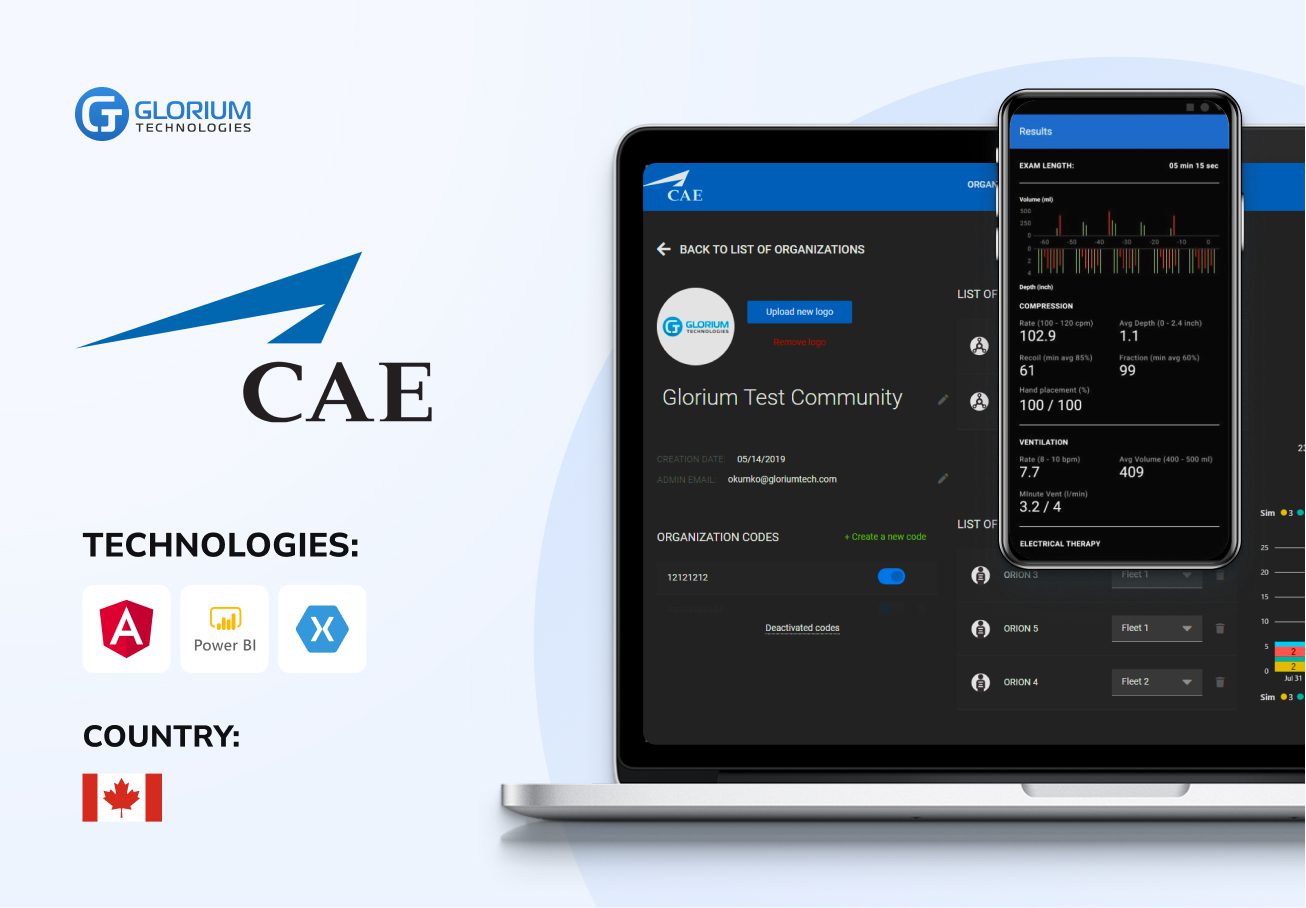
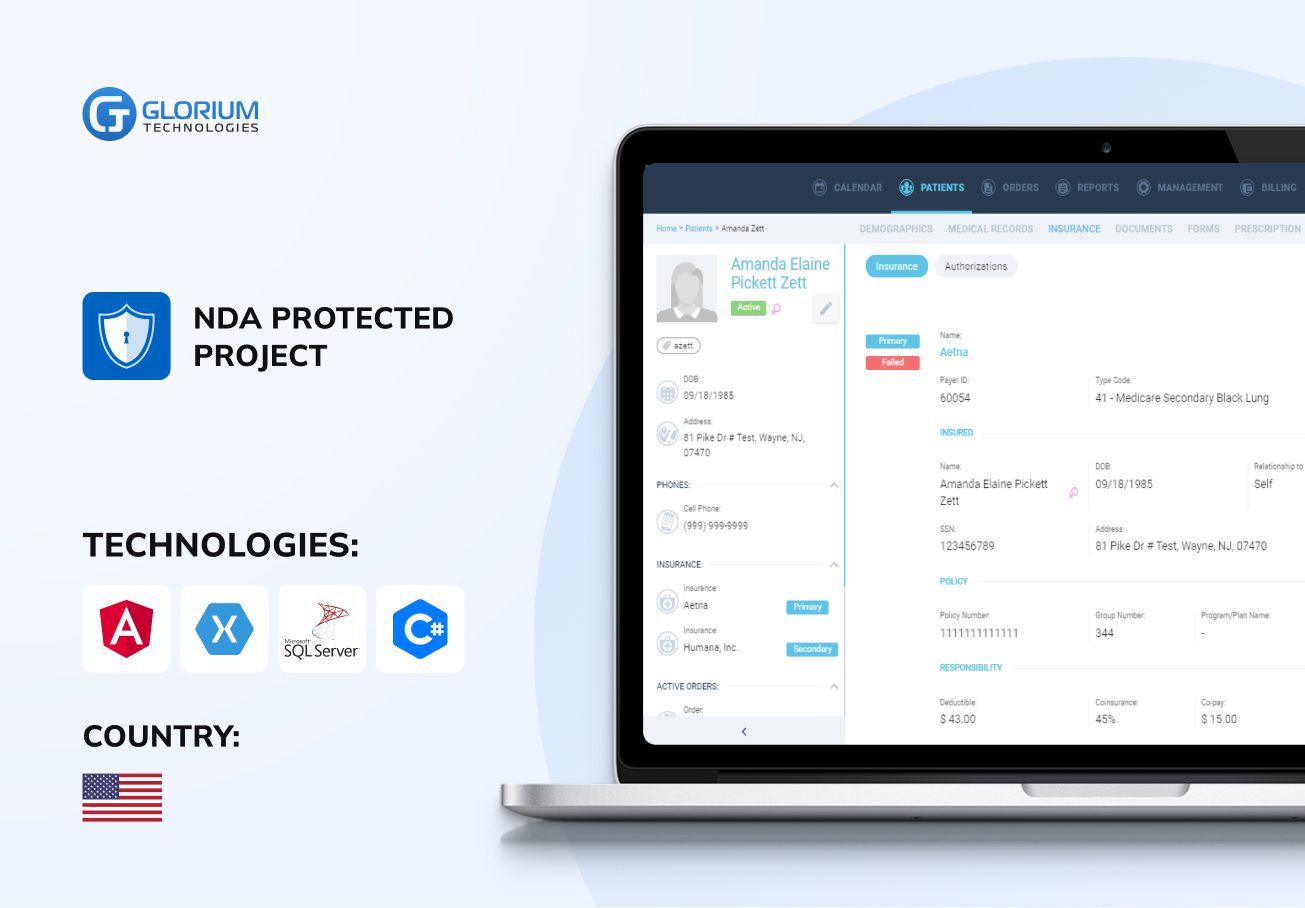
Success Stories
- Healthcare
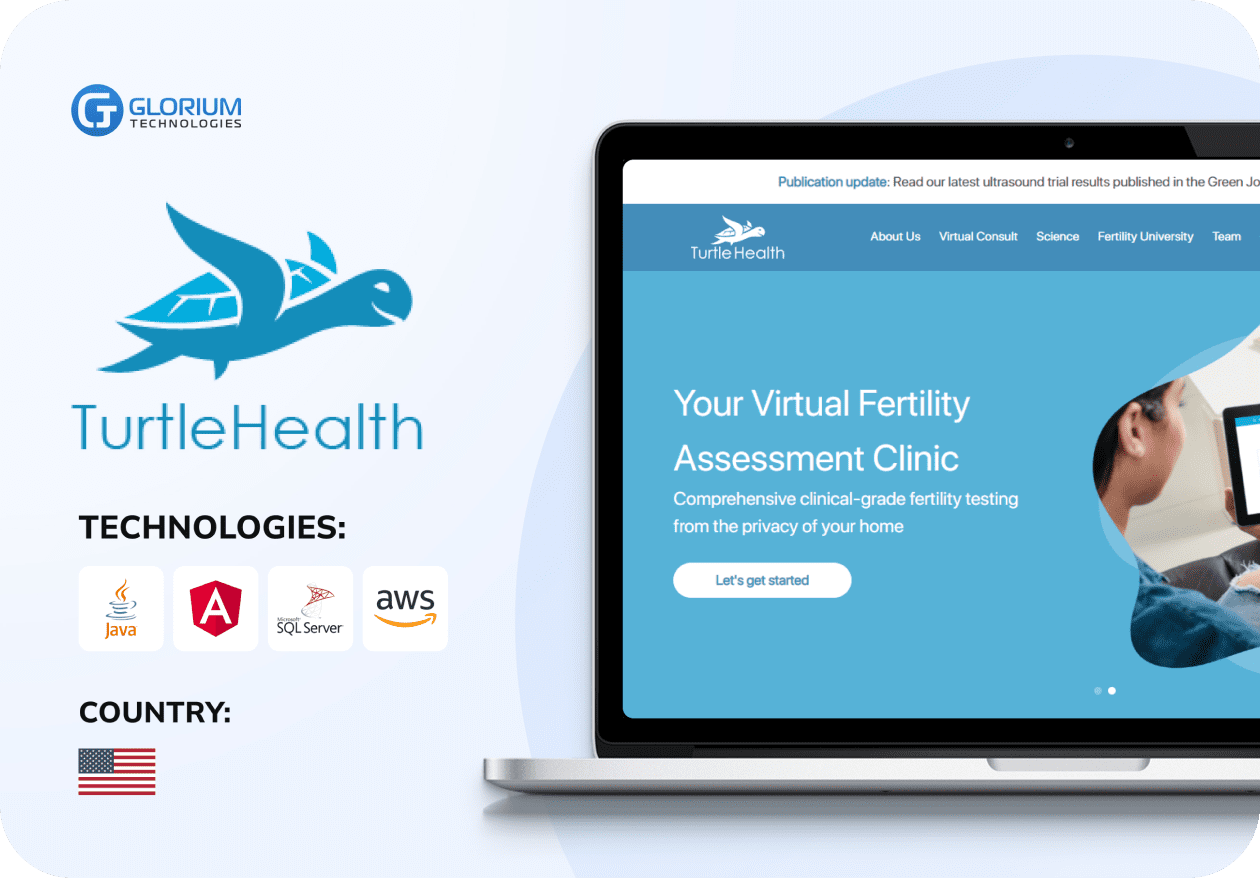
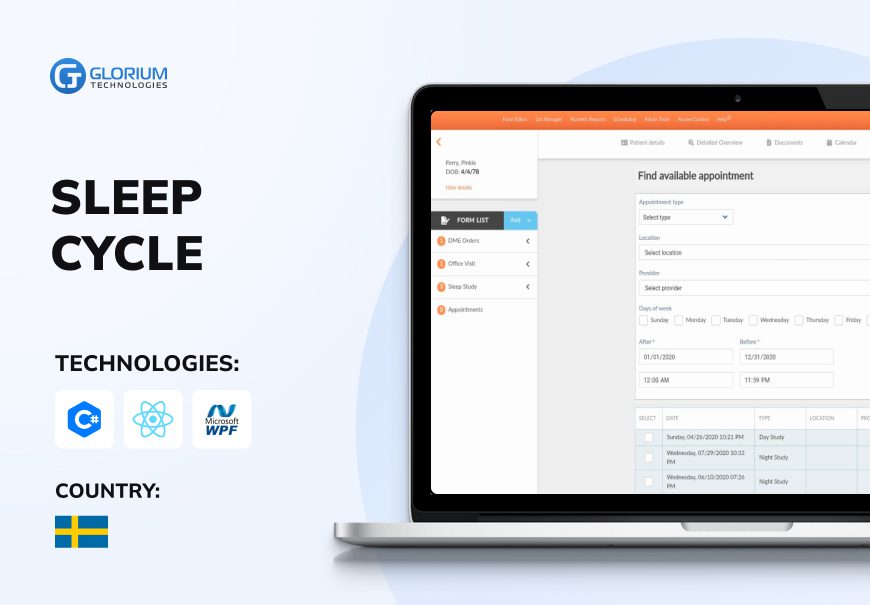
Web Portal for Remote Fertility Testing
- Healthcare
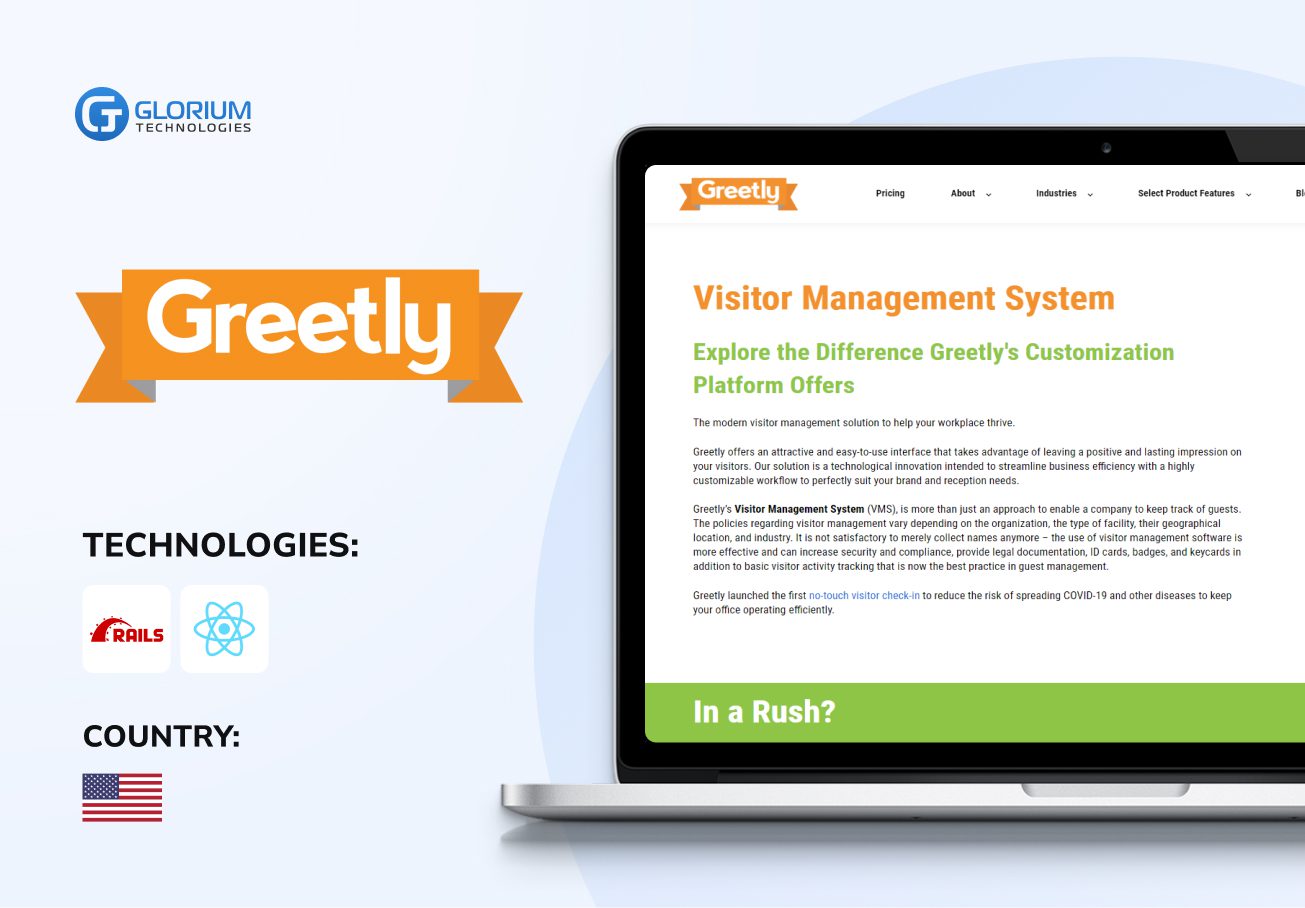
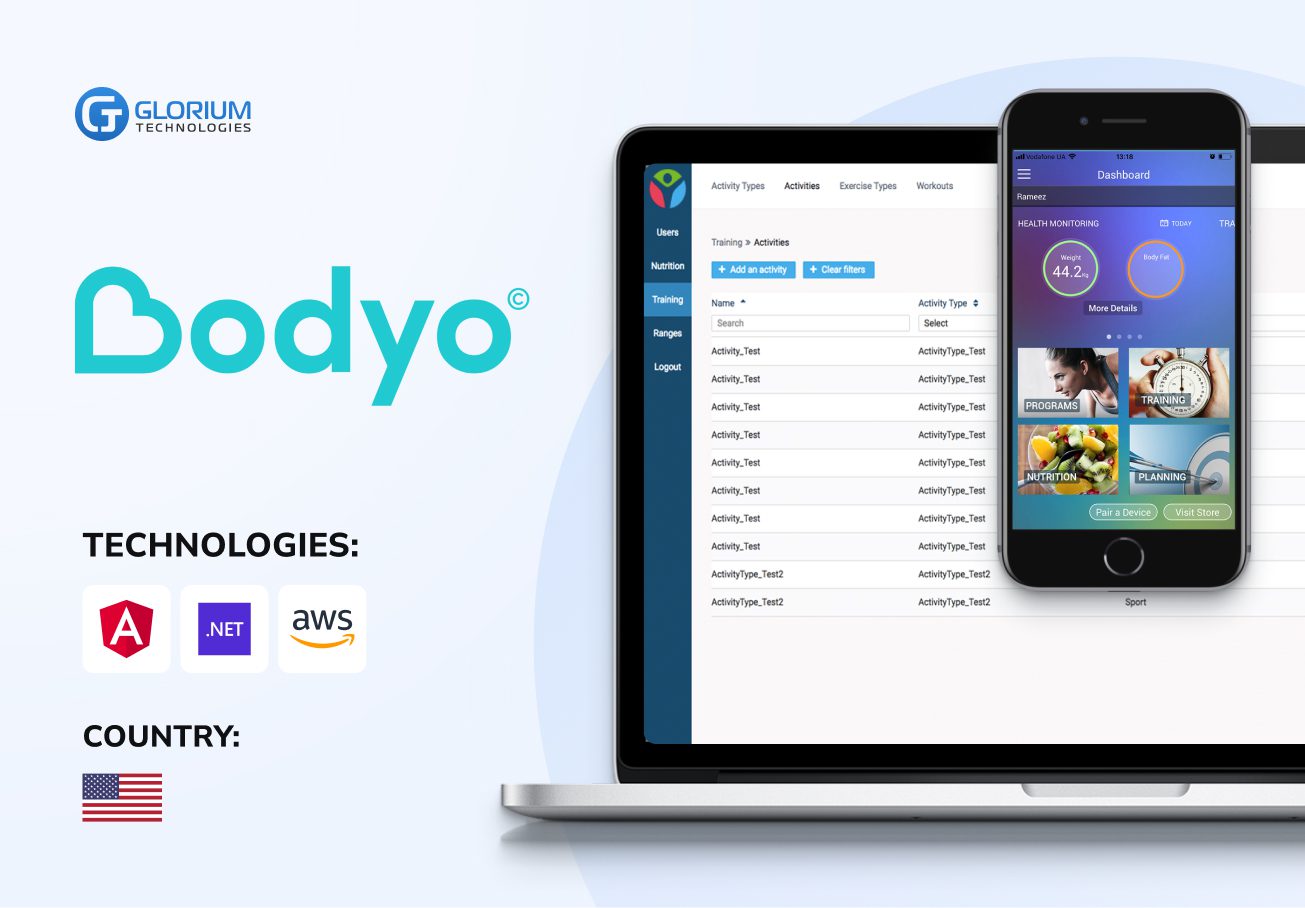
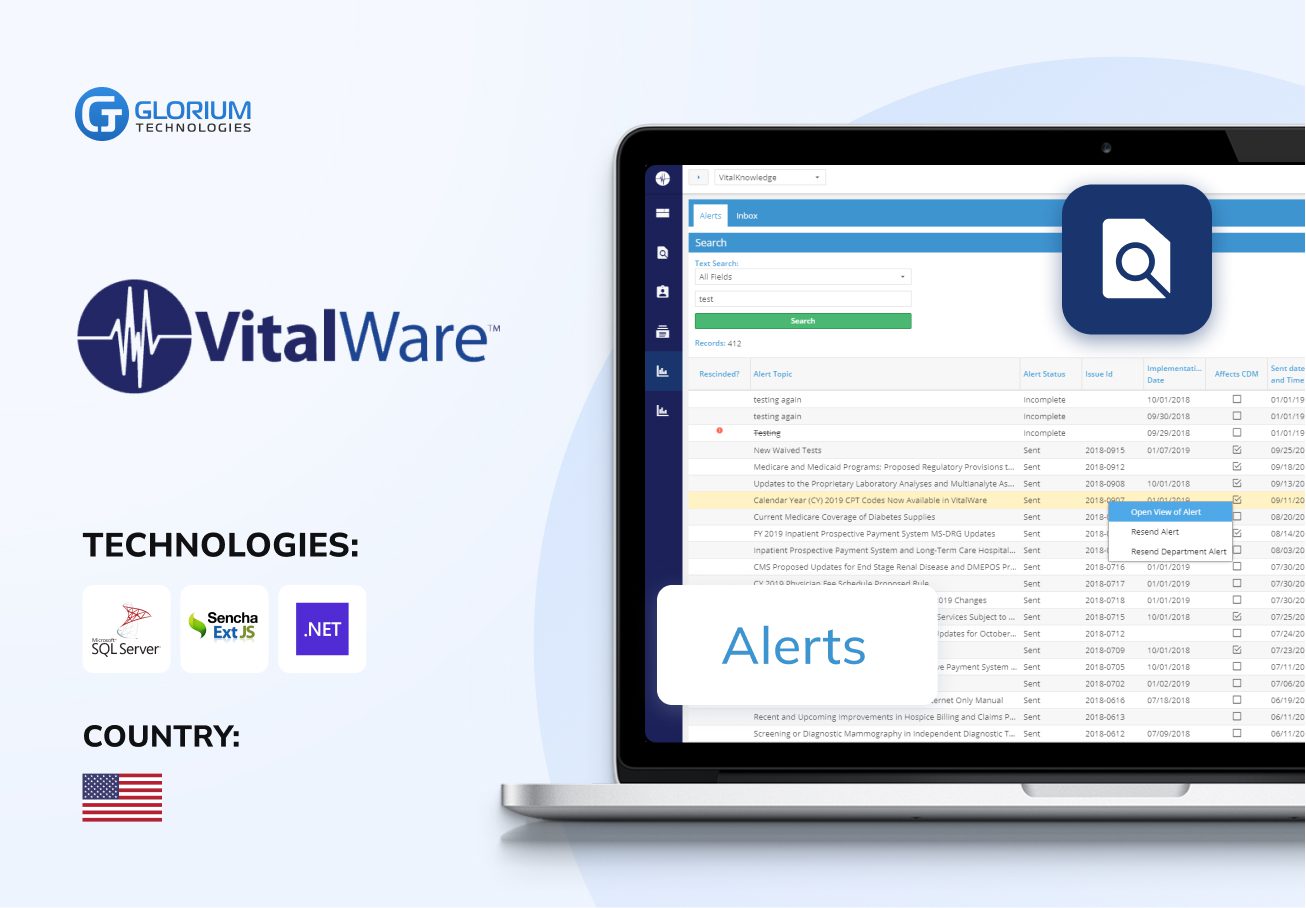
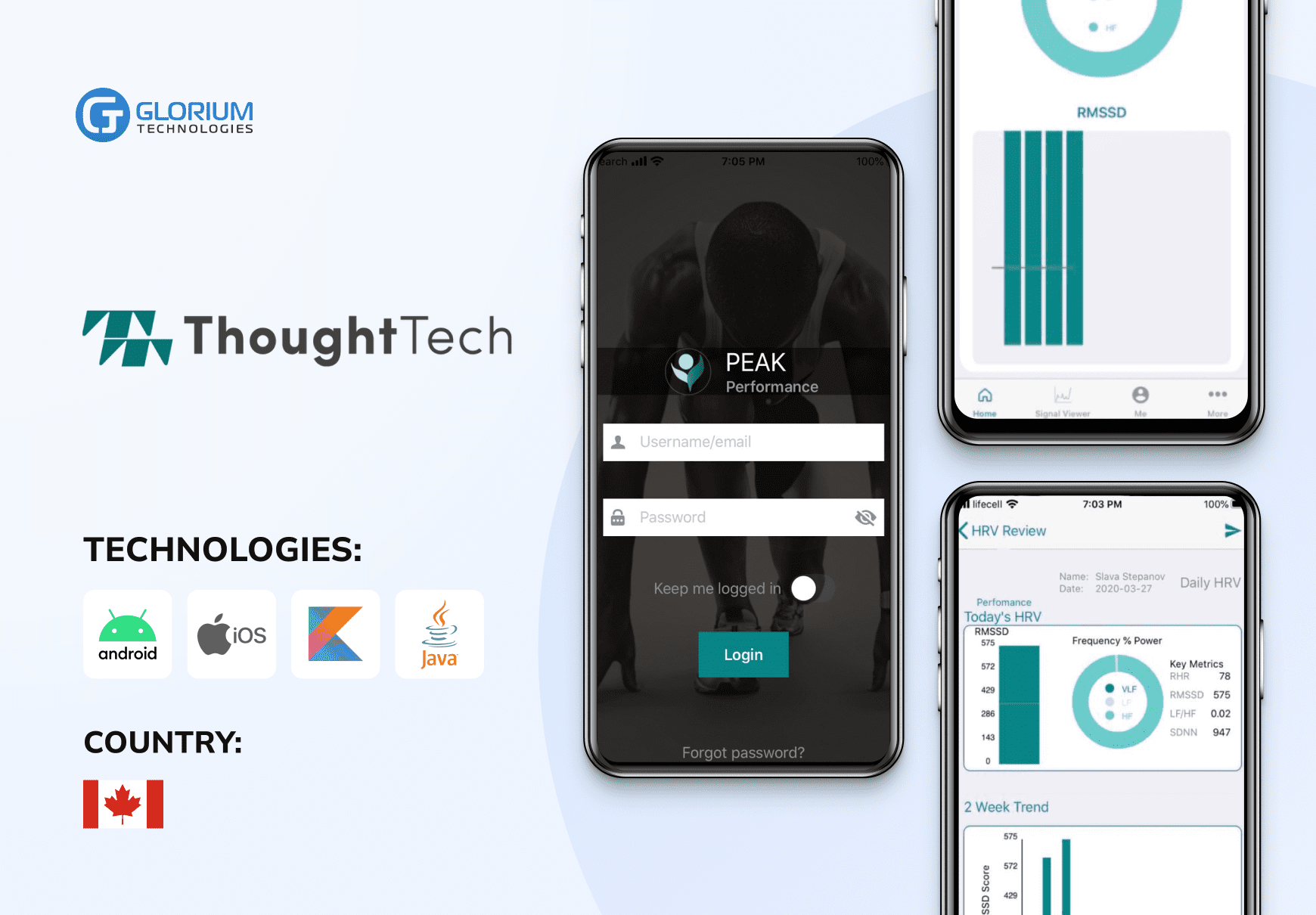
Health monitoring and tracking platform
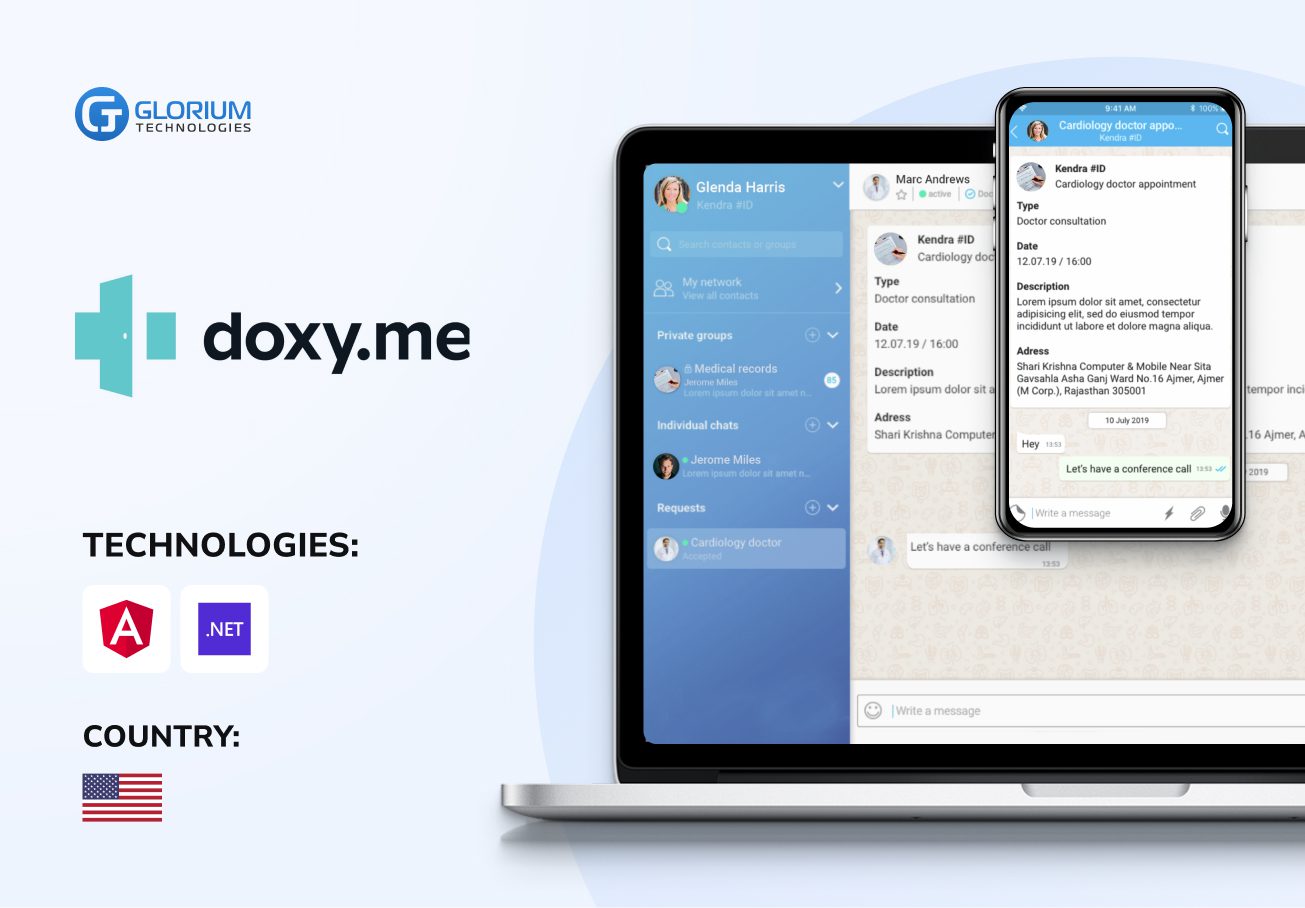
- Healthcare
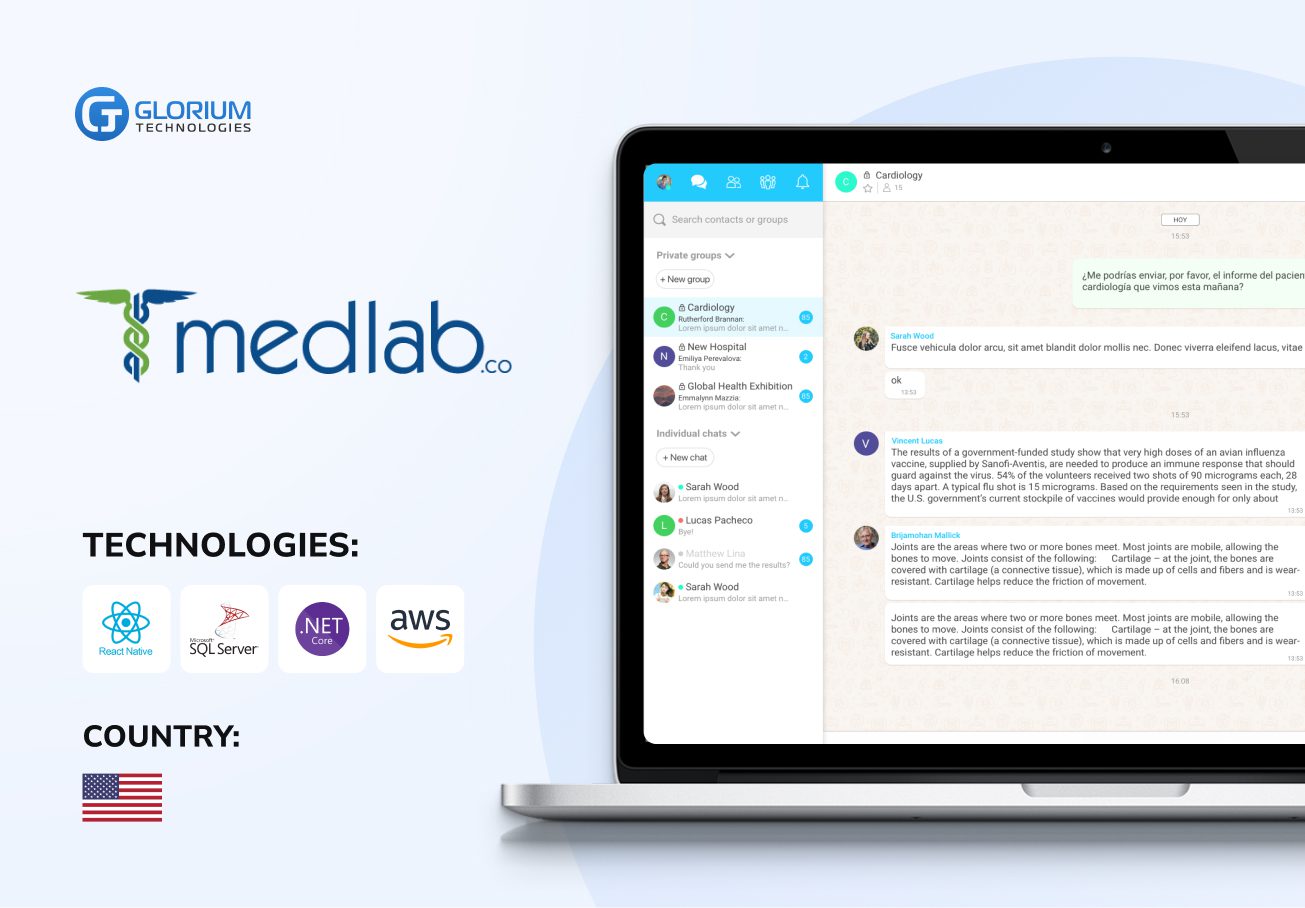
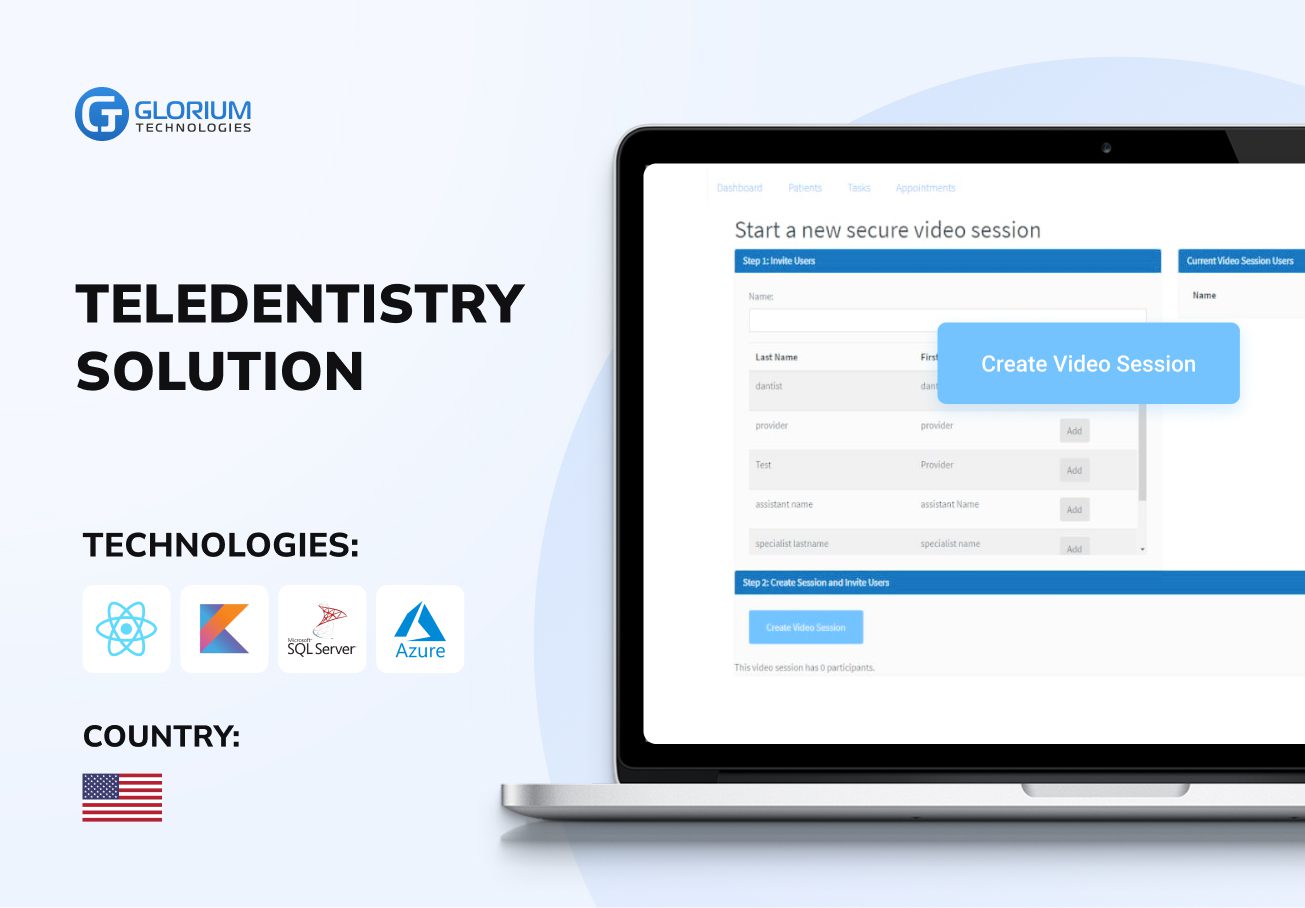
Streaming solution for healthcare




Who we are
Glorium Technologies is a full-cycle app & software development company which covers specific client business needs and manage them with the help of the best possible technology solutions. Since 2010, we have been inventing digital breakthroughs, helping startups and businesses come out on top in their markets.
About us
Why choose us
Products delivered
Years on the market
Client satisfaction rate
Awards & certifications
Awards & recognitions
More achievements



Certifications




Let's Connect!
Send us a message, and we'll promptly discuss your project with you.
Your journey with Glorium Technologies
Research
You’ve done your research and realized we could be the right fit.
Form submission
Fill out the form with details about your request. Please share as much information as possible.
Initial consultation
We discuss your needs and explain our process.
Discovery call
This is a deep technical consultation to discuss all requirements, commitment-free.
Kick-off
We sign the contract and help your business grow strategically and achieve long-term success.
Why Pharmacies Are Switching to Modern Pharmacy Management Software
Every day brings a whirlwind of tasks: tracking inventory, processing prescriptions, supporting patients, managing orders, and more. All this is done while ensuring accuracy and compliance. And even though your customers may see a calm counter in the pharmacy, the world of complex responsibilities is hidden behind the manual effort of your staff.
A custom pharmacy management system can simplify this complexity and help you improve your workflows. A sound custom system keeps all your pharmacy data organized in one place. You don’t have to juggle a hundred systems or spreadsheets to complete your business tasks. Pharmacy systems help your staff work faster, prevent mistakes, and care for your patients better.
Off-the-shelf pharmacy software solutions cover the basics, but many pharmacies outgrow them quickly. A specialty pharmacy needs different workflows than a hospital pharmacy, and a compounding lab has little in common with a retail chain. Pharmacy management software development gives you a platform shaped around your own pharmacy operations instead of forcing your team to adapt to someone else’s logic.
This article shows what modern pharmacy management software can do for your business, which standards your platform must support, and how to develop pharmacy management software that meets your expectations.
How a Pharmacy Management System Improves Pharmacy Operations
Though the pharmacy industry is evolving each day, one thing remains unchanged: the need for operational efficiency and accuracy. Relying on outdated systems is a gamble that puts businesses at risk. Legacy tools often fail to keep up with regulatory changes, growing data volumes, and security standards. In contrast, a modern pharmacy management system can help manage these challenges. This substantial investment enables healthcare organizations to streamline operations, protect their bottom line, and stay competitive.
Accurate medication dispensing
Giving the right medicine to the right patient is a top priority for pharmacy businesses. A sound system supports effective medication management. The software automatically checks prescriptions, alerts you to drug interactions, and helps avoid medication errors. With this system, you ensure every drug dose is prescribed correctly before the medication dispensing step puts it in the patient’s hands. This is a direct driver for customer satisfaction and trust.
Pharmacy management software acts as the system of record for prescriptions, patients, and inventory, while pharmacy automation solutions handle the physical side, such as dispensing robots, automated counting, and workflow automation at the counter.
Real-time inventory control
As a pharmacy manager, you want to avoid running out of high-demand medicines or having expired ones on the shelf. To prevent stock issues, forward-thinking institutions implement pharmacy management software, helping themselves, their patients, and their partner healthcare providers control the stock. Real-time inventory tracking features integrated into your inventory management solutions will allow you to know precisely what’s in stock, what’s low, and what needs to be ordered. As a result, you maintain optimal inventory levels, reduce waste, and ensure that critical medications are always available for your customers.
Automated prescription refills
Manual refills take up a large share of your staff’s day. An innovative pharmacy management system processes refills and prescriptions automatically. Patients receive timely notifications when their prescriptions are ready, and pharmacies can focus on providing better patient care instead of handling repetitive paperwork.
Insurance and claims processing
Insurance management and patient coverage checks can also get easier with the help of custom pharmacy management systems. These systems can verify patient coverage in seconds and ensure all necessary forms are accurately filled out. They speed up claims processing and track the status of each claim in real time. By delegating the insurance-related tasks to the technology, you minimize delays and rejections, achieving faster reimbursements from insurers and pharmacy benefit managers.
Electronic prescriptions handling
Sending electronic prescriptions is a convenient way for doctors to ensure their patients have timely access to the necessary information. Besides speeding up the prescription-filling process and cutting the wait times down, this tool helps reduce errors caused by illegible handwriting or misinterpretation. Every e-prescription your system receives arrives through the NCPDP SCRIPT standard, so your prescription management software must parse and answer these messages correctly. That requirement shapes every step of e-prescription software development, from message validation to refill and cancellation workflows.
Regulatory compliance
Strict regulatory requirements are an everyday reality for pharmacies across the globe. Hospital pharmacy software helps you ensure regulatory compliance. The system monitors controlled substances and generates required reports. By investing in a pharmacy management solution, you ensure adherence to legal standards without adding administrative burden on your staff.
Multi-branch pharmacy coordination
Managing data in a dozen tools can be challenging if your retail pharmacy operates across several locations. Centralized pharmacy management platforms connect all branches, allowing you to monitor operations in a single platform. You can reduce the complexity of coordinating multiple branches, ensure seamless communication, and keep all locations on the same page in terms of inventory, patient care, and operational goals.
Patient safety checks
Custom pharmacy software uses master patient indexes to verify patient identity and maintain a single, accurate record. The platform checks prescriptions against a patient’s medical history to detect potential safety issues before they happen. As a result, you protect your pharmacy from avoidable errors and ensure patients receive safe, personalized care.
Regulatory Compliance Standards Your Pharmacy Management Software Must Address
Every feature you develop, every data field you store, and every integration you configure must align with a specific set of federal and state regulations, along with the NCPDP data standards that pharmacies, prescribers, and payers use to communicate. Understanding these standards upfront shapes your software’s architecture, security protocols, and long-term viability.
HIPAA and HITECH
The Health Insurance Portability and Accountability Act (HIPAA) is the cornerstone of patient data protection in the United States. Your pharmacy software must enforce the HIPAA Privacy Rule (governing who can access protected health information) and the HIPAA Security Rule (requiring administrative, physical, and technical safeguards for electronic PHI). In practice, this means your system needs role-based access controls, encrypted data storage and transmission, automatic session timeouts, and comprehensive audit logs that record every user action involving patient records.
The Health Information Technology for Economic and Clinical Health (HITECH) Act strengthens HIPAA by increasing penalties for data breaches and requiring breach notification procedures. Your software should include built-in incident detection and reporting workflows so your pharmacy can respond within the required timeframes if a breach occurs.
NCPDP SCRIPT and telecommunication standards
The National Council for Prescription Drug Programs (NCPDP) publishes the standards that the pharmacy software market is built around. NCPDP SCRIPT is the standard for e-prescribing in the United States. Prescribers and pharmacies use SCRIPT messages to send new prescriptions, request and approve refills, propose therapeutic changes, cancel orders, and share medication history. These messages usually travel through a network such as Surescripts, which certifies software before it can go live.
For Medicare Part D e-prescribing, CMS has adopted SCRIPT version 2023011, with a transition period before the older 2017071 version is retired on January 1, 2028. Plan for SCRIPT 2023011 support from the start, since retrofitting message handling later touches prescription processing, refills, and electronic prior authorization workflows at the same time.
Pharmacy claims follow a separate standard, the NCPDP Telecommunication Standard. Version D.0 is the HIPAA-mandated format for real-time claims processing with insurers and pharmacy benefit managers, and the industry is preparing for the move to version F6. A well-built billing module validates claims against these formats before submission, which cuts rejections and speeds up reimbursement. Ask any pharmacy software developer you evaluate which NCPDP versions they have already implemented and certified.
DEA regulations for controlled substances
The Drug Enforcement Administration (DEA) imposes strict requirements on pharmacies that handle Schedule II through V controlled substances. Your software must maintain an electronically controlled substances log that tracks every transaction, from receipt to dispensing to disposal. The system should generate DEA Form 222 equivalents for Schedule II orders and support the Controlled Substance Ordering System (CSOS) for electronic purchasing. If your pharmacy processes electronic prescriptions for controlled substances (EPCS), your platform must comply with 21 CFR Part 1311, which mandates two-factor authentication for prescribers, third-party audits of the application, and tamper-resistant prescription records. Any pharmacy software developer building EPCS functionality should treat this regulation as a non-negotiable baseline.
Drug Supply Chain Security Act (DSCSA) traceability
The DSCSA establishes requirements for tracking prescription drugs as they move through the U.S. supply chain. Under DSCSA, pharmacies must exchange transaction information, transaction history, and transaction statements electronically at the package level. Dispensers with 26 or more full-time pharmacists and pharmacy technicians were expected to comply by November 2025. Small dispensers with 25 or fewer are exempt from certain requirements until November 27, 2027, after FDA extended the exemption in August 2026. Your software needs to capture and store serialized product identifiers (including National Drug Code, serial number, lot number, and expiration date) and support verification of suspect or illegitimate products. Building DSCSA compliance into your inventory module from the start prevents costly retrofitting later.
State board of pharmacy requirements
Beyond federal regulations, each state board of pharmacy enforces its own rules covering prescription labeling, record retention periods, pharmacist-to-technician ratios, and patient counseling documentation. For example, some states require pharmacies to retain prescription records for a minimum of five years, while others mandate seven. Your software should be configurable to accommodate these variations, especially if you operate across multiple states. A flexible rules engine that allows you to adjust parameters per location is far more practical than hardcoding compliance logic for a single jurisdiction. This is one area where custom pharmacy management software solutions offer a clear advantage over rigid off-the-shelf platforms.
FDA and USP standards for compounding pharmacies
If your pharmacy compounds medications, your pharmacy compounding software must support compliance with FDA guidance documents and United States Pharmacopeia (USP) chapters 795, 797, and 800. These standards govern non-sterile compounding, sterile compounding, and hazardous drug handling, respectively. Your system should enforce beyond-use date calculations based on USP formulas, log environmental monitoring data for clean rooms, and maintain master formulation records with full audit trails for every compounded batch.
Turning compliance into a competitive advantage
Pharmacies that demonstrate verifiable, system-level compliance build stronger relationships with insurance providers, earn faster approvals from pharmacy benefit managers, and gain deeper trust from patients who expect their health data to be protected. When compliance logic, from HIPAA safeguards to NCPDP SCRIPT message validation, is embedded directly into your software’s workflows rather than layered on as an afterthought, your staff spends less time on manual documentation and more time on patient care. This is precisely why pharma software development must treat regulatory alignment as a core architectural principle from day one.
Pharmacy Software Types for Different Business Models
Pharmacy management software development looks different for every business model. The core modules stay similar, while the workflows, integrations, and compliance rules change with the type of pharmacy you run.
- Retail and chain pharmacies: prescription processing, POS, loyalty programs, and multi-store pharmacy inventory management in one platform
- Hospital pharmacy software: inpatient medication dispensing, automated cabinet integration, and a direct link to the hospital’s electronic health records
- Specialty pharmacy software: patient onboarding, benefits investigation, prior authorization tracking, and medication adherence programs for high-cost therapies
- Pharmacy compounding software: formula libraries, ingredient calculations, beyond-use dating, and batch records that follow USP chapters 795, 797, and 800
- Cloud based pharmacy software: browser-based access for every branch, automatic updates, and secure connections with partners without on-site servers
Off-the-Shelf vs. Custom Pharmacy Management Software
Many pharmacies start with a packaged product and later replace it. The table below compares the two paths so you can judge which one fits your stage of growth.
|
Criteria |
Off-the-shelf pharmacy software |
Custom-built solution |
|
Workflow fit |
You adapt your processes to the vendor’s logic |
Built around your pharmacy operations and staff roles |
|
Integrations |
Limited to the vendor’s partner list |
Connects to your current EHRs, labs, and payers |
|
Compliance updates |
Released on the vendor’s schedule |
Prioritized by you, including NCPDP and state rule changes |
|
Scalability |
Per-user or per-store fees grow with you |
Scales with your own infrastructure and roadmap |
|
Upfront cost |
Lower |
Higher, offset by no license fees over time |
|
Data ownership |
Stored in the vendor’s environment |
You fully own the pharmacy database management system and patient data |
A custom pharmacy management solution pays off when your workflows are unique, when you operate several locations, or when your current tool blocks growth. In those cases, pharmacy management software development gives you room to add features at your own pace. Packaged software can still work well for a single store with standard needs. Pharmacies that want POS, inventory, and accounting in one configurable platform can also consider a middle path, such as Odoo for pharmacy, extended with custom modules where needed.
Key Features to Include in Pharmacy Management Software
When you plan pharmacy management software development, consider the features you want to include and the advanced capabilities for later growth. The good news is that the possibilities are endless, since today’s PMS covers far more than prescription management and can include AI-powered chatbots and personal assistants to power your apps. However, first, you must determine the necessary features to power your solution. Building something your customers don’t yet need will result in high costs and development pitfalls further down the road, so it’s better to start simple. Below are the key features of modern pharmacy software. For a deeper look at how to prioritize them by pharmacy type, see our guide to the features to include in a pharmacy management system.
Centralized prescription records
Your pharmacy management system will store all drug prescriptions in one place, which forms the core of prescription management. You can quickly find what a patient needs, review their history, and check for potential drug interactions to avoid giving the wrong medicine.
Barcode scanning for medication dispensing
Your staff will be able to scan the medicine’s barcode to make sure the package matches the prescription recorded in the system. This will prevent errors and speed up the prescription management process.
Controlled substances log
The system automatically records all restricted medications and keeps a detailed, up-to-date log. You will stay compliant with legal and regulatory requirements while reducing errors and administrative effort.
Custom formulary management
You will be able to create and manage your own list of approved drugs in the system. Your staff will get complete control over inventory, minimize human-made errors, and ensure that every prescription follows your pharmacy’s specific rules and standards.
Supplier and purchase order tracking
Your team responsible for pharmacy inventory management will know where your stock comes from and when each order is arriving. They will track orders, manage suppliers, and avoid running out of important items with powerful order tracking features. Automated inventory management can also create purchase orders on its own when stock drops below a set threshold.
Batch and national drug code tracking
You will track each batch of medicine by its number. If there’s a recall or quality issue, you will quickly locate, isolate, and remove the affected items, minimizing risk and keeping patients safe.
Expiry date monitoring and alerts
The system will alert you when medicines are approaching their expiration date. With the expiry date monitoring feature, you prevent waste, maintain proper stock rotation, and ensure that only safe, effective products are available on your shelves.
Multi-store inventory synchronization
If you run multiple pharmacy locations, you can connect them all through the system. Your software will share data between pharmacies and departments, synchronize stock management, and send updates across every branch.
Lab and EHR integration
You can integrate your pharmacy with lab results and patient diagnostics through HL7 and FHIR integration, and connect it to the clinic’s or hospital’s systems built through EHR software development. This will give you a full picture of patient health outcomes and treatment, reinforcing medication adherence and helping you make informed decisions.
Clinical decision support and medication therapy management
Clinical decision support systems flag dose limits, allergies, and duplicate therapies at the moment of verification. Pharmacists can also document medication therapy management sessions, record interventions, and bill for these services from the same screen.
Document management and workflow automation
Built-in document management stores scanned prescriptions, prior authorization forms, and patient counseling notes next to each patient profile. Workflow automation then routes tasks to the right person, so your team spends less time automating routine tasks by hand and more time with patients. Together, these tools keep intake, verification, and pickup moving without manual handoffs.
Payment processing and patient engagement tools
Integrated payment processing handles copays, card payments, and refunds at the counter or in your app. Patient engagement features such as refill reminders, secure chat, and pickup notifications keep patients informed and on schedule with their therapy. Most of these features reach patients through a mobile app, so plan them together with pharmacy app development rather than as a later add-on.
How Glorium Technologies Develops Pharmacy Software
Although it doesn’t seem like every pharmacy is different at first glance, they are still distinct. This distinction emerges within size, location, nature, and other factors surrounding the pharmacies. Glorium Technologies approaches each project with careful interest and consideration. Learning more about your pharmacy helps the team understand what specific challenges you need to address with your new custom solution. Here is how the software development process for pharmacy management software development runs from the first call to long-term support.
1. Discovery sessions
The first step is the foundation of the project, as its results guide the entire collaboration. The goal is to grasp your technology needs within your business context.
For this, the Glorium Technologies team organizes meetings to listen carefully to your business challenges, pain points, and strategic goals. The experts shape a 360-degree view of your request, allowing for accurate estimations and a clear development roadmap.
2. Technical assessment
Next, engineers run a technical assessment to find out if your project idea can be implemented within your existing setup. The team collects data on your hardware, software, and network to determine what’s already functioning and what requires improvement to enable the software’s peak performance.
3. Scalable architecture design
At this step, system architects design the backbone of your solution. They define the data flow, feature requirements, and security measures to guarantee the reliability of your system. A well-planned architecture design prevents future problems, ensuring the software can scale, adapt to new conditions, and support your pharmacy’s growth over time.
4. UI/UX design
User-friendliness is a top requirement for healthcare apps. Pharmacy management is already a complex task, and the solution should never feel clunky or unusable. That’s why UI/UX designers focus on creating comfortable interfaces that are easy to use.
5. Custom software development
Once the designs are ready and the tech stack is chosen, the development team can start the development process. This process involves project managers who break the project into manageable milestones and a development team that builds a supportive architecture.
6. Third-party and NCPDP integrations
Most pharmacies work closely with suppliers, labs, insurance providers, and various other partners. Your software must talk to all the right platforms to keep everything running seamlessly. At this stage, engineers link your new system with every tool you’ve been using, including e-prescribing networks that exchange NCPDP SCRIPT messages, ensuring that information moves smoothly and your teams (inside and outside the pharmacy) can collaborate without delays or miscommunication.
7. Quality assurance
Before launch, the software goes through extensive testing. The QA team checks your solution for bugs, workflow errors, and performance issues to prevent negative effects on your daily operations. Testers simulate real-life scenarios to confirm the system is reliable under pressure. This process ensures that when you go live, your software works flawlessly right from the start.
8. Security testing
Security specialists perform deep audits to identify and patch potential vulnerabilities before launch. This includes checking for risks like unauthorized access, data leaks, and compliance gaps. The goal is to give you peace of mind that your pharmacy’s data is fully secure.
9. Deployment and training
When your solution is ready, the team plans the setup and deployment processes. At this step, you get the software that reflects your operations and is configured according to your workflows. As part of the software development process, your staff receives guidance and training to ensure the system brings the expected results and is actively adopted by end users.
10. Ongoing support and scaling
After the project launches, Glorium Technologies experts provide support and maintenance to guarantee the system’s continued performance and error-free operation. We check its stability, fix issues if any, and add new features as your business needs them.
This way, we ensure that our healthcare development projects bring value in the long run, future-proofing your pharmacy business.
Ready to Start Pharmacy Management Software Development?
Years of implementing healthcare solutions show that the right approach, a skilled team, and an efficient system drive lasting success. When your development partner is fully compliant and deeply understands industry nuances, you also save on costly consulting and additional software audits. Glorium Technologies is exactly that partner.
For more than 15 years, Glorium Technologies has delivered healthcare software for clinics, labs, and pharmacy businesses. Its engineers know HIPAA, DSCSA, and NCPDP requirements in practice, so your pharmacy management software development starts with compliance built in.
If you are looking for a reliable company to develop pharmacy management software, you are in the right place. Contact Glorium Technologies to discuss your project requirements and get our implementation insights.