
Odoo ERP for E-Commerce
Save Time & Money with an All-in-One E-Commerce Solution
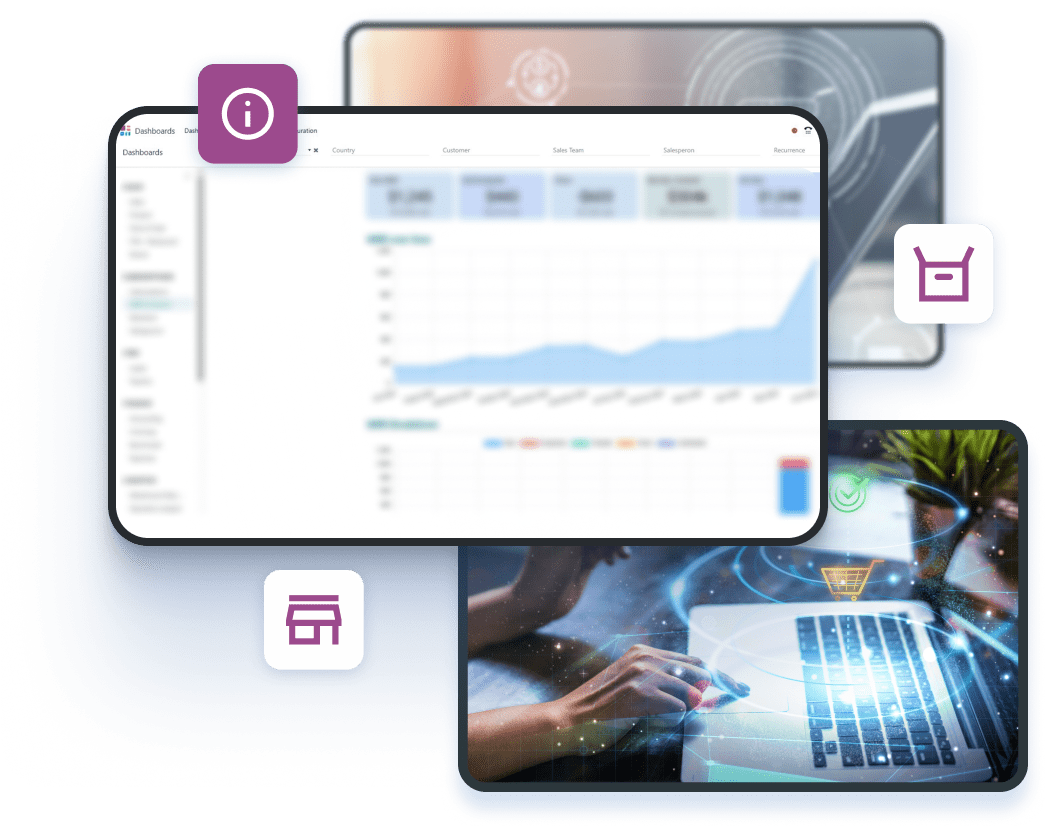
Tired of working in multiple standalone tools? Odoo's all-in-one ERP system has everything you need to handle sales, inventory, and customers smoothly.



Calculate the Costs. Plan Confidently
Complete the questions to send a project estimation request.
JavaScript is needed to use this questionnaire. The authored questions are shown below; controls are disabled.
Does your company currently have an ERP system?
How many employees or contractors will need access to the Odoo system?
What areas do you want to improve within your organization?
What problems are you looking to solve?
Explore our proven Odoo delivery models
Start Pack
Ideal for startups and small businesses looking for a quick Odoo launch
- Workload:
- 30 hours
- Price:
- $90/h for US, AU; €90/h for other countries
Includes:
- Odoo installation and setup
- Basic configuration of core modules
- Data import templates
- Employee training (2 sessions)
- Cost:
- $2700 (fixed price)
Business Pack
Best for small and mid-size companies looking for a cost-effective Odoo launch
- Workload:
- 50-200 hours
- Price:
- $70/h for US, AU; €70/h for other countries
Includes:
- Odoo installation and configuration based on business requirements
- Data import support
- Business process customization
- Personalization: custom layouts, etc.
- Employee training
- Cost:
- From $3500 to $14,000
Scale & Optimize Pack
Ideal for companies looking for scalability and integration with existing systems
- Workload:
- 200+ hours
- Price:
- $60/h for US, AU; €60/h for other countries
Includes:
- Everything from the Business Pack
- Customization of Odoo modules
- E-commerce integration
- API integration with external systems
- Automation of complex business processes
- Large-scale data migration
- Analytics integration
- Dedicated project manager
- Cost:
- From $12,000
Dedicated Team Pack
Perfect for companies needing a dedicated team for long-term Odoo development, scaling, and support
- Workload:
- Ongoing, based on monthly commitment
- Price:
- $55/h for US, AU; €55/h for other countries
Includes:
- Dedicated Odoo experts (developers, consultants, project managers)
- Ongoing system optimization and feature enhancements
- Advanced customization and automation
- Continuous data imports and integrations
- AI-driven analytics & forecasting tools implementation
- Security updates and performance optimization
- Priority support and troubleshooting
- Cost:
- From $11,000/month
Result
Let’s connect and finalize your custom Odoo plan
Your answers will be included with your request.

Curious if Odoo fits?
Try it risk-free — schedule a demo
Why Your E-Commerce Business Needs Odoo’s All-in-One Platform
Simplify your operations, payments, and sales with Odoo’s all-in-one e-commerce solution.
 Easy-to-Use Interface
- Active Community Support
- Third-Party Integrations
- Affordable Pricing
- High SEO Potential
- Advanced Analytics and Insights
- Customizable Store Design
- Multi-Channel Sync
- Data Security and Compliance
End-to-End Odoo Services to Optimize Every Aspect of Your Online Store
Odoo Website Development
Get a custom, mobile-friendly Odoo website that reflects your brand and provides visitors with a smooth and delightful experience. Increase sales and user satisfaction.
Odoo Module Development
Add more custom modules to Odoo to improve its functionality. Use our expertise to ensure these modules function perfectly and extend the capabilities of your store.
Data Migration to Odoo
Securely move your data to Odoo. Let your customer, product, inventory, and order information flow without interruption, getting 360-degree visibility into your operations.
Odoo E-commerce Implementation
Switch to Odoo with a simple implementation process, designed to maximize your ROI, prevent data loss, and ensure zero downtime for your business.
Custom Odoo E-commerce Development
Get the best out of Odoo with custom features tailored to your business, helping you enhance your online store's functionality and performance.
Odoo E-commerce Consulting
Receive expert help with assessing your current systems, analyzing operational gaps, and coming up with a plan for smooth Odoo integration.
Odoo SEO Development
Implement effective Odoo SEO strategies to make your store easier to find. Organize the structure, content, and metadata to improve search rankings and drive more traffic.
Odoo Training and Support
Let your team enjoy specialized training on using Odoo on a daily basis. Get help from our professionals to fix issues and keep things running smoothly.
Key Odoo Features Every E-Commerce Business Needs
Customizable Online Store
Get a professional, mobile-friendly online store that fits your brand perfectly. Customize all elements of your e-commerce website to ensure a smooth buying experience.
- Launch your store quickly with a user-friendly interface that saves time
- Choose from responsive and customizable templates to fit your style
- Tailor your store navigation and layout to reflect your brand’s identity
- Easily add product listings, categories, and all the necessary e-commerce functionality
Product Management
Seamlessly organize your product catalog, refresh stock quantities, and modify data in real-time to make your online store operate effectively.
- Refresh product data automatically, including descriptions, prices, and images
- Manage product attributes like weight, SKU, and dimensions for better organization
- Monitor inventory levels at various locations, minimizing the risk of overselling
- Automate pricing updates and promotions to ensure accuracy at all times
Multi-Channel Sales Integration
Scale your business by linking the store with online marketplaces like Amazon, eBay, Shopify, Magento, and more. Manage products, orders, and inventory from one central hub.
- Sell across multiple online marketplaces and popular platforms
- Manage orders, products, and customers from various sales channels in one spot
- Sync product information and inventory across every sales channel
- Monitor and track all of your orders within a single user-friendly dashboard
Inventory Management
Manage stock levels, automate order processing, and monitor inventory across locations to avoid stockouts and overstocking. Keep operations running smoothly and efficiently.
- Monitor real-time stock movements and amounts across warehouses and locations
- Set up automatic reorder triggers to ensure stock levels remain sufficient
- Track inventory and be alerted for items running low to avoid possible stockouts
- Sync inventory across all channels for consistency and accuracy
Payment Acquirers
Offer varied and secure payment methods to enhance your customers’ shopping experience. Simplify the transaction process for faster checkouts and hassle-free order processing.
- Integrate with well-known payment gateways, including PayPal, Stripe, and others
- Accept various payment methods, such as credit cards, debit cards, and e-wallets
- Protect customer payments with encryption and robust fraud protection measures
- Customize the checkout process, making it faster and easier for customers
Customer Portal
Provide buyers with a self-service portal where they can track orders, manage accounts, and handle returns, improving satisfaction and reducing support queries.
- Allow customers to track the status of their orders, including shipping and delivery details
- Enable users to update their addresses, payment methods, and account settings
- Streamline return and exchange procedures directly via the portal
- Enhance user experience by giving them easy access to order data and history
Marketing Automation
Automate your marketing campaigns based on user behavior, helping your business reach the right audience at the right time to drive conversions and higher profits.
- Create and schedule automated email campaigns tailored to various customer segments
- Send personalized offers, promotions, and discounts based on user behavior
- Plan marketing activities such as social media and email postings
- Monitor the performance of your campaigns to achieve greater engagement and sales
Why Odoo Is the Best ERP for Expanding E-Commerce Businesses
| Criteria | Other E-commerce Platforms | Odoo for E-commerce |
|---|---|---|
Centralized CMS | Limited content management features | Unified content management system |
Ease of Use | Difficult to navigate and manage | Intuitive, easy-to-use interface |
Implementation Cost | Expensive setup and licensing fees | Affordable, transparent pricing |
Customizations | Rigid workflows with limited flexibility | Highly adaptable to any business process |
Integration Capabilities | Struggles to integrate with third-party apps | Seamless integration with external tools |
Your Business Is Growing, but Your Systems Can’t Keep Up?
Time to upgrade to Odoo. Automate manual tasks and reduce errors while increasing efficiency.
Contact UsMeeting the Needs of E-Commerce Businesses of All Sizes
- E-commerce startups
- Global brands
- Marketplaces
- E-commerce SMEs
Real-World Odoo Success Stories
Modernizing Operations with Odoo ERP
- Challenge:
- Excel-based planning caused errors and delays
- Disconnected tools led to inventory mismatches
- Manual shipping slowed down order fulfillment
- Results:
- 35% fewer defects from built-in quality control
- 90%+ inventory accuracy with barcode-based tracking
- 20+ hours/month saved with shipping label automation
Streamlining Global Perfume Sales with Odoo ERP
- Challenge:
- Inventory inefficiencies led to stockouts and overstocking
- POS and online store were not properly synced
- Manual tax work risked fines and wasted time
- Results:
- $10,000/year saved by reducing stockouts and overstocking
- 95% drop in overselling after POS and online sync
- $2,600/year saved through automated tax compliance
Transforming Food Service with Odoo ERP
- Challenge:
- Disconnected POS systems across locations
- Spreadsheet-based tracking of inventory and recipes
- Manual scheduling leading to overtime and inefficiency
- Results:
- 50% faster reporting with unified POS across stores
- 22% less food waste through automated stock control
- 28% faster shift planning with Odoo HR workflows
Your Easy Odoo Implementation Journey
A clear path from planning to results that your organization can count on every day.

You discuss your challenges and objectives with our experts so we can offer a personalized plan that fits your business needs.
Can’t Find What You’re Looking For?


What our clients say about us






Success Stories
Case studies
- Healthcare
Web Portal for Remote Fertility Testing
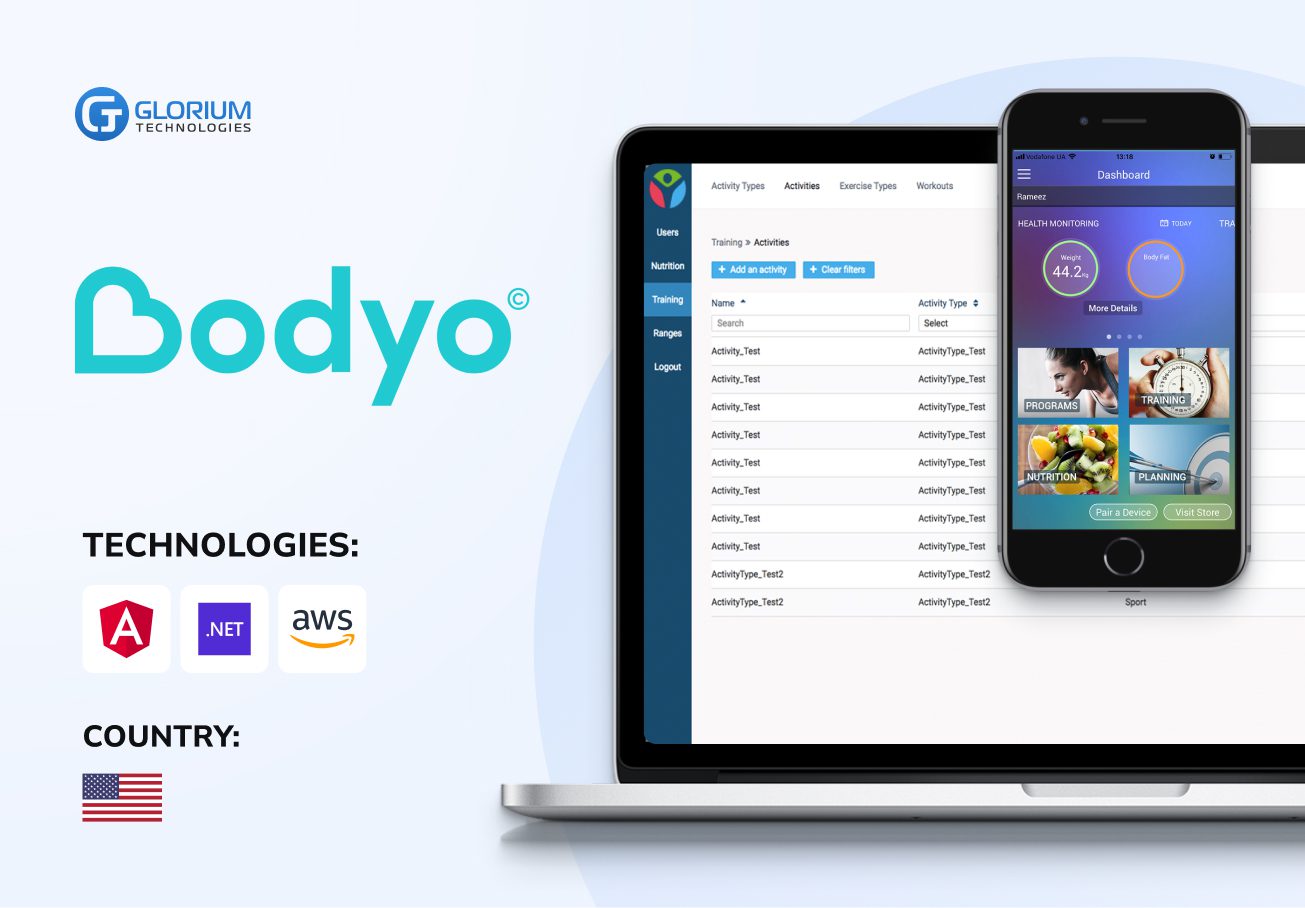
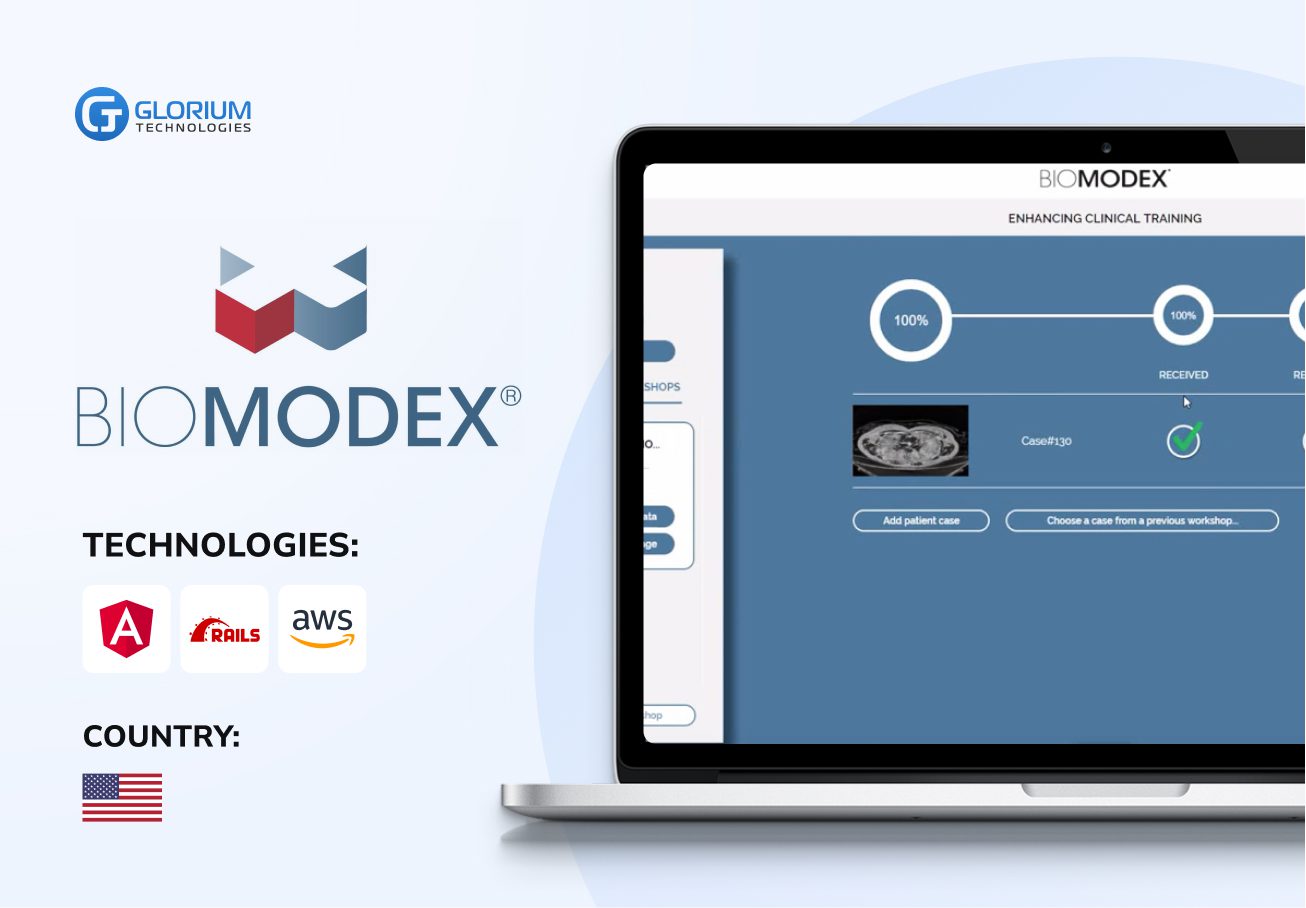
- Healthcare
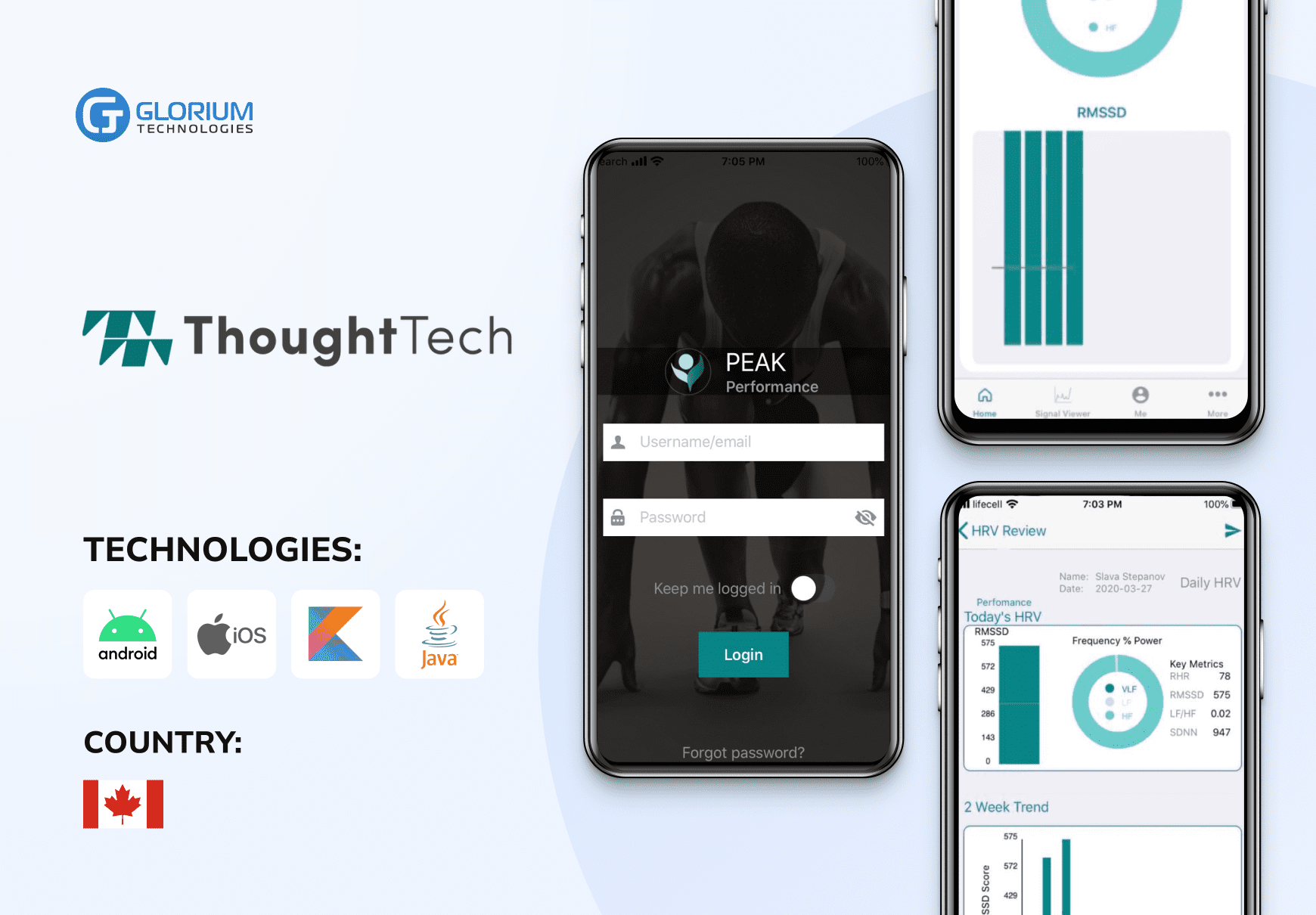
Health monitoring and tracking platform

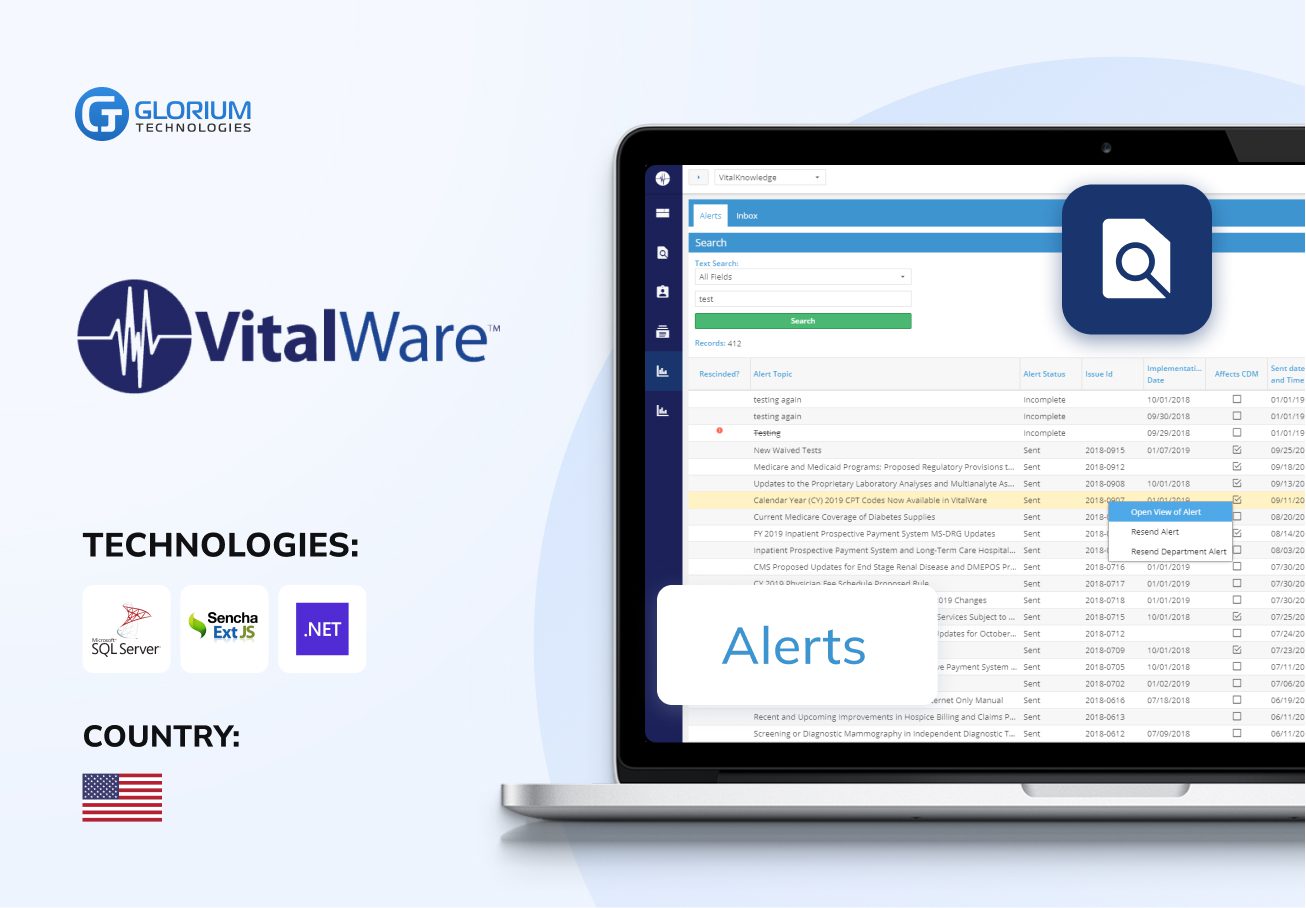
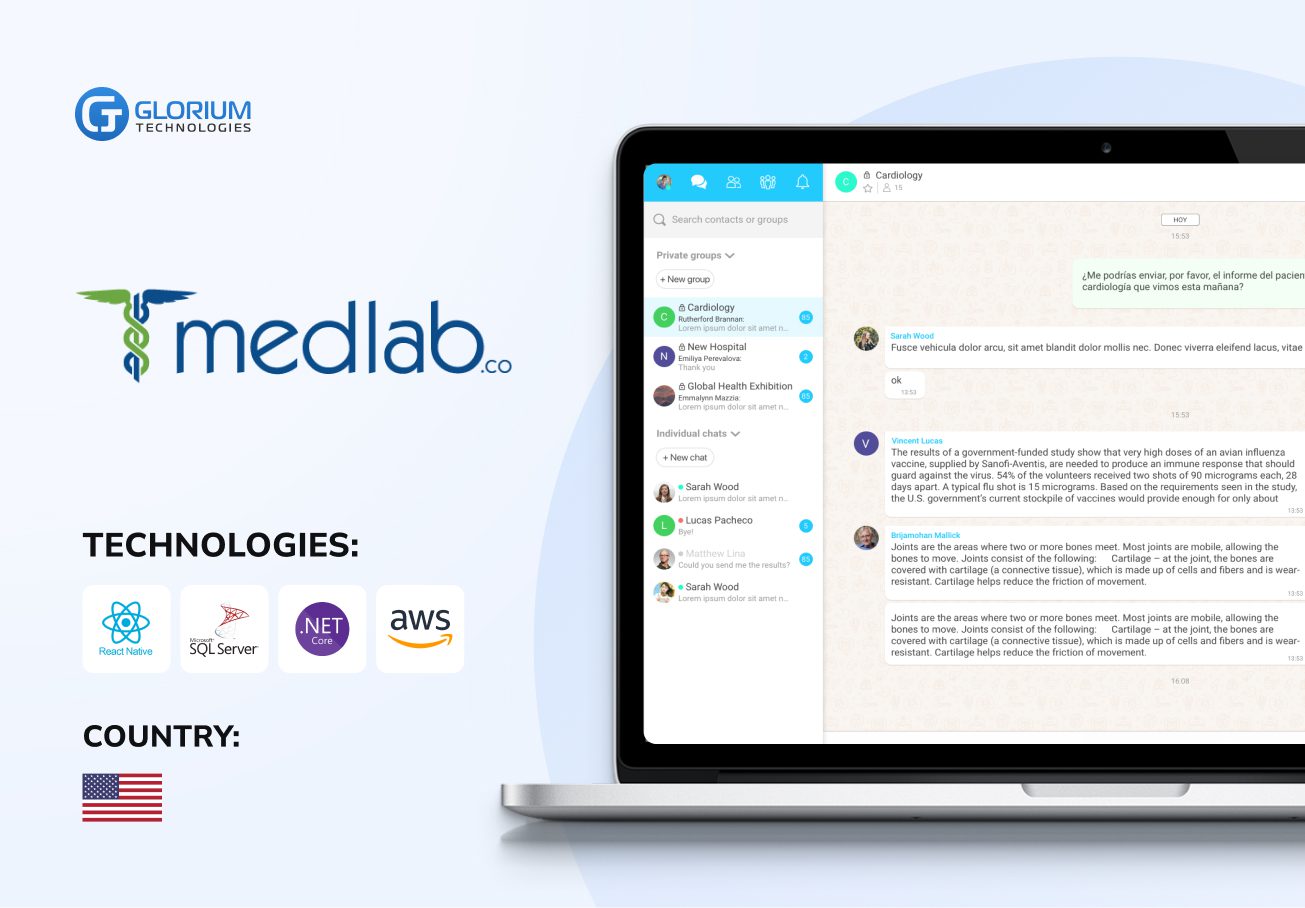
- Healthcare
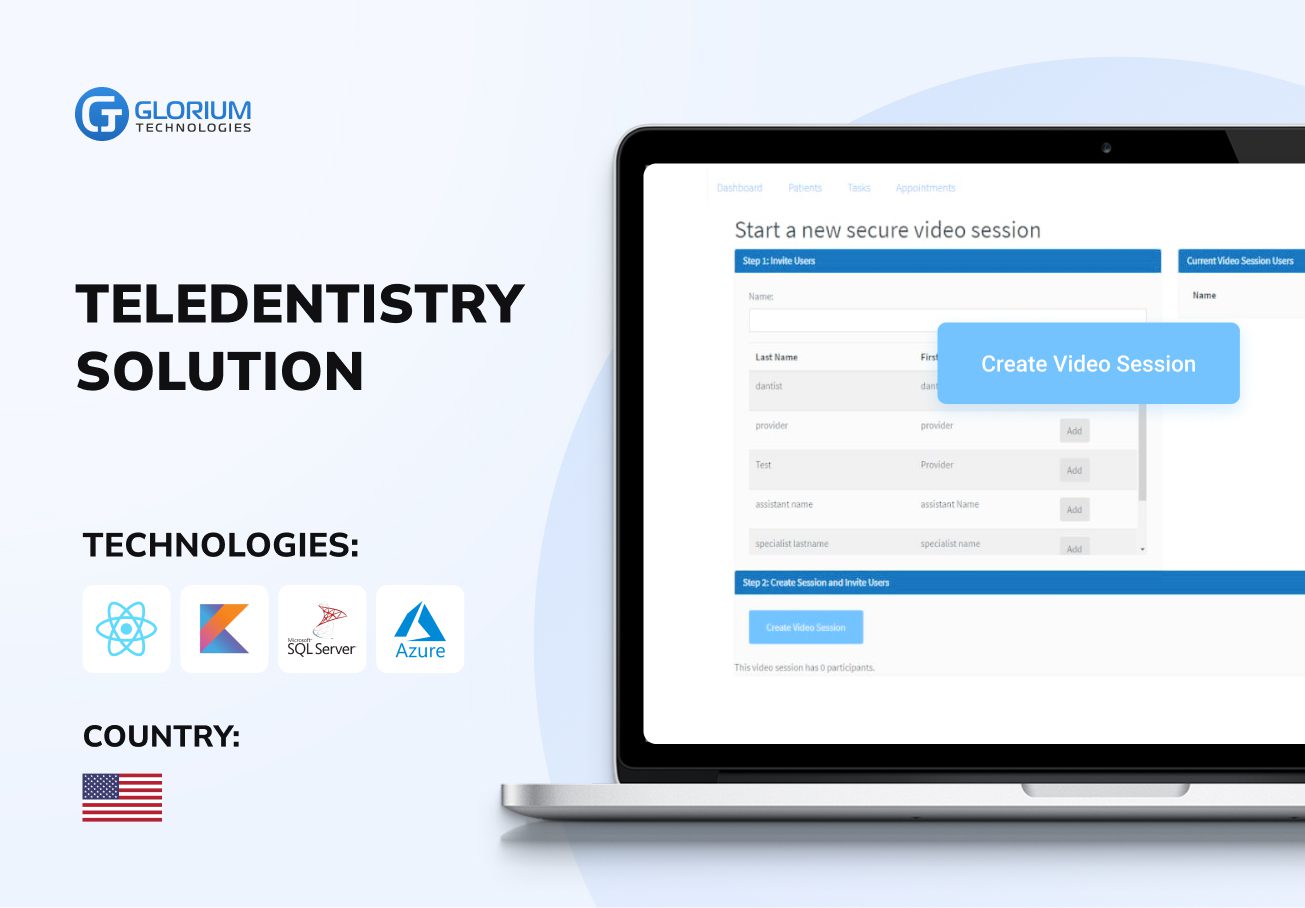
Streaming solution for healthcare


Who we are
Glorium Technologies is a full-cycle app & software development company which covers specific client business needs and manage them with the help of the best possible technology solutions.
Since 2010, we have been inventing digital breakthroughs, helping startups and businesses come out on top in their markets.
About us
Why choose us
Products delivered
Years on the market
Client satisfaction rate
Awards & certifications
Awards & recognitions
More achievements




Certifications





Let's Connect!
Send us a message, and we'll promptly discuss your project with you.
Your journey with Glorium Technologies
Research
You’ve done your research and realized we could be the right fit.
Form submission
Provide details to help us tailor our approach. Let us know what you’re working on!
Initial consultation
We discuss your needs and explain our process.
Discovery call
This is a deep technical consultation to discuss all requirements, commitment-free.
Kick-off
We sign the contract and help your business grow strategically and achieve long-term success.
How Odoo Solves the Real Problems Behind E-Commerce Inefficiency
Your online shop is booming, but you’re struggling with disconnected tools, too many spreadsheets, and support issues that keep popping up. Does it sound familiar? That’s the common e-commerce problem and the exact issue Odoo is built to address.
Odoo helps you get things in order by offering powerful modules for everything from inventory to customer service. Companies using this ERP system report an average annual revenue growth of 25%, which is a clear sign that choosing Odoo can fuel long-term success for SMEs. This article will show you what makes Odoo an essential tool for online retailers and how to choose the best implementation partner to help you succeed.
Why E-Commerce Brands Choose Odoo to Stay in Control
Odoo is an open-source ERP system that includes a full set of business apps. It differs from platforms that offer solely storefronts or back-office functionality. Odoo integrates various aspects of your website, including sales, inventory, customer relationship management, marketing, accounting, and more, in a single system.
The Website & e-commerce module lies at the core of Odoo’s e-commerce solution, allowing you to set up a fully personalized online store with drag-and-drop functionality. Odoo stores support various product types and offer integrated payment gateways. The storefront links directly to backend applications, including Inventory, Sales, and Invoicing. This means that every activity is automatically reflected in the rest of your modules in real time.
Key Odoo features for online stores include:
- Customizable product pages with upsell/cross-sell features
- Simple checkout with various delivery and tax options
- Real-time inventory visibility across sales channels and warehouses
- Abandoned cart recovery, coupons, and promotional pricing
- Customer portals for tracking orders, downloads, and communication
Odoo is modular, so you can start with a basic system and add to it as your business expands. It adjusts perfectly to your unique workflow, whether you’re selling clothes, gadgets, subscriptions, or other goods. Odoo also comes with support for dozens of languages, currencies, and warehouse setups, which makes it a preferable choice for businesses aiming at global reach.
How Odoo Replaces the Patchwork of Tools Slowing Your Business Down
E-commerce inefficiency typically stems from one core reason: fragmented systems. Businesses tend to rely on separate tools for inventory, orders, CRM, marketing, accounting, and shipping. This fragmented configuration results in delays, data inconsistencies, additional manual effort, and expensive errors.
Odoo solves this problem by giving you a fully integrated, modular ERP platform where all modules work together as a single source of truth.
As of 2025, there are around 107,276 live e-commerce stores running on the Odoo platform worldwide, with a 59% year-over-year growth. The reason behind this is Odoo’s capability to solve the most critical e-commerce challenges and streamline operations. This is how Odoo makes it possible:
Inventory & order management
With Odoo’s Inventory solutions, you can track your stock across different warehouses and sales channels. Odoo automatically keeps your inventory up-to-date after each transaction, be it online or offline – something that spreadsheets or third-party software can’t do. You can also simplify warehouse operations by configuring rules for reordering, drop shipping, and barcode scanning.
Product listings and multi-channel sync
You can utilize Odoo’s E-commerce and Point of Sale (POS) modules to monitor your product listings, prices, and stock availability on your site, in your offline stores, and on online marketplaces. Odoo also offers third-party connectors that allow companies to sell on websites such as Amazon and eBay, with all their sales channels managed in a single location.
Customer experience
You can track customer interactions right from the initial visit to after-sales support with the CRM and Helpdesk modules. Personalized emails, cart abandonment tracking, and support ticket monitoring features enable you to act faster and make customers happier without the need to expand your staff.
Finance and reporting
The Accounting module in Odoo syncs automatically with purchases and sales, so you don’t need to do it manually. You receive real-time financial data, automated invoicing, and tax support in more than 80 languages and for more than 160 currencies.
Marketing automation
Using Odoo Email Marketing and Marketing Automation features, you can create targeted email and SMS campaigns, track how many users open them, and perform A/B testing. These modules work directly with your contacts, sales history, and website activity.
Single platform, single interface
Finally, Odoo simplifies managing multiple logins, user interfaces, and unrelated datasets. From product images to customer payment information, everything is stored in a single, customizable interface.
In short, Odoo saves online shops money, gives them more visibility into their operations, and automates time-consuming tasks. As a result, you get fewer errors, quicker service, and more satisfied customers in the long run.
10 Tips to Effectively Use Odoo for Your E-Commerce Business
Starting your Odoo journey is only the first step. To get the most out of Odoo for your online store, you need to know how to use it well. These are some practical ideas to help you with an effective Odoo e-commerce setup:
1. Begin with the essential modules
Focus on the core apps that directly support your operations. For most e-commerce businesses, these include:
- Website & e-commerce for your storefront
- Inventory for stock management
- Sales for order processing
- Invoicing or Accounting for payment tracking
- Marketing Automation for campaigns and abandoned cart recovery
Start small, then add CRM, Helpdesk, and Purchase Management as needed.
2. Connect sales channels early
Running a business on multiple sales channels, each with its own management system, can lead to data discrepancies and a lack of inventory visibility. To prevent these issues, integrate Odoo with other programs right from the start. For this, use built-in Odoo technologies or third-party apps like Odoo Connector and Webkul modules.
3. Automate repetitive tasks
To save time, use Odoo’s built-in automation tools:
- Set up rules for automatically reordering items that sell quickly.
- Allow automatic invoice creation if an order is confirmed
- Set up email workflows for new customers, abandoned carts, or reviews.
These efforts will help you reduce manual work and improve customer experience.
4. Configure accurate tax and shipping settings
Odoo works with complicated tax systems like VAT, GST, and US state-based tax requirements. It also links with major shipping companies like FedEx, DHL, and UPS. To conveniently use Odoo, make sure your settings are in line with what your market needs.
5. Use reporting dashboards
You can see your sales, traffic, conversion rates, and inventory in real time with Odoo’s built-in dashboards. Adjust and modify them to keep track of important KPIs like:
- Cart abandonment rate
- Delivery delays
- Stockouts and overstock
- Revenue per product or channel
Actionable data helps you optimize your effort dynamically based on the results you get.
6. Enable customer portals
On Odoo’s customer portal, your buyers will access their order information, download invoices, and talk to your support team all in one spot. Turning on this feature makes things clearer for your audience and cuts down on the number of support tickets coming in.
7. Optimize product pages for conversion
Using Odoo ERP for retail, you can create product pages that convert. Include the following:
- High-quality images and videos
- Clear descriptions with specifications
- User reviews and FAQs
- Cross-sell and upsell blocks using Odoo’s related product feature
Good content here boosts trust and lowers bounce rates.
8. Train your team
The Odoo interface is easy to use, but your employees still need training. Give your crew time to learn how to use the new system and its features, especially those related to handling orders, tracking inventory, processing refunds, and managing financial reconciliation.
9. Use community and support
To stay up to date on new features and Odoo best practices, join specialized forums, attend webinars, and regularly keep in touch with your Odoo partner. The system evolves quickly, and staying up to date can help your business keep pace and maintain a competitive edge.
10. Partner with certified Odoo implementation experts
Don’t try to adapt your unique workflows into generic functionality. As Odoo is open-source, you can modify it to fit your needs and business requirements. Work with an official Odoo partner to build custom modules or integrations if you need them.
Odoo is powerful out of the box, but it becomes transformational when used strategically. You can take full control of your e-commerce business from the bottom up by connecting the correct modules, automating important tasks, and getting your team on the same page.
How to Pick the Odoo Partner Who Actually Understands E-Commerce
Even the best ERP won’t deliver value without the right company by your side. A professional Odoo partner not only sets up the software but also customizes it for your business, trains your staff, and helps you with Odoo adoption once the program is live.
When picking an Odoo implementation company, keep these things in mind:
- Odoo certification: Make sure that your potential partner is officially certified by Odoo S.A. This will prove that they know the platform inside and out and follow best practices
- E-commerce experience: Pick a company that fully understands e-commerce workflows, including syncing inventory, integrating with marketplaces, following tax laws, etc.
- Proven results: Request your partner to provide client success stories showcasing measurable results, such as faster completion, fewer mistakes, and higher ROI
- Structured process: Ask for a clear plan: analysis, configuration, testing, training, and post-launch support, all with timelines and milestones
- Post-launch support: Make sure that the chosen company can help you in the long term, including updates and process improvements as your company grows
- Custom development skills: If you need custom features, look for a company employing Odoo developers, not just consultants using ready-made modules
In brief, the right partner is the one who brings both technical expertise and real business insight to the Odoo setup. By choosing an experienced partner, you maximize your chances of turning your Odoo investment into a measurable impact for your company.
Let Glorium Technologies Take the Stress Out of Scaling with Odoo
Many growing brands hit a wall when their tools can’t keep up. But it doesn’t have to be this hard. If you’re tired of putting out fires in your e-commerce business, this may be the right time to start the change.
Imagine having a system where your storefront, inventory, sales, shipping, and support exchange information in real time and effectively talk to each other. No more late-night workarounds and scattered data. Just a business that runs smoother, faster, and smarter. With Odoo and Glorium Technologies by your side, you make this possible, getting clarity, control, and the breathing room to grow.
If you aim to stop patching problems and build a business that feels in control again, we are here to help. Book a consultation today and uncover what results you’ll get if you tailor Odoo to your unique needs.