Odoo PoS

Smooth Services from Storefront to Stockroom
Odoo PoS
Make every transaction count with Odoo Point of Sale. Manage payments, inventory, and customer data in one connected system—from in-store purchases to online orders.
Reach Out Today
No strings attached
odoo
Certified Partner
Odoo PoS

Calculate the Costs. Plan Confidently

Explore our proven Odoo delivery models

Start Pack
Ideal for startups and small businesses looking for a quick Odoo launch
Workload: 30 hours
Price: $90/h for US, AU; €90/h for other countries
Includes:
  • Odoo installation and setup
  • Basic configuration of core modules
  • Data import templates
  • Employee training (2 sessions)
Cost:
$2700 (fixed price)
Business Pack
Best for small and mid-size companies looking for a cost-effective Odoo launch
Workload: 50-200 hours
Price: $70/h for US, AU; €70/h for other countries
Includes:
  • Odoo installation and configuration based on business requirements
  • Data import support
  • Business process customization
  • Personalization: custom layouts, etc.
  • Employee training
Cost:
From $3500 to $14,000
Scale & Optimize Pack
Ideal for companies looking for scalability and integration with existing systems
Workload: 200+ hours
Price: $60/h for US, AU; €60/h for other countries
Includes:
  • Everything from the Business Pack
  • Customization of Odoo modules
  • E-commerce integration
  • API integration with external systems
  • Automation of complex business processes
  • Large-scale data migration
  • Analytics integration
  • Dedicated project manager
Cost:
From $12,000
Dedicated Team Pack
Perfect for companies needing a dedicated team for long-term Odoo development, scaling, and support
Workload: Ongoing, based on monthly commitment
Price: $55/h for US, AU; €55/h for other countries
Includes:
  • Dedicated Odoo experts (developers, consultants, project managers)
  • Ongoing system optimization and feature enhancements
  • Advanced customization and automation
  • Continuous data imports and integrations
  • AI-driven analytics & forecasting tools implementation
  • Security updates and performance optimization
  • Priority support and troubleshooting
Cost:
From $11,000/month

Does your company currently have an ERP system?

How many employees or contractors will need access to the Odoo system?

What areas do you want to improve within your organization?

What problems are you looking to solve?

STEP 1/4
pic
Yes, Odoo
pic (1)
Yes, but not Odoo
pic (2)
No, but we want to start using
employees1
1-10
employees2
11-50
employees3
51-200
employees4
More than 200
Financial platform
Accounting & Finance
Data
Analytics & Reporting
Dedicated Developers
Customer Service
Developer cost
HR & Payroll
Storage
Inventory & Warehousing
Manufactirung
Manufacturing & Production
Shopping Bag Screen
Sales & CRM
Dropshipping
Procurement & Supply Chain
Horn
Marketing & Campaigns
Other - custom
Data Migration
Manual data entry
Exchange
Repetitive tasks
Coin
Costly or outdated system
Process2
Process gaps & inconsistencies
Listing and Search
Lack of analytics and reporting capabilities
Better Scalability
Low process flexibility & scalability
padlock
Hard to access remotely
Retiring
Limited integrations
Database
Data silos
Other - custom

    Let’s connect and finalize your
    custom Odoo plan
    Back
    Curious if Odoo fits?
    Try it risk-free — schedule a demo

    Why Invest in a Point of Sale System

    Turn daily transactions into growth opportunities with an all-in-one solution.
    Money cash
    Reliable Cash Control
    Track and verify your cashbox at every shift (both at opening and closing). Prevent losses and cut costly errors while keeping every transaction accurate.
    Money case
    Secure Cash Flow
    Record adjustments as they happen, verify totals when the day ends, and keep cash flow clear, ensuring no mistakes or losses in your register.
    Team
    POS Team Account Access
    Set up and manage as many cashier accounts as you need. Add secure PIN codes or badges for each cashier to protect your system and keep every sale safe.
    Exchange
    Hassle-Free Refund/Return
    Give customers a seamless refund experience from any location while your inventory updates automatically, keeping stock levels correct across all operations.

    Core PoS Features Helping Retailers Sell More and Operate Smarter

    Speed up every sale with fast checkout and barcode lookup. Scan products instantly, find items in seconds, and complete transactions quickly for happier customers.
    Contact Us
    Run Sales Without Delays — Serve in Seconds
    Simplify operations across stores with Odoo PoS integration, uniting checkout, inventory, and reporting.
    Anna Vozna
    Account Executive

    PoS Tools for the Food & Beverage Niche

    Keep services – from kitchen to counter – smooth and customers happy. Manage orders, tables, and payments seamlessly with Odoo PoS built for restaurants and bars.
    Screen Settings
    Floor & Table Setup
    Manage your dining floor easily by customizing layouts, tracking seating, and handling table transfers in real time. Table control and visual floor plans can help keep service flowing.
    Learn More
    pic slot scalable Floor & Table Setup
    food
    Prep Screens
    Minimize mistakes in busy kitchens with smart prep displays and printers. Route orders by category, add instant notes, and schedule sending for uncompromising service.
    Learn More
    pic slot scalable Prep Screens
    Bill
    Bill Splitting
    Split bills by seat or item, merge checks, and accept multiple payments to give guests a hassle-free experience. This is perfect for group dining and flexible table service.
    Learn More
    pic slot scalable Bill Splitting
    Catering
    Order Modifiers
    Deliver the exact meal customers want with quick modifiers and custom notes. Add options like ‘no onion’ or ‘extra sauce’ in seconds for more accurate meals.
    Learn More
    pic slot scalable Order Modifiers
    List
    Floating Orders
    Handle peak hours with ease using floating orders and order recall. Keep tabs open, pause or resume anytime, and access orders from any terminal for faster turnaround.
    Learn More
    pic slot scalable Floating Orders
    Coin hand
    Tax & Tipping
    Simplify compliance with flexible tax modes. Apply the right taxes automatically for dine-in or takeaway, easily add tips, and keep every transaction accurate across service models.
    Learn More
    pic slot scalable Tax & Tipping
    Process2
    Delivery Dashboard
    Manage hybrid operations with a delivery service dashboard. Integrate with Uber Eats, Zomato, and more, track orders in real time, and keep every channel under control.
    Learn More
    pic slot scalable Delivery Dashboard

    Top Odoo PoS Customization Picks

    Customization
    Value
    Dashboard Simplified Cashier Screen
    Check Large cash and card buttons simplify the cashier screen, cutting extra clicks and speeding up checkout. This customization is perfect for festivals and peak hours.
    Dashboard POS UX Tweaks
    Check Boost the checkout process with POS UX tweaks—larger buttons, quick keyboard shortcuts, and simplified screens that let cashiers process sales faster than ever.
    Dashboard Ingredient Auto-Tracking
    Check Automatic ingredient consumption links MRP to POS, triggering BOM usage whenever a dish is sold. If you run restaurants with kitchens, this can help you keep stock accurate.
    Dashboard Multi-Page Invoices
    Check Create custom receipts and multi-page invoices with print templates, QR codes, and combined bills for rooms or orders. Give your business flexible billing options.
    Customization
    Value
    Dashboard Insight Reports
    Check Advanced reporting with BI dashboards gives you consolidated KPIs—from margins and basket size to cashier performance so that you can track retail success in real time.
    Dashboard Device & Kiosk Security
    Check Protect devices and kiosks with single sign-on, kiosk mode, and restricted access. Block installs or reporting for waiter profiles to keep operations secure.
    Dashboard Visible Stock Count
    Check Keep stock visible in every sale—display product quantities by category directly in the PoS UI. Give staff real-time visibility to avoid overselling and improve control.
    Dashboard Multi-Site Sync
    Check Scale your franchise with real-time multi-location sync. Update products, manage cashiers, and track orders across every site to support growth without complexity.

    How You Can Use Odoo’s Core Modules

    Criteria
    closeSetting Up Alone
    checkWith Glorium Technologies
    Time to Launch
    closeLonger setup due to limited know-how
    checkFaster setup with proven workflows
    System Knowledge
    closeSteep learning curve
    checkGuided onboarding and training 
with experts
    Customization
    closeRisk of misconfigurations
    checkTailored features and tested custom modules
    Integrations
    closeHarder to connect payment gateways 
or e-commerce
    checkSmooth integration with existing systems
    Error Handling
    closeIssues may take days to fix
    checkQuick troubleshooting

    Third-Party Modules You May Need

    Get more out of Odoo PoS by integrating third-party modules designed to cover unique retail and restaurant needs. Address specific challenges and boost overall performance.
    Scalability
    Odoo POS Extensions
    Enhance your PoS with Odoo Partners’ extensions, covering many business needs, from restaurant and hotel bridges to room service integrations and advanced billing.

    Focus on What Powers Your PoS

    Store
    Retail-Focused
    Prioritize scanner speed, PWA performance, real-time inventory sync, and a compact cashier UI. Test barcode flows and concurrency to ensure your PoS handles peak hours.
    food
    Restaurant-Focused
    Deliver better dining by testing floor plans, kitchen displays, order splitting, and printer routing with real devices. Verify multi-terminal setups and floating orders without delays.
    Scalability
    Scale-Interested
    When workflows become complex—like billing, ingredient tracking, or massive outlets—small customizations, such as simplified screens or custom receipts, keep PoS adaptable.
    Whether you run a single store, a busy restaurant, or a multi-location chain, optimizing PoS ensures scalability, customer satisfaction, and long-term growth.
    Talk to Us

    Discover Our Odoo Services

    Get more than Odoo ERP PoS out of the box. Check out our full range of services built to improve performance, increase adoption, and help your team achieve lasting results.

    What our clients say about us

    left
    right
    star
    Their punctuality and delivery capabilities were exactly as advertised.
    Yayoi Sakaki
    Yayoi Sakaki,
    CEO, Project Ipsilon B.V.
    star
    Excellent experience from both professional expertise and customer experience perspectives.
    Dr. Ingrid Vasiliu Feltes
    Ingrid Vasiliu Feltes,
    CEO at Softhread
    star
    They’re truly exceptional.
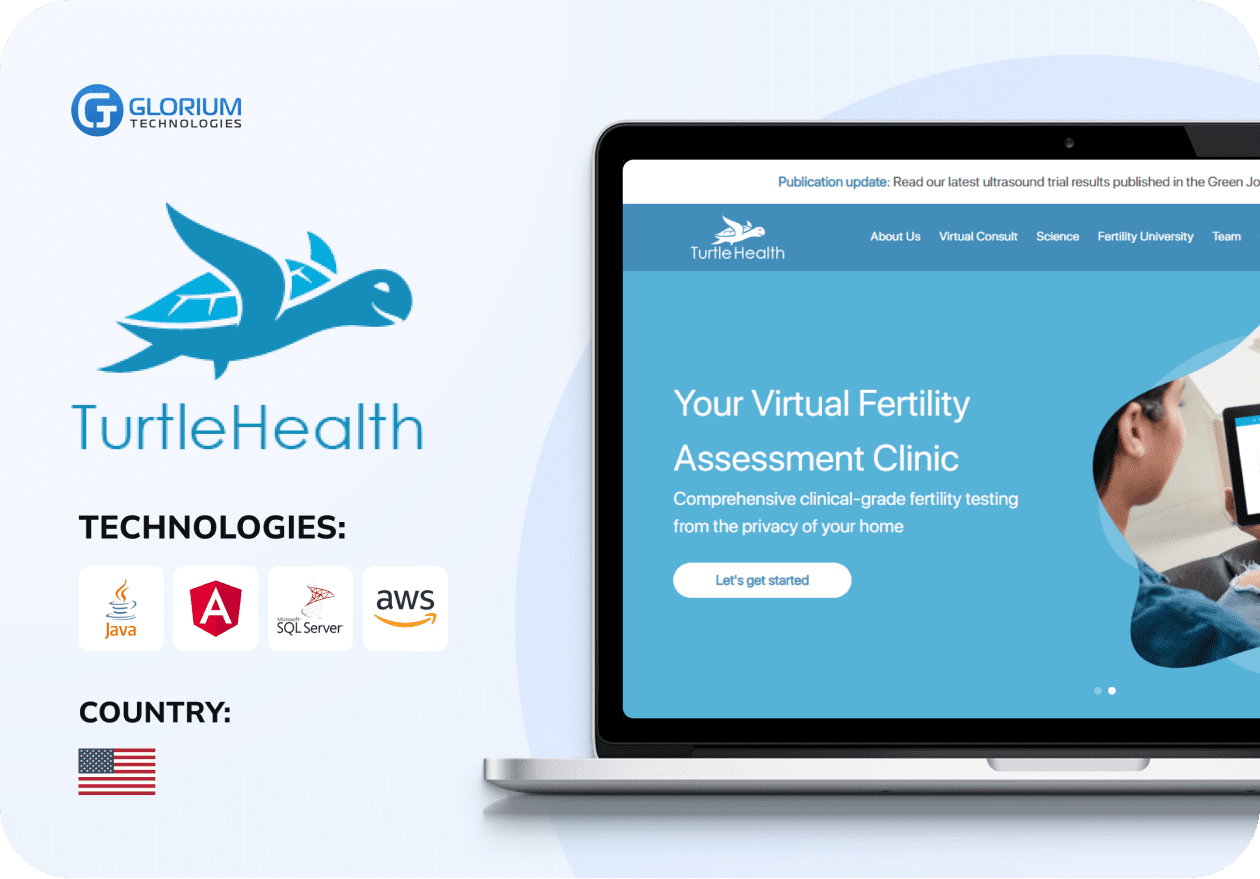
    Turtle Health
    Joshua Haselkorn,
    Co-Founder, Turtle Health

    Our clients journeys
    Who we are

    About us

    Glorium Technologies is a full-cycle app & software development company which covers specific client business needs and manage them with the help of the best possible technology solutions.

    Since 2010, we have been inventing digital breakthroughs, helping startups and businesses come out on top in their markets.

    people

    Why choose us

    Products delivered:
    150+
    Years on the market:
    14
    Client satisfaction rate:
    99%
    Awards & certifications:
    60+

    Awards & recognitions

    More achievements
    Outsourcing
    real leaders
    Clutch2024
    behemot 2023
    excellence award

    Inc. 5000

    2020
    2021
    2022
    2023

    Named among the Inc.5000 (2020, 2021, 2022, 2023) & Regionals (2021, 2022, 2024) fastest-growing private companies in America

    Certifications

    ISO 9001
    ISO 13485
    ISO 27001
    aws
    microsoft

    Let's Connect!

    Send us a message, and we'll promptly discuss your project with you.

      Your budget
      Share your details:
      + Our goal is:
      + Currently, we use:
      + We want to improve:
      + We need to integrate:
      Your contacts:
      Your journey with Glorium Technologies
      Research
      You’ve done your research and realized we could be the right fit.
      Form submission
      Provide details to help us tailor our approach. Let us know what you’re working on!
      Initial consultation
      We discuss your needs and explain our process.
      Discovery call
      This is a deep technical consultation to discuss all requirements, commitment-free.
      Kick-off
      We sign the contract and help your business grow strategically and achieve long-term success.
      “Excellent experience from both professional expertise and customer experience perspectives.”
      Ingrid Vasiliu-Feltes
      Dr. Ingrid Vasiliu-Feltes
      CEO at Softhread
      “They’re truly exceptional.”
      Joshua
      Joshua Haselkorn
      Co-Founder, Turtle Health
      “Their punctuality and delivery capabilities were exactly as advertised.”
      Yayoi
      Yayoi Sakaki
      CEO, Project Ipsilon B.V.

      FAQ

      What payment methods can I accept with Odoo ERP PoS?

      With Odoo ERP PoS, you can accept payments the way your customers prefer—cash, cards, digital wallets, or even gift cards. It also connects with third-party gateways for regional and online payments. Everything stays synced with your stock and accounting, so transactions are quick, secure, and easy to manage.

      Does Odoo ERP PoS provide live support on YouTube?

      YouTube is loaded with Odoo-related webinars, tutorials, and Q&A sessions that you can use to deal with issues or find info. These sessions help you watch real examples, pick up tips on new features, and get quick answers to common questions. It’s a simple way to improve your system knowledge and connect with the Odoo community. And if you’d like professional guidance for your business or niche, we provide Odoo training and support to help you get the most out of your system.

      How can I manage product categories in Odoo ERP PoS?

      In Odoo Point of Sale, you can organize products into categories to make sales faster and easier for staff and customers. Categories can be created or edited directly in the backend and displayed in the POS interface for quick access. You can also import a file with category data, which saves time when setting up or updating an extensive catalog.