











Microsoft Dynamics 365 Business Central



The 3-Year Impact of Business Central Implementation


Explore What Each Business Central Edition Offers
 Essential Edition
Premium Edition
Included
Included
Included
Included
Included
Included
Essential Edition
Premium Edition
Included
Included
Included
Included
Included
Included Not Included
Included
Not Included
Included
Basic Features
Full Features
Not Included
Included
Not Included
Included
Basic Features
Full Features365 Business Central Capabilities

- Resource allocation
- Project costs tracking
- Project tracking
- Expense management

- Custom dashboards
- Power BI integration
- Bank reconciliation
- Financial reporting

- Inventory management
- Order processing
- Production planning
- Quality control

- CRM
- Order processing
- Customer support
- Sales automation

- Employee records
- Attendance tracking
- Payroll processing
- Benefits allocation

- Production orders
- Bill of materials
- Capacity planning
- Demand forecasting
Bring Every App and Process Together


Reimagine Productivity with AI in Business Central


Empower All Teams across Your Business

Take Control of Every Process and Opportunity


Let's Connect!



What our clients say about us








Our clients journeys

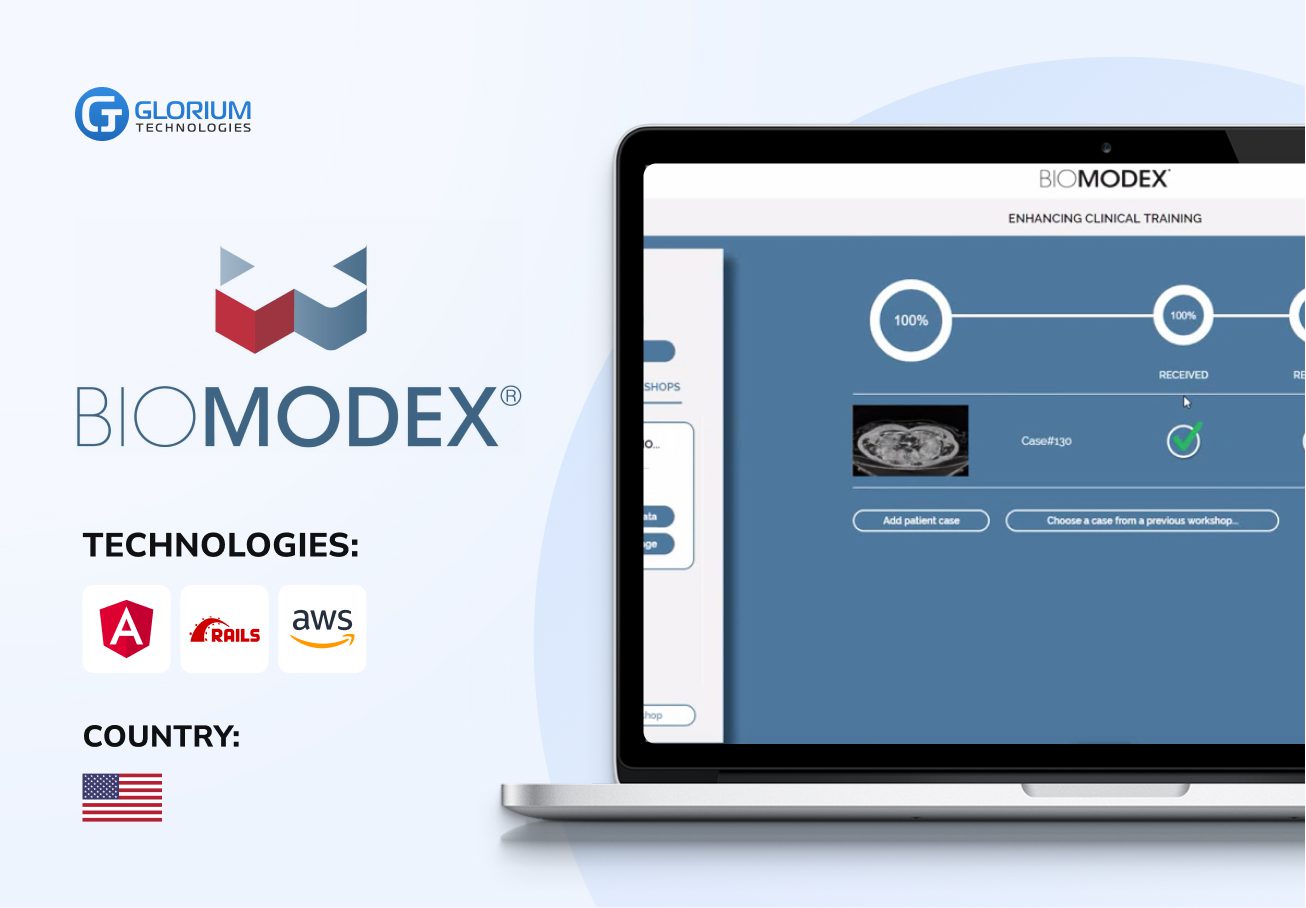


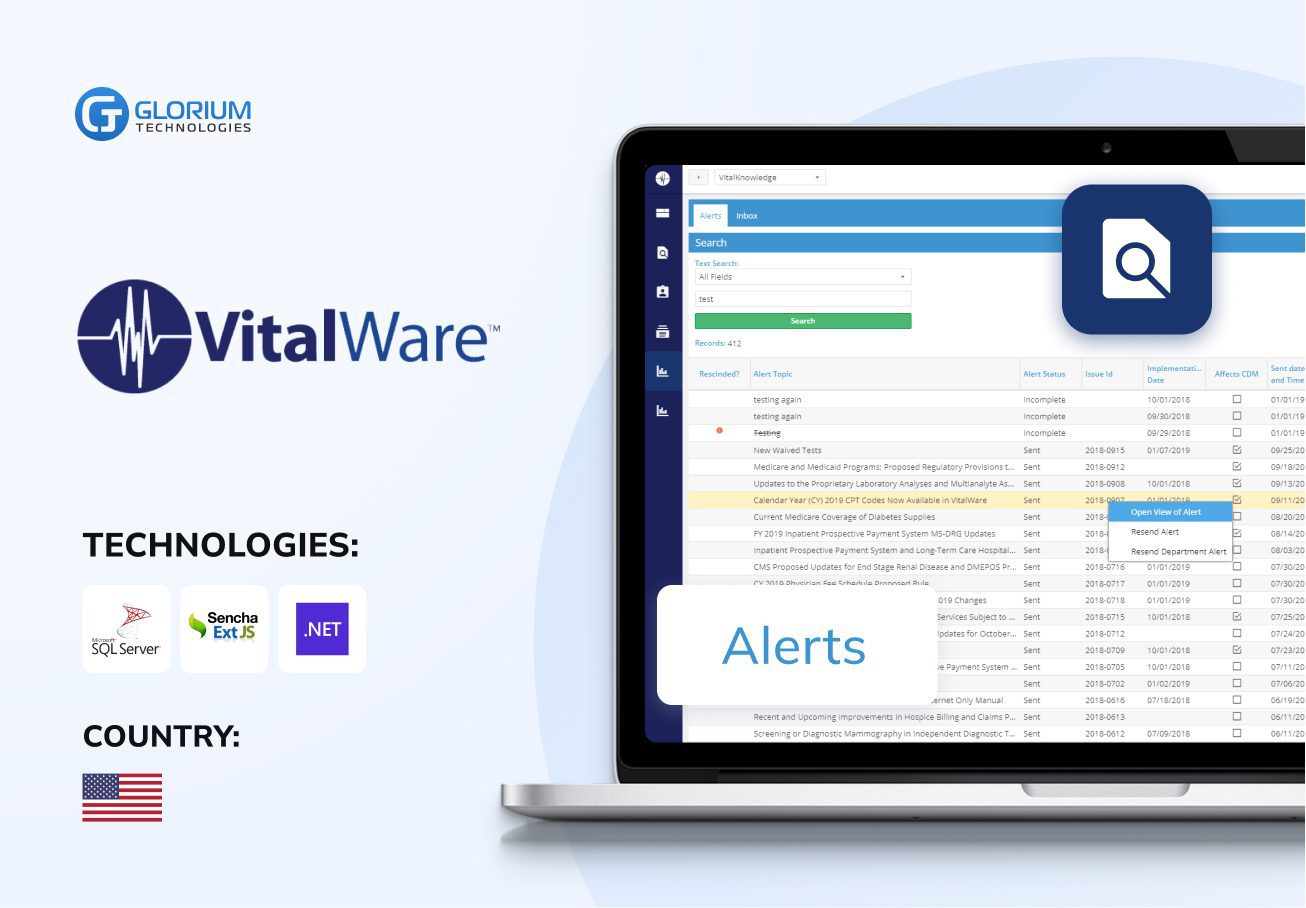
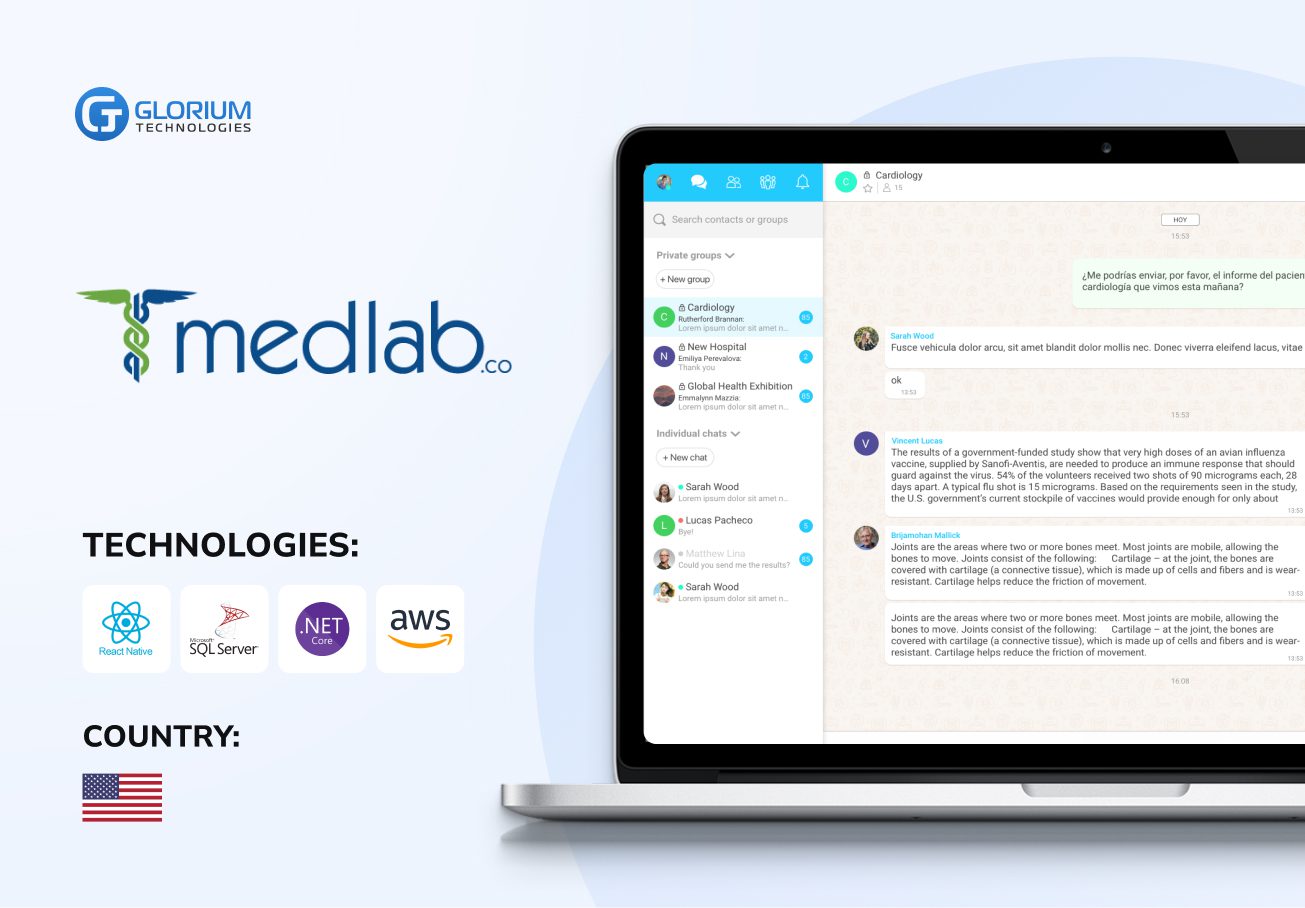


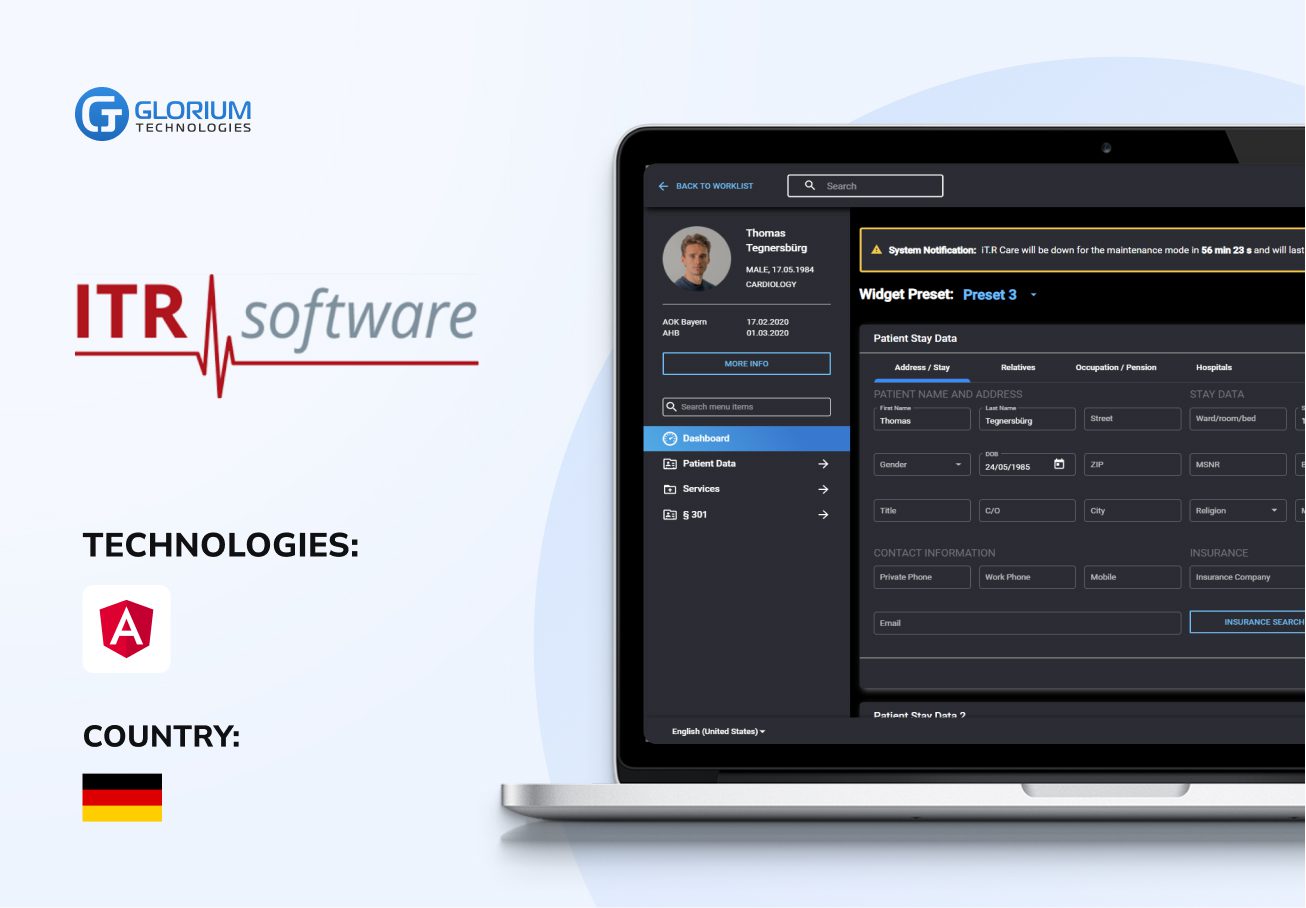
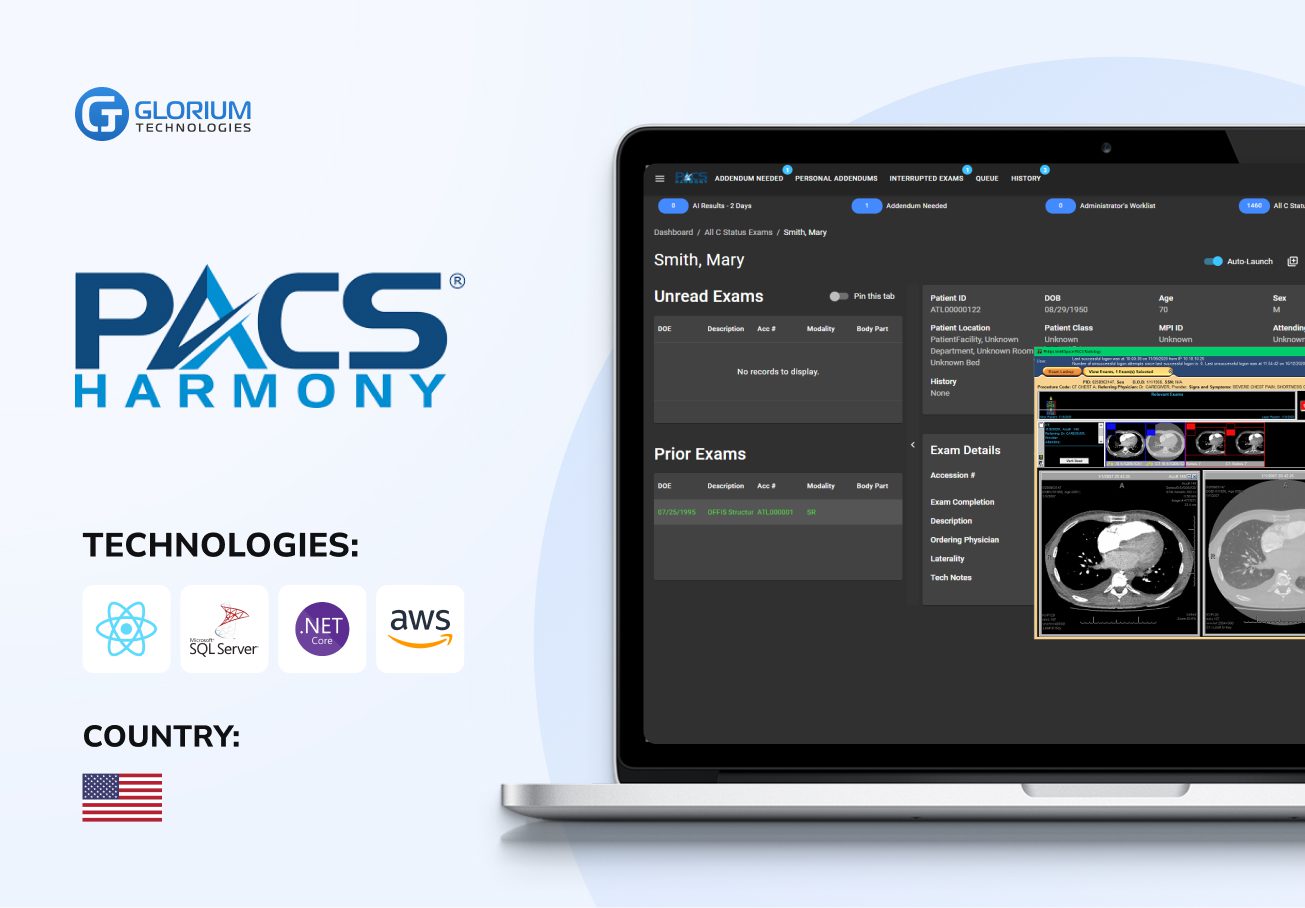

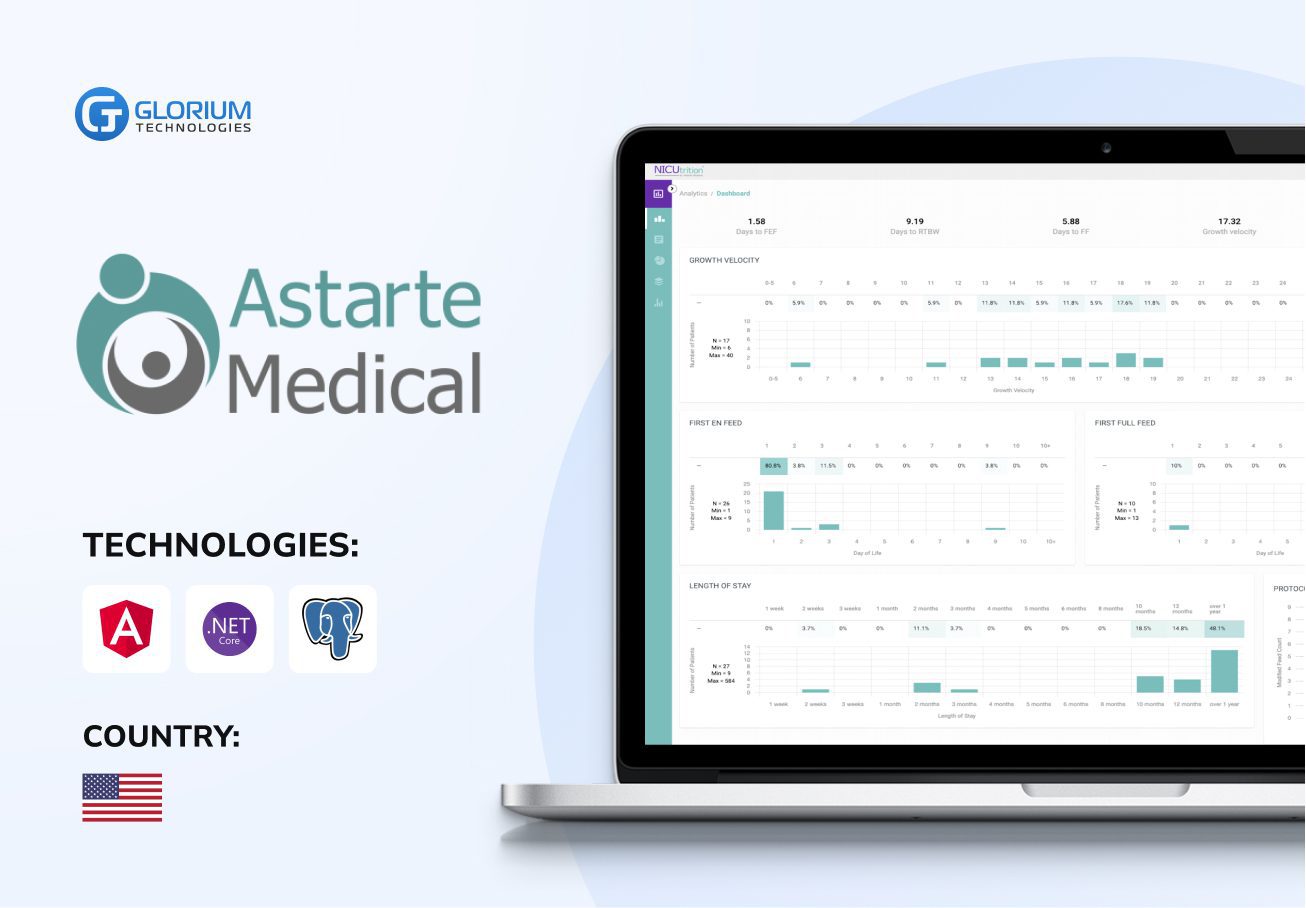
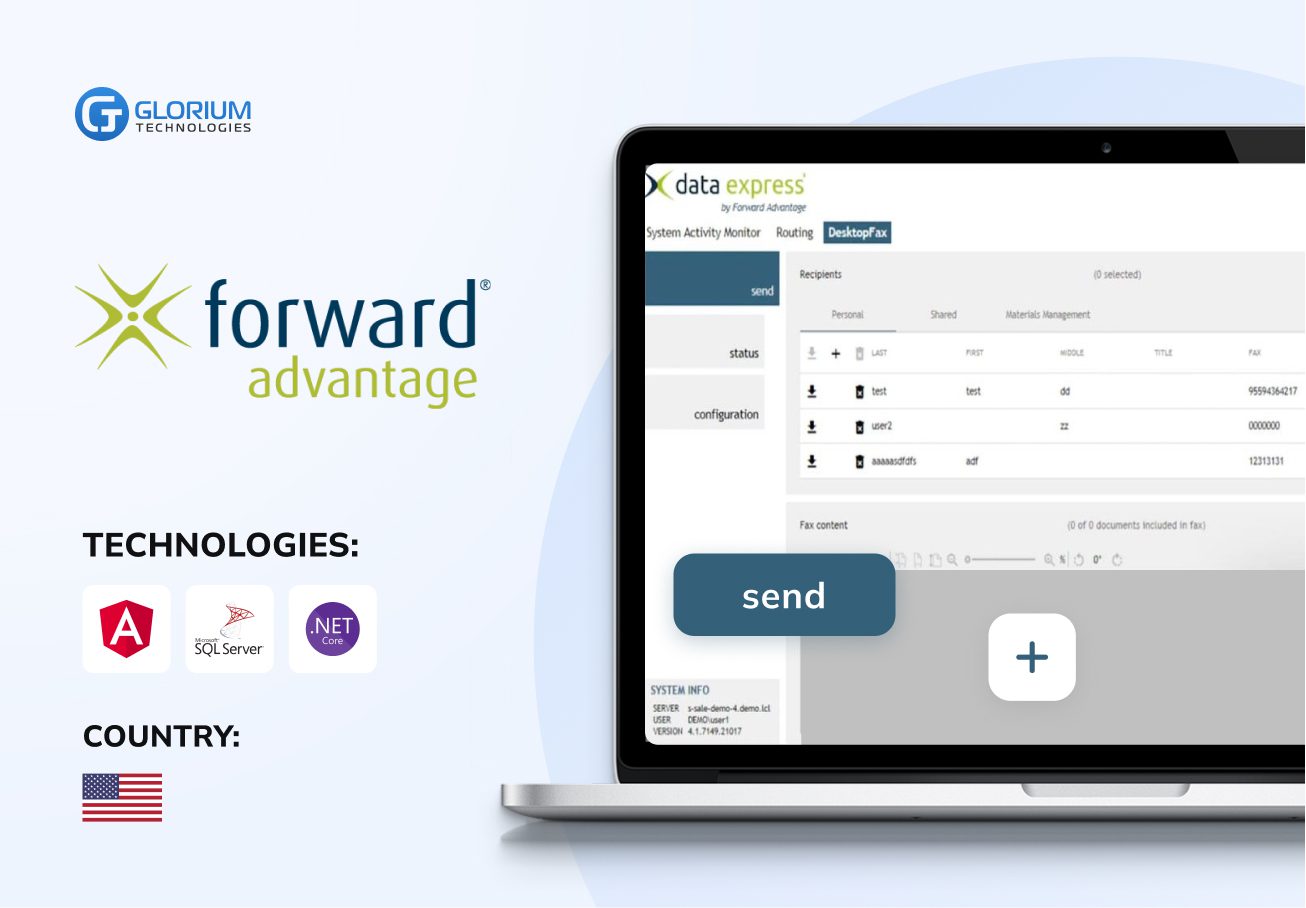
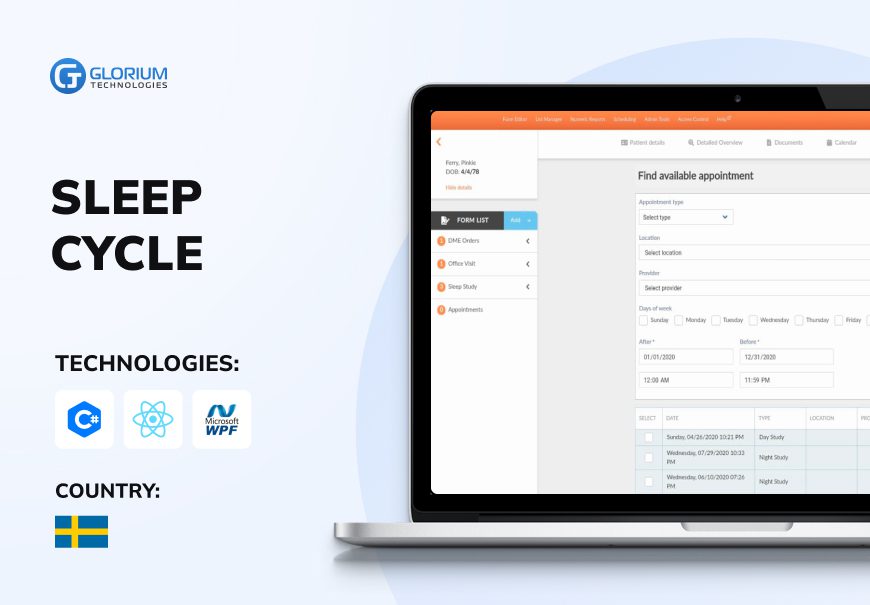


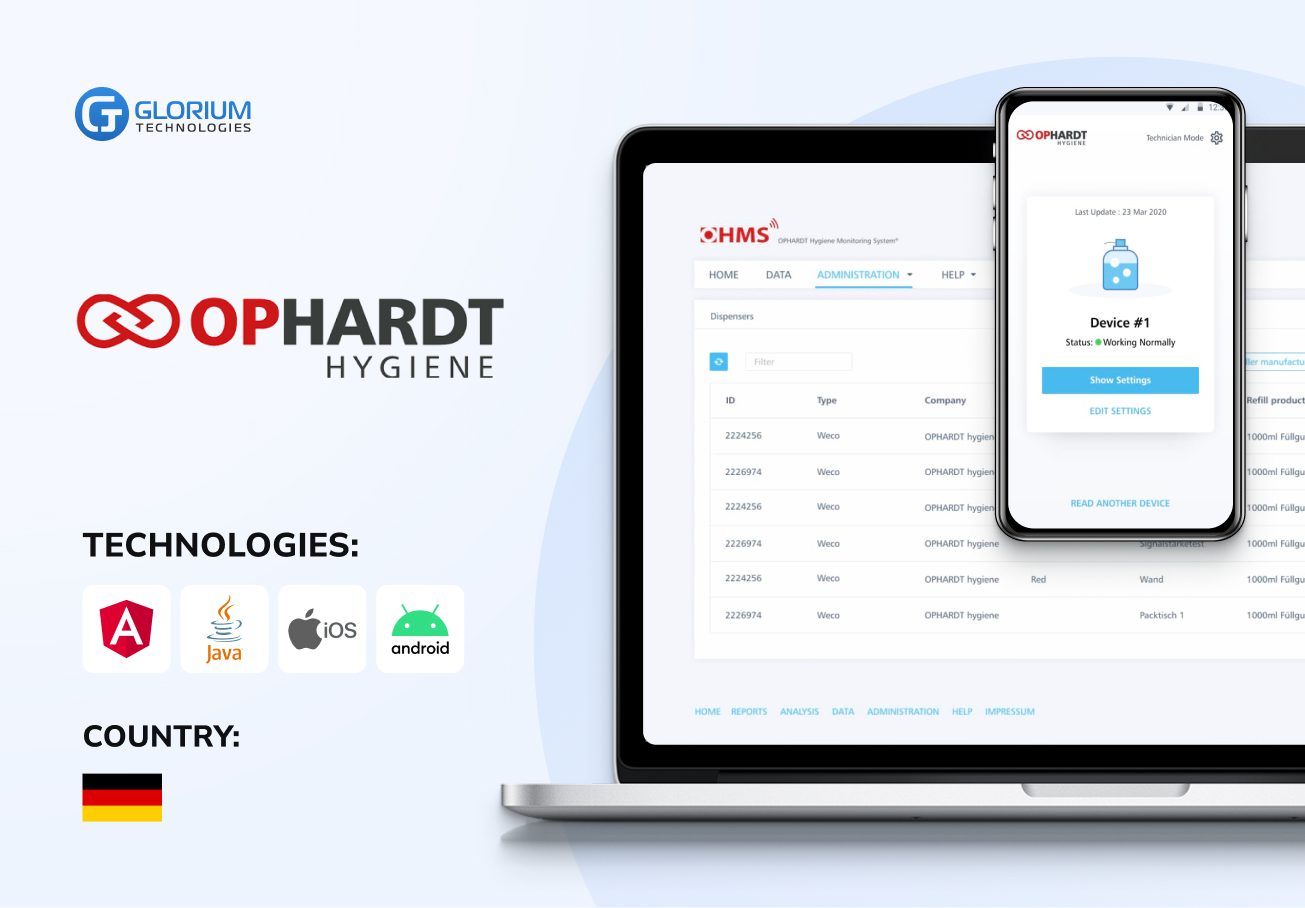
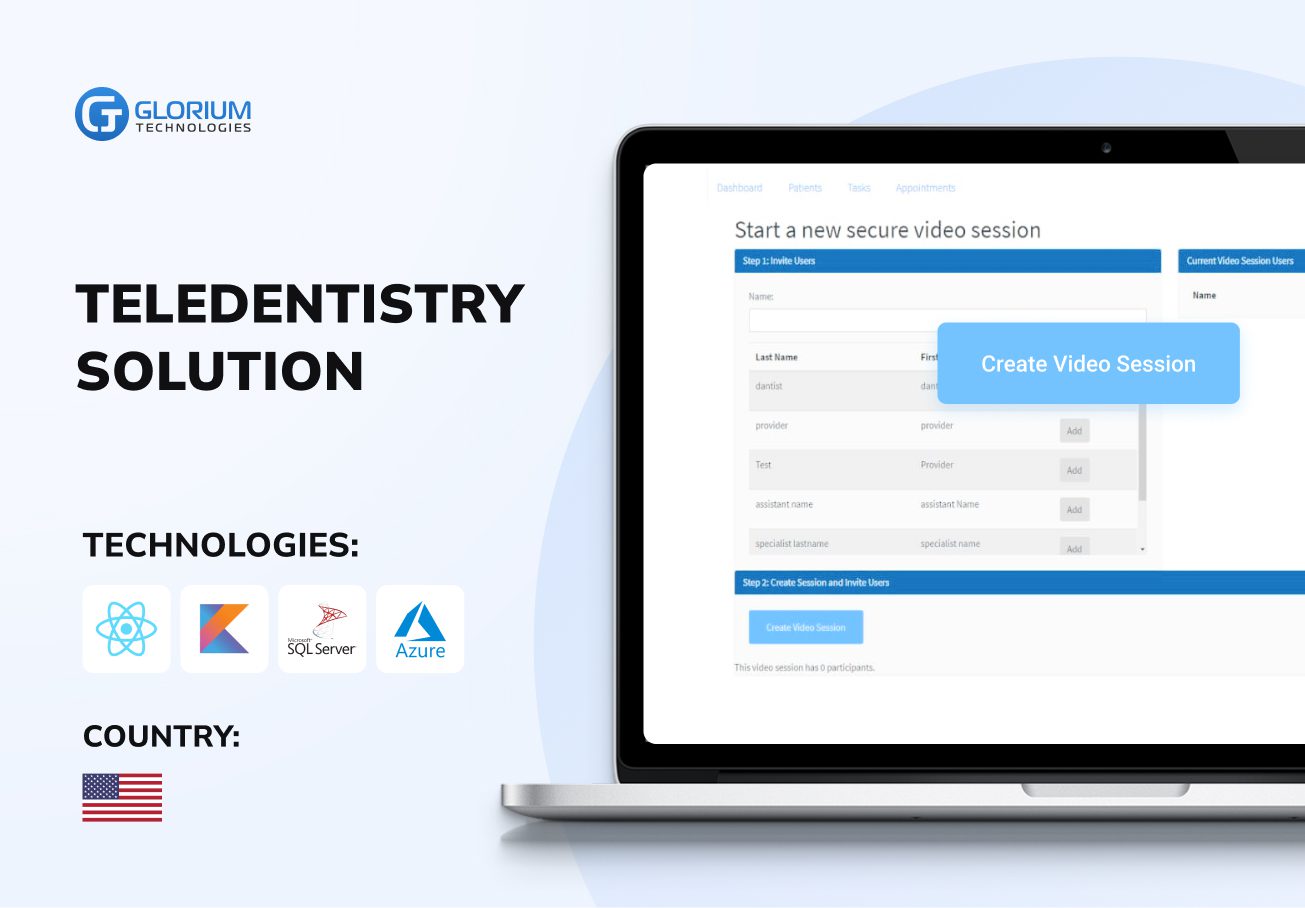
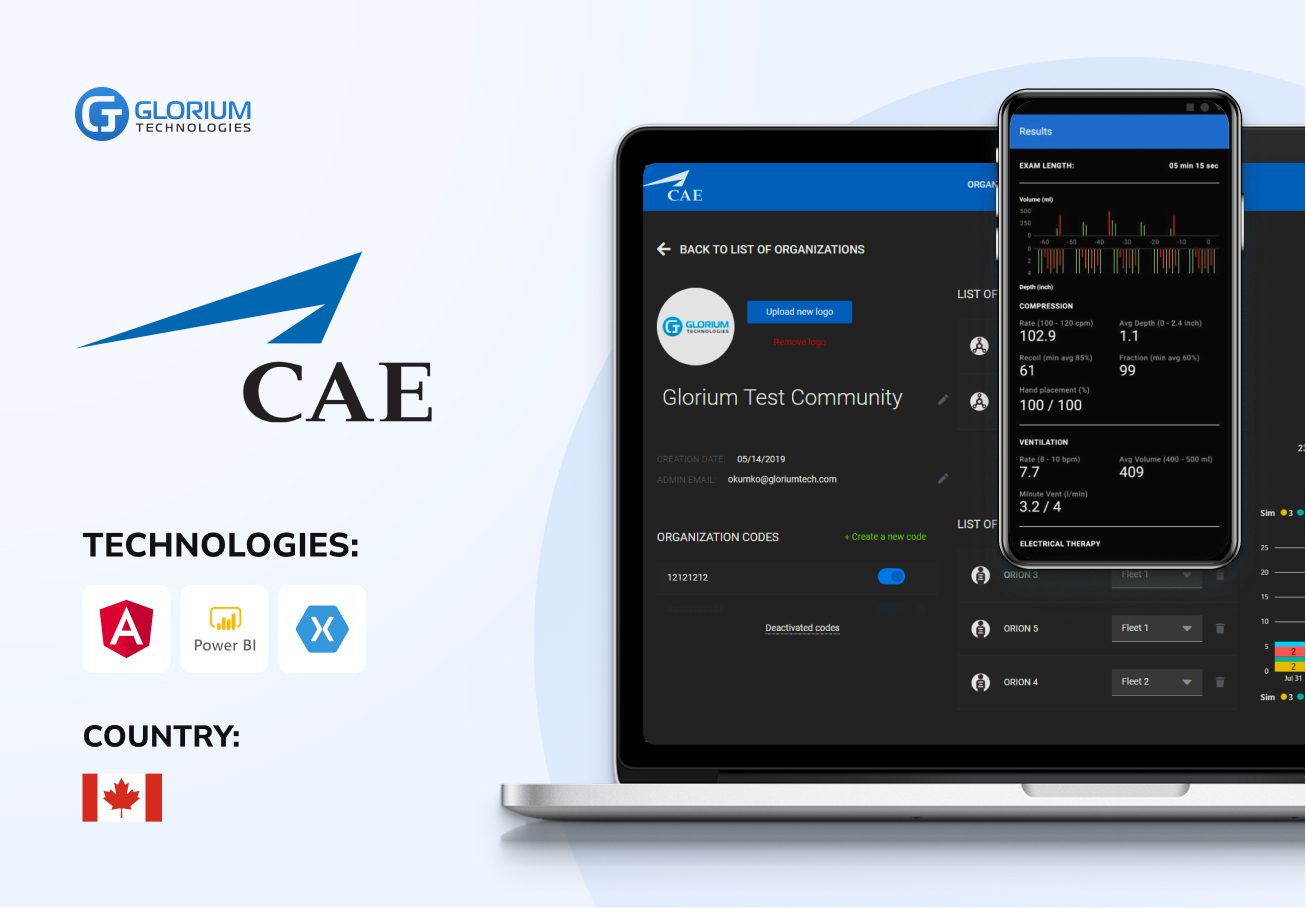
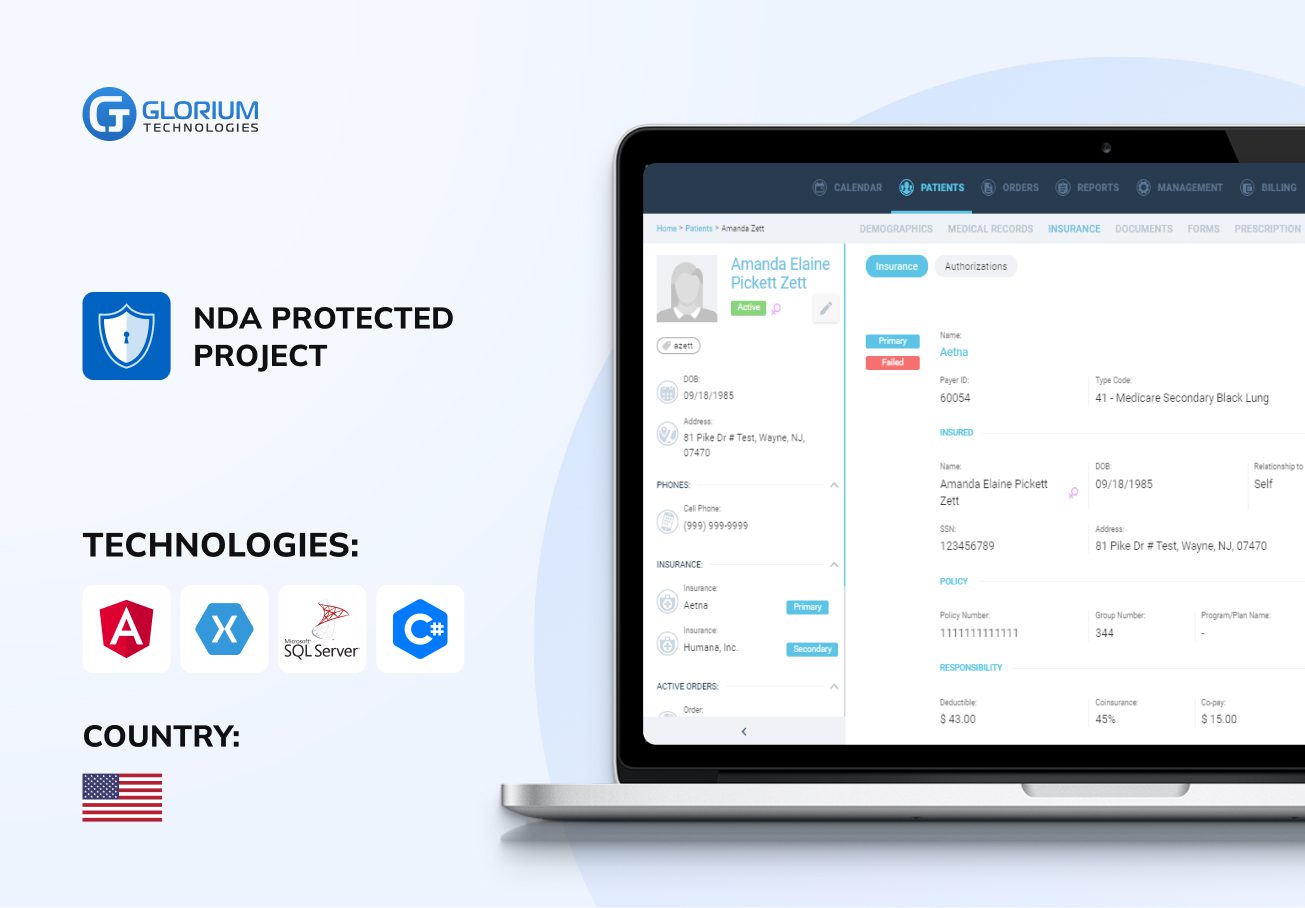
Who we are
About usGlorium Technologies is a full-cycle app & software development company which covers specific client business needs and manage them with the help of the best possible technology solutions.
Since 2010, we have been inventing digital breakthroughs, helping startups and businesses come out on top in their markets.

Why choose us






Certifications








FAQ
What business processes can be optimized with Business Central?
Business Central helps optimize a wide range of business processes—from finance and sales to inventory and service management. With real-time data, automated workflows, and built-in business intelligence, teams can reduce routine tasks and make smarter decisions. Through Business Central consulting and seamless ERP implementation, organizations gain efficiency, stronger customer engagement, and better visibility across all operations.
When should a business consider Business Central consulting?
As a business owner, you should consider Business Central consulting when manual work, data silos, or outdated systems slow progress. Expert guidance helps ensure a smooth Business Central implementation. You can find out how to automate workflows and connect tools like Microsoft Teams and Power Automate. With data-driven decisions and ongoing support, companies can boost productivity, improve sales processes, and achieve long-term success with Microsoft Dynamics 365 Business Central.
What challenges can occur during data migration, and how are they resolved?
When moving from an old system (like Microsoft NAV) to a new one, you might face issues like inconsistent data, missing records, or system incompatibility. During Business Central implementation, our team uses trusted tools to clean, map, and validate your data. Backed by Microsoft Power Platform expertise and real project experience, we make the transition seamless, helping you make smarter choices and build lasting success.
How long does a 365 Business Central implementation typically take?
The duration of a 365 Business Central implementation depends on company size, data migration complexity, and required customizations, among other challenges. On average, it takes from a few weeks to several months. The process includes setup, configuration, user acceptance testing, and team training. With proper change management and support services, businesses can transition smoothly to Microsoft Dynamics and improve decision-making from day one.