What Is Intelligent Document Processing and Why Are Document-Heavy Teams Adopting It

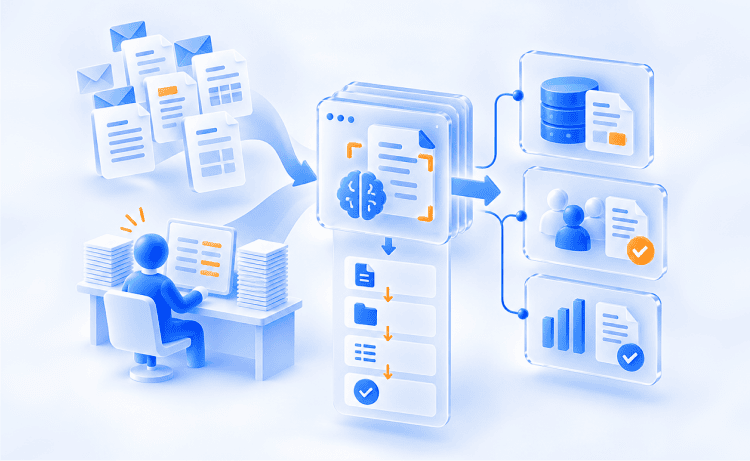
An accounts payable specialist may open 40+ emailed PDFs in a single morning. Since every vendor uses a different invoice layout, they are forced to copy names, totals, and PO numbers into the ERP by hand. Repeat that tedious routine across claims desks, loan teams, and patient intake, and it becomes clear where thousands of high-value operating hours are lost.
Intelligent Document Processing (IDP) changes that routine by using AI to read, categorize, extract, and check information in documents before it reaches your downstream systems. What was once an emerging technology is now an enterprise standard. Gartner even published its first Magic Quadrant for Intelligent Document Processing Solutions in September 2025, describing a market of more than 100 vendors.
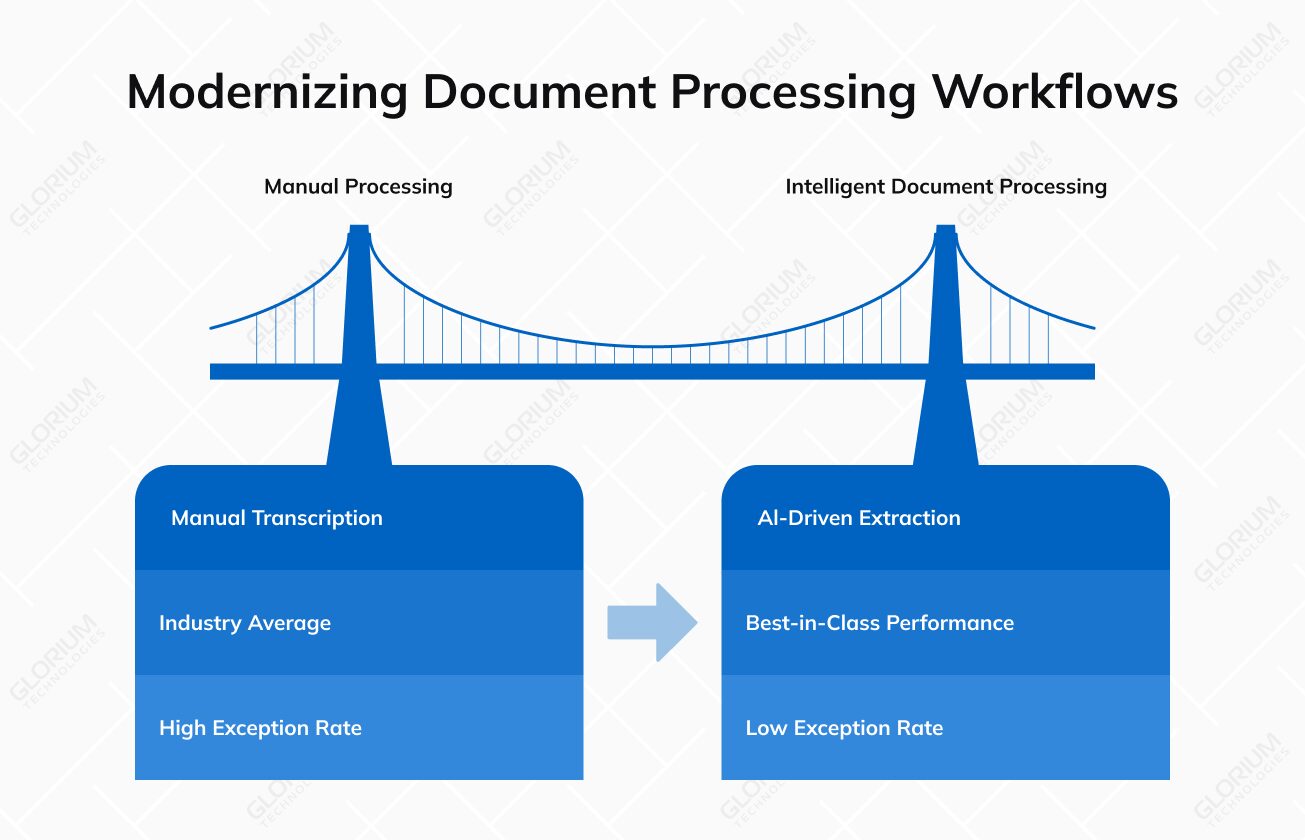
According to Ardent Partners’ 2025 AP benchmarks, best-in-class teams now process an invoice in 3.1 days against an industry average of 17.4 days, with a 9% exception rate compared to 22% for everyone else.
Content
Simply put, it is software that turns business documents into usable digital data without a person retyping every field. It combines artificial intelligence, optical character recognition (OCR), and language models to read a page the way a trained clerk would. The result then flows into the systems your team already uses.
Most companies handle three levels of structure. Structured documents such as W-9 tax forms keep every field in a fixed position. Semi-structured documents like invoices and bills of lading carry the same fields in shifting layouts. Contracts, emails, and physician notes follow no predictable layout at all.
Two shifts explain why IDP gets so much attention in 2026. Language models can now interpret context inside complex documents that template-based tools could never parse reliably. Gartner also forecasts that by 2028, more than 95% of enterprises will have used generative AI APIs or models, and IDP vendors are building those models into their extraction engines.
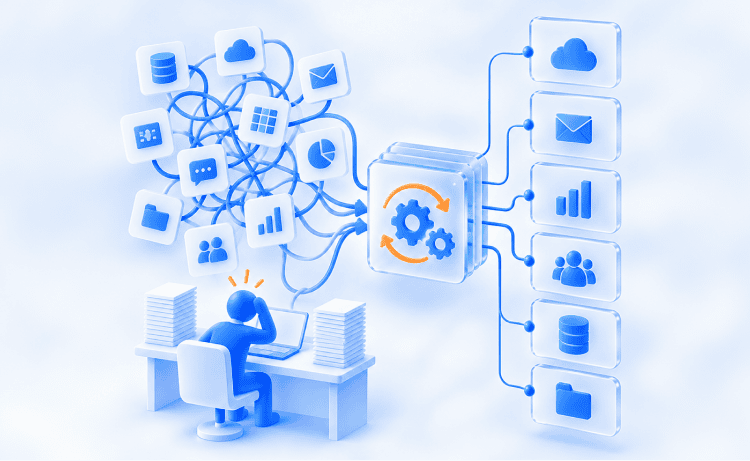
Buyers often lump these three technologies together, and that confusion leads to projects scoped around the wrong tool. Each one handles a different stage of document processing. OCR reads characters, IDP understands and checks what those characters mean, and robotic process automation or an AI agent acts on the verified result.
|
Criteria |
OCR |
IDP |
RPA and Agentic Automation |
|
Main job |
Converts document images into machine-readable text |
Document classification, field capture, and value checks |
Executes steps inside business applications |
|
Typical input |
Scanned documents, photos, and image PDFs |
Any mix of structured and unstructured documents |
Verified fields from IDP or an API |
|
Output |
Raw text with no meaning attached |
Labeled fields with a score for model certainty |
Posted transactions, updates, and alerts |
|
Weak spot |
Breaks when a layout shifts |
Needs sample data and review rules |
Fails when the incoming data is messy |
|
Invoice example |
Turns a PDF bill into plain text |
Finds vendor, total, and PO number, then checks them |
Posts the approved bill to the ERP |
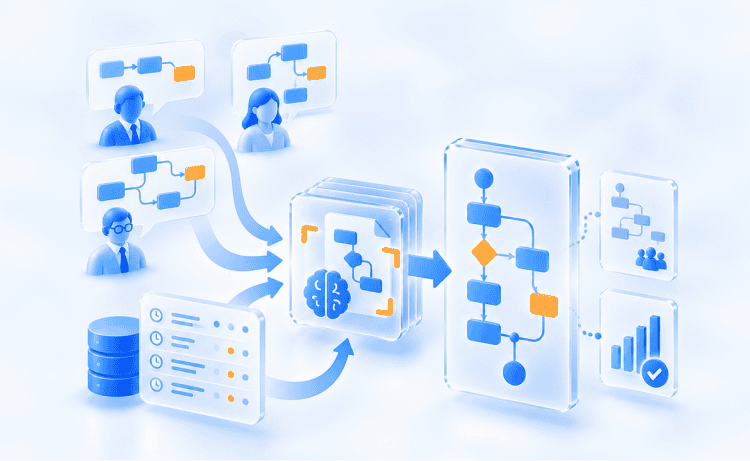
It stacks several AI techniques, and each layer covers a gap the previous one leaves open. Knowing what each layer does helps you judge vendor claims and spot where a demo skips the hard cases. The six components below appear in almost every platform you will evaluate.
OCR serves as the critical entry point for processing paper documents and image files by converting raw pixels into digital characters. Modern engines can read both printed and handwritten text, although accuracy can still fluctuate significantly depending on penmanship. Consider a pharmacy benefits team handling handwritten prescriber notes: OCR delivers the foundational text, meaning every downstream step (from data extraction to automated approval) depends entirely on the precision of that initial pass.
ML gives systems the ability to learn from labeled examples rather than rigid rules. Its first job is classifying documents, ensuring a W-2, a lease agreement, and a remittance advice are each routed to the right extraction model. Machine learning models continuously improve as human reviewers correct edge cases, meaning a mortgage lender’s classifier naturally gets sharper and more accurate with every loan file it processes.
NLP allows us to unlock the meaning hidden in unstructured text. Or, put another way, it understands context and can tell you that “net 30” is a payment term, or that a specific paragraph limits a financial liability. This enables systems to reliably extract key information from unstructured formats like contracts and emails, which lack standardized form fields. As a result, a procurement team can scan thousands of supplier agreements in a single pass to instantly flag every contract containing an auto-renewal clause.
Computer vision gives the system spatial awareness, interpreting page layout so it can distinguish between a figure inside a table column and a page number in a footer. Beyond structure, it detects signatures, official stamps, checked boxes, and photo IDs. This spatial understanding is critical for insurance carriers, who must process repair shop estimates that differ wildly in design from one vendor to the next.
Classic capture tools rely on rigid templates, requiring a custom rule for every new vendor layout. Large language models, by contrast, read an entire page in context to extract information dynamically without pre-set templates. This LLM-based approach makes it possible to automate data extraction across long-tail suppliers whose document formats constantly change, provided you pair it with validation rules to catch plausible but incorrect outputs.
Extracted data only creates value when it gets to work. Workflow automation takes over after extraction, routing each file, triggering approval reviews, and writing clean data directly into your ERP, CRM, or claims platform. This essential orchestration layer is how you connect document data to the core business workflows your teams run every day, from automated payment runs to seamless patient scheduling.
Automate Business Processes from Inbox to ERP
Turn invoices, claims, and onboarding forms into ERP-ready data, starting with a free process audit.
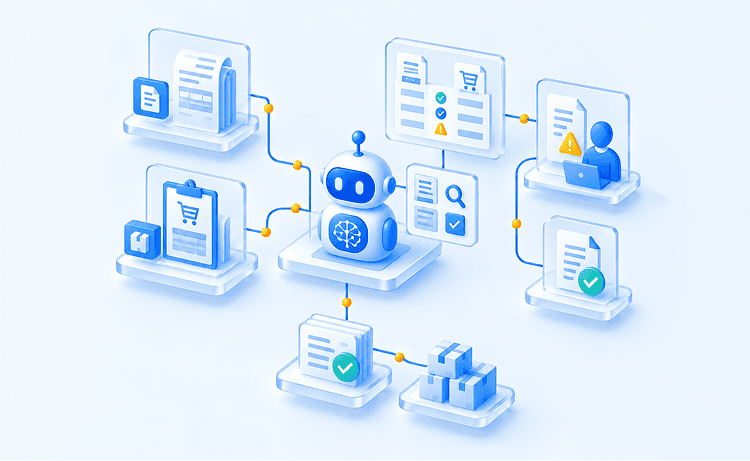
Automated document processing follows a predictable path from inbox to system of record. Each stage adds another check, so errors get caught before they reach your ledger or claims file. The four stages below describe how most production deployments run, whatever vendor sits underneath.
Files arrive by email, upload portal, fax, or scanner, and the platform ingests them as digital documents. Intelligent document classification then sorts each file by type and splits multi-page batches. A loan packet holding a pay stub, a bank statement, and a driver’s license becomes three labeled items before anyone opens it.
The extraction engine reads relevant data fields such as dates, amounts, names, and ID numbers. Data validation rules then check each value against reference sources, like a vendor master file or a policy database. The system flags discrepancies for review if the total of an invoice does not add up to the total of the line items.
Low-certainty fields are routed to a reviewer queue, where a human corrects them. The model learns from each correction. Clean documents enter the approval process, with routing rules based on amount, department, or risk level. A $40,000 purchase might need two signatures; a $400 order is automatically approved.
Once verified, approved records post directly to your ERP, EHR, CRM, or core banking platform via APIs or automated RPA bots. Downstream data processing then takes over to initiate vendor payments, process claim payouts, and update financial reporting. Crucially, the platform logs every action along the way, giving compliance auditors a complete, tamper-proof audit trail from the original uploaded file to the final posted transaction.
The value of IDP shows up in metrics your leadership already tracks, for example, cycle time, cost per document, error rates, and customer satisfaction. The benefits below draw on 2025 and 2026 industry research, plus results from a recent Glorium Technologies automation project.
IDP delivers the most value in document-centric business processes, where volume runs high and each file carries money, risk, or a customer waiting for an answer. The six use cases below cover the document types that appear most often in US finance, insurance, healthcare, and operations teams.
Invoice processing is the most common starting point for document automation because its financial payoff is immediate and easy to measure. IDP automatically reads invoice data from incoming PDFs, matches line items against purchase orders and receipts, and queues clean bills for approval. The impact on operational cost is dramatic: in Ardent Partners’ 2025 benchmarks, top-performing AP teams process an invoice for just $2.78. Reducing manual data entry means your AP staff can stop logging data and start resolving vendor inquiries and capturing valuable early-payment discounts.
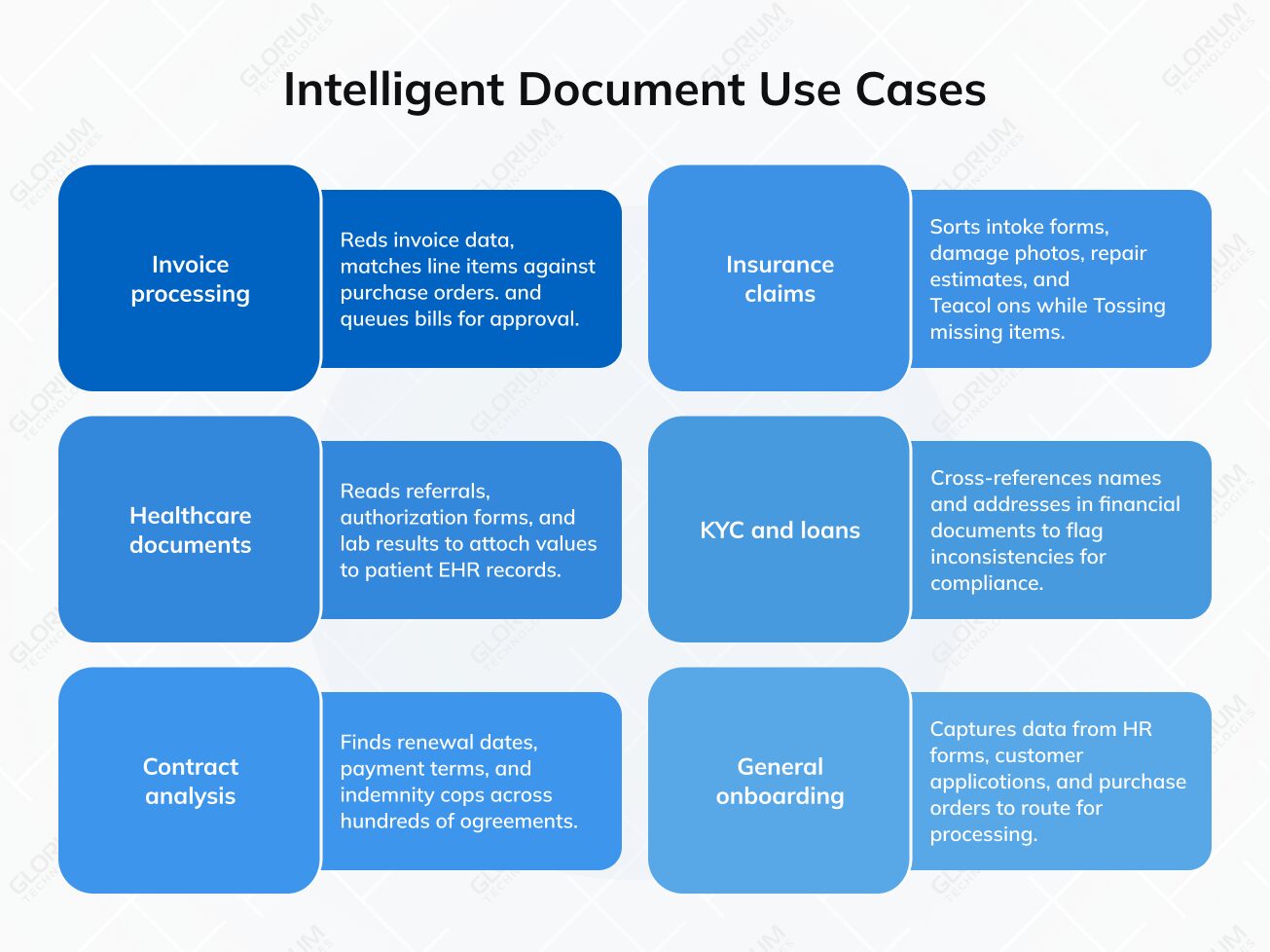
Insurance claims rarely arrive neatly organized; they enter as a messy mix of intake forms, damage photos, repair estimates, and medical bills. IDP brings order to this packet by sorting every document, extracting core policy numbers and loss details, and automatically flagging missing items on day one. This initial speed is critical for customer retention: according to J.D. Power, the average timeline from first notice of loss to final payment has stretched beyond 44 days, the longest delay since 2008.
Hospitals and clinics still receive referrals, prior authorization forms, and lab results by fax. IDP reads these medical documents and attaches the captured values to patient records in the EHR. The 2025 CAQH Index estimates a remaining $21 billion savings opportunity from fully automating manual and partially manual administrative transactions.
Banks will verify your ID documents, tax returns, pay stubs, and bank statements before they will open an account or fund a loan. IDP cross-references names and addresses in those financial documents and flags inconsistencies for compliance review. In a 2025 Fenergo survey, 70% of financial firms reported losing clients over the past year because of inefficient onboarding.
Contracts are unstructured documents where the key information hides inside clauses. IDP finds renewal dates, payment terms, indemnity caps, and governing law across hundreds of agreements. A legal operations team preparing for a vendor audit can review a summary table first and open only the contracts with unusual terms.
Every department faces a version of the same paperwork issue: HR teams collect I-9s, W-4s, and direct deposit forms; service desks process customer applications; and procurement manages endless purchase orders. Regardless of the document type, every scan or digital form relies on the same core pattern: capture the data, check it for accuracy, and route it to the right destination.
When applied to high-volume procurement, this automated pipeline delivers immediate efficiency gains. For example, Glorium Technologies implemented automated three-way matching and spend-tier approval workflows in Odoo for a US distributor. This allowed for achieving a 52% reduction in purchase-order approval time.
The IDP market is crowded, so a short map of vendor categories saves you weeks of demos. Gartner’s Magic Quadrant for IDP Solutions named ABBYY, Hyperscience, Infrrd, Tungsten Automation (formerly Kofax), and UiPath as Leaders among 18 evaluated vendors. Most intelligent document processing solutions fall into one of three groups.
|
Category |
Examples |
Best Fit |
|
Enterprise IDP platforms |
ABBYY Vantage, Hyperscience, Infrrd, Tungsten Automation, TotalAgility, UiPath IXP |
High-volume, regulated operations with a wide document mix |
|
Finance-focused IDP |
Rossum, acquired by Coupa in May 2026 |
Invoices, purchase orders, and other source-to-pay paperwork |
|
Cloud AI services |
Microsoft Azure AI Document Intelligence, Amazon Textract, Google Document AI |
Teams with developers who want to assemble custom pipelines |
Use these criteria to compare shortlisted vendors on equal terms:
This guide focuses on understanding IDP and comparing vendors. Once you move to rollout planning, our AI document processing implementation guide for enterprises goes deeper into model choices, budgets, and deployment best practices.
Most IDP disappointments trace back to a few assumptions made before the first pilot. Correcting them early helps you set realistic targets, budget for the right roles, and pick a first workflow that proves its value within a single quarter of go-live.
When you’ve bought a platform, you will need to map edge-case exceptions, plug outputs into your ERP, and fine-tune validation rules to reduce error rates post-launch. That’s where the time-consuming task begins. Working with an experienced business process automation partner can greatly speed up this phase, because you can utilize proven integration patterns.
Glorium Technologies is platform agnostic and combines best-fit OCR and IDP engines with custom integrations and its proprietary CogniAgent platform, which integrates with over 2,700 systems. That core knowledge was crucial for a German PropTech client with 8,000 assets and 60 million documents. To handle that volume, Glorium Technologies created an AI-powered document management system with smart search and automated categorization. It showed that reliable document handling at scale is a question of architectural choices made long before the first file ever hits the system.
Smart Document Processing Built for Business Users
Set up templates, approve exceptions, and watch automated processing move each file into your ERP.
Business-First Document Processing
Approve exceptions, and watch automated processing move each file into your ERP.
IDP pays off when you treat each intelligent document pipeline as one connected flow: data capture, checks, human review, and handoff to the systems that act. Start with one high-volume workflow, measure the drop in manual data entry, then expand to diverse business processes once the model and your reviewers settle in.
Glorium Technologies brings 16+ years of software development and various certifications (including ISO 27001) to document automation projects in finance, healthcare, insurance, and supply chain. Each engagement opens with a free process audit that maps your document processing workflows and puts a dollar figure on manual work.
Book a free process audit to see where IDP fits your operations.
Timelines depend on volume, document variety, and the number of connected systems. A pilot on one document data stream, such as AP invoices, is the usual starting point. Glorium Technologies typically scopes basic systems that handle structured documents at 2 to 3 months. Enterprise IDP platforms with orchestration across several systems can need 10 to 18 months before automated processing covers every target workflow.
While raw API pricing for AI document processing ranges from $0.01 per page for simple OCR up to $1.50 per page for complex generative AI extraction, that usage fee is usually the smallest part of the bill. For an enterprise-grade automated workflow, the real investment is in setup and upkeep. Initial integration and custom setup may run between $15,000 and $100,000 (based on the project complexity), followed by $5,000 to $10,000 a month in ongoing maintenance and platform fees.
Most modern IDP solutions can read handwriting, but the results depend on legibility, ink color, and scan quality. Block capitals on intake forms usually support reliable data extraction, but cursive physician notes call for extra review. Set a review threshold so fields that fall below are sent back to data entry staff for a quick check.
Day-to-day work rarely requires any programming knowledge. Business users can review flagged fields, adjust validation rules, and set up new document analysis templates through no-code screens in most platforms. Developers come in when you need to process documents from legacy applications or process data through custom APIs.
Glorium Technologies treats IDP as the intake layer of broader process automation. Captured relevant data flows into Odoo, Dynamics 365 Business Central, or custom systems, where workflow rules, RPA bots, or CogniAgent agents act on it. This approach lets you automate business processes from the moment a file arrives to the final posting.