
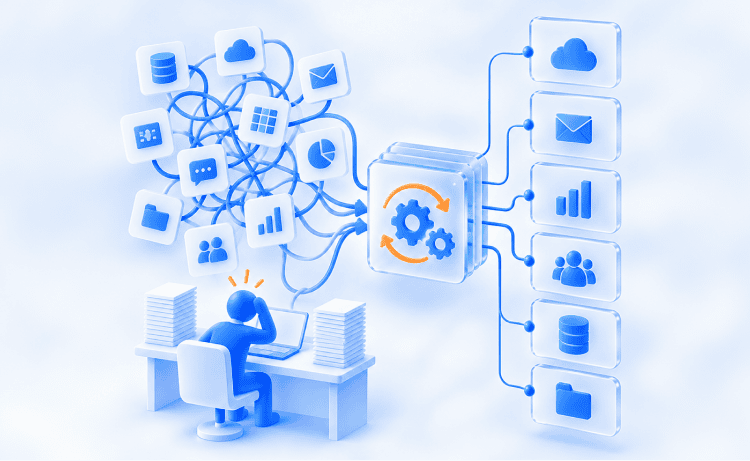
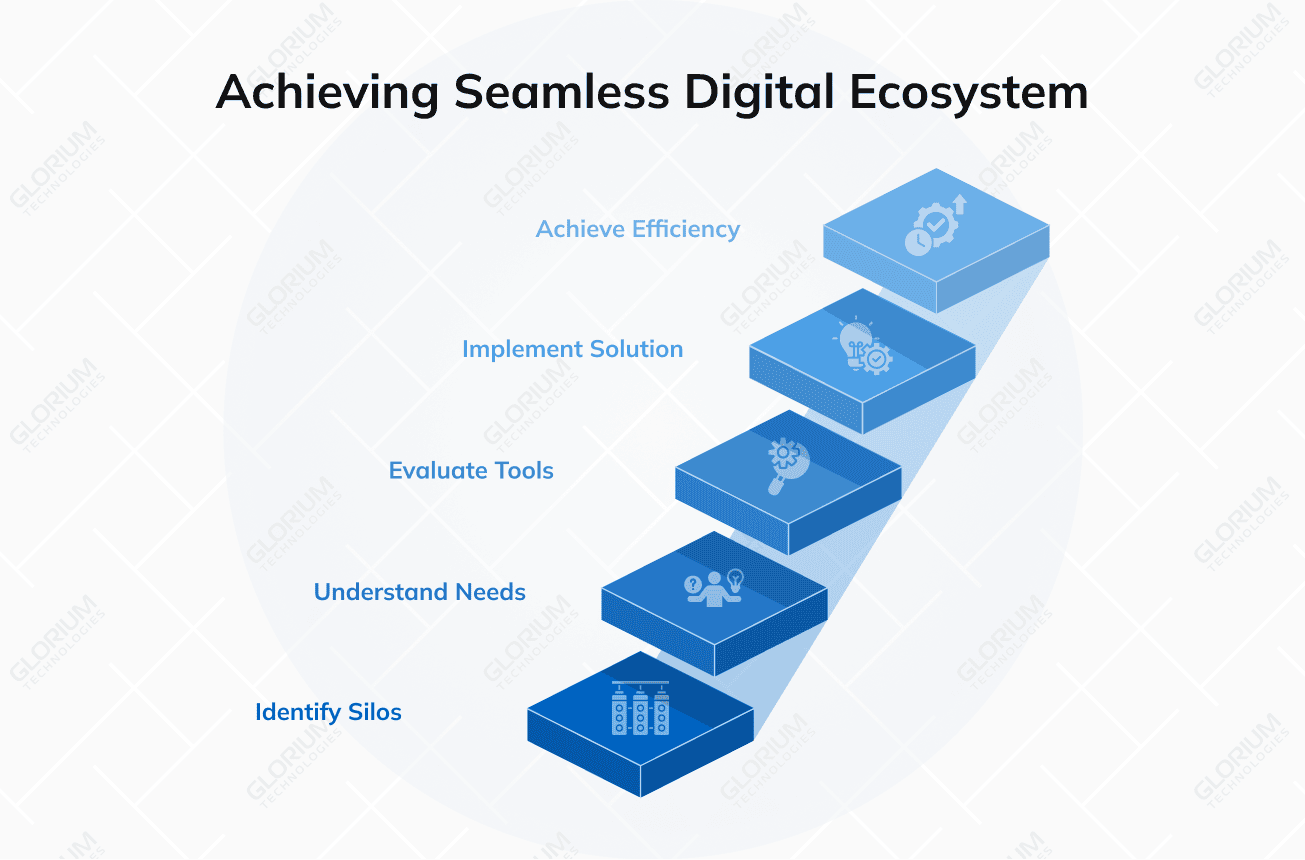
On paper, a typical enterprise tech stack looks like a masterpiece of modern productivity. Companies buy hundreds of specialized tools to improve the productivity of every department. However, behind the scenes, most of these systems live on isolated islands, completely cut off from one another. The 2025 MuleSoft Connectivity Benchmark Report found that the average enterprise runs 897 applications, yet only 29% of them are integrated. Instead of a seamless digital ecosystem, companies are left with a chaotic web of silos. The same study showed IT teams spend 39% of their time building custom integrations by hand.
That gap is why workflow automation software has quietly transformed from a nice-to-have experiment into a non-negotiable line item in modern operating budgets. The catch here is the sheer number of choices. Hundreds of vendors compete for your attention, making identical promises and showcasing feature pages that read almost the same.
The real danger lies in assuming these tools are interchangeable. A lightweight platform built for a five-person marketing team routing content approvals won’t survive the compliance, audit trails, and complex logic required to run loan processing for a regional bank. If you select a tool based solely on a surface-level feature checklist without accounting for your organization’s actual scale and architectural complexity, you are likely to recreate the original mess with one more subscription.
Content
What Is Workflow Automation Software?
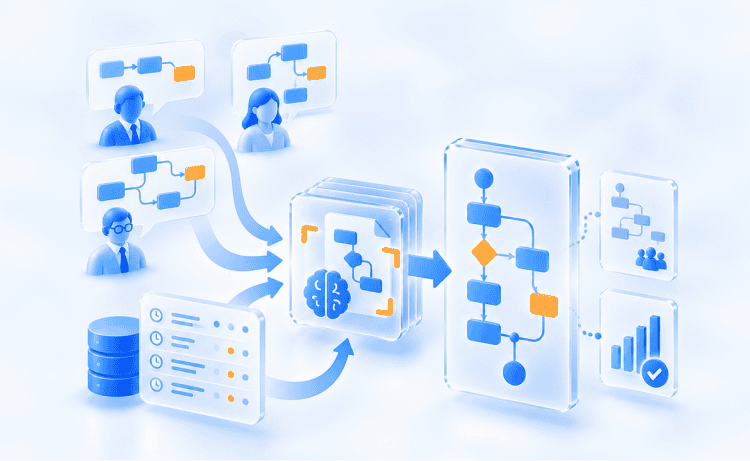
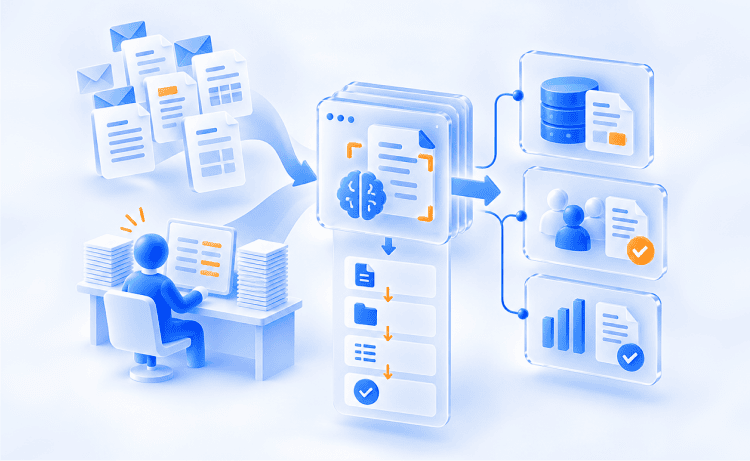
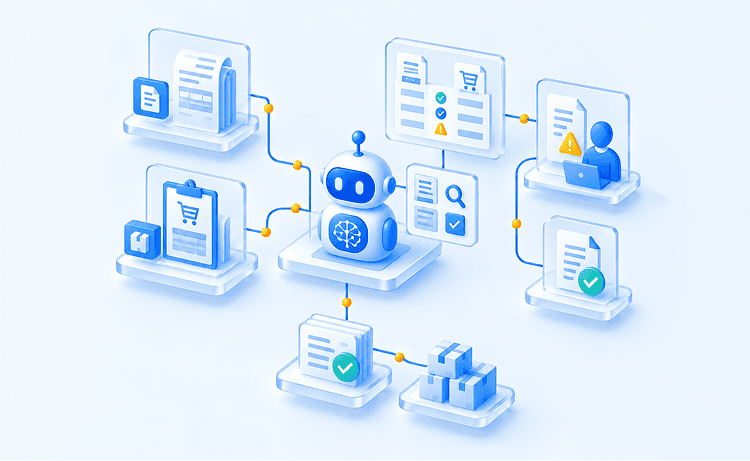
Workflow automation is about reclaiming human effort from repetitive digital bureaucracy. You don’t have to act as a ‘bridge’ between disconnected systems, as the software routes tasks, transforms data, and enforces rules automatically in the background. Every automation can be pictured as a set of dominoes:
- Trigger: Something happens (e.g., a form is submitted, a status changes, or a timer is set up)
- Logic: Predefined rules evaluate the event, decide which paths to take, and check conditions before proceeding
- Action: The system automatically does the downstream tasks across your apps without any human intervention
So your team doesn’t have to copy data between screens and chase approvals over email because the software takes care of the routine.
To fully appreciate the power of workflow automation, let’s compare it to project management software. Project management tools like Asana, Trello, or Jira are essentially high-tech digital whiteboards. The purpose of these tools is to organize human effort, to show who owns a task, to track deadlines, and to give managers visibility into progress.
But at the end of the day, those task management tools rely entirely on you to do the actual work. A ticket moving to “In Progress” doesn’t magically generate the report, send the email, or provision the user account, meaning you still have to execute every step by hand.
Workflow software goes a step further and performs the steps itself. It closes the gap between task tracking and task disposal, transforming your project board into a self-operating engine rather than a list of chores.
Thus, while individual tools solve isolated tasks, business process automation takes a bird’s-eye view, re-architecting entire end-to-end operations across finance, sales, and operations. If you want the fastest results, concentrate on high-volume, repetitive tasks with clear, predictable rules to automate. For example, it could be routing invoices based on dollar thresholds, assigning leads by territory, or synchronizing project status updates across teams without manual effort.
Key Features of the Best Workflow Automation Tools
Vendor feature pages look alike, so you need a way to separate substance from marketing copy. The key features below decide whether a tool keeps working after your first ten automations go live. Use them as a scorecard during demos and free trials, and weigh each one by how your own processes run today.
Workflow building for technical teams and non-technical users
A visual builder decides who can create workflows without filing a ticket with IT. A no-code platform lets business users drag steps onto a canvas and connect apps in minutes. Meanwhile, low-code tools add scripting, version control, and API access for engineers. Check that both groups can work in one editor without overwriting each other’s logic.
AI workflow automation and AI agents
Gartner predicts that 40% of enterprise applications will include task-specific AI agents by the end of 2026. Remember that an AI assistant that only writes formulas for you will add little to daily operations. Look for AI features that do real work: reading documents, classifying requests, drafting replies, and choosing the next step.
Role-based access control and enterprise security
Once automations touch payroll or customer records, governance matters as much as speed. You need to confirm role-based access control, SSO, audit logs, and data residency options before you sign anything. These baseline security features protect regulated data across every connected app. Strong error handling counts too: retries, alerts, and a readable run history let your team fix a failed step before customers notice.
Every Repeated Click Is a Workflow Waiting to Run
Find out what repetitive work costs your business and which processes deserve to be automated first.
Every Repeated Click Is a Workflow Waiting to Run
Discover what repetitive work costs you and target your top automation opportunities.
8 Best Workflow Automation Software Tools in 2026
The eight platforms below earned their place through proven adoption, public documentation, and steady product releases in 2025 and 2026. We grouped this shortlist by the process complexity each tool handles best.
Simple automation tools for departmental teams
If your team needs results in days and has no engineering backlog to wait on, home in on these tools. They allow you to connect SaaS apps with prebuilt triggers and actions, so you can automate workflows in a snap. They charge on a usage basis and have free plans so you can try out live processes before you put any budget behind them.
1. Zapier
Zapier is the default gateway into automation for many companies. Its app directory lists 9,000+ apps, so nearly every SaaS product you use already has a ready connector. The tradeoff shows up at scale, because every completed action step counts as a billable task on your monthly allowance.
Key features:
- Multi-step Zaps: Paths, filters, and webhooks let you branch logic on paid tiers
- Built-in data tools: Tables and Forms capture and store records inside the same account
- AI steps: AI actions run inside Zaps, and Zapier Agents come as a separate add-on
Pricing: The free tier includes 100 tasks a month. Professional starts at $19.99 per month and Team at $69 per month, both billed annually
Best for: Teams that need Zapier workflow automation for lead routing, form-to-CRM sync, and Slack alerts at modest volume
2. Make
Make, formerly Integromat, gives you a visual canvas where every branch, router, and filter sits in plain view. It connects 3,000+ apps and bills by credits, where one module run usually uses one credit. On high-volume flows, that model delivers far more runs per dollar than task-based billing.
Key features:
- Routers and iterators: Split, loop, and merge data across branches without writing code
- Execution history: Inspect the exact data passing through every module after each run
- AI modules: Call language models for extraction, classification, and text generation steps
Pricing: The free tier includes 1,000 credits a month. Core starts at $9 per month for 10,000 credits, billed annually
Best for: E-commerce order syncs and marketing data pipelines, where some technical knowledge helps you tune each scenario
3. n8n
n8n is the largest source-available visual workflow platform. You can self-host it for free or run it on n8n Cloud. Its fair-code Sustainable Use License lets you read and modify the source, but it blocks reselling n8n as a hosted service.
Key features:
- Code when you need it: JavaScript and Python nodes sit right beside visual steps
- Self-hosting: Keep data on your own servers for compliance and cost control
- AI agent nodes: Combine language models, memory, and tools inside one workflow
Pricing: The self-hosted Community Edition is free. Cloud Starter costs €20 per month, billed annually for 2,500 executions
Best for: Developer-led technical teams in software development and DevOps. Expect a steep learning curve if nobody on your team writes code
Enterprise platforms for complex automated workflows
Enterprise platforms trade speed for governance, scale, and depth. They manage approvals across departments, high transaction volumes, and audits from your security team. Expect quote-based pricing or per-user licensing, and a longer rollout. In return, you get enterprise security controls and automation capabilities that scale with headcount and data volumes.
4. Microsoft Power Automate
Power Automate is Microsoft’s workflow automation platform, built into the Microsoft 365 stack your team may already use. Standard cloud flows come with most Microsoft 365 licenses at no extra charge. Premium connectors, desktop flows, and unattended bots need paid licenses, so model your costs before you scale.
Key features:
- Native Microsoft 365 triggers: Outlook, Teams, SharePoint, and Excel events start flows instantly
- Desktop flows: Record and replay UI actions for legacy apps that lack an API
- Approvals in Teams: Route sign-offs as actionable cards inside the chats people already use
Pricing: Premium costs $15 per user per month, and Process costs $150 per bot per month, both billed annually
Best for: Microsoft-centric companies automating approvals, document routing, and business applications such as Dynamics 365
5. Workato
Workato is an enterprise integration and automation platform built around reusable “recipes.” It offers 1,200+ prebuilt connectors spanning ERP, CRM, HR, and finance systems. Its top edition, Workato ONE, adds agentic orchestration through enterprise AI agents called Genies, plus MCP support for connecting language models to company data.
Key features:
- Recipes and lookup tables: Reusable building blocks that several departments can share
- Governance: Separate environments, audit logs, and promotion from test to production
- Genies: Enterprise AI agents that act through your existing recipes and connectors
Pricing: Workato does not publish prices, so every contract is quote-based. You pay a platform edition fee plus usage across the Standard, Business, Enterprise, and Workato ONE editions
Best for: Mid-market and enterprise IT teams that need integration capabilities across multiple tools under one governance model
6. Tray.ai
Tray.ai, formerly Tray.io, positions itself as an AI orchestration platform for operations, RevOps, and IT teams. Its low-code builder supports deep branching, loops, and data mapping across 700+ connectors. Merlin Agent Builder adds no-code agent development, and Agent Gateway delivers workflows to AI clients through MCP.
Key features:
- Connector Development Kit: Build your own connector whenever a prebuilt one is missing
- Merlin Agent Builder: Design agents with reasoning, knowledge sources, and tool access
- Embedded integrations: Package automations inside your own SaaS product for customers
Pricing: Pricing is quote-based and metered by tasks, with a free trial available on request
Best for: RevOps and IT teams that want advanced features such as nested logic plus an agent layer in one product
7. Camunda
Camunda is the enterprise outlier on this list. It runs on BPMN 2.0, the Business Process Model and Notation standard, plus DMN for decision tables. It targets long-running, stateful, human-in-the-loop processes such as loan approvals, insurance claims, and order fulfillment. These processes can run for days or weeks and survive system restarts.
Key features:
- Process orchestration: Coordinate people, microservices, RPA bots, and AI agents in one model
- Monitoring tools: Track running instances and spot delays with advanced analytics
- Executable diagrams: BPMN models your analysts draw become live process definitions
Pricing: A free SaaS tier covers modeling, with a 30-day orchestration trial. Enterprise SaaS and self-managed licenses are quote-based
Best for: Banks, insurers, and logistics firms with in-house engineers. You should plan for a learning curve if your analysts are new to BPMN
AI workflows built on AI agents
A newer category bundles together conversation, autonomous agents, and rule-based automation into one product. McKinsey’s State of AI 2025 report finds that 62% of organizations are experimenting with AI agents but only 23% are scaling them anywhere in the business. This segment’s products are AI workflow automation platforms for teams without big AI budgets.
8. CogniAgent
CogniAgent is a cognitive AI platform from Glorium Technologies that runs conversational AI, autonomous agents, and deterministic automation on one no/low-code canvas. Agents talk with customers over chat, voice, email, WhatsApp, and SMS, then update connected systems mid-conversation. The platform lists 2,700+ integrations on its website.
Key features:
- AI Concierge: Describe a process in plain language and receive a draft agent canvas
- Validation-first logic: Agents check inputs and apply decision rules before they act
- Background agents: Run screening, follow-ups, and escalations on schedules or events
Pricing: Every new account starts with 5,000 free credits. Pay-as-you-go top-ups start at $10, and Enterprise runs on annual plans
Best for: SMBs and service operators that want AI workflow tools covering customer conversations and back-office follow-up together. If you only need app-to-app syncs, a general builder from the first segment fits better
Best Workflow Automation Software by Use Case
The fastest way to narrow your list is to start with the process you want to fix first. The table below maps ten common use cases to the tools on this list that handle them best. Most companies begin with one use case, prove the payback, and then expand to the next department.
|
Use case |
Best-fit tools |
Why they fit |
|
Employee onboarding |
Power Automate, Workato |
Provision accounts across Microsoft 365 and HR systems, then handle assigning tasks to IT and managers |
|
Approval workflows |
Power Automate, Camunda |
Teams approval cards cover simple sign-offs, while Camunda runs multi-level, audited chains |
|
Invoice processing |
Power Automate, Camunda |
Desktop flows read legacy portals, and BPMN models route exceptions to finance staff |
|
Lead management |
Zapier, CogniAgent |
Zapier routes form leads into your CRM, and CogniAgent qualifies leads in live conversation |
|
Customer support |
CogniAgent, Tray.ai |
Agents answer order-status questions and escalate edge cases with full context attached |
|
Marketing automation |
Make, Zapier |
Sync ad, email, and CRM data, then push weekly numbers into Google Sheets |
|
Document workflows |
Camunda, Power Automate |
Route contracts and policies through review steps with a complete audit trail |
|
HR processes |
Workato, CogniAgent |
Workato syncs HR records across systems, and CogniAgent pre-screens applicants around the clock |
|
IT service management |
Workato, n8n |
Automate ticket routing, access requests, and incident alerts across your IT stack |
|
Data synchronization |
n8n, Make |
Keep CRM, ERP, and warehouse records aligned through scheduled or event-based syncs |
Most rows pair two tools for a reason. Few companies run a single platform for everything, so plan for data connectivity between whichever tools you choose.
Workflow Automation Software Comparison
Use this side-by-side view once you know which segment fits you. It compares the eight automation platforms on the criteria buyers weigh most often. Prices reflect published entry tiers as of October 2026, and vendors change rates often, so confirm each number on the vendor’s pricing page before you sign.
|
Tool |
Builder |
Integrations |
AI capabilities |
Security and scale |
Entry price |
Ease of use |
|
Zapier |
No-code |
9,000+ apps |
AI steps, Agents add-on |
SSO and admin controls on Team and above |
Free; $19.99/mo |
Very easy |
|
Make |
No-code visual |
3,000+ apps |
AI modules |
Team roles; audit features on Enterprise |
Free; $9/mo |
Easy |
|
n8n |
Low-code |
Hundreds of nodes plus HTTP |
AI agent nodes |
Self-hosting; SSO on Business tier |
Free self-hosted; €20/mo |
Moderate |
|
Power Automate |
Low-code |
Microsoft 365 plus premium connectors |
Copilot in flows |
Microsoft Entra ID identity controls |
Included in Microsoft 365; $15/user/mo |
Easy for Microsoft 365 teams |
|
Workato |
Low-code |
1,200+ connectors |
Genies agents |
Environments and audit logs |
Quote |
Moderate |
|
Tray.ai |
Low-code |
700+ connectors |
Merlin Agent Builder |
Enterprise governance and MCP control |
Quote |
Moderate |
|
Camunda |
BPMN modeler plus code |
Connectors and APIs |
Agents inside BPMN processes |
High-volume, long-running processes |
Free modeling; quote |
Advanced |
|
CogniAgent |
No/low-code canvas |
2,700+ integrations |
Conversational and autonomous agents |
SSO on Enterprise |
5,000 free credits; $10 top-up |
Easy with AI Concierge |
Enterprise contracts typically include named support, while lower tiers rely on documentation, forums, and self-serve support tools. If you need deep customization features, make sure to check API rate limits on each tier first.
Robotic Process Automation vs. Workflow Automation
These two approaches solve related problems in different ways. Workflow tools connect systems through APIs and events. Robotic process automation (RPA) mimics a person performing manual tasks on screen, which helps when an old desktop app or vendor portal offers no API at all.
API-based flows run faster and break less often. RPA bots depend on screen layouts, so a small interface change can halt a run overnight. Use RPA to bridge legacy gaps, and keep everything else on APIs.
Dedicated RPA vendors remain specialized tools for companies that run hundreds of bots. If you’re unsure which approach fits a process, Glorium Technologies’ business process automation services team can map it with you.
Benefits of Workflow Automation for Enterprise Users and SMBs
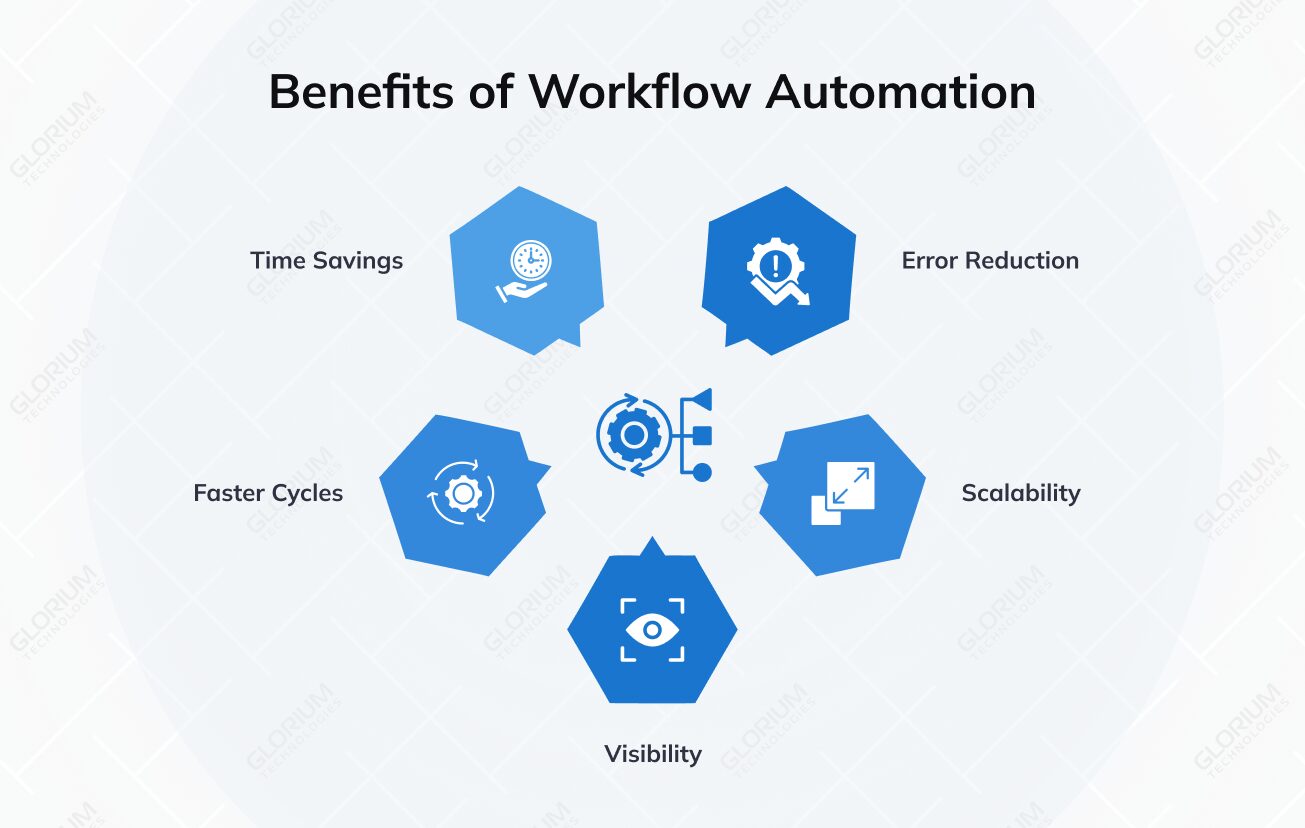
Automation pays off in hours returned, fewer errors, and faster cycle times, to name a few. The gains show up first in business operations that repeat the same steps every day. Here is what enterprise users and smaller teams typically see once automated workflows replace email chains and spreadsheet handoffs:
- Hours back each week: Software performs business tasks your staff once copied between systems by hand
- Fewer mistakes: Rules apply identical checks every time, which cuts human error in invoices and orders
- Faster cycle times: Approvals and handoffs move the moment a condition is met
- Room to scale: Order and ticket volumes grow without a matching jump in headcount
- Better visibility: Every run leaves a log that managers and auditors can review
A Glorium Technologies project for a US industrial distributor shows the effect in numbers. Approval Rules on the Odoo purchase-order Confirm button, plus a CogniAgent layer, cut approval time by 52% and stockouts by 44%. Buyers got 20+ hours a week back, and approvals that once waited 2 to 3 days now clear in one shift.
How to Choose the Right Workflow Automation Software
Picking the right tool starts with your processes. We built this shortlist on five criteria: process complexity supported, integration depth, governance and security, total cost at expected volume, and the skills your team already has. Apply the same lens to your own evaluation.
AI claims in this market deserve extra scrutiny. Gartner estimates that only about 130 of the thousands of vendors selling agentic AI offer real agentic capabilities. The firm also predicts that over 40% of agentic AI projects will be canceled by the end of 2027. Ask each vendor to demo its AI workflow automation tools on your own data, never on a polished sample.
Use this checklist before you sign a contract:
- Map your top three processes and count monthly runs before you compare paid plans
- Decide who will build: non-technical users, engineers, or a mix of both groups
- List every system you must connect, including legacy apps that lack an API
- Confirm SSO, audit logs, and data residency requirements with your security lead
- Model 12-month cost, including premium connectors, bots, and AI usage fees
- Ask for references from companies your size running complex workflows
The best workflow automation tools for you are the ones your team will still maintain a year from now. A short pilot on one live process tells you more than any feature grid.
Workflow Automation Implementation Tips
Most automation projects fail during rollout, long after the software choice is made. These tips reflect the patterns we see across business process automation engagements. Follow them in order, and you’ll catch the governance, data, and adoption problems that usually surface only after go-live.
- Start with one process you can measure: Pick a high-volume flow with stable rules, and record baseline hours and manual effort before you build
- Clean your data before you automate anything: Duplicate SKUs and stale records turn fast workflow building into fast mistakes
- Document each automation rule and its owner: A named owner means someone can manage workflows when people change roles.
- Match governance to each agent’s autonomy level: Gartner predicts that 40% of enterprises will demote or decommission autonomous AI agents by 2027 due to governance gaps. Give AI workflows that act on their own tighter review than ones that only advise
- Keep a person in the loop for exceptions: Route edge cases to a named reviewer and log every outcome.
- Measure results, then expand to new processes: Compare results with your baseline after 30 days before you move to the next process
Glorium Technologies followed this sequence for a nine-store US specialty retailer. Odoo became the inventory system of record, and a CogniAgent agent drafted replenishment orders for buyer sign-off. Reorder cycles ran 62% faster, and overselling dropped by 96%.
Map It, Rank It, Automate It with a Real Roadmap
See every process on one page, sorted by cost and effort, with your first automations ready to build.
Map, Rank, Automate with a Real Roadmap
Every process on one page, ranked by cost and effort, with automations ready to build.
Build Your Automation Roadmap with Glorium Technologies
Every platform on this list can deliver measurable gains when it matches how your team works. The harder questions are: which process goes first, which platform runs it, and how far to push AI automation before governance catches up. Getting that order right early saves months of rework.
Glorium Technologies has delivered 150+ projects. Our automation consulting team maps your processes, selects the automation software that fits, and helps you create custom workflows across Odoo, Dynamics 365, and CogniAgent. That work often anchors a broader digital transformation program.
Ready to automate processes with a plan? Book a free process audit, and we’ll put a dollar figure on the manual work you can remove first.
FAQ
How much does workflow automation software cost for a small business?
Your real bill depends on how each vendor counts usage, far more than on the entry price. Zapier bills every action step, so a five-step Zap uses five tasks per run. Make charges a credit per module, while n8n charges once per workflow execution regardless of step count. Before you buy, multiply steps by monthly runs for your busiest process. Most automation tools in 2026 let you test that math on a free tier first. For small teams, the best workflow automation value comes from the billing model that matches the shape of your workflows.
Can workflow automation connect to the project management tools we already use?
Workflow automation tools ship prebuilt connectors for popular PM apps, so the link usually takes minutes to set up. Common automations create tasks from form submissions, move cards when a deal closes, and post status changes to Slack. Check whether the connector supports two-way sync for your project tracking fields, since many only push data one way. Also confirm that customizable features in your project management platform, such as custom fields, appear in the connector. That check prevents gaps between your project management data and the rest of your stack.
Can AI agents replace rule-based workflow automation?
AI agents handle judgment calls, such as reading a messy email or classifying a support ticket. Automation rules still run the predictable steps, because they behave the same way every time. The strongest AI workflow automation setups combine both, with agents passing decisions into deterministic flows. Treat standalone AI tools without that structure as experiments until they prove reliable on your data.
How long does it take to implement workflow automation?
Simple departmental flows can go live within days on the best tools for SMBs, such as Zapier or Make. Cross-system projects involving ERP data, approvals, and governance usually take several weeks to a few months. Glorium Technologies starts with a process audit, then rolls out early wins in phases with the right automation tools. The first phase is to reduce manual effort on one business process before you scale.
Does Odoo have built-in workflow automation, or do I need a separate tool?
Odoo includes native Automation Rules, Approval Rules, and webhooks inside Odoo Studio, which requires the Custom pricing plan. That setup covers most custom workflows inside Odoo itself. Odoo’s own documentation recommends technical involvement for webhook connections to non-Odoo systems. Glorium Technologies, a certified Odoo partner, configures these features and adds external workflow tools or CogniAgent where your processes need them.