Accounts Payable Automation Explained for Finance Teams
Business Process Automation
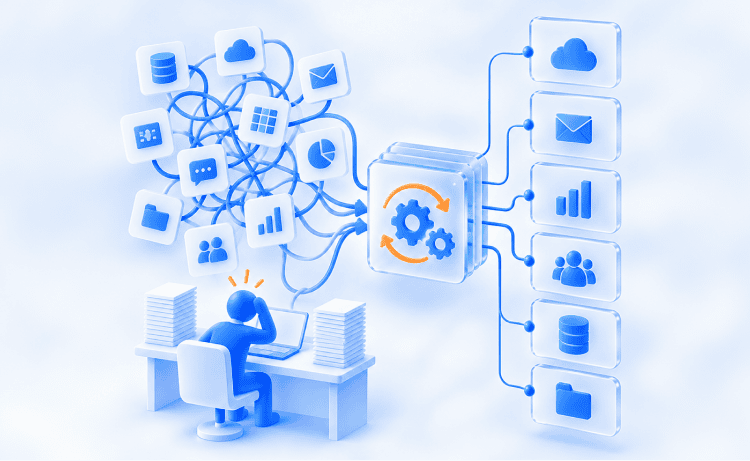
Processing a single invoice costs way more than most people realize. According to Ardent Partners' 2025 AP research, the average business forks out $9.40 per invoice when you factor in all the costs. Top-performing teams, on the other hand, pull it off for $2.78. Multiply that $6.62 difference across thousands of monthly invoices, and you're no longer looking at pocket change. It's an unnecessary expense and reason enough to bring it up at your next budget meeting. It takes the average AP team about 10 days to process a single invoice, with manual-heavy operations dragging that out to over 17 days. Yet, more than two-thirds of companies still have their staff typing invoice data by hand directly into their ERP or accounting software. Manual invoice processing is a massive waste of skilled talent. Your seasoned employees retype information a machine could capture instantly, while practically inviting typos and other human errors along the way. Accounts payable automation replaces all that typing, chasing, and cross-checking with software. It logs invoice data, associates it with purchase orders, routes it for approval, pays the vendor, and files everything for audit.
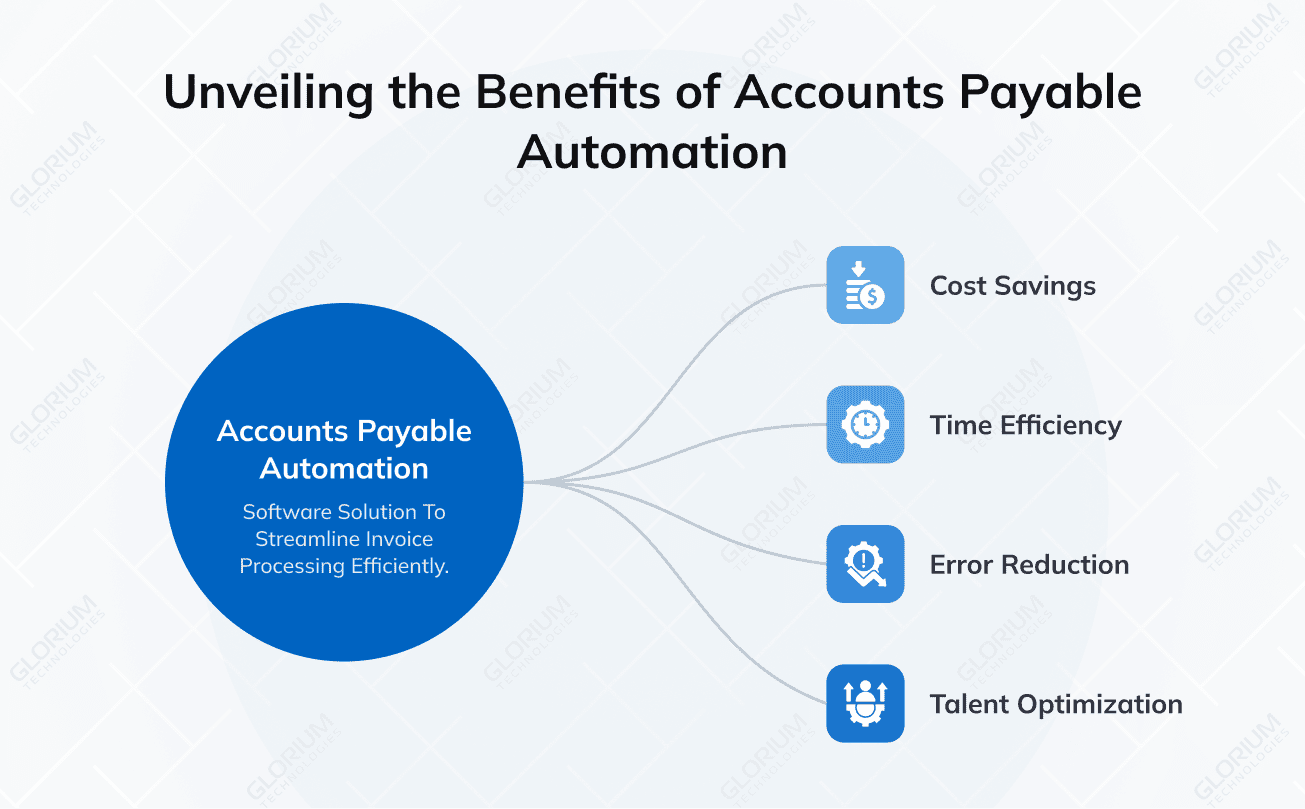
Accounts payable automation uses software to handle the entire accounts payable process, from invoice receipt through payment and reconciliation, with minimal manual intervention. Instead of a clerk opening a PDF and retyping the vendor, amount, and line items, the system reads the document, validates it, and pushes it forward. Many companies are now adopting AP automation software to automate accounts payable end-to-end and retire the manual processes that slow finance down. But why the sudden push? Two major shifts have happened lately. First, the underlying technology has matured. Optical character recognition and machine learning algorithms now read messy, non-standard supplier invoices with accuracy that old template-based tools never reached. Second, CFO have changed their priorities. According to Deloitte's Q4 2025 survey, half of financial leaders put tech transformation at the top of their 2026 agenda. AP is the obvious starting point: it's repetitive, easy to measure, and painfully expensive to handle by hand.
The simplest way to understand how payable automation works is to follow an invoice through the pipeline. We’ll map the core use cases in the order they happen, from the moment paper invoices or PDFs arrive to the point where payment data lands back in your ledger. Each stage removes a category of manual effort that used to sit on a person's desk.
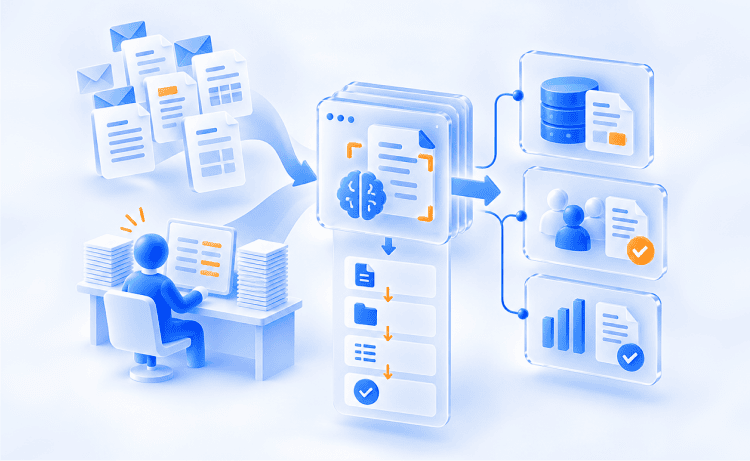
This stage handles capturing invoice data, extracting the fields that matter, and confirming that what arrived matches what you agreed to buy. Processing invoices used to be one of the most time-consuming accounts payable tasks, and it is the slowest, most error-prone part of the old workflow.
The system ingests invoices however they arrive: email attachments, supplier portal uploads, EDI feeds, or scanned paper invoices. Tools that automate invoice capture pull each one into a single queue instead of leaving them scattered across inboxes. This matters because 66% of businesses still track invoices in Excel spreadsheets, and another 38% use whiteboards, emails, or nothing at all. A unified capture point ends that fragmentation.
Optical character recognition reads the document, and machine learning interprets it, identifying vendor name, invoice number, date, line items, tax, and totals. Modern AI-based extraction reads invoice data fields correctly, so teams can trust the output enough to skip most manual data entry. The engine learns each supplier's format over time, so precision climbs with volume.
The system compares the invoice against its purchase order and, for goods received, the receipt. This two-way or three-way match confirms price, quantity, and terms before anything moves forward. It is the control that catches overbilling and duplicate invoices at the door. Automated matching flags exceptions like a quantity mismatch or an unfamiliar vendor and lets clean invoices pass straight through.
Getting invoices approved is easily one of the biggest issues in the invoice approval process. Nearly half of AP leaders say it takes way too long. Automated approval workflows fix this by instantly sending each invoice to the right person based on your own rules, then nudging them until the job gets done
When an invoice matches its purchase order, the system can approve and schedule it for payment automatically without any human intervention. That's the real power of touchless processing: an invoice lands in your system and moves all the way to posting without anyone having to lift a finger. The Hackett Group's 2025 Digital World Class research found that top finance organizations have around 80% of their accounts payable workflows fully automated, and that share climbs as your matching rules mature.
Approval routing keeps your internal policies enforced automatically. If an invoice clears a certain amount, it moves seamlessly up the chain. Let’s say it goes from a department head to the controller, and finally to the CFO, with every single step timestamped. You set the rules once, and the system enforces them every time, ensuring that a $50,000 charge never goes through on a single sign-off.
When an invoice flags an error, it goes straight to a specialist with the exact issue highlighted. Instead of digging through POs or decoding obscure error codes, the reviewer gets the context they need to resolve price mismatches or partial receipts on the spot. Approvers see far fewer exceptions—and the ones that do pop up get cleared out much faster.
As soon as an invoice gets approved, the system takes care of the payment. This stage lets you process payments automatically, then confirms they settle, keeping your cash flow protected. Beyond just delivering timely and accurate payments, it makes sure you capture early-payment discounts that manual teams almost always miss.
The system schedules payments based on due dates and your cash position, releasing funds at the optimal moment. That kind of timing is how ‘automated’ teams capture early-payment discounts. Take a standard 2/10 net 30 deal: you only get that 2% savings if the invoice is approved and queued up long before day 10. When manual processes drag out past that deadline, you lose the discount automatically. For a company managing $10 million in annual payables, consistently hitting those windows instead of missing them adds up to roughly $140,000 in pure savings every year.
The platform handles supplier payments through your preferred digital payment methods, whether ACH, virtual card, or wire, and gets you off paper checks. Beyond saving time, ditching paper is a huge win for security (which we'll break down in the compliance section). Once payment scheduling is automated, your team never has to print checks or stuff envelopes again.
Once a payment goes out, the system automatically ties the transaction back to both the original invoice and your bank record, closing the loop. Your books are updated in real time, so you don’t spend days each month on manual reconciliation.
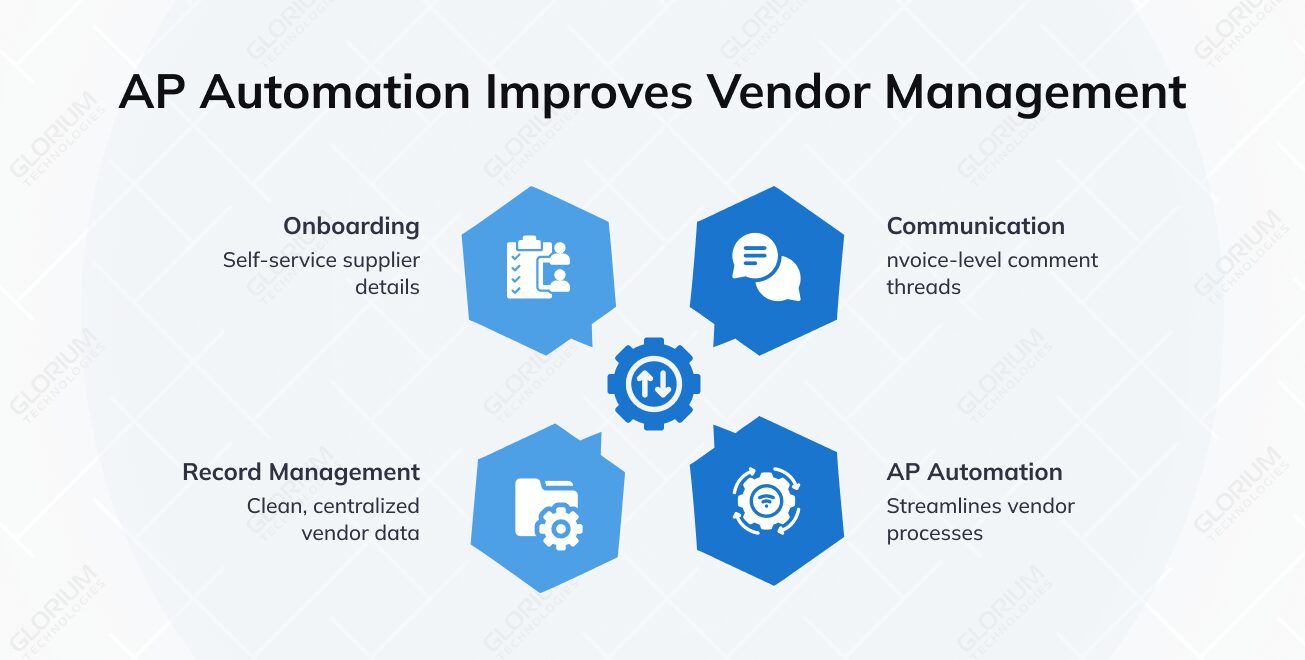
AP automation completely changes how vendors experience working with you. Built-in management tools streamline onboarding, clear up communication, and keep vendor records clean, wiping out the endless email back-and-forth that usually clogs up AP inboxes.
A vendor portal lets new suppliers submit their own details, banking information, and tax forms like the W-9 directly. The data lands validated and structured, so you are not rekeying it. Self-service onboarding also creates a verified record you can check against before any payment goes out.
Invoice-level comment threads keep questions attached to the invoice they concern. A supplier can see status, respond to a query, and get paid without a single phone call. This visibility is why teams using AP automation field far fewer "where's my payment" inquiries.
The system keeps a clean, centralized record for every vendor, including contact info, payment terms, tax details, and transaction history. Keeping these records accurate isn't just routine housekeeping but a critical internal control that powers automated matching and fraud detection.
Finance is based on trust, and trust is based on transparent and foolproof records. Strong audit trails, internal controls, and reporting ensure that sensitive financial data is protected and you are audit-ready. While lesser tools treat compliance like an afterthought, getting it right is way too important to ignore.
Every single action, from data capture and edits to approvals and payouts, is automatically logged with a clear user stamp and time. When audit season hits, that searchable log gives auditors everything they need, saving your team from hunting down paper trails by hand. It turns internal reviews from a massive week-long project into a quick, simple lookup.
The system captures and stores tax details automatically, making sure critical forms like W-9s are collected before a vendor is ever fully onboarded. Storing invoice data in a structured digital format also keeps you compliant with electronic invoicing rules, which tax authorities around the world are increasingly enforcing.
Because every invoice and payment is logged as structured accounts payable data, your reporting runs on live numbers instead of outdated spreadsheets. You get instant visibility into what you owe and when, making cash flow management simple and accurate. The controls here are more than “nice-to-haves.” The AFP’s 2026 Payments Fraud and Control Survey found that 76% of US organizations were victims of payments fraud in 2025, including 74% from business email compromise. That’s where automated features like duplicate-invoice detection, custom approval limits, and vendor validation come in as your first line of defense.
“The result of AP automation is faster processing, fewer errors, or duplicate payments, stronger controls, and real-time visibility into what’s pending, approved, or due, which is critical for teams managing growing invoice volumes.”
None of the above-mentioned features matter if they exist in a vacuum. Your payable processes have to feed directly into your main accounting system, or you’ve just moved the manual retyping from one step to another. Seamless ERP integration is what separates a true, end-to-end automation solution from a band-aid one.
At the enterprise level, your AP platform connects to systems like Odoo, Microsoft Dynamics 365 (both Business Central and Finance & Operations), and NetSuite. The AP platform syncs invoice details, approvals, and payment data back and forth with your ERP automatically. Purchase orders come in directly for matching and approved invoices go out directly as posted entries. ERP integration allows you to avoid double entry entirely and keep everyone working from a single source of truth.
For smaller finance teams, the same principle applies to lighter accounting packages. AP automation tools connect to platforms like QuickBooks and Sage, so coded invoices post automatically. The connection is what turns invoice automation from a scanning tool into part of your financial operations.
Connecting AP directly to procurement closes the loop all the way from purchase request to final payout. Because purchase orders generated in procurement are ready and waiting the second an invoice lands, three-way matching happens automatically, meaning no spreadsheet exports are required. This is where automated accounts payable becomes a connected process instead of a series of disconnected steps.
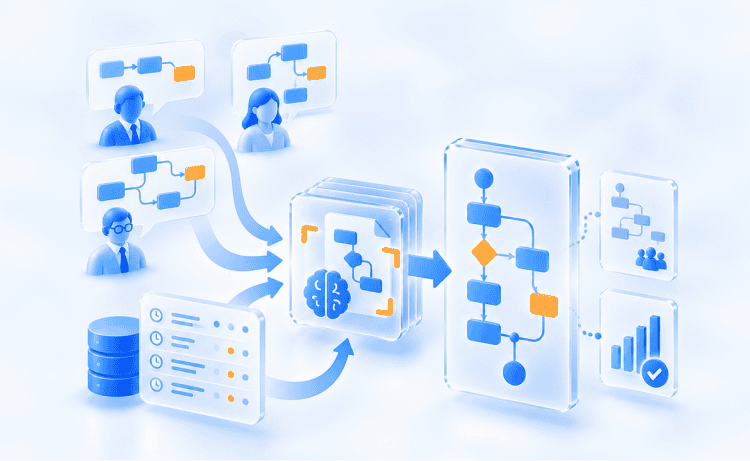
Behind the scenes, the AP automation process relies on a few key technologies working together. Knowing how they put it together makes evaluations of vendors and realistic expectations of your setup much easier. Here’s a quick overview of the journey of an invoice, from raw document to paid, fully reconciled line item:
Comparing the before-and-after data shows just how big of a difference it makes. These are industry-benchmark ranges drawn from the research cited throughout this guide. They are not any single company's results, and your own numbers will depend on invoice volume and exception rates:
|
Metric |
Manual AP |
Automated AP |
|
Cost per invoice |
~$9 to $15 |
~$2 to $3 |
|
Processing cycle time |
~17 days |
~3 days |
|
Manual keying error rate |
~2% |
below 0.8% |
|
AP workflows fully automated |
limited |
~80% at top performers |
Let’s say a mid-market distributor runs manual AP processes across 3,000 invoices a month at $12 each. They’re spending $36,000 every single month, with most of that money tied up in hours of tedious manual accounts work. Switching to automated processing cuts that cost down to around $3 an invoice. Suddenly, that same volume costs just $9,000 a month, instantly freeing up both budget and the team doing the typing. Add the recovered early payment discounts, and the business case practically makes itself.
Not every accounts payable automation software delivers the same result. The AP automation solution that works for a company handling 500 invoices a month will fall flat for an enterprise processing 50,000. The difference between a smooth, successful rollout and a project that gets completely stuck usually comes down to a few key choices you make before ever signing a contract. Use these criteria to pressure-test any vendor you're considering:
|
Evaluation area |
Key question |
Why it matters |
|
Integration Depth |
Does it sync two-way with your ERP, or require manual file exports? |
Shallow syncs just move manual data entry downstream |
|
Data Capture |
How well does it handle your messiest, worst-formatted vendor invoices? |
Accuracy directly controls how many invoices need manual review |
|
Workflow Rules |
Can it handle multi-level approvals and policy exceptions naturally? |
Rigid rules force your team into messy workarounds |
|
Fraud Controls |
Does it auto-detect duplicates and verify bank details before payment? |
Prevents accidental overpayments and payment scams |
|
Payment Options |
Which digital payment methods does it support beyond checks? |
Needed to fully retire manual paper check runs |
|
Scalability |
Can it handle 10x your current volume without a total system rebuild? |
Saves you from having to switch software again in two years |
There’s one thing to consider that matters even more than the feature list: deciding whether to buy a standalone point solution or build AP automation directly into a broader ERP rollout. A point solution might get you up and running quickly, but it’s going to live alongside your ERP rather than inside it. When AP automation is part of a unified ERP project, the integration is native, and the accounts payable processes share one data model with the rest of finance. That architectural choice will shape every step of your process downstream.
Automation is eliminating monotonous manual tasks, but it also introduces a new set of choices and potential risks. By being upfront about these risks early on, you can plan for them effectively, instead of meeting them mid-project.
None of these challenges are reasons to stick with outdated manual processes. Instead, they're proof that you need to scope your project carefully and, in most cases, bring in experienced hands to handle the trickier parts of the setup and integration.
You can buy an off-the-shelf AP tool and set it up on your own. That’s what plenty of smaller teams do. But the calculation changes fast when AP automation needs to live inside a wider ERP, when your approval logic is genuinely complex, or when legacy integration turns into a development project instead of a settings screen. This is where an implementation partner with real ERP depth changes the outcome. Glorium Technologies builds accounts payable automation into unified ERP rollouts across Odoo and Microsoft Dynamics 365. That means your invoice capture, matching, approvals, and payouts share a single, native data model with the rest of your finance stack. When data capture, GL posting, and reconciliation all happen inside a single system, you avoid the blind spots between apps where costly errors and delays usually hide. We understand the software beneath your AP process, so you can be sure to get honest scoping, seamless legacy connections, and audit-proof controls built from day one. If your AP headache is just a larger ERP challenge in disguise, our end-to-end expertise is what you need in the room. Reach out to Glorium Technologies to build AP automation directly into your ERP.
The fit is strongest for mid-market and enterprise organizations, and for shared services groups that consolidate AP across several entities. If you handle only a handful of invoices a month, a lightweight AP solution can still tidy your financial processes without a heavy build.
A real engagement runs the whole pipeline for you: invoice capture, data extraction, PO matching, approval routing, payment execution, and reconciliation, plus the integration into your ERP or accounting system. That last piece is where most of the value hides, since it stops your team from keying the same numbers twice. For a mid-market rollout, plan on roughly six to twelve weeks, and expect longer when legacy systems or many entities are in play. Once you go live, the wins show up fast. You get a shorter close, fewer exceptions, and lower processing costs inside the first quarter. You also pay suppliers more consistently, and those steadier, timely payments tend to earn you goodwill when you need a favor later. Notice how the accounts payable automation work shifts your people from typing toward judgment calls on the exceptions that need a human.
Most pricing for accounts payable AP automation pairs a one-time implementation fee with an ongoing per-invoice or subscription charge. Your setup fee buys configuration, integration, testing, and training. Your recurring fee buys capture, matching, workflow, and support. When you fold automation into a broader ERP project, the AP piece sits inside that engagement instead of arriving as a separate license you manage alone. Before you sign, weigh the quote against your current cost per invoice, because the cost savings and recovered discounts often cover what you spend inside the first year.
Any serious AP software you shortlist should treat security as the starting point, since the system handles sensitive banking details and moves your money. Look for SOC 2 controls, encryption in transit and at rest, role-based access, and full audit logging. Together, these measures protect sensitive financial data and hand your auditors a clean trail to follow. Configurable approval limits and vendor validation give you a second layer, catching unauthorized spend and duplicate payments before the funds ever leave your account.
If you run finance, the benefits of AP automation land on three fronts: cost, control, and cash visibility. Your cost per invoice drops, manual errors fall, and live data sharpens your forecasts. The accounts payable automation benefits you will report upward are tighter fraud defense, smarter working-capital timing, and audit readiness that no longer eats days each quarter. In short, you turn a back-office cost center into usable financial intelligence.