
Construction ERP Software
Know Your Job Margins Daily
Swap disconnected tools and spreadsheets for construction ERP software. Job costs, AIA billing, retainage, and certified payroll share one database, so your office and field teams read the same numbers.


Proof in Numbers






- 150+
Products Delivered
Building custom software for global startups and enterprises since 2010
- 4.8 Rating
Based on Clutch Reviews
30+ client reviews cite on-time delivery, steady updates, and agility
- 60+
Awards and Certifications
Inc. 5000 (2020–2023) and IAOP Global Outsourcing 100 (2025, 2026)
- Five
Trust Credentials
ISO 27001 and 9001, plus Odoo, Microsoft, and AWS partner status
Signs Your Construction Business Has Outgrown Its Current System
Across the construction industry, contractors outgrow QuickBooks and Excel before they notice. These signs show where disconnected tools hide job costs, delay billing, and risk margin.
- Late Job Cost Reports
- Pay Apps Built by Hand
- Slow WIP Schedules
- Commitments in Excel
- Field Hours Retyped
- QuickBooks Workarounds
Find the Right Construction ERP for the Way Your Company Builds
We implement two leading ERP platforms for SMBs and build custom ERP systems, so your choice follows your workflows, team size, and growth plans.
Odoo ERP
As an official Odoo partner, we configure Odoo Project, Purchase, Inventory, and Accounting for mid-sized contractors and add custom modules for AIA billing, retainage, and WIP.
Dynamics 365 BC
We are an official Microsoft partner. Our team can configure Projects, WIP methods, and financial management around your jobs, then build AL extensions for construction billing.
Custom Construction ERP
When packaged ERP software can't match your processes, we build a system from scratch around your cost code logic and owner reporting. You keep full source code ownership.


End-to-End Construction ERP Services
Consultants, developers, and integration engineers who know construction workflows handle your ERP from the first workshop through go-live and beyond.

Glorium Technologies maps how bids, budgets, commitments, billing, and payroll move through your construction operations today. Odoo, Business Central, and custom options are then scored against your workflows, user count, budget, and growth plans.
Odoo Implementation
Odoo Project, Purchase, Inventory, Timesheets, and Accounting get configured around your cost codes, approvals, and billing rules. Upgrade-safe custom modules add AIA pay apps, retainage, and WIP reporting that survive each Odoo release.
Business Central Implementation
Business Central Projects, Finance, and Purchasing follow your job structure, approval rules, and WIP method. AL extensions and automated workflows add construction billing, payroll, and compliance checks beyond standard features.
Custom Development
Have complex operations that packaged software can’t handle? Our engineers can build a custom web and mobile ERP. You receive the source code, technical documentation, and knowledge transfer, plus an optional code escrow.

Integration
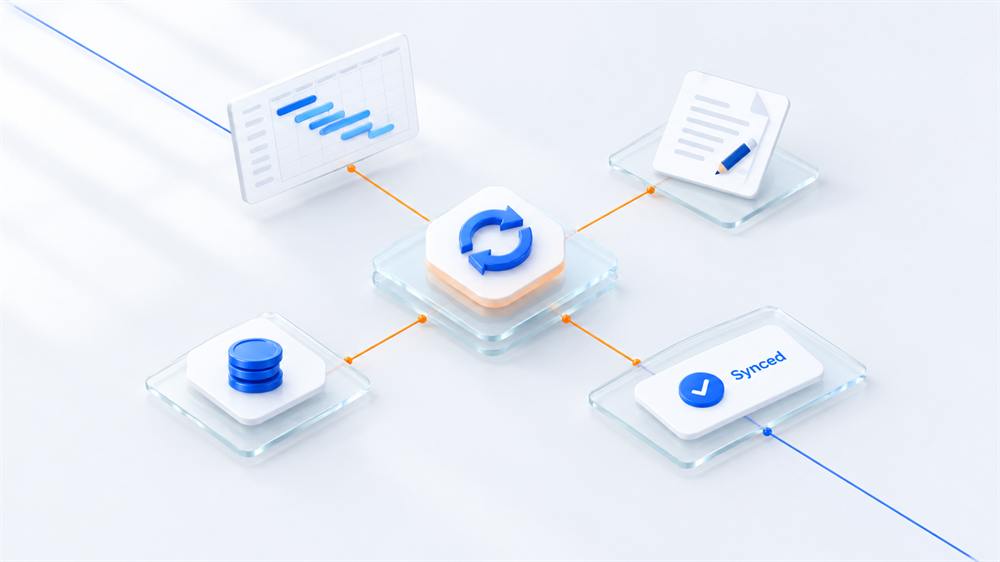
Your ERP gets connected to construction management software such as Procore and Autodesk Construction Cloud, plus Primavera P6 and Microsoft Project. Change orders, budgets, and commitments sync automatically, with alerts for failed syncs.

Data Migration
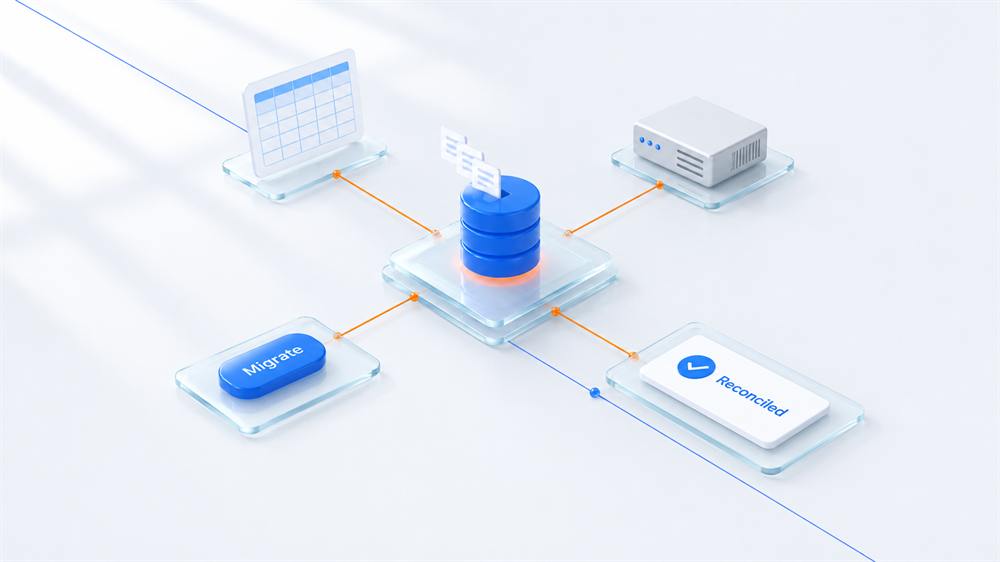
Vendors, open jobs, budgets, commitments, and retainage move from QuickBooks, Sage 100/300 CRE, Viewpoint, Excel, or other construction software. Records are mapped to the new cost codes and reconciled to your trial balance before go-live.

ERP Training and Adoption
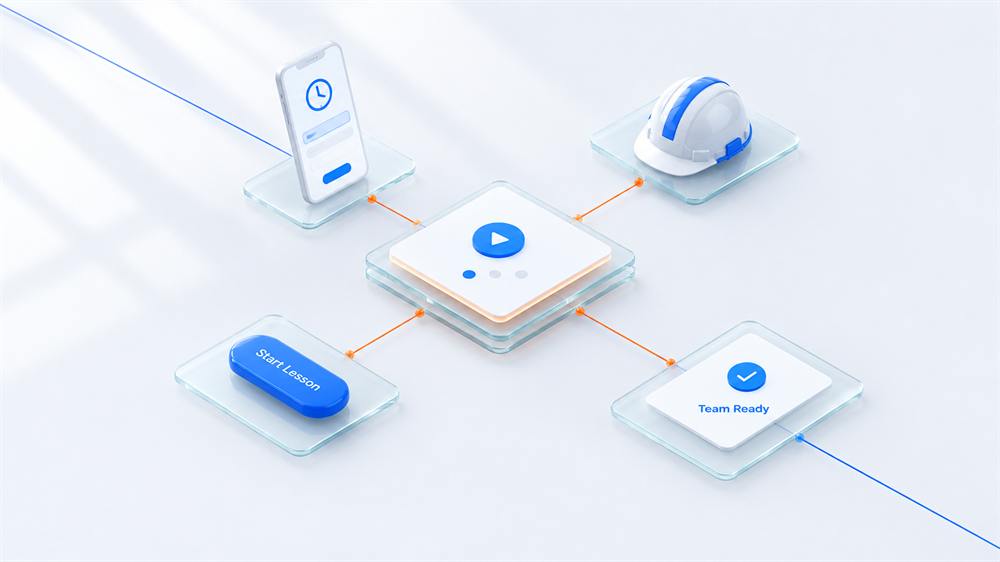
Role-based sessions teach accountants, buyers, and superintendents the workflows they use daily. Field crews get hands-on sessions on mobile time entry, building habits that improve efficiency from week one and sustain adoption.

ERP Support
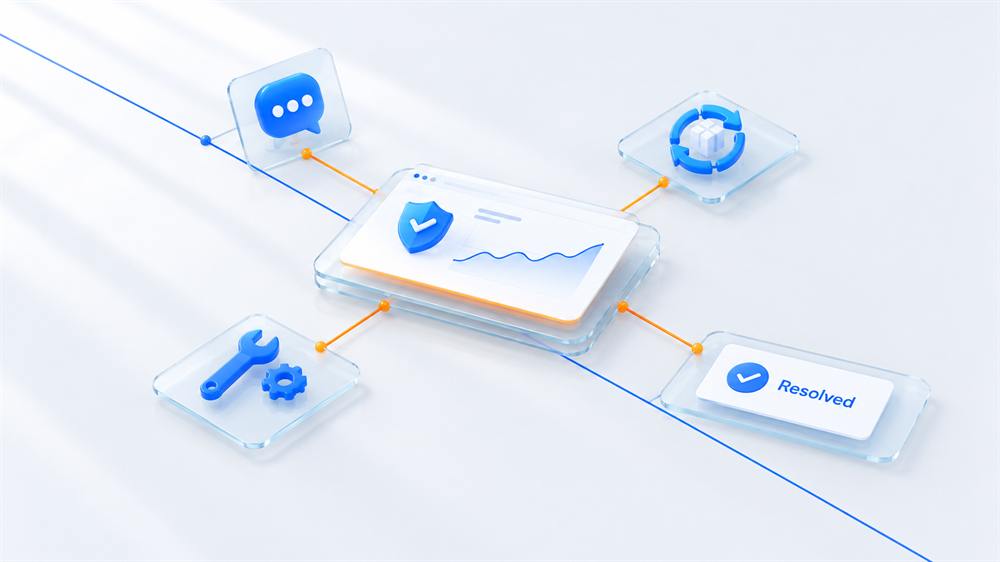
After go-live, the same team handles bug fixes, enhancements, version upgrades, and security patches. As you grow, you can add new entities, regions, and integrations, streamlining operations without a second implementation project.

Construction ERP Solutions That Connect Your Jobs, People, and Finances
Across the entire project lifecycle, from estimate to final retainage payment, these solutions keep project, field, and finance data in one platform.
Set up job cost accounting around CSI MasterFormat cost codes, cost types, and a WBS for each job. Budgets, commitments, and actual costs roll up by job, division, and entity, so margin trends show up weeks before the job closes.
- CSI MasterFormat cost code library
- WBS and phase structure by job
- Budget templates and revision history
- Committed cost and cost-to-complete
Issue POs and subcontracts against the job budget to see committed cost update right away. Inventory management ties jobsite stock and yard materials to the jobs that use them. Material costs land on the right job automatically.
- PO and subcontract approval routing
- Retainage on payables
- Three-way match for vendor invoices
- Multi-location stock and requisitions
Equipment management covers owned and rented units, their location, hours, and job assignment. Internal equipment rates charge job costs automatically, and maintenance schedules run from meter readings to prevent breakdowns on site.
- Equipment register and asset tracking
- Internal rate billing to jobs
- Rental tracking and returns
- Preventive maintenance by hours
Construction payroll handles multi-state crews, several pay rates per worker, and prevailing wage work. Payroll processing draws hours from approved field time, and certified reports come out in WH-347 format for Davis-Bacon projects.
- Job and classification pay rates
- Davis-Bacon and state prevailing wage
- Union fringe and benefit tracking
- HR records and certifications
Financial reporting pulls from live job data, not from exported spreadsheets, giving finance teams a WIP schedule with over- and under-billings. Executives see margin, backlog, and cash trends by job, project manager, or division.
- WIP schedule with over/under billings
- Job profitability and fade reports
- Cash and backlog dashboards
- Power BI or native reporting
Superintendents and crews log time, daily reports, photos, and installed quantities from a phone at job sites, even without signal. Approved entries flow into payroll and job cost with no paper in between and no retyping at the office.
- Mobile time entry by cost code
- Daily logs with weather and photos
- Equipment hours and quantities
- Offline mode with automatic sync
Document management links RFIs, submittals, insurance certificates, and lien waivers to the job, vendor, or payment they belong to. Vendor payments can be held automatically when a certificate expires, or a required waiver is still missing.
- RFI and submittal logs by job
- COI expiry alerts and payment holds
- Conditional and final lien waivers
- Version history and approvals
Key Features for Project Controls and Construction Finance
Give PMs and finance one view of job budgets, commitments, change orders, and billing, with audit-ready revenue recognition and a faster month-end close.
Job Costing by CSI Cost Code
Every labor hour, invoice, PO, and equipment charge posts to a job, phase, and CSI MasterFormat cost code. Cost types for labor, material, subcontract, and equipment keep job costing consistent across all jobs.
Learn MoreCost-to-Complete Forecasting
Original budget, approved changes, commitments, and actuals sit side by side for a regular budget-to-actual review. Project managers update cost-to-complete monthly, and projected margin recalculates right away.
Learn MoreChange Order Management
Potential, pending, and approved change orders move from owner contracts into project budgets and from commitments into subcontracts. A change order keeps its approvals and schedule impact in one record.
Learn MoreAIA Progress Billing and Retainage
Schedule of values billing produces AIA G702/G703 applications for payment, including stored materials. Retainage is held and released by line item, which helps you manage cash flow on every job you invoice.
Learn MoreSubcontract and PO Management
Subcontracts and POs carry scope, retainage terms, and change orders. Subcontractor management checks every vendor invoice against the remaining commitment, which stops overbilling before a check goes out.
Learn MoreWIP Schedule and ASC 606 Revenue
Cost-to-cost percentage of completion drives revenue recognized over time under ASC 606 rules. The WIP schedule calculates over- and under-billings for each open job, ready for bankers, sureties, and auditors.
Learn MoreMulti-Entity Accounting
Run several companies, LLCs, or joint ventures in one database with intercompany entries and eliminations. Each business unit keeps its own ledger and financial controls, while executives see the combined picture.
Learn MoreExecutive and Project Dashboards
Live views of margin, backlog, cash, and WIP filter by division, project manager, or entity. Leadership checks project performance and financial health across the portfolio without waiting for a manual spreadsheet.
Learn MoreJobsite and Compliance Features to Keep Every Job Audit-Ready
Track equipment, field hours, and subcontractor compliance in one place, and produce certified payroll reports without rebuilding them in a separate spreadsheet.

Equipment Tracking
Each owned or rented asset shows its location, hours, job, and current service status. Utilization reports reveal idle units and guide resource allocation, while internal rates post to job cost daily.

Field Time and Daily Reports
Crews enter time by job and cost code on mobile. Superintendents file daily logs with weather, manpower, and photos. Approved hours flow to payroll and job cost the same day they are submitted.

RFI and Submittal Tracking
RFIs and submittals carry due dates, reviewers, and current status for each job. Linked project records let PMs trace any schedule/cost change back to the exact question or approval that triggered it.

Lien Waivers and COI Tracking
The ERP tracks conditional and unconditional lien waivers and certificates of insurance for every subcontractor. Expired COIs or missing waivers automatically pause that vendor's next payment.

Certified and Union Payroll
Davis-Bacon rates for federal infrastructure projects apply by job and classification, with weekly WH-347 reports. Union fringes and local rates get updated each pay period automatically.
Our Construction ERP Projects and Beyond
View All
Odoo 18 ERP Implementation for Multi-Project Construction Management
Disconnected spreadsheets and manual procurement slowed a growing construction firm. We deployed Odoo 18 Enterprise to unify purchasing, inventory, scheduling, labor, and accounting, cutting procurement costs by 18%, speeding supplier responses 2x, and reducing admin work by 30%.
Read the Full Success Story
Microsoft Dynamics 365 Business Central Implementation for Industrial Metal Manufacturing
To unify finance, inventory, and production for a Belgian metal manufacturer struggling with disconnected tools and frequent material shortages, we deployed Microsoft Dynamics 365 BC. It helped cut downtime 10x, reduce stock value by 15%, and keep general production overhead below 10%.
Read the Full Success Story
Construction ERP Integration Capabilities
Your field, project management, and accounting staff each work in their own daily tools. These integrations link those tools to the ERP, so nobody types the same change order twice.

Procore
Procore stays your construction management hub while cost codes, budgets, commitments, change orders, and subcontractor invoices sync both ways with your ERP via the Procore REST API.

Autodesk Construction Cloud
Budgets and change orders from ACC Cost Management sync with your ERP ledger. Project teams keep construction project management in Autodesk while finance pays from the ERP.

Oracle Primavera P6
Activities, WBS codes, and percent complete flow from P6 into the ERP for cost-loaded schedules. Cost data flows back, so project planning and real spend stay aligned in both systems.

Microsoft Project and Planner
Tasks, milestones, and percent complete from Project desktop, Project Server, or Planner tie to the job WBS. Project tracking then reflects schedule progress without manual updates.

Microsoft 365 and Power BI
Business Central works natively with Excel, Outlook, and Teams, and both ERPs can feed Power BI. Executives get dashboards on margin, WIP, and backlog refreshed from live financial data.

Estimating Software
An awarded bid becomes the original job budget by cost code, with no retyping. Imported project estimates keep their line detail, so variance analysis starts from the first day of the job.

Payroll and Banking Services
Bank feeds, positive pay files, and outside payroll systems connect to the ERP, so cash and labor costs reconcile daily. Payroll runs post to job cost and the general ledger in a single step.

Legacy Construction Accounting
During a phased move off Sage 300 CRE or Trimble Viewpoint, temporary data bridges keep history and open jobs visible. Teams switch modules one at a time without losing records.



Who Gets the Most from ERP Construction Software
Each company type below gets a configuration built around its own billing, cost, and compliance rules, with dashboards for finance, operations, and IT management.
- General Contractors
- Construction Companies
- Residential Home Builders
- Real Estate Developers
- Commercial Builders
- Design-Build Firms


Business Results Contractors See After Moving to a Construction ERP
Moving off spreadsheets pays off in margin, cash, and time, and helps teams deliver projects on budget. These six benefits show where the return on a construction ERP comes from.
A Shared Record for Every Job
Estimators, PMs, and accountants share one job record across the project lifecycle. Project stakeholders start meetings with decisions instead of debating whose numbers are right.
Live Job Profitability by Phase
Job margins update in real time as costs post. Tracking expenses by cost code pinpoints unprofitable project phases immediately, while crews are still on site to course-correct.
Catching Cost Overruns Early
Committed cost and monthly cost-to-complete forecasts flag a troubled job early. Risk management moves from end-of-job surprises to weekly reviews with time left to recover.
Faster Billing Cycles
AIA pay apps are generated straight from the schedule of values, and retainage is tracked to the dollar. Owners get invoices sooner, which shortens the wait for cash flow to arrive.
Less Double Data Entry
Time, logs, and equipment hours captured in the field post directly to payroll and job cost. Removing manual processes frees office staff for work that needs their judgment.
Audit-Ready Financials
WIP schedules, ASC 606 revenue, certified payroll, and lien waivers come with full audit trails. New divisions, regions, or entities become a setup task, not another spreadsheet.


How Your Construction ERP Goes from Plan to Go-Live
Seven steps take your company from scattered spreadsheets to one working ERP, with demos at each stage so your team can react early.
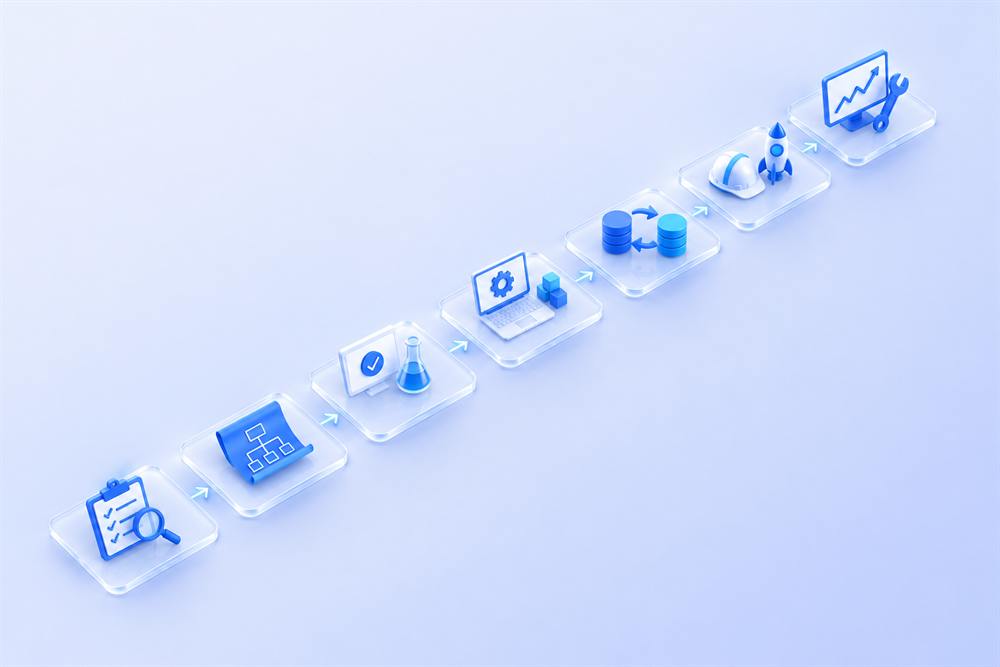
Workshops with finance, operations, and field leads produce a requirements document, risk assessment, scope, and project estimate.
What Our Clients Say About Their Digital Adoption Journey


IT Company
The project management was exceptional from start to finish. Every deliverable was provided on schedule, with clear communication at each milestone.


Metal Fabrication Company
Glorium Technologies has handled our full Odoo 18 implementation, from discovery and process mapping through configuration, custom development, data setup, training, and go-live.

Logistics Company
Glorium Technologies’ ability to work with us, pivot, understand the process in technology, and be a good partner is impressive. We’ve never done this before as a company, so it’s been very overwhelming.

Real Estate Company
Because our business is entirely web-based, we needed a functioning website to be viable. The platform works as expected and now boasts a thriving user base.
Run Multiple Projects from One System
Tell us how many jobs you run, and we will map an ERP setup that keeps each one in view.


Let's Connect!
Send us a message, and we'll promptly discuss your project with you.