







ERP Migration Tips for Companies Expanding Their Production
Updated December 10, 2025

 Summarize in ChatGPT
 Summarize in ChatGPT
Robotics and AI can bring fantastic upgrades to your production lines. But shop floor innovation has little to no impact on your commercial teams, still relying on fragmented tools and disconnected workflows. It’s no surprise that 76% of manufacturers find digital transformation challenging, or that 42% struggle to share data across their teams. The result is a commercial engine that can’t keep pace with growing operational output.
Can you extend progress beyond the production line and into the systems that support growth? An ERP system serves as a bridge between modern operations and the business oversight needed to expand effectively. You just need to plan ERP migration meticulously to avoid losing data stored in separate spreadsheets, legacy tools, and manual reports.
Content
The gaps in legacy systems become harder to ignore once your production increases, as they inflate costs and disrupt planning. Your in-house data engineers may end up spending nearly 40% of their time on cleanup instead of analysis. This quickly becomes a drain on resources and limits the value your team can deliver.
A Belgian chocolate manufacturer learned this the hard way once the demand increased. They tracked work orders through sticky notes and scattered spreadsheets, while labor costs were nothing more than rough estimates in the BOM. Missed deadlines became routine because no one could explain where things went wrong. As a result, the team wasted over 20 hours a week fixing schedules and reworking orders.
As your production expands, older tools may become insufficient to support rising order volumes, more complex workflows, or multi-site operations. Growth exposes every weakness in disconnected tools, meaning the gap between what your systems can handle and what the business needs becomes too wide to ignore. When it takes you ages to make a decision, you can’t act proactively.
Here’s how those limitations may show up in real business operations:
If you’re considering a new ERP platform, chances are your existing system can’t support your needs the way it used to. A modern ERP isn’t just a replacement for aging software; it gives your teams a smarter, more connected way to operate. From what we’ve seen, a manufacturer can reach over 90% accuracy across two warehouses as well as cut annual stock losses by around 16% with a new ERP solution. You can get those results by moving away from scattered files and disconnected tools and switching to one system that keeps everything in the same place.
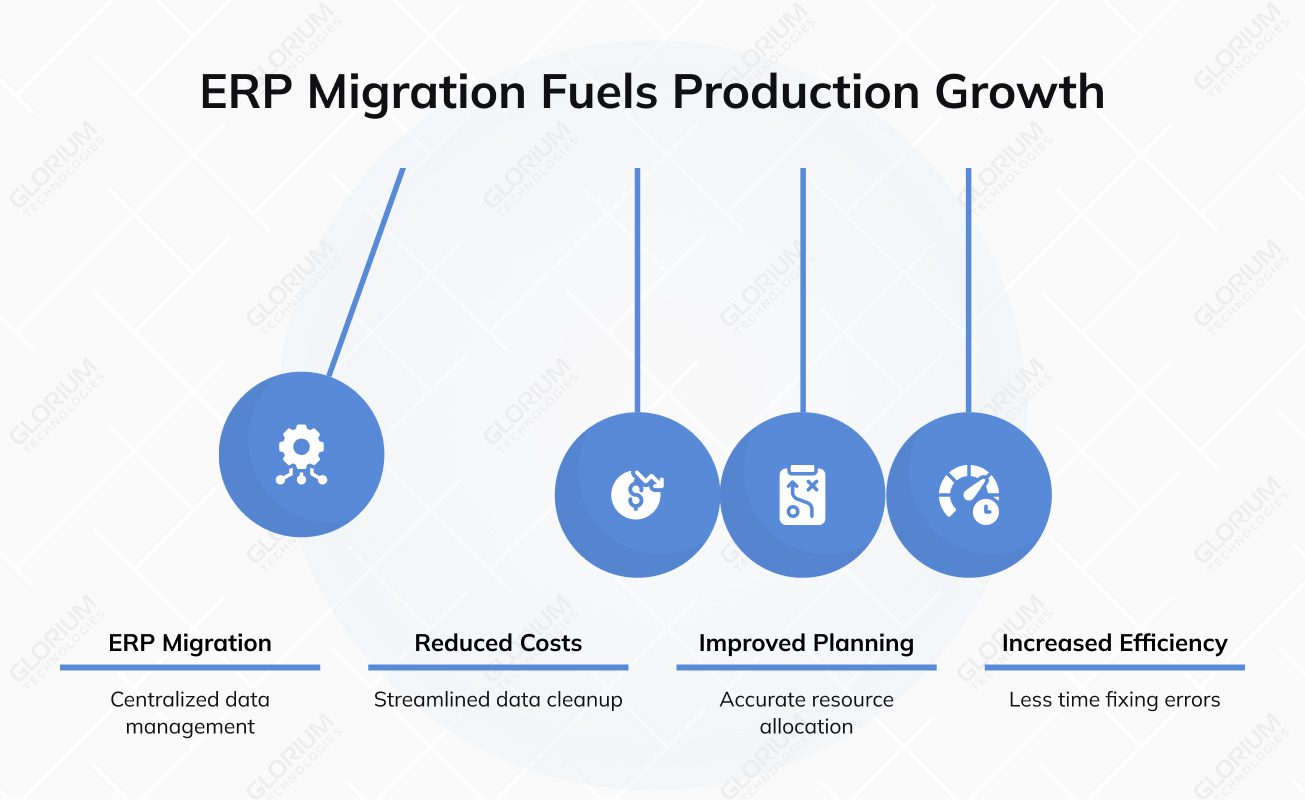
A successful ERP migration opens the door to stronger control and more predictable planning. Here’s what you can gain with a modern ERP system:
The success of your ERP implementation project hinges on how well you prepare for the migration project. Poor data preparation may come with a steep price. Overall, data inconsistencies can cost you between 20% and 30% of your revenue. That’s why following ERP data migration best practices is essential. When you ensure data accuracy from the start, the entire transition becomes smoother and far less disruptive for your teams.
When you plan your migration around the needs of your production team, the new setup becomes far more useful. You should home in on the areas where your old ERP system causes blind spots, duplicate entries, or unpredictable spending.
A good ERP data migration strategy supports this shift. Structured data transfer gives your team a consistent view of orders, materials, and workloads, making for the foundation for cutting waste as information stops “hiding” in disconnected tools.
With a stronger operational view, you gain clearer insight into production workflows and can expand to multiple warehouses or locations without losing control. This approach positions your business for stable, predictable business growth.
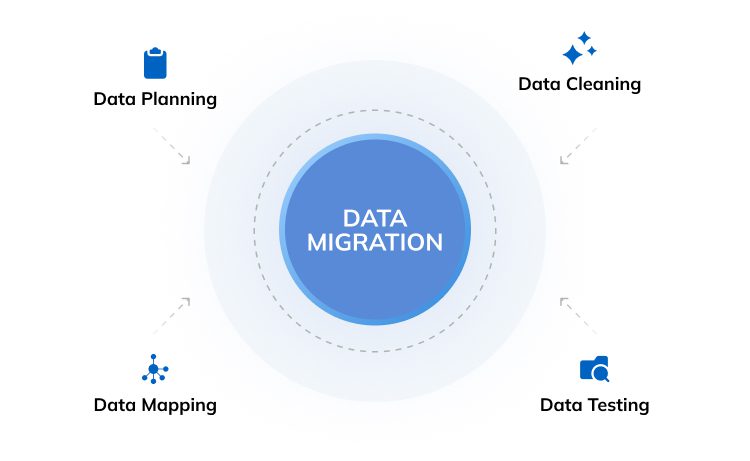
So, why not ask your team where things run smoothly and where they lose time because tools don’t meet their needs? You need to capture these details honestly; it is not the moment to polish them. When you combine this insight with accurate data mapping, you can avoid carrying problems from the old environment into the new one. It also sets up your data migration process to support fine-tuned workflows, keeping past issues at bay.
Arrange brainstorm sessions with specialists who have a close view of the work: production managers, inventory controllers, procurement leads, and accounting and finance analysts. They notice delays, repetitive steps, and weak points long before they appear in reports. Their perspective can help you design an enterprise resource planning system that supports real tasks, protects system performance, and turns your existing data into something your team can rely on.
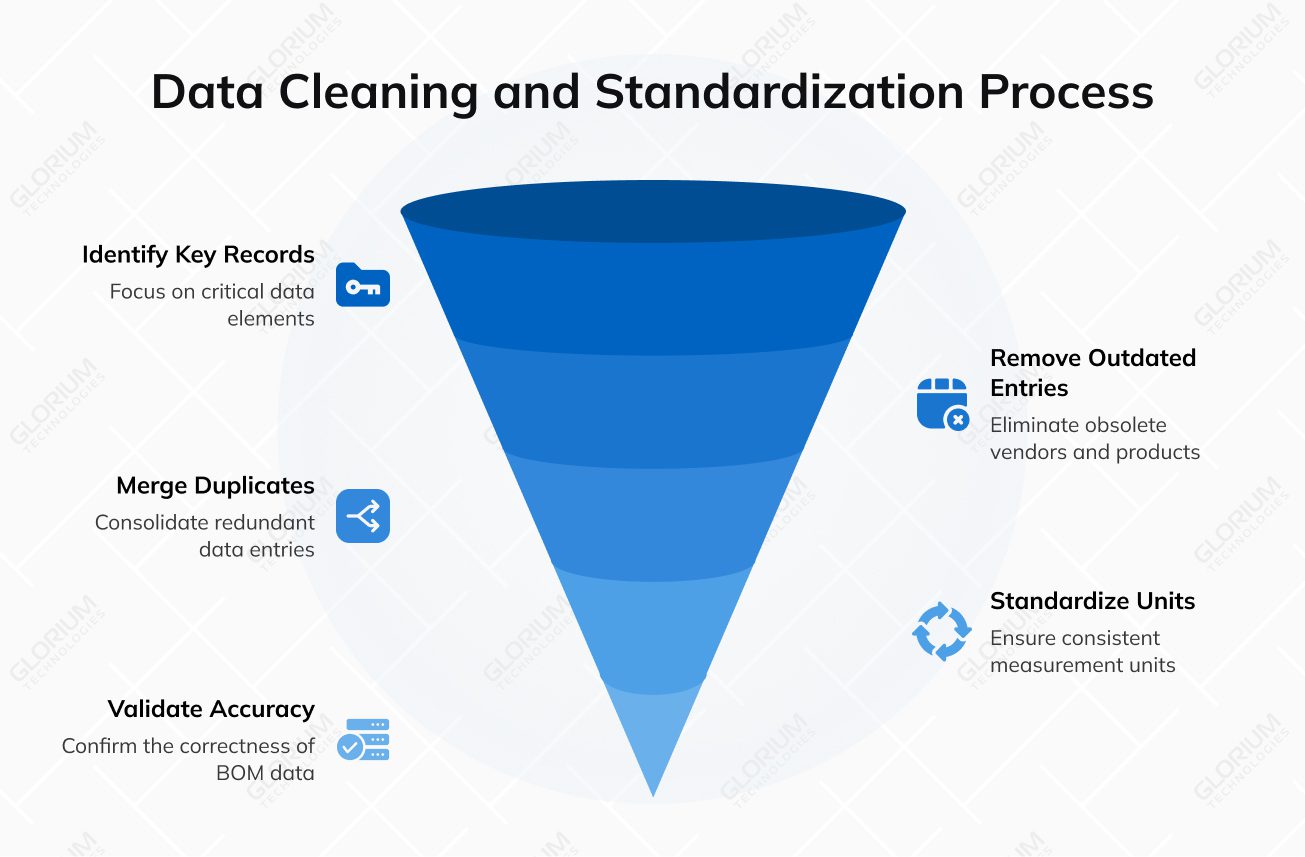
Before you move any information into the new system, ensure that it is accurate and consistent. This way, you can reduce errors that often happen during migration and prevent incorrect stock counts that can disrupt production. You can also improve demand forecasting by removing gaps in your historical data. When your migrated data is already in good shape, your new system can support growth instead of amplifying past mistakes.
You should zero in on the records that directly influence production and planning: SKUs, vendor profiles, bill of materials, product variants, pricing lists, and work orders. These elements guide your business process flow and affect every step of the supply chain.
Use a simple ERP migration checklist to keep everything organized:
When cherry-picking your next platform, you should focus on the system functionality that supports real growth on the production floor. Look at tools like real-time inventory management, automatic reorder rules, material requirements planning, shop floor control, and multi-warehouse management. These ERP functions become far more effective once your data cleansing work is complete, because accurate information helps ensure data integrity as your operations grow. Strong features paired with clean data give your team a reliable setup.
Can the system support new production lines without slowing your team down?
Can it coordinate with multiple warehouses across different regions while maintaining consistent data?
How easily can you add new users when more people join your operations?
ERP software may offer integration with MES platforms, IoT devices on the shop floor, vendor portals, and accounting systems, to name a few. Strong connections help protect data integrity and reduce manual work as you scale.
The right migration team can make the difference between a smooth transition and months of disruption. A strong ERP provider like Glorium Technologies understands that production environments have no room for guesswork. We help you plan for transferring data safely, involve your key stakeholders, and handle the practical side of change management so your upgrade supports growth.
You need to start by checking whether the team has delivered projects for manufacturing or distribution companies. Most companies have case studies available for their website visitors, so give them a look. After all, your entire ERP implementation project depends on whether your partner understands how real operations work, not just how they look on paper. You can ask for examples where they handled mapping data, connected the system to other business systems, and protected teams from data loss during the transition. The right partner can support automation capabilities and analytics once the system is live.
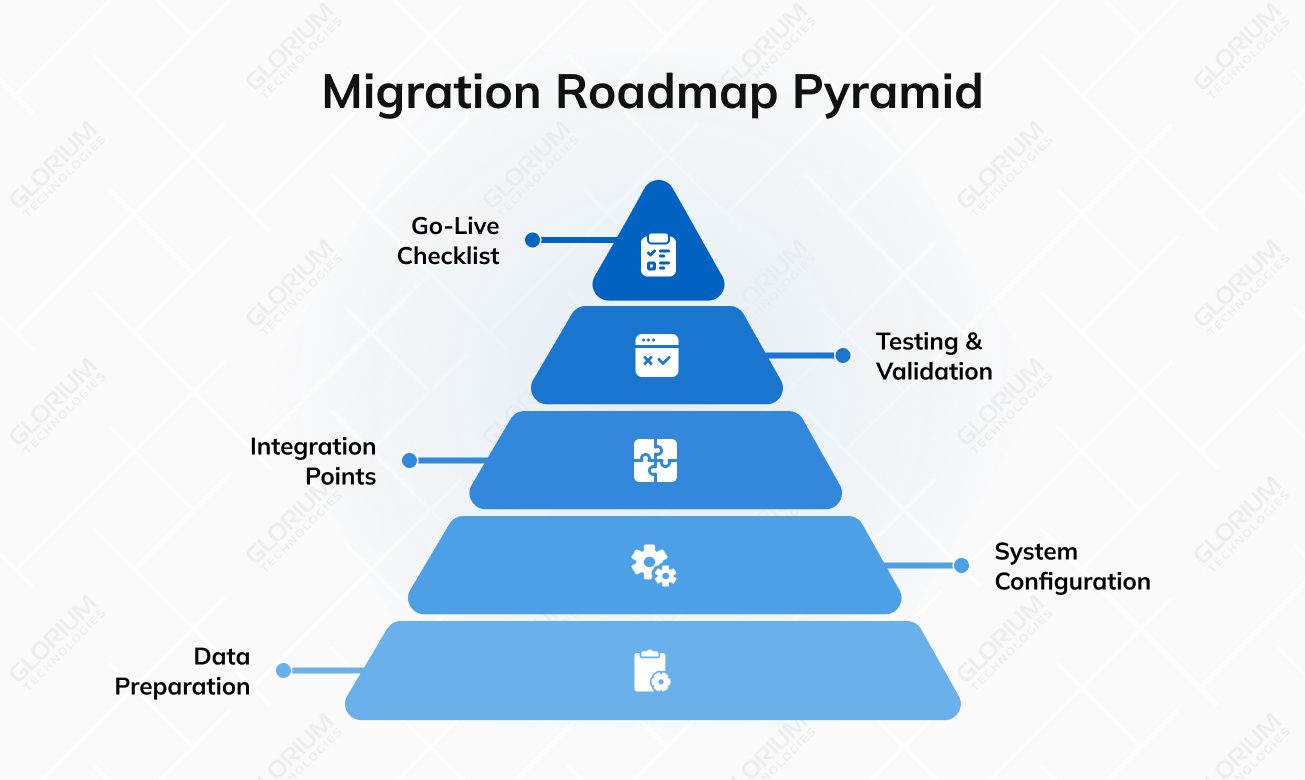
A strong roadmap breaks the migration into manageable pieces so nothing feels rushed or unclear. Your migration partner will suggest a realistic timeline for each phase, including how long data preparation and data extraction will take. You can add clear milestones for configuring the system and outline the integration points with your other tools. Your roadmap should also show when testing will happen, who is involved in data validation, and how issues will be resolved. Finally, include a simple go-live checklist that confirms all relevant data is ready and that your team understands their responsibilities during launch.
You should plan your timeline around how your production floor functions. Avoid peak periods or tight fulfillment windows where even minor delays create stress. Schedule major tasks around inventory counts so the information you move isn’t based on outdated data. Clear coordination helps your ERP implementation team support operations without slowing them down.
Before you go live, you need to ensure that every part of the system works the way your team expects. Testing helps showcase how you protect data quality and avoid surprises on launch day. You should run unit tests to check individual functions and end-to-end workflow tests to see how processes connect. Thorough data validation can help confirm that nothing breaks during handover. Plus, you shouldn’t skip user acceptance testing; it’s one of the most important steps in any successful ERP data migration, giving your data migration team a clear signal that the system is ready for real production work.
With 15+ years in digital transformation, Glorium Technologies brings a team of ERP-focused specialists who know how to redesign production, inventory, and supply-chain workflows. Our work has earned 80+ industry awards and recognition on lists like IAOP’s Global Outsourcing 100, proving our commitment to strong results. If you’re ready for a system that supports real growth, our team is here to help. Let’s build your next ERP success together, book an intro call today.
The information you’ve moved must feel accurate in real daily work. Therefore, focus on your master data, such as products, vendors, and pricing, to ensure that nothing was altered during data entry, formatting, or cleanup. Once you are done there, check orders, stock levels, and routine workflows. This step matters more than it seems, because every ERP project relies on dependable records, and a smooth ERP migration depends on clean, consistent migrated data your team can trust.
You can expect costs to land somewhere between $25,000 and $150,000, depending on the size of your system, how much transactional data you need to move, and the effort required to clean and reorganize your ERP database. The final number will cover both the technical work and how much alignment your processes need before the migration makes sense.
Cloud-first ERP software protects your information through encrypted data storage, strict access controls, and continuous monitoring handled by the ERP vendor or implementation partner. Most platforms also offer built-in backup routines to reduce the risk of losing important records. Security isn’t only technical, though; your team needs proper user training so permissions, logins, and everyday actions don’t create gaps that even strong infrastructure can’t cover.