


Moving Off JobBOSS: How a Contract Manufacturer Replaced Its Legacy ERP and Cut Job Turnaround by 31%

Frame 1000001636
client

Client:

CNC machining and metal fabrication shop
Manufactirung

Industry:

Manufacturing
core technologies

Core technologies:

Odoo 17 Enterprise / Odoo.sh
country

Country:

USA
Client Background

Client Overview

When the Software Your Shop Was Built On Stops Keeping Up

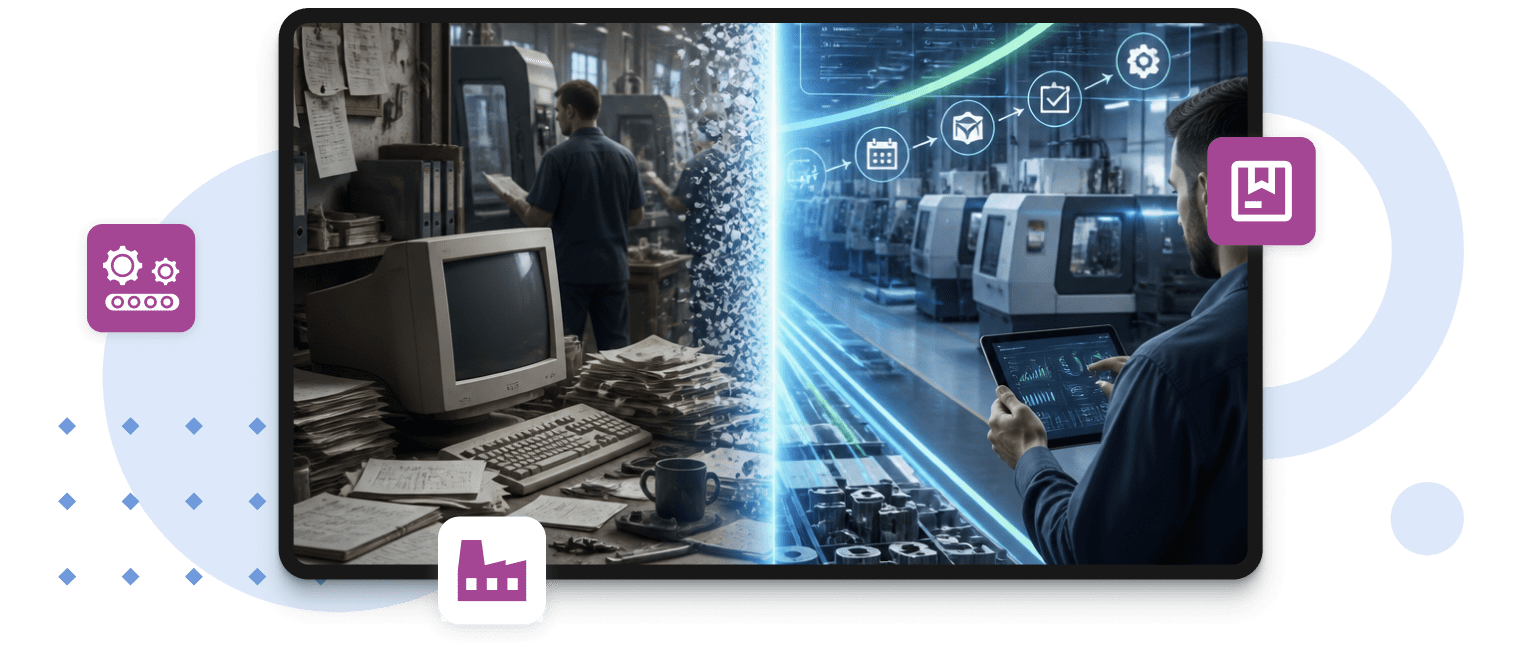
The client runs a family-owned contract manufacturing business specializing in CNC machining and metal fabrication, primarily for automotive Tier 2 and industrial OEM customers. Around 85 people, three shifts, two facilities. They had been on JobBOSS for over a decade and, for most of that time, it did what they needed. Job orders, routings, and work center tracking — the basics were covered.

That changed when they landed a major new OEM supply agreement, which increased their active job count by roughly 35%. Suddenly, the workarounds the team had quietly built up around JobBOSS — a purchasing spreadsheet here, a QuickBooks export there — weren’t enough. This is how the bottleneck formed.

Challenge

Challenge

Why JobBOSS Alone Wasn’t Enough Anymore

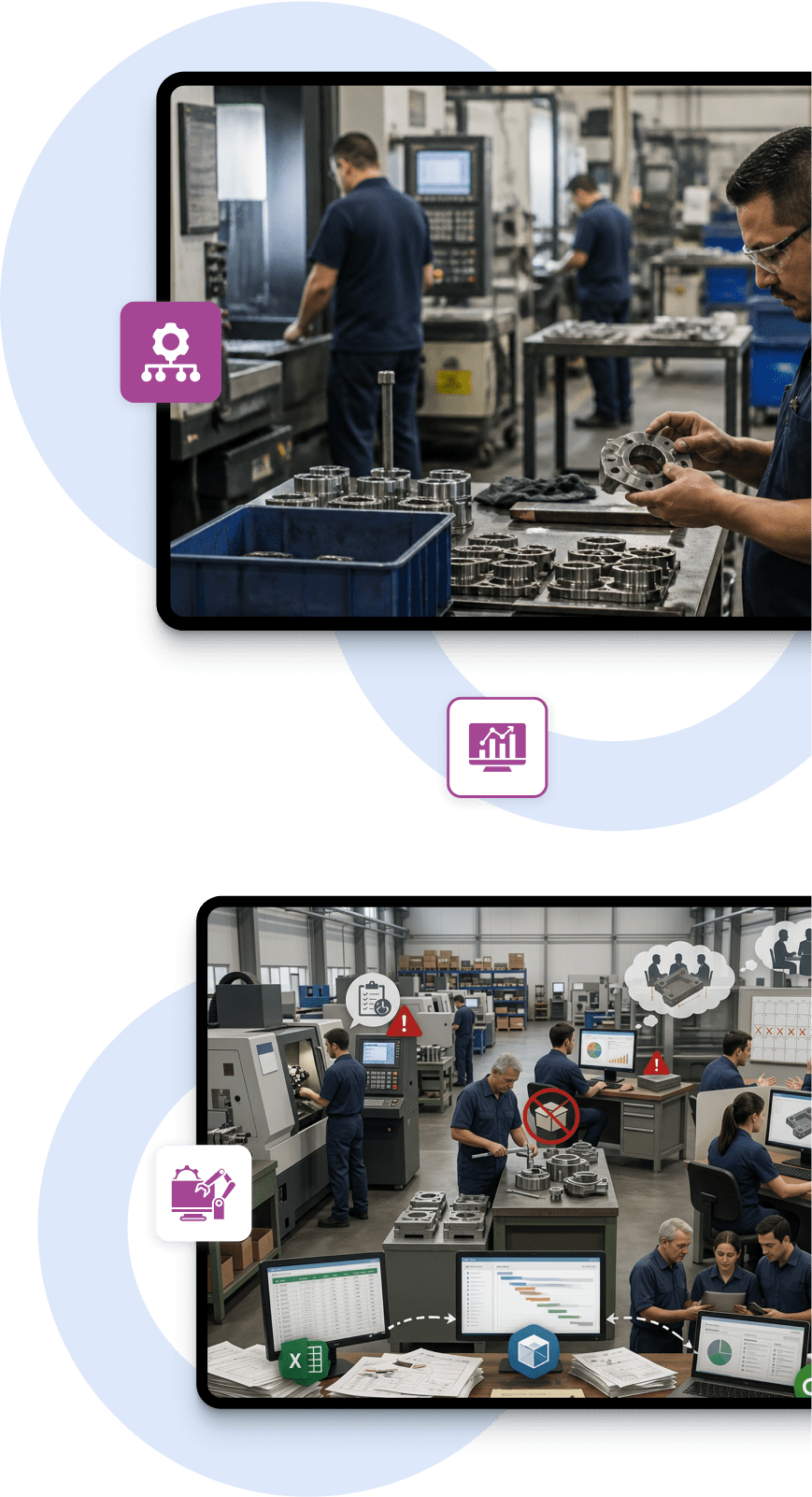
Over the years, the gaps in JobBOSS got filled the way they usually do in a busy shop: spreadsheets, a separate accounting system, and a handful of people who just knew where everything lived. It worked until the volume went up, and those same people couldn’t keep up.

The key challenges the company faced included:

  • Jobs and financials lived in separate systems: Re-keying data between JobBOSS, QuickBooks, and Excel was eating hours every day across multiple departments
  • Scheduling ran on outdated information: Operators logged job status manually, so by the time a problem showed up in the system, it had already affected the jobs behind it
  • Stockouts were a recurring problem: Without automated reordering, purchasing relied on gut feel and periodic counts. Three to five production stops per month due to missing material were the norm
  • Quoting took too long: Every estimate pulled in the full estimating team. When a customer changed specs mid-process, the quote had to be rebuilt from scratch
  • Job costing came too late: By the time they knew whether a job made money, it had already shipped. There was no way to flag a job running over budget while it was still on the floor
  • Month-end close was a project in itself: Pulling numbers together from JobBOSS and QuickBooks took 8 to 10 business days, and the result was still sometimes disputed between departments
Frame 1000001587

Why They Chose Glorium Technologies

Professional Odoo Manufacturing ERP Implementation Services
  • Expertise in Odoo for manufacturing: A proven track record of implementing and customizing Odoo for job shops, fabricators, and contract manufacturers — including teams migrating off JobBOSS specifically
  • Deep need analysis and customization: Thorough discovery of how the shop actually runs — routings, work centers, quoting workflows, purchasing, and building the Odoo configuration around those realities rather than generic defaults
  • Quick and flexible start: A phased approach with an agreed budget and scope, designed to get core manufacturing operations live first and expand from there as the team builds confidence in the system
Frame 1410126344
solution

Solution

The Odoo 17 Platform Behind Better-Connected Manufacturing Operations

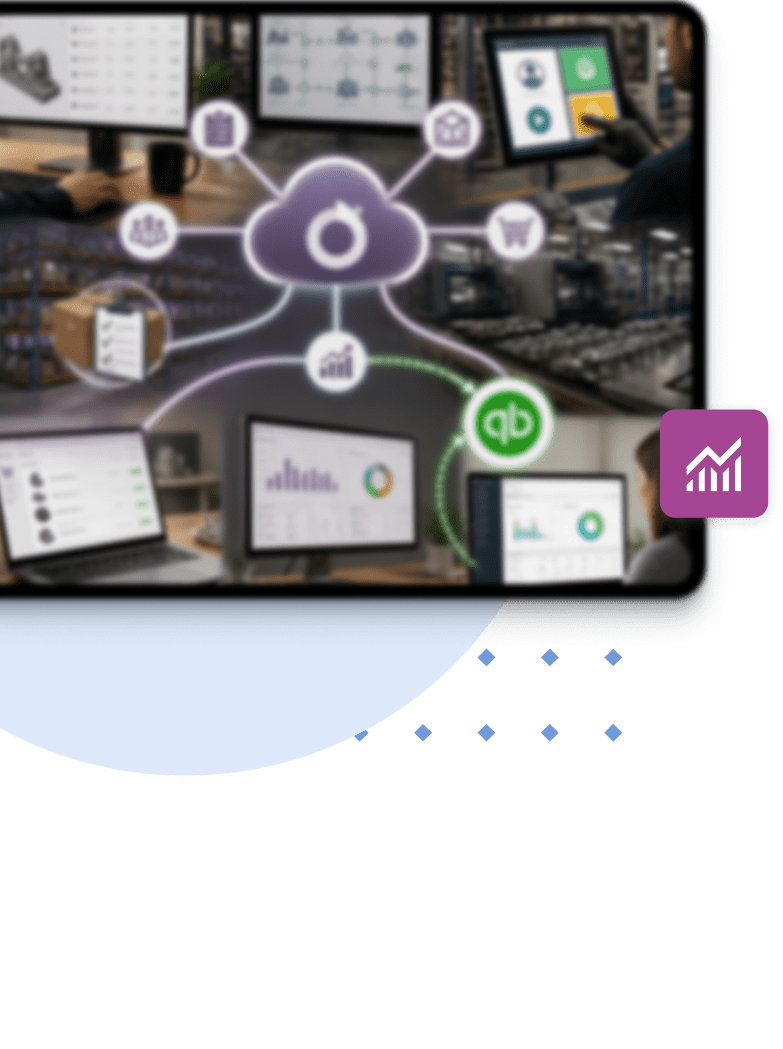
We implemented Odoo 17 Enterprise on Odoo.sh, connecting it directly with the QuickBooks setup that the team already trusted. We aimed to eliminate the manual work that had accumulated across JobBOSS, QuickBooks, and Excel. Estimating, production, and purchasing now run through Odoo, and the financial data flows into QuickBooks automatically.

Key Features We Have Implemented:

  • Job orders with full multi-step routings, mapped across 12 work centers with actual capacity and shift data built in
  • Shop floor tablets at every work center so operators can clock in and out of jobs with a tap, giving schedulers live WIP without leaving their desks
  • Inventory with automated reorder rules driven by actual job demand rather than manual counts
  • Purchase orders that generate automatically when stock drops, with vendor lead times feeding directly into scheduling
  • Quoting that converts to a Manufacturing Order on the spot, no re-entry, no version mismatch between the estimate and the job
  • Live job costing with actual labor hours, material consumption, and overhead tracked per job as it runs
  • QuickBooks integration so financial data flows from Odoo automatically, keeping the finance team in the system they know, without any manual exporting
Results

The Module-by-Module Improvements Delivered by Odoo

Manufacturing & Shop Floor
Schedulers can see where every job stands without leaving their desk. When something goes wrong — a machine down, a job running long — they catch it in time to adjust. That used to take hours. Now it takes minutes.

Inventory
Automated reorder rules tied to job demand put an end to the stockout problem. Within two months of going live, production stops caused by missing material went from a near-weekly occurrence to essentially zero.

Purchase
Orders go out automatically when stock needs replenishing. The purchasing manager, who previously maintained a parallel spreadsheet system to compensate for what JobBOSS could not do, now works out of Odoo entirely.

Sales & Estimating
Quotes are built and converted inside one system. For standard job families, sales reps can handle the initial estimate themselves — the estimating team focuses on complex jobs instead of routine requests.

Accounting
JobBOSS and QuickBooks are both gone. Job costing is live, so management knows which jobs are profitable before they ship. Month-end close went from 8–10 days down to under three.

Implementation Approach

Moving Off JobBOSS Without Stopping Production

The project ran over 14-18 weeks. JobBOSS stayed live in parallel during the first two phases, so nothing on the shop floor skipped a beat.

Phase 1: Discovery & Data Migration Planning

  • Workshops with production, scheduling, purchasing, and accounting
  • Mapping workflows and JobBOSS2 data audit
  • Odoo.sh environment setup and migration scripts tested

Phase 2: Manufacturing, Inventory & Shop Floor

  • Core modules configured and validated against live JobBOSS data
  • Shop floor tablets deployed at all 12 work centers

Phase 3: Sales, Quoting & Accounting

  • Quote-to-MO workflow configured and testeds
  • QuickBooks integration set up and validated end-to-end

Phase 4: Training & Handover

  • Role-based training for all 85 staff across three shifts
  • Dashboards built for scheduling, operations, and leadership
Business Value

How Odoo Improved Throughput, Visibility, and On-Time Delivery

31% Faster Job Turnaround
Real-time shop floor tracking gives schedulers an accurate picture of every active job, enabling faster decisions and cutting the time from job creation to completion by nearly a third.

40% Less Manual Data Entry
Odoo’s integration with QuickBooks and the elimination of disconnected spreadsheets removed hours of daily re-keying across purchasing, production, and finance — freeing the team to focus on actual work.

25% Improvement in On-Time Delivery
With live WIP visibility replacing stale JobBOSS data, the scheduling team can catch delays before they affect downstream jobs, resulting in significantly fewer late shipments to key customers.

Month-End Close Cut from 8-10 Days to Under 3
With all operational and financial data running through one connected system, the month-end process stopped being a manual reconciliation exercise and became a routine task.

25% Improvement in On-Time Delivery
Automated reorder rules tied to actual job demand replaced the spreadsheet-based purchasing approach, bringing monthly production stoppages caused by missing material down from 3-5 to effectively none.


Ready to Move Beyond Your
Job Shop ERP?
Let's talk — a 30-minute call is usually enough to figure out whether the move makes sense for you.
Anna Vozna
Account Executive

Awards & recognitions

More achievements
Frame 1000001760
Frame 1000001740
Clutch
award
excellence award

Inc. 5000

2020
2021
2022
2023

Named among the Inc.5000 (2020, 2021, 2022, 2023) & Regionals (2021, 2022, 2024) fastest-growing private companies in America

Certifications

ISO 9001
ISO 13485
ISO 27001
aws
aws
microsoft

Questions You May Have

Can Glorium Technologies help us migrate from JobBOSS to Odoo without disrupting production?

Yes. The whole Odoo migration is structured around keeping production running. JobBOSS stays live while Odoo is being configured and tested alongside it, and the cutover happens module by module. No big-bang switchover, no production stoppage. The shop floor keeps moving throughout.

Why do manufacturers choose Glorium Technologies when looking for a JobBOSS alternative?

A few reasons come up consistently. Glorium Technologies has specific experience migrating from JobBOSS, so the data migration process, terminology, and workflow mapping all start from a place of familiarity with how job shops actually operate. That shortens the discovery phase and reduces the risk of building something that doesn't match how the floor actually runs.

What makes Odoo a stronger fit than other alternatives to JobBOSS?

Most alternatives to JobBOSS stay within the job shop ERP lane — they replace like-for-like. Odoo goes wider: it handles job orders and routings, as well as purchasing, accounting integration, CRM, and real-time shop-floor tracking in one place. For shops that have been patching JobBOSS with QuickBooks and spreadsheets, that matters.

How does Glorium Technologies handle the JobBOSS data migration specifically?

Glorium Technologies extracts item masters, routing templates, customer and vendor records, and relevant job history directly from JobBOSS2's SQL database and maps them into Odoo's data model. Most shops find that some of that data needs cleaning before it's worth migrating — typically, 10-20% of item masters have gaps or inconsistencies that have built up over the years. Glorium Technologies factors that into the plan rather than discovering it mid-project.

How long does a JobBOSS to Odoo migration typically take with Glorium Technologies?

For a shop of 50-100 people, the project typically runs 14-18 weeks end-to-end. Manufacturing and inventory go live first, then sales and quoting, then accounting. Each phase has a validation period before the next one starts. The timeline can flex depending on data complexity and the number of custom workflows that need to be replicated from the old setup.

Is Odoo really one of the best JobBOSS alternatives for a high-mix shop, or does it take too much configuration?

Out of the box, Odoo isn't purpose-built for a job shop the way JobBOSS is. But with the right setup from Glorium Technologies, it handles high-mix, low-volume work well: flexible routings, work center capacity planning, real-time job costing, and shop floor tracking. The Odoo customization is also what makes it more powerful than most of the best JobBOSS alternatives in the long run. A shop that invests in getting it set up properly ends up with something that actually fits how they work and optimizes processes.