What Is an ERP System? A Practical Guide to Enterprise Resource Planning
Updated September 7, 2026

 Summarize in ChatGPT
 Summarize in ChatGPT
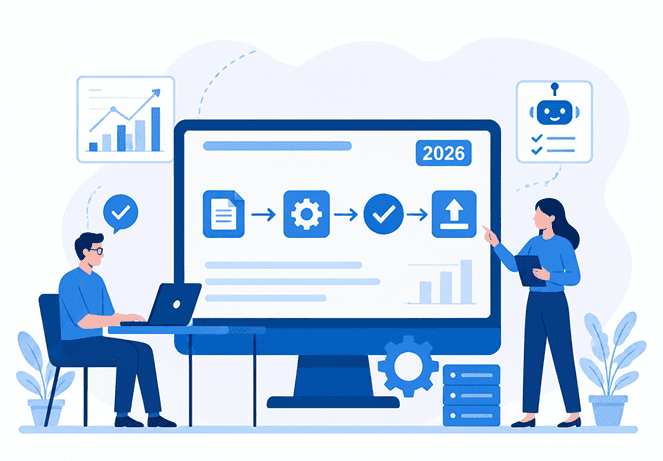
Enterprise resource planning (ERP) is the operational backbone that keeps finance and day-to-day execution in sync. When purchasing, inventory, projects, and workforce data live in separate tools, teams spend too much time duplicating entries, chasing status updates, and fixing reports that don’t line up. ERP reduces that friction by keeping workflows and records connected end to end, so decisions rely on shared data instead of manual reconciliation.
In 2026, the bar for ERP rose further as companies began to expect embedded intelligence to support planning and execution. According to IDC’s May 2025 SaaSPath Survey, 44% of organizations planned to invest in AI-powered ERP applications, 22% would consider replacing current applications if generative AI weren’t included in the next release, and 28% said AI-driven capabilities are an important ERP attribute.
In this guide, we’ll explain how ERP systems work, what modules they typically include, and how to evaluate and implement an ERP without turning it into a long, disruptive project.
Content
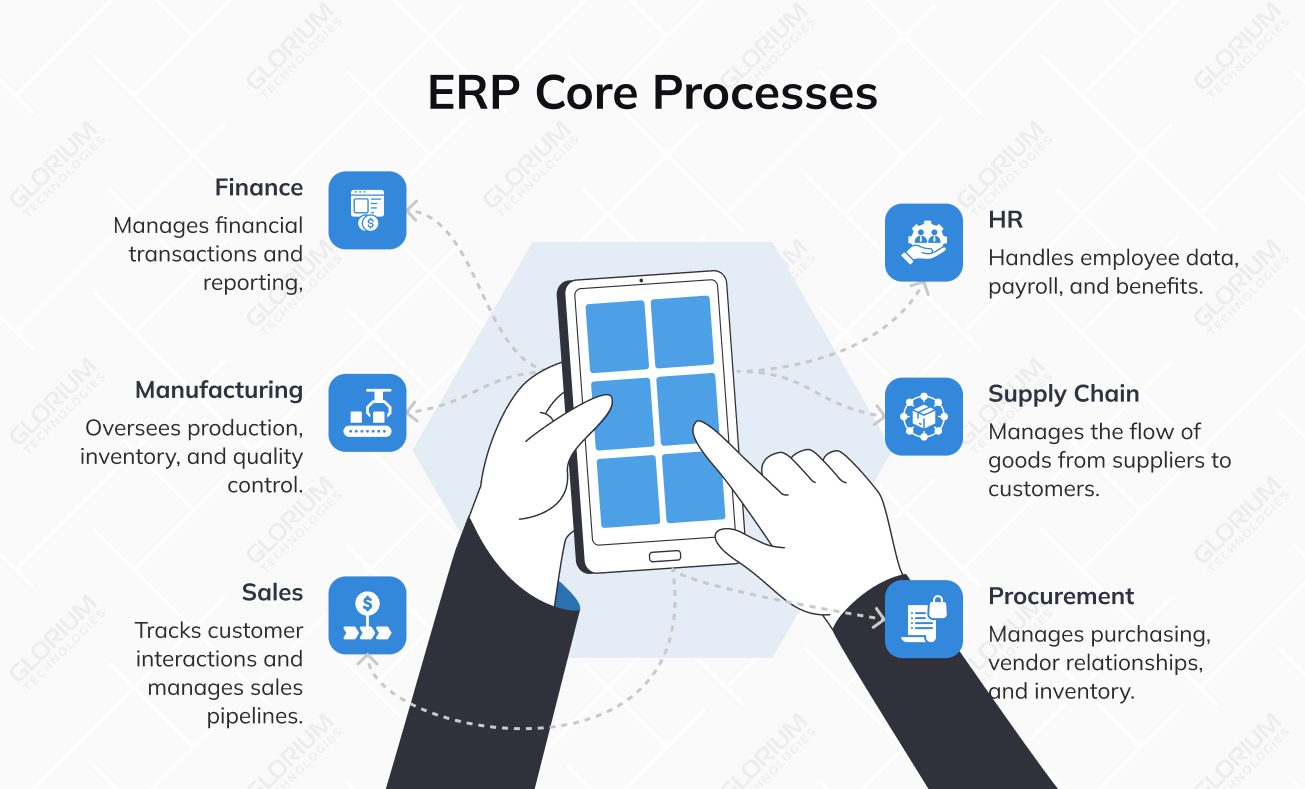
ERP is a software system that helps a company run its core business processes in one place: finance, HR, manufacturing, supply chain, sales, and procurement, so teams get a unified view of work and a reliable “single source of truth.” Instead of having every department maintain its own records and reports, an ERP ties daily operations to a single dataset, making results easier to track and decisions easier to validate.
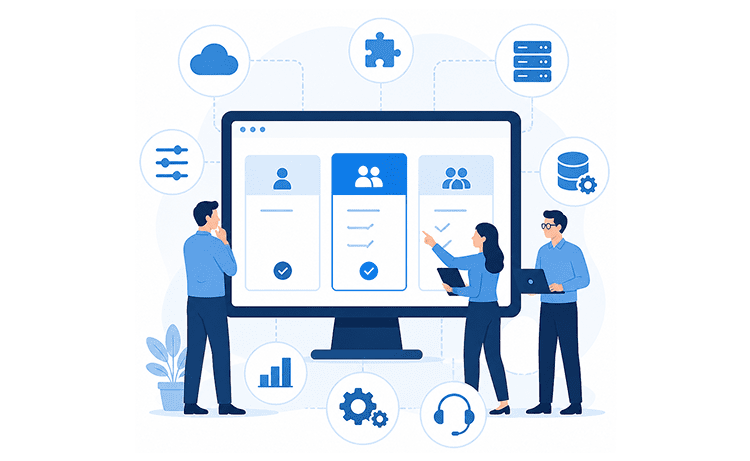
Many ERP systems work through integrated modules (or business applications) that share a common database. Each module focuses on one area, but they “talk” to each other because they use the same underlying records, customers, vendors, items, prices, accounts, approvals, and more. This also explains why companies can start with a smaller scope and expand later: you implement what you need first, then add ERP modules as business operations mature or new requirements appear.
In practice, ERP value shows up in cross-team workflows. A customer order can move from sales to fulfillment, trigger inventory checks, and flow into invoicing and financial reporting without teams re-entering the same data in different tools. Procurement works the same way: requests turn into purchase orders, receipts confirm deliveries, vendor bills get matched, and payments follow a controlled process that leaves a clear audit trail.
Modern ERP rarely lives alone, so integrations matter. Even with a strong ERP backbone, many companies still use dedicated customer relationship management (CRM), HCM, e-commerce, or industry-specific tools. ERP needs to synchronize with those systems to keep reporting consistent and reduce manual work, which is why vendors emphasize connectors, APIs, and integration patterns as part of the ERP picture.
If you look at this through real platforms, the idea stays the same, but the emphasis changes by business type. With Odoo, many teams lean into operations-heavy setups, especially manufacturing resource planning: Odoo supports bills of materials and production operations, and it uses work centers to plan capacity, track operational efficiency, and organize shop-floor work. With Microsoft Dynamics 365 Business Central, companies often focus on strong finance and structured operations. Business Central supports production orders that route work through work or machine centers, and it includes built-in finance workflows, such as bank account reconciliation, to keep books aligned with bank statements.
Enterprise resource planning systems typically come in four deployment models: cloud, on-premises, two-tier, and hybrid ERP. Each model involves tradeoffs, so the right choice depends on how you run your business, what you need to control, and how quickly you expect to change and scale.
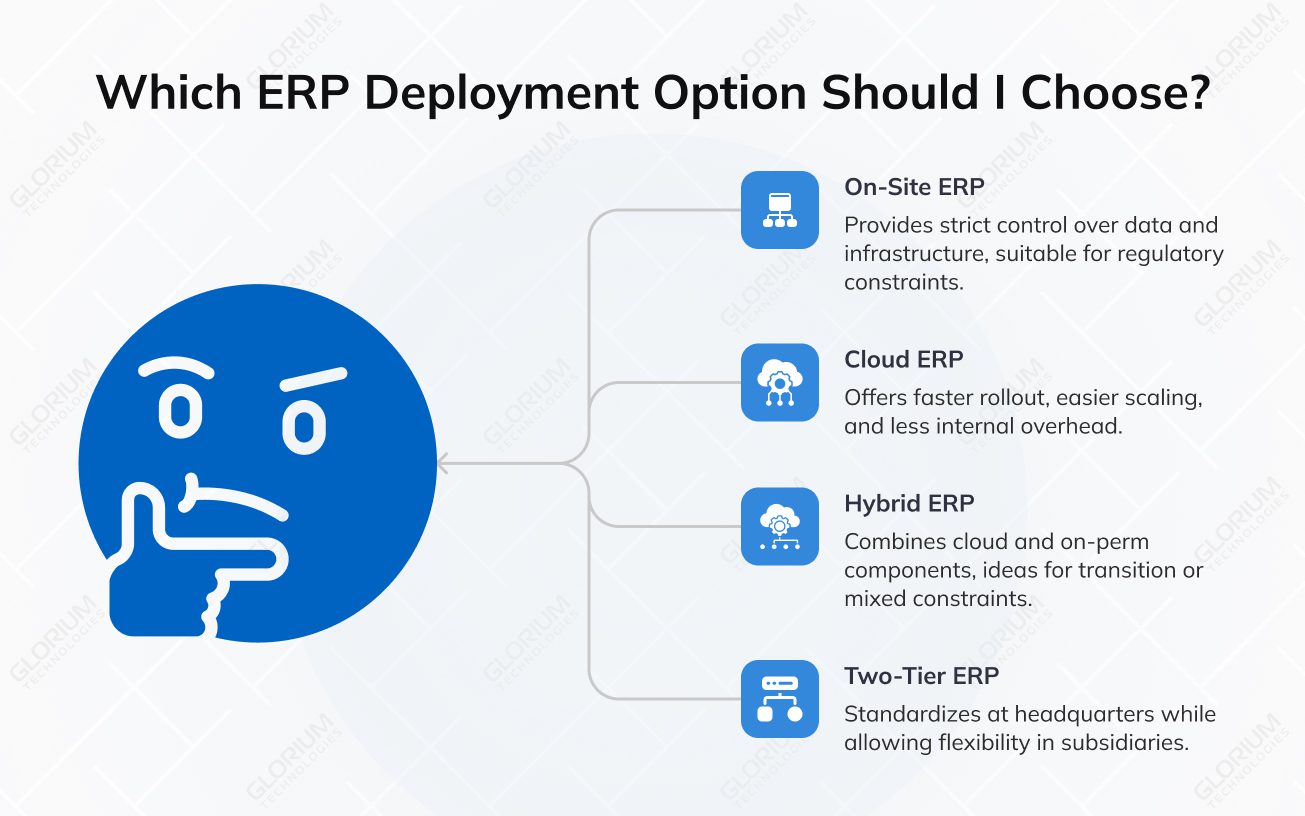
Your ERP is installed and runs on your own infrastructure (or in a dedicated hosting environment you control). This route makes sense when you need strict control over data, custom infrastructure rules, or have regulatory constraints that limit cloud usage. It also means your team owns more of the maintenance work: upgrades, backups, monitoring, and business performance tuning. Both Odoo and Business Central can be deployed on-prem when that level of control is required.
Your ERP is delivered as a cloud service, typically with subscription pricing and vendor-managed updates. Companies choose cloud-based ERP solutions when they want faster rollout, easier scaling, and less internal overhead for patching and infrastructure.
Hybrid setups mix cloud and on-prem components. For example, you might keep sensitive finance data or a legacy system on-prem, while moving other ERP capabilities to the cloud. A hybrid is often a transition step, but it can also be a long-term choice if different parts of the business face different constraints.
A strategy in which the headquarters runs one ERP, while subsidiaries or business units run another ERP that better fits local needs (language, tax, industry-specific requirements, pace of change). Companies use a two-tier system when they want standardization at the top, but flexibility in regions or acquired entities.
Although ERP platforms vary by vendor and industry, most implementations begin with a shared foundation. In both Odoo and Microsoft Dynamics 365 Business Central, these core modules are typically the first to be implemented because they standardize the “daily basics” and establish a reliable data backbone.
This is where most ERP projects begin: general ledger, payables/receivables, invoicing, bank reconciliation, and financial reporting. In Odoo, finance workflows can include direct bank synchronization and reconciliation flows that pull transactions into the system. In Business Central, bank reconciliation and financial reporting are closely tied to the general ledger, allowing finance teams to trace entries and build reports from posted transactions.
Human resources management modules typically cover employee records, contracts, absences, and basic workforce administration. In Business Central, you can maintain employee information (contracts, qualifications, confidential details) and register absences for analysis. In Odoo, HR is often managed through apps such as Employees, Time Off, and Payroll, which support requests, policies, and payslip workflows.
Procurement typically encompasses vendor management, purchase orders/invoices, approvals, receiving, and guidelines for how purchasing should be conducted. In Business Central, Microsoft’s documentation outlines purchasing tasks and explains how purchase orders support partial receipts and structured procurement processes. In Odoo, procurement can include structured purchasing mechanisms such as blanket orders and tender calls via purchase agreements.
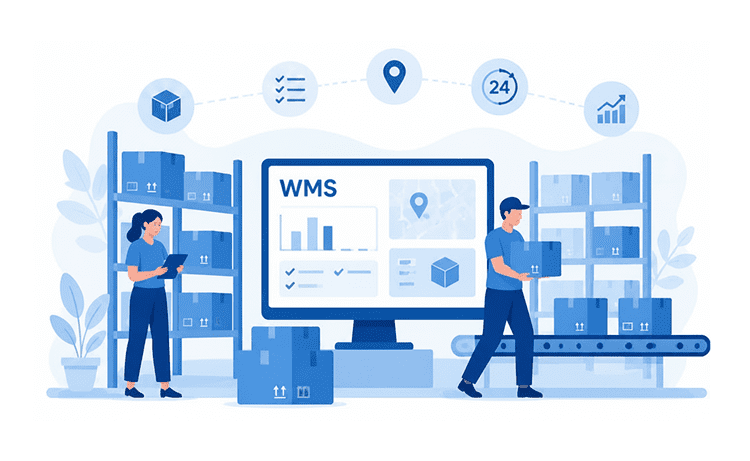
Inventory brings control to item data, stock movements, replenishment, and warehouse execution. Odoo Inventory supports multi-warehouse operations, barcode-based workflows, and replenishment options, including reorder rules and make-to-order routes. Business Central supports managing items through item cards and includes item tracking with serial/lot/package numbers to reduce allocation errors and improve traceability.
After the core is stable, companies usually add modules that match how they make money: manufacturing, distribution, service delivery, or regulated operations. This is where the “right ERP fit” often becomes obvious.
Odoo is strong here, with its Manufacturing capabilities, including bills of materials, work center capacity planning, and MRP scheduling. Business Central supports manufacturing processes execution concepts, including posting output, tracking production progress, and updating inventory upon completion of production orders
If you need more structured picking, put-away, and warehouse process control, warehousing becomes a major module category. Business Central includes warehouse management concepts such as bins, putaways, and picks. Odoo also supports warehouse execution patterns like barcode-driven operations and replenishment logic that ties purchasing and manufacturing decisions together
For professional services, engineering, or delivery-heavy businesses, project tracking and cost control matter as much as inventory. Business Central commonly highlights project management capabilities such as resource allocation and cost tracking
Many ERP solutions expand into “adjacent” capabilities that aren’t universal but become valuable once core business processes are consistent.
If you’re considering Odoo or Microsoft Dynamics 365 Business Central, it also helps to bring in a partner early, especially once you move past “core setup” into integrations, migration, and workflow design. Glorium Technologies is listed as an Odoo implementation partner in Odoo’s partner directory, and the company positions itself as an official partner for both Odoo and Dynamics 365 Business Central. In practice, that means Glorium Technologies can help you choose the right scope of ERP modules, implement and configure the system, customize where needed, and connect it to the tools your teams already rely on.
According to the Forrester Total Economic Impact study, companies that migrated to Dynamics 365 Business Central saw measurable productivity gains across core teams: 12.5% for operations, 15% for sales, and 15.6% for finance, largely by cutting manual reporting and reconciliation and improving visibility.
Let’s explore what other benefits companies can expect from the successful implementation of an ERP system and why they invest in ERP implementation:
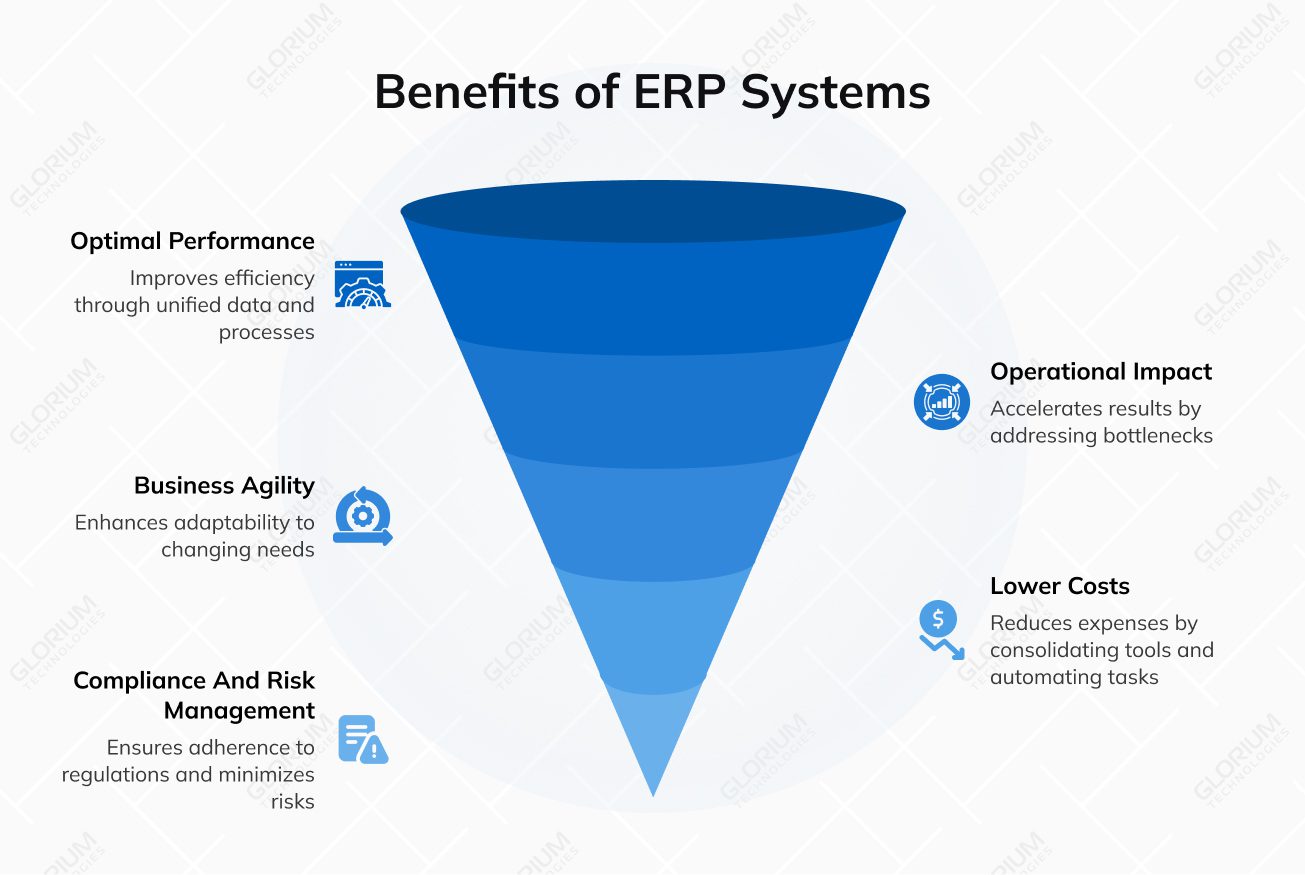
An ERP system becomes necessary when day-to-day coordination turns into constant reconciliation. If core business processes run across spreadsheets, email threads, and disconnected apps, the result is usually slower decisions, weaker control, and higher risk. Modern ERP systems fix this by bringing business functions into a single platform, with shared data, consistent workflows, and reporting you can trust.
If routine work keeps expanding, invoice matching, approvals, updating stock, chasing statuses, you’re paying a “manual processes tax.” The right ERP software reduces redundant work by integrating finance and operations into a single system, improving operational efficiency and freeing time for higher-value work. This is also a common driver for the ERP software implementation when teams feel stuck “keeping things running.”
If leadership can’t get reliable answers fast, the issue is usually fragmented data across existing systems. ERP system centralizes operational and financial data, so financial reporting, KPI tracking, and business performance reviews don’t depend on spreadsheet cleanup. It also makes it easier to compare results across business units and locations.
When the supply chain starts slipping, late deliveries, frequent stockouts, overbuying, or inconsistent purchasing, process design is usually the root cause. Many ERP solutions stabilize business operations by integrating procurement, inventory management, and warehouse management into a single workflow. Depending on the industry, this may also extend into production planning and supply chain management modules that standardize replenishment and reduce surprises.
If every department runs its own process and maintains its own records, you get duplicate entry, mismatched reports, and “which system is correct?” debates. Enterprise resource planning software creates shared master data and consistent rules across core processes, expense management, supply chain, operations, and human resources management, so teams stop re-entering the same information in multiple tools.
When teams spend most of their time fixing issues, there’s little capacity to improve customer satisfaction or grow customer relationships. Modern ERP solutions often bring visibility through built-in business intelligence, making it easier to spot margin leaks, bottlenecks, and demand patterns. When ERP integrates with customer relationship management systems, teams can align customer-facing work with operational realities, improving customer relationships rather than reacting to problems after the fact.

ERP implementation works best when you treat it as a structured change program with clear ownership, clean data, and a realistic scope. If you want a quick checkpoint before you start planning phases and timelines, you can learn more in our recent article about ERP readiness, where we walk through the typical signals, risks, and preparation steps.
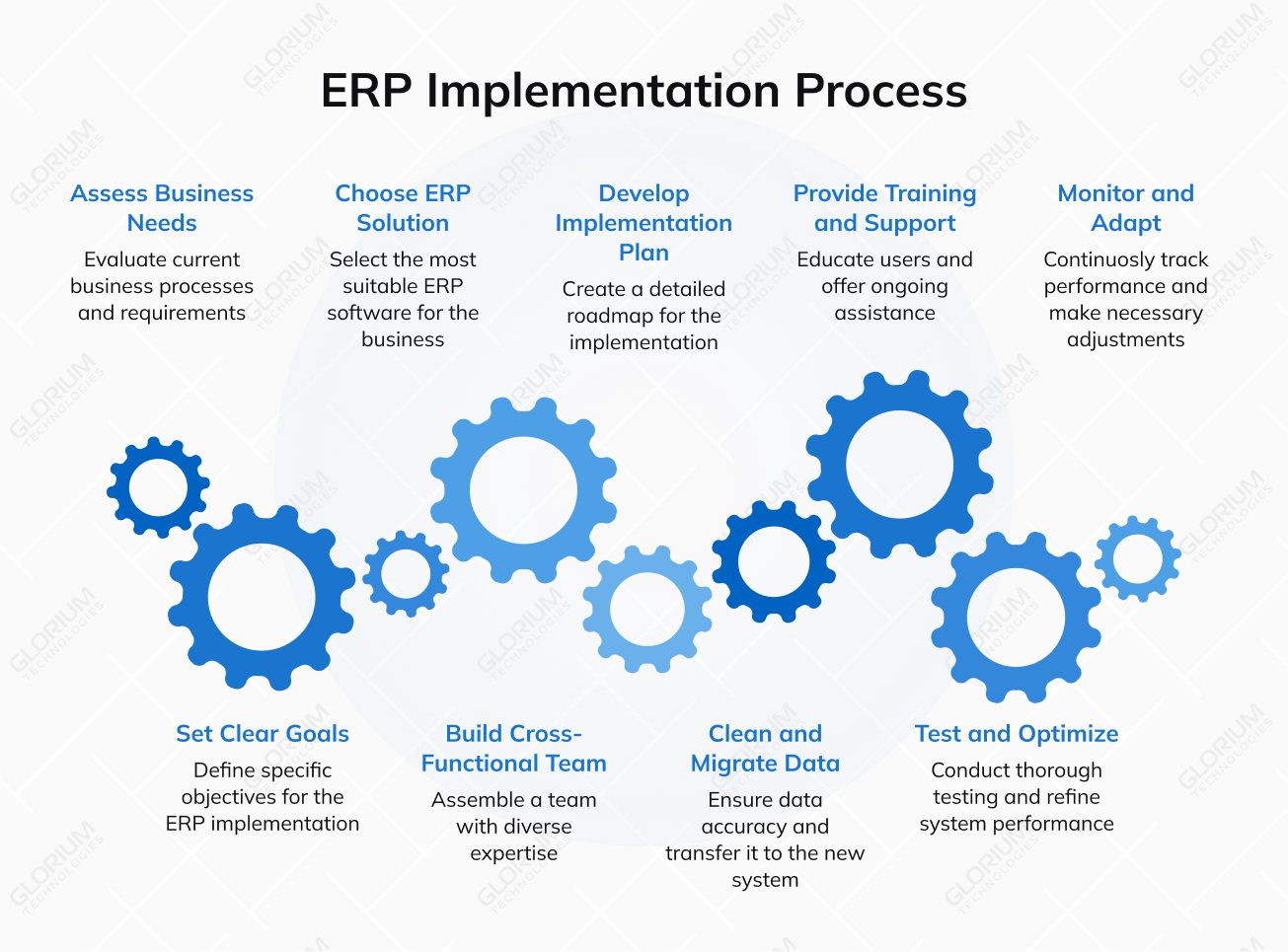
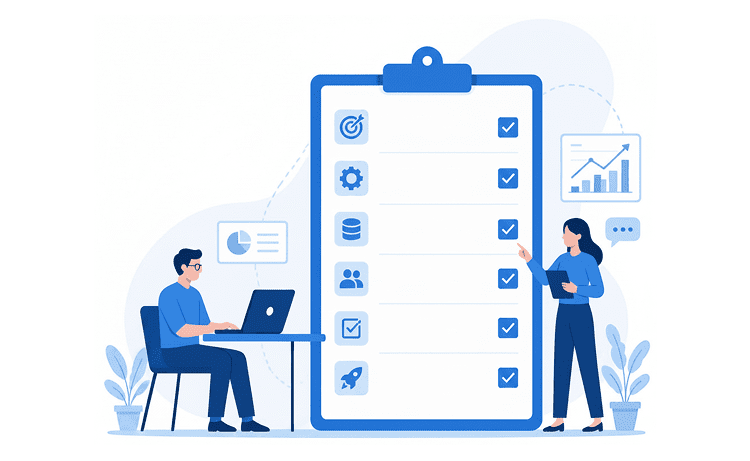
Start by mapping the core business processes that run your business operations: procurement, inventory management, production, sales, project management, and financial management. Identify where manual processes slow teams down, where approvals get stuck, and where data is duplicated between business units. This step also captures what must integrate with your ERP system, CRM systems, e-commerce, 3PLs, carriers, or finance tools, so the new enterprise resource planning systems don’t become another silo. At Glorium Technologies, discovery workshops and workflow mapping turn these inputs into a scoped plan for the right ERP system.
Define 4–6 outcomes that matter for business performance: faster close, fewer stockouts, better margin visibility, shorter purchasing cycles, improved on-time delivery, or higher customer satisfaction. Link each goal to a process and a metric, so your enterprise resource planning ERP program stays grounded in results.
Pick the platform that fits your operations and your growth plans. Glorium Technologies works with Odoo and Microsoft Dynamics 365 Business Central, so selection can be based on process fit, reporting needs, deployment preferences, and integration complexity. If the comparison feels overwhelming, our team can help evaluate options and recommend a realistic rollout path.
ERP touches multiple departments, so ownership can’t sit with IT alone. Assign process owners for finance, procurement, operations, and any industry-specific areas (manufacturing, projects, services). Give them decision rights on rules, approvals, and data definitions. A strong internal team speeds up implementation and reduces rework.
Plan phases, milestones, responsibilities, and a go-live approach. Most teams succeed with a phased rollout: start with the modules that stabilize data and reporting, then expand into more specialized workflows. Our Odoo and Dynamics 365 implementation services are structured around predictable phases: discovery, configuration and integrations, training and optimization, testing and launch support, so teams know what happens when and who owns each part.
Data quality will define your day-one experience. Migration is a critical component of a successful ERP implementation and requires thorough planning. Decide what to migrate, what to archive, and what needs cleanup (customers, vendors, items, chart of accounts, inventory balances, open invoices). Migration is often incomplete because some data in the existing ERP systems is either incompatible or unnecessary in the new system. Establish naming rules and ownership for master data. If data migration feels risky, Glorium Technologies can take responsibility for planning, mapping, testing, and validating migrations so the ERP is usable after go-live.
Training works best when it’s role-based and tied to real tasks. Finance needs reconciliation flows. Procurement needs purchase cycles and approvals. Warehouse teams need receiving and replenishment. Plan internal champions and a support process for the first weeks after launch. If training bandwidth is limited, Glorium Technologies can provide hands-on enablement and ERP system support.
Test full processes, not isolated screens. Run scenarios like order-to-cash, procure-to-pay, returns, inventory adjustments, and month-end close. Include integrations and reporting in testing, because issues often appear at handoffs and in edge cases. Use test results to refine permissions, approvals, and workflow rules of a new ERP system.
At this stage, companies often identify opportunities for custom ERP development, such as automating unique approval chains, creating industry-specific reports, or integrating additional operational tools.
After go-live, track usage, errors, and bottlenecks. Ongoing maintenance and support are important after the launch of an ERP system to ensure it remains aligned with evolving business needs and to use the ERP system effectively. Build a short stabilization backlog, then deliver improvements in small iterations. ERP should evolve with the times, so treat optimization as part of the plan.
Digital transformation is accelerating, and companies are working to remove “drags” on execution: outdated processes, disconnected systems, and manual handoffs. That’s why expectations for ERP keep rising: businesses want platforms that improve agility, reduce routine work, and adapt faster when priorities change. Let’s look at the key trends that are shaping how ERP software works.
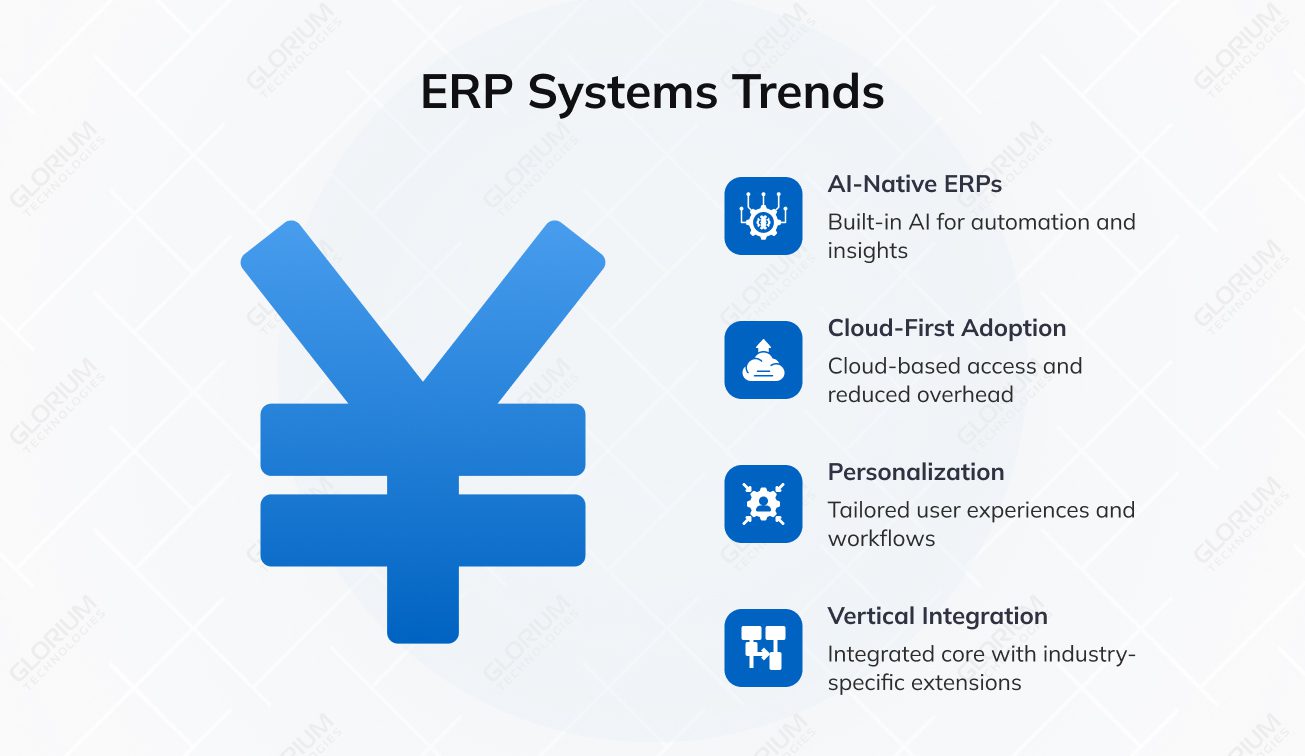
AI is moving from add-on tools to built-in ERP capabilities. The focus is practical: automate repetitive steps, surface insights, and help teams adjust processes as conditions change. A major shift is the rise of natural-language interaction, where non-technical users can ask questions and get answers based on ERP data and internal documentation, without digging through menus or building reports. For instance, Odoo introduced AI features in version 17, and the platform continues to expand that layer as newer versions roll out.
Cloud momentum continues because it supports “anywhere” access, reduces hardware and support overhead, and makes it easier to stay current with security and platform improvements. For many teams, cloud-first is less about trend-following and more about keeping the ERP system easier to maintain and integrate with the business growth.
Users expect software to fit their roles and workflows, not the other way around. That’s driving more configurable ERP experiences: custom dashboards, AI-driven search, role-based views, and workflows that can be tailored without heavy development. Low-code and no-code tools also play a larger role here, especially in organizations with mixed technical maturity or rapidly changing processes.
Many companies are tired of the constant tradeoff between “best-of-breed” tools and a fully integrated suite. The newer direction is an integrated ERP core with industry-specific extensions, so businesses can get specialized functionality without rebuilding integrations, creating new data silos, or fighting mismatched reporting logic.
ERP projects succeed when the rollout is structured, the scope stays realistic, and the system matches how work actually happens. Glorium Technologies supports ERP implementation with a practical, phased approach that prioritizes adoption, clean data, and reliable integrations. Glorium Technologies is an official partner of Odoo and Microsoft Dynamics 365 Business Central, which means your implementation follows vendor-aligned best practices and is delivered by specialists with years of hands-on experience in configuration, customization, integrations, and long-term support.
Glorium Technologies provides end-to-end ERP services, including discovery and process review, solution audit, implementation, module configuration, customization, integrations, data migration, training, testing, and post-go-live support. This is especially useful when ERP must connect with tools that already run key parts of the business, such as Shopify, marketplaces, 3PLs, carriers, and tax solutions.
A recent case shows how this approach works in practice. A U.S. construction project management firm managed procurement through spreadsheets, emails, and phone calls, which slowed timelines and increased costs. Glorium Technologies implemented Odoo 18 Enterprise on Odoo.sh as a connected platform across purchasing, inventory, project scheduling, workforce tracking, and accounting. The rollout followed a four-phase plan over 14–18 weeks, from discovery to launch support, with hands-on training and system-wide testing before go-live.
The implementation delivered clear operational gains:
Now that you have a clearer picture of what ERP can do, the next step is deciding how to move forward in a way that aligns with your goals and current reality. If this is your first ERP initiative, Glorium Technologies can guide you from early planning to go-live. If you already have an ERP in place, the team can help modernize it, expand modules, improve integrations, and upgrade your setup without disrupting daily work. Let’s plan your ERP rollout the right way. Let’s plan your ERP rollout the right way. Book an intro call today.
Accounting software focuses on financial tasks such as invoicing, payables/receivables, bank reconciliations, and financial statements. An ERP system includes accounting and connects it to operational workflows such as procurement, inventory, manufacturing, projects, and human resources. The key difference is that ERP ties financial records to the operational events that generate them, so reporting and planning rely on shared data rather than manual reconciliations.
Cloud ERP is usually the better fit when faster rollout, easier scaling, and vendor-managed updates matter most. On-premises ERP can make sense when you need stricter infrastructure control, have specific regulatory constraints, or must keep parts of the environment in-house. The right choice depends on your security model, internal IT capacity, integration needs, and upgrade frequency.
AI is increasingly used to reduce manual work and improve decisions across core processes. Common examples include anomaly detection in financial management, smarter forecasting and replenishment suggestions, document automation (invoices, purchase docs), and assistants that help users find data or generate reports faster. At Glorium Technologies, we typically treat AI as part of the operational design, ensuring the ERP data model, reporting layer, and integrations are reliable enough to support AI-driven features without introducing noise or mistrust.
Yes. Glorium Technologies is an official partner for Odoo and Microsoft Dynamics 365 Business Central and supports ERP selection and rollout planning across finance and operations. The process usually starts with discovery workshops and gap analysis, then moves to module scoping, integration planning, and a phased go-live to protect business continuity. This approach helps avoid over-scoping early and keeps the first release focused on the workflows that drive the biggest impact.
Yes. Integrations are often the difference between an ERP that looks good in demos and one that works in daily operations. Glorium Technologies can connect ERP with CRM systems, and also supports integrations with platforms like Shopify, marketplaces, 3PLs, carriers, and tax tools, so orders, inventory, fulfillment, and finance stay synchronized.
Look for proven experience with your chosen ERP, a clear delivery methodology, and a strong approach to discovery, data migration, training, and post-go-live support. Ask how the scope is controlled, how integrations and testing are handled, and what happens after launch. A reliable ERP vendor should prioritize adoption and business outcomes over heavy customization. Glorium Technologies brings 15+ years of digital transformation experience and an ERP-focused delivery team, with official partnerships with Odoo and Microsoft Dynamics 365 Business Central, which help keep projects structured, predictable, and aligned with real operational goals.