Odoo Customization Best Practices That Support Future Expansion
Updated June 29, 2026

 Summarize in ChatGPT
 Summarize in ChatGPT
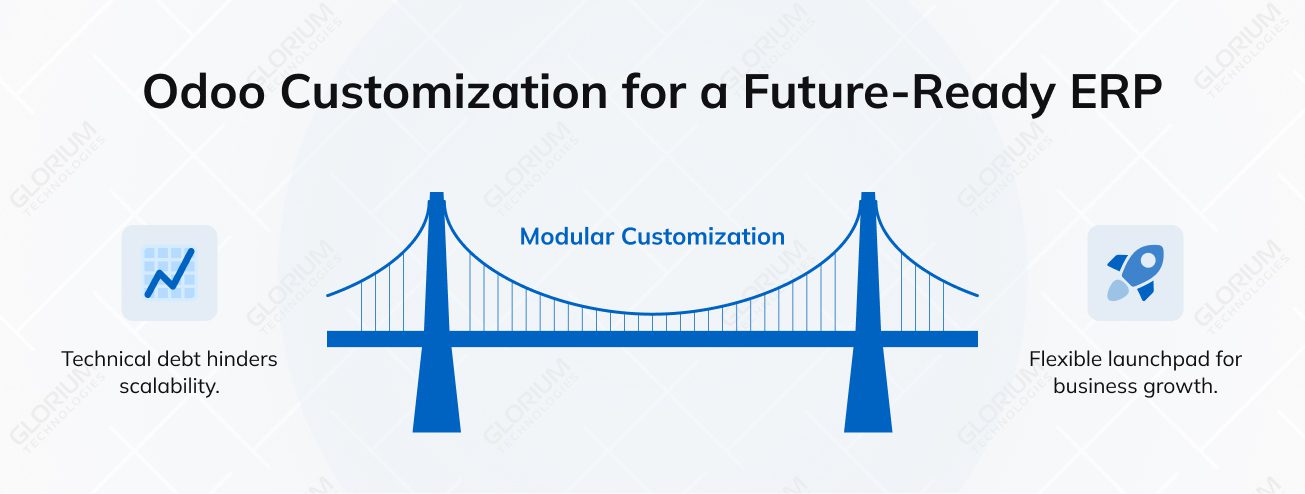
AI-driven automation and data centralization are what modern businesses zero in on. This encourages them to adopt ERP software and deal with ‘technical debt’ caused by rigid legacy systems. Yet implementation alone doesn’t guarantee results. Around 70% of projects fail to reach initial business objectives for various reasons, one of which is poorly planned customization.
Odoo’s open-source nature offers unparalleled freedom, and it might be tempting to rebuild the system to mimic every legacy habit your team has. But the customization decisions you make today become the DNA of your future scalability. They shape how well the system handles new products, higher transaction volumes, additional locations, and later process changes. If you build too rigidly now, you may find yourself ‘version-locked’ when the next major update arrives.
Being future-ready in Odoo is about maintaining a modular architecture rather than how many features you can add. You need to prioritize adaptability over a one-off solution. By adhering to Odoo’s official development standards, you ensure your ERP remains a flexible launchpad for growth rather than a rigid anchor.
Content
When your business starts to take off, the growth rarely follows a straight line. One year it might be a new location, next it might be a broader product range or a sharp increase in transaction volume, stressing your current workflows. In these growth scenarios, a flexible ERP system is your greatest asset because it doesn’t force your team to rethink how they work every few months.
That’s why flexibility and visibility matter far more than the number of features packed into the software. You don’t need more tools; you need the right ones to adapt as the business changes, so that your data can flow seamlessly across new modules without manual intervention.
Relying on short-term fixes or ‘patchwork’ customization during a growth spurt is a recipe for disaster. These quick wins may solve immediate pain points, but they often lead to a complete overhaul later.
By ensuring your Odoo customization efforts focus on sustainable architecture now, you protect your data integrity and ensure the software evolves alongside your unique business needs.
Sustainable Odoo ERP customization starts with knowing where configuration ends, and customization begins. Before hiring Odoo developers, you need to explore what Odoo offers out of the box. You may meet your business requirements by modifying existing modules, workflows, or settings without touching code.
For some quick, non-structural tweaks, like adding a simple field or renaming a label, you can use Odoo Studio. It empowers you to keep your system agile and save yourself the hassle of hiring a developer.
What to do when you do choose to customize Odoo? First off, remember that you need to follow a modular approach. Secondly, use inheritance. Odoo allows you to use Python model inheritance to ‘hook into’ the existing logic. In other words, you can add your own unique business logic while keeping the original functionality perfectly intact. By building custom modules that inherit from existing ones rather than overwriting them, you ensure your ERP system stays stable during updates.
Your accounting, CRM, and inventory departments must share a ‘single source of truth’ to avoid silos. And you should never skip the document phase. High governance and clear documentation of your customization efforts mean your team can manage the software long-term.
The best Odoo customization practices
Scaling often means supporting multi-channel sales teams who all need a better user experience to maintain high productivity. The challenge is to create custom pipelines that cater to different industry segments or regions without fragmenting your data.
To achieve these desired outcomes, you can modify workflows within the CRM to ensure a lead moves seamlessly from a web form to a local sales rep. By customizing smart modules, you can adapt fields for local taxes or currencies, reducing the burden of scaling across regions.
As complexity grows, you can’t do without custom dashboards to maintain reporting accuracy. When you use automated actions to clean data, you ensure your custom reports provide a clear view of performance, regardless of how many new features or third-party integrations you add. This disciplined approach ensures your CRM remains a powerful ERP solution that can fully align with your evolving business goals.
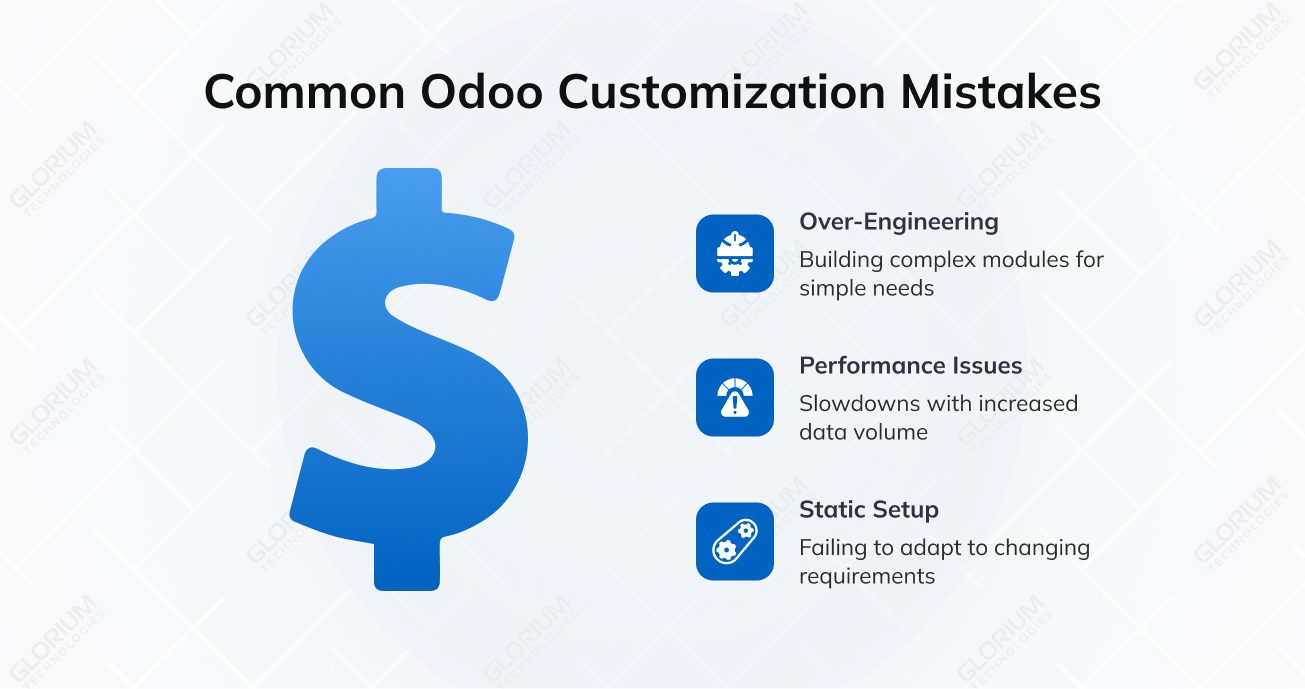
It’s incredibly tempting to go all-in when you first start tailoring your Odoo ERP software, but over-engineering things early on is a trap we see all the time. Companies often spend a fortune building rigid Odoo modules for a business process that’s likely to shift in six months. Yet, a simple and quick gap analysis may show that standard Odoo apps can actually handle those unique needs with just a few clever tweaks.
You also have to think about the long game. Custom logic that feels snappy with a hundred records may feel as slow as molasses once your inventory management or sales volume hits the big leagues. These performance issues don’t usually show up on day one; they wait until you’re right in the middle of a major growth spurt to surface.
The biggest risk, though, is treating customization like a one-and-done task. Your specific business requirements aren’t static, and your software shouldn’t be either. If you don’t view your Odoo implementation as an evolving part of your business, it won’t be long before that rigid setup starts holding your company back from its full potential.
Let’s be honest: choosing a partner for your enterprise resource planning journey is a massive decision. At Glorium Technologies, we bring deep, hands-on ERP customization experience across manufacturing, retail, eCommerce, and food and beverage niches, to name a few. And we know how to maneuver those tricky regulatory and localization considerations that often trip people up.
When you team up with us, you’re not just hiring a vendor to build a new app, aka module, for your ERP system; you’re gaining a strategic partner. We’re focused on providing cost-effective solutions and maintaining efficiency in your business operations as they evolve. Your company gets clear documentation and practical guidance, giving your team the access and confidence to manage the system without being permanently ‘locked in’ to an external vendor.
Willing your Odoo setup to grow right along with your ambitions? Schedule a call with our experts to talk things through.
If you run a multi-location business, you can keep pricing, inventory, and transactions consistent across stores. You can keep stock mismatches at bay and support local tax or payment rules, as well as align in-store activity with central reporting while doing so. As volumes grow, customized PoS flows also prevent manual workarounds that slow teams down and affect data accuracy.
Yes—when it’s planned with growth in mind. You can adapt pricing, currencies, taxes, and payment gateways without disrupting your core business operations. The key is to avoid hard-coded logic. Flexible website customization lets you adjust menus, automate repetitive tasks, and support new markets while keeping your enterprise resource planning setup stable, efficient, and ready for change.
It gives you shared visibility without forcing teams into manual work. You can access consistent data from sales, finance, and operations in one place, reducing repetitive tasks and misalignment. This plays a crucial role in improving efficiency, helping you spot trends faster and make decisions based on the same numbers across departments.