Microsoft Dynamics 365 Business Central Pricing Guide: What SMBs Pay and Why
Updated June 19, 2026

 Summarize in ChatGPT
 Summarize in ChatGPT
Two SMB founders are sitting at a boardroom table with Business Central quotes that have the same number of users and modules. Yet, their year-one budgets are nearly $200,000 apart. They are both skilled at negotiating, but the one modeled the platform’s full economic footprint before signing. Meanwhile, the other read the per-user rate and assumed that figure, multiplied by headcount and twelve months, was the answer.
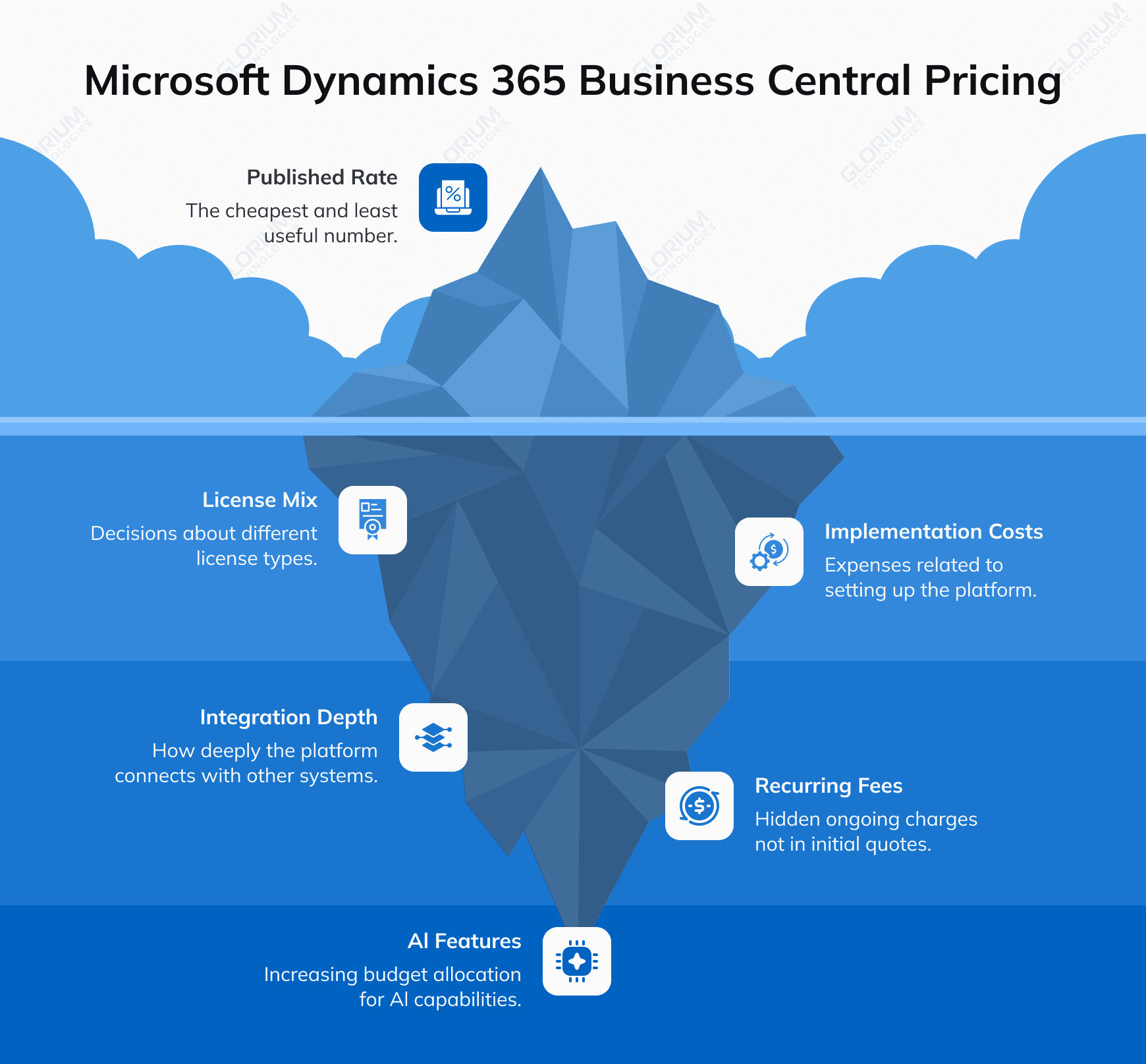
The published rate is the cheapest, easiest, and least useful number in the entire conversation. Your real expenses will be shaped by license-mix decisions, implementation costs, integration depth, and a category of recurring fees that almost never make it into a first-pass spreadsheet.
According to Gartner’s October 2025 Magic Quadrant for Cloud ERP, 62% of ERP budgets will fund AI features by 2027, up from just 14% in 2024. And vendors are aggressively changing prices in response to that shift.
By the end of this guide, you’ll know what Microsoft Dynamics 365 Business Central pricing looks like in 2026. You’ll also have a defensible budget number to bring to your finance committee and know what questions to ask a Microsoft partner before signing.
Content
On November 1, 2025, Microsoft raised its prices for the first time in five years. The 2026 rates now reflect embedded Copilot features, deeper Microsoft cloud integration, and expanded automation. You can find the updated list prices on Microsoft’s published pricing page. Please note that actual quoted Business Central pricing may vary slightly through the Microsoft partner network, where most SMBs buy.
Microsoft sells Dynamics 365 Business Central exclusively through certified partners, like Glorium Technologies, meaning you’ll never purchase directly from Microsoft itself
The repricing makes sense in the context of modern trends. According to Mordor Intelligence, SME cloud ERP subscriptions are growing at a 20.65% CAGR through 2030. The broader cloud ERP market, meanwhile, is projected to reach roughly $76 billion in 2026 per Fortune Business Insights. Microsoft is adjusting its pricing strategy because small and medium-sized businesses are now extremely interested in cloud ERP solutions.
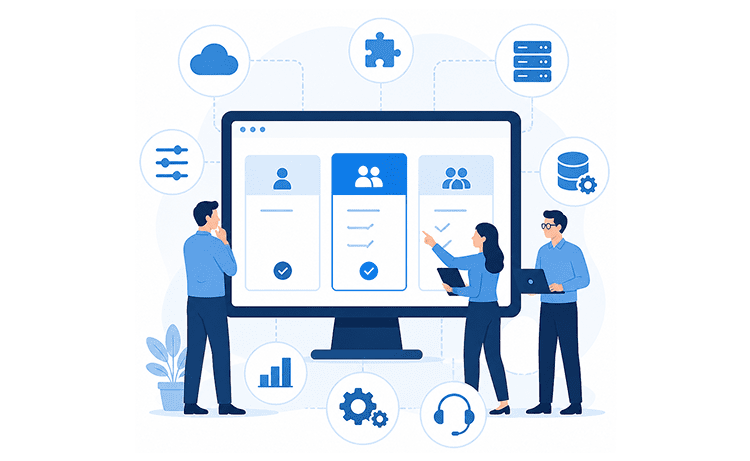
Microsoft Dynamics uses a per-user, per-month subscription model with three Business Central license types. Mixing these types within a single tenant is allowed and encouraged. That’s where the cost optimization lives.
Full users hold either an Essentials license or a Premium license and can run the day-to-day operational load: posting journal entries, raising purchase orders, releasing production, and closing the books. Team Member licenses, on the other hand, give your employees ‘read-only’ access to most Business Central data along with a narrow set of write privileges for light tasks like submitting timesheets or filing expense reports.
A Team Member license can work out for a manager who only reviews a draft purchase order and clicks ‘approve,’ or the field tech logging hours on Friday afternoon, for example. They can read records, approve or reject tasks, edit their timesheet, and update or delete personal information on their profile. What they can’t do is post journal entries, create most transactional records, or operate the full financial management sales cycle. That’s where a Full license earns its keep.
A 40-person SMB might assign 12 Essentials, 3 Premium, and 25 Team Members. By mixing licenses, you can control monthly expenses better.
A few rules to know about license assignment:
The practice shows that most SMBs land on Business Central Essentials, while manufacturers and field-service operators move up to Premium. Nearly every organization uses Team Members for executives, warehouse staff, and approvers. But what does each tier actually cover, and where do the dividing lines sit for mid-sized businesses?
The Essentials features financial management, sales, payables, inventory supply planning, basic warehouse management, project management, multi-currency, and multi-company. Typical buyers are distributors, professional services firms, retailers, and B2B services. Power Apps and Power BI integration are included, plus the Power Platform for low-code extensions.
The Business Central Premium license includes everything in Essentials plus production orders, capacity planning, shop floor control, service management capabilities, and service item dispatching. Light manufacturers, MEP contractors, and equipment service companies typically need this tier. The $30/user/month delta over Essentials pays for itself once you genuinely depend on service management or production planning.
As has already been mentioned, these licenses provide read-only access plus limited additional privileges. The best fit is approvers, executives, and warehouse staff who need visibility but rarely transact. Team Member licenses make for the single biggest cost-control lever in mid-sized deployments.
| Feature Area | Essentials ($80) | Premium ($110) | Team Members ($8) |
| Financial management | Full | Full | Read + approve |
| Sales and purchasing | Full | Full | View + light edit |
| Inventory and supply chain | Full | Full | Read |
| Project management | Full | Full | Time entry only |
| Manufacturing | Not included | Full | Not included |
| Service management | Not included | Full | Not included |
| Power BI / Power Apps | Included | Included | Limited |
| Best-fit user | Core ops, finance | Production, field service | Approvers, execs |
The published per-user rate is the easiest number to model and the least useful one for budgeting. The variables below decide whether your year-one Dynamics 365 Business spend lands closer to $50K or $250K
What drives the total implementation cost and ongoing spend:
Most pricing pages skip the part where they admit the number depends entirely on your situation. Let’s tell the truth: Business Central doesn’t have a fixed TCO, and anyone quoting one without scoping your project first is making educated guesses at best. Licensing is the only predictable piece here— your user count multiplied by the per-plan rate, year after year. Everything built around it is where real variation lives. The three-year TCO comes with two layers:
The predictable layer, aka licensing, covers Essentials, Premium, and Team Member seats billed annually. It’s easy to model in advance, and typically the smallest slice of the total for most SMBs.
The variable layer, aka services and add-ons, is where your specific situation takes over:
According to CostBench’s March 2026 analysis, the total cost of ownership runs $15K–$50K annually for 10–20 user SMBs, and $50K–$200K+ for 50-100 user mid-market companies.
Your position in that range has nothing to do with which license you pick. It’s determined by what your business actually needs. The most accurate way to find out what you’re looking at is a short discovery call that works through your requirements before anyone starts quoting.
For most SMBs, implementation services cost more than the first 18 months of licensing combined. Microsoft sells the software, but partners deliver the project. The work can be divided into four cost groups.
First, discovery and design, where you map business processes and configure system setup decisions. Second, configuration and migration, where you move all the required information from legacy platforms. Third, customization and integration with Microsoft Teams, CRM, and operational tools. Fourth, training and go-live support that gets your team productive on day one.
At Glorium Technologies, we see that the tried-and-true way to stick to your budget is to stick to the scope. The numbers back this up: per DocuClipper’s 2025 ERP statistics, 83% of organizations that ran an ROI analysis before implementation said the project met expectations.
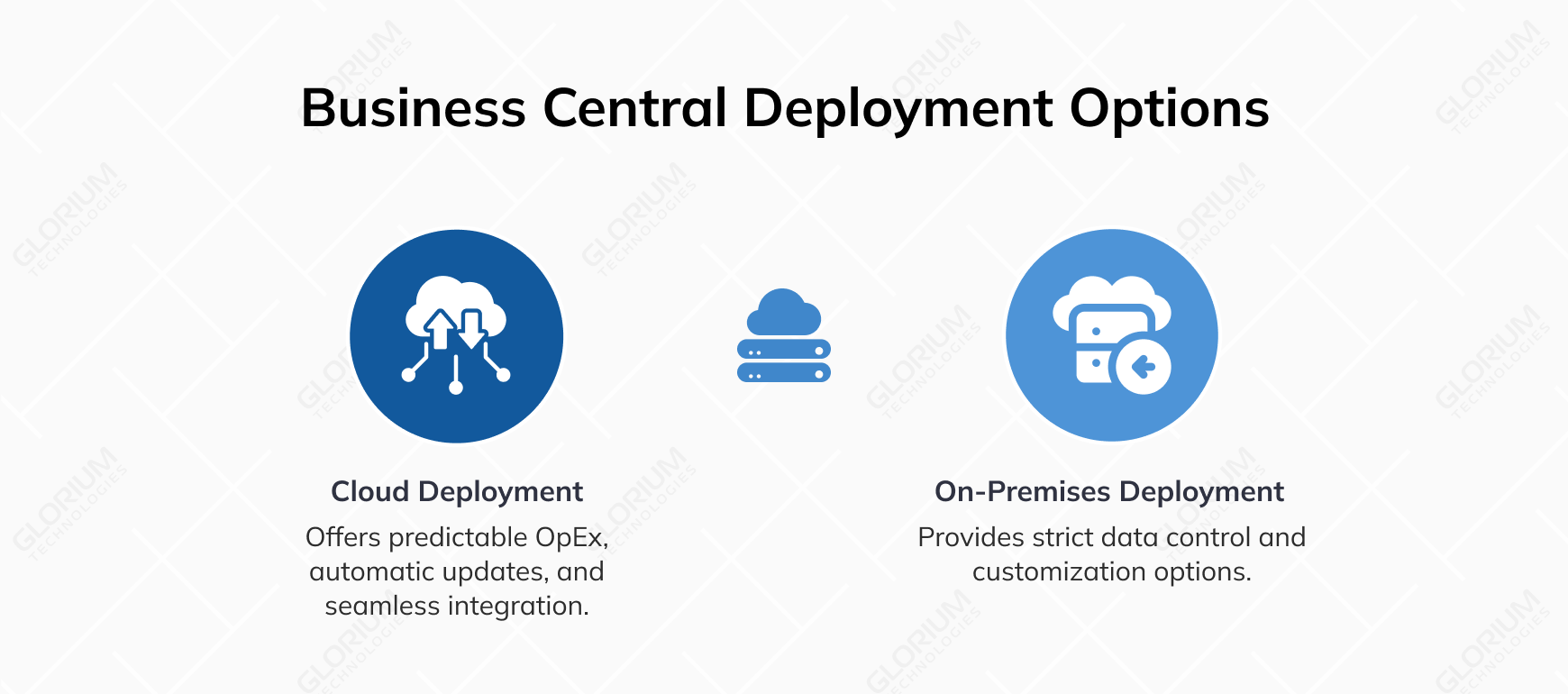
For years, the cloud-versus-on-premises debate was a real one for SMBs evaluating 365 Business Central. In 2025, Microsoft quietly closed most of the debates. As of April 1, 2025, new customers can no longer purchase perpetual licenses for Business Central on-premises, and any organization that still wants an on-premises deployment has to take it on a subscription basis through a Cloud Solution Provider. Cloud is now the default in practice, and the on-premises route has become a narrow, subscription-based exception rather than a separate cost model.
That changes the conversation, but it doesn’t make it disappear. The on-premises option is still appealing to businesses that have strict rules about where their data can be stored, who can access it, or how it can be used.
Cloud delivers predictable per-user OpEx, automatic updates, included infrastructure, embedded Copilot AI features, and seamless integration with the wider Microsoft ecosystem. On-premise under the new subscription model still requires customer-owned (or hosted) infrastructure, manual upgrade cycles, and separately purchased AI features, on top of the monthly subscription you now pay through your CSP.
Most SMBs walk into vendor calls hoping to negotiate the per-user rate, then leave with the same number Microsoft published. The real savings live elsewhere: license-mix design, scope discipline during implementation, and post-go-live housekeeping.
Practical ways to control your expenses:
Since Microsoft offers Business Central exclusively through certified partners, the choice isn’t whether to find one. It’s which one and how deeply they engage. The trusted Microsoft partner, like Glorium Technologies, shapes your budget more than the license tier does.
Choosing a random company to team up with may have consequences, including scope creep, undertrained consultants, and slow response or go-live issues. The capabilities that move cost outcomes are industry vertical experience, change management depth, post-go-live optimization, and integration architecture skills, especially for third-party integrations.
A capable Central Business expert brings real ERP implementation experience and helps you avoid the rework cycles that inflate budgets quietly across months six through twelve. Glorium Technologies works with SMBs on Business Central evaluations, implementation, migration, and optimization. Our focus sits across distribution, manufacturing, healthcare, and services, where Business Central remains a strong fit for business operations at the 25 to 250 employee scale.
If your business needs point toward Business Central, let’s discuss real-project numbers, not a list-price estimate. Glorium Technologies helps SMBs implement Business Central with budget transparency from the first scoping call. Book a call with our experts to map your user mix, integration footprint, and realistic budget before you commit.
Hidden is the wrong word, as all the costs are documented, just rarely modeled in initial buyer spreadsheets. Each one is a recurring or one-time expense that budgets either accommodate from the start or absorb painfully in month four. Costs that rarely make it into the first budget draft:
Workflows like marketing fulfillment, advanced compliance reporting, or specialized warehouse picking often need ISV add-ons. You should plan for those before signing.
In addition to licensing, you should also plan for partner support retainers, ISV renewals, storage growth, two updates every year, and training for users on a regular basis. Most SMBs see year-two spend land at 60 to 80% of year-one’s total, since implementation drops out but new costs appear as adoption deepens and your team adds Power Platform extensions to streamline processes.
Yes, and many SMBs do this for 6 to 12 months while migrating subsidiaries, business units, or product lines one at a time. The challenge is reconciliation between systems, which usually requires custom integration or middleware. An experienced Business Central expert can make sure that data flows between platforms and that there are no duplicate journals, mismatched inventory, or broken reports during the overlap period.