



Key Features
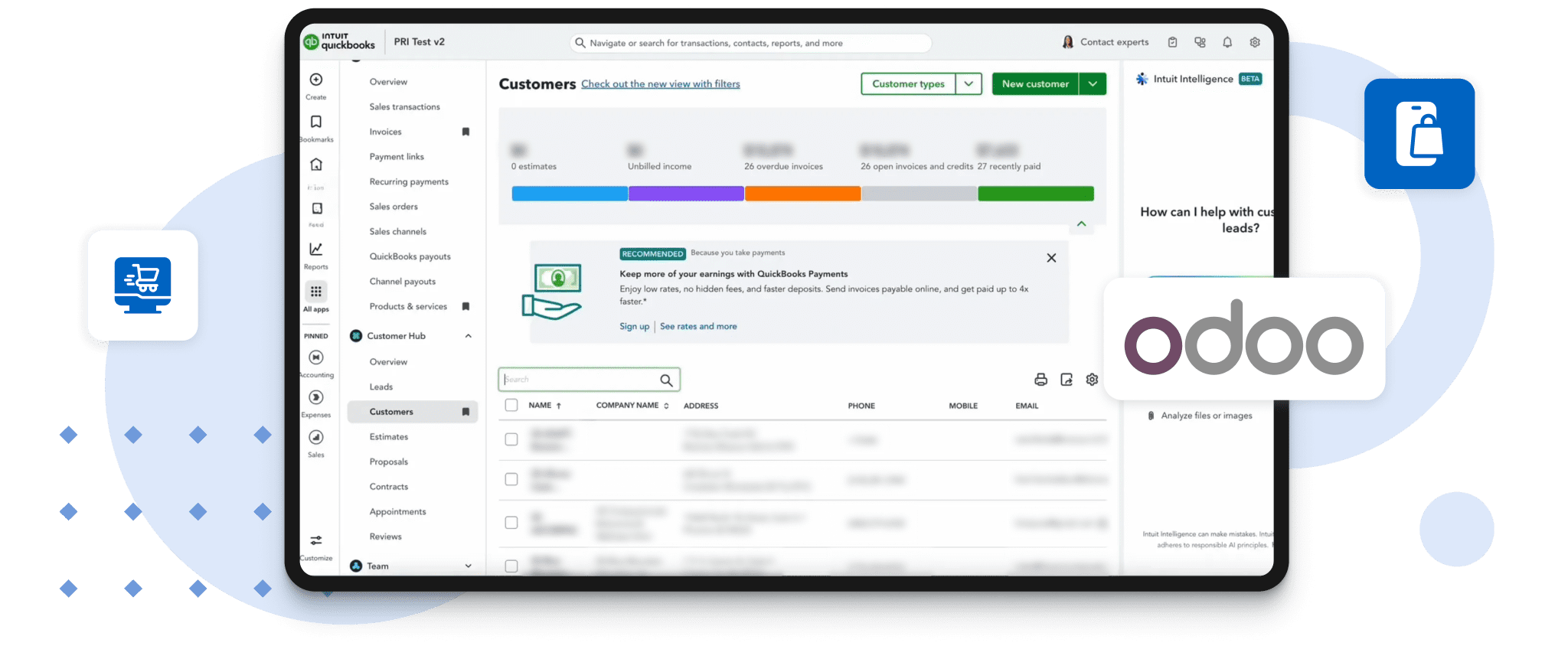
Automating the Odoo Integration with QuickBooks
- Self-Service B2B Portal: Clients can independently browse digital and physical catalogs, communicate with the team via the portal, place and manage orders, complete payments, and track order history and status
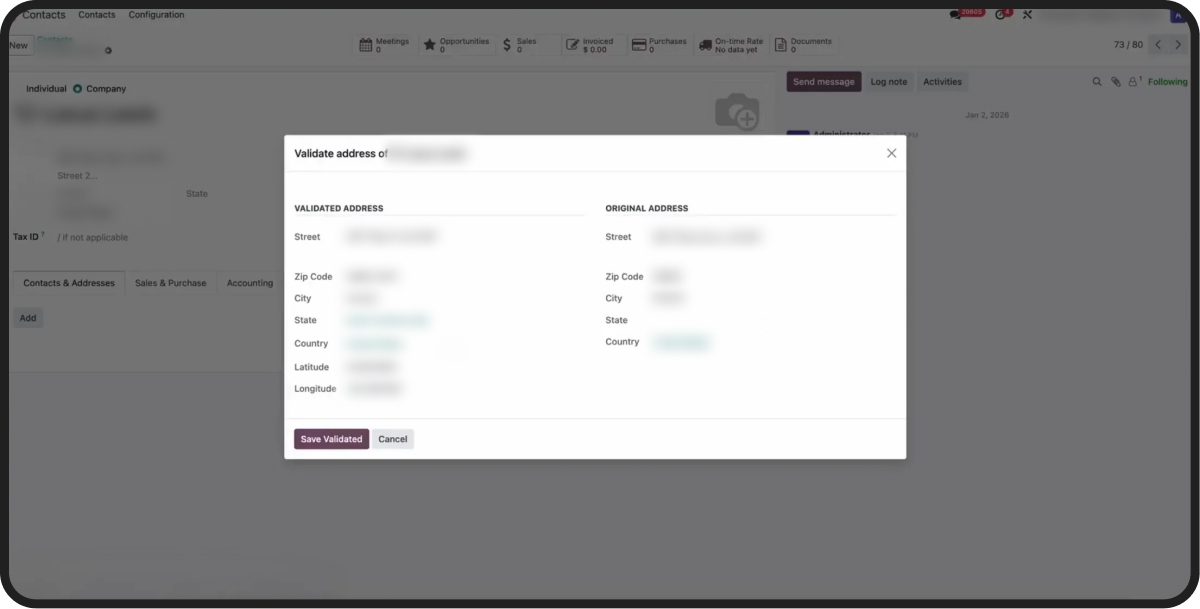
- Address Validation & Dual Address Management: Billing and shipping addresses are validated and handled separately, with tax calculation triggered based on the confirmed delivery jurisdiction.
- Automated Tax Engine: API-based integration, Avalara AvaTax portal with real-time multi-jurisdiction tax determination, automatically applying state, county, city, and special district tax rates at checkout
- Integrated Stripe Payment Gateway: Stripe is embedded within the portal to provide secure, real-time payment processing with automated transaction confirmation and registration in Odoo
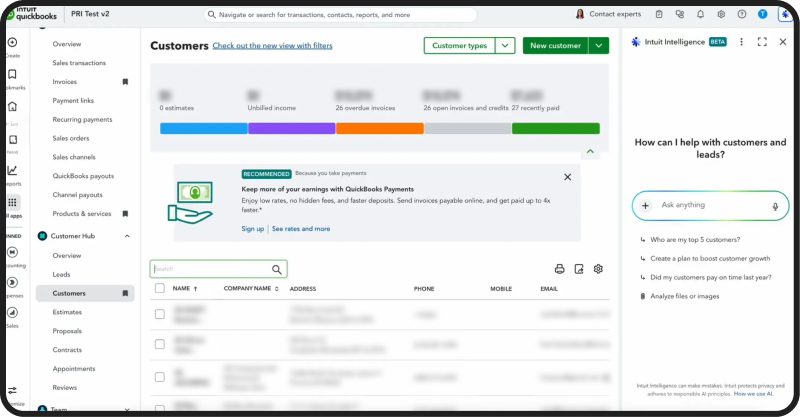
- From Automatic Financial Sync to Real-Time Accounting Sync: Quotations, invoices, and payments are pushed to QuickBooks Online without manual data entry
- Centralized Operational Visibility: Real-time monitoring of order lifecycle, customer activity, payment status, and sales performance analytics
Results
Success Through Odoo QuickBooks Integration
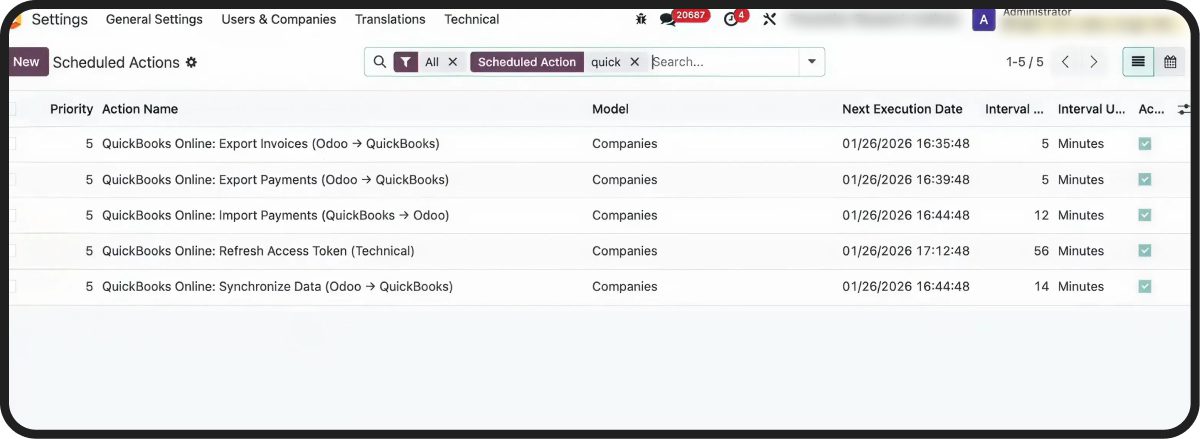 The implementation successfully transformed the client’s operational backbone from a system reliant on manual intervention to a unified, automated digital ecosystem.
- Manual Labor Reduction: Minimized administrative involvement in customer communications and order entry
- Elimination of Tax Errors: Automated compliance for complex, multi-state jurisdictions, removing the risk of manual calculation mistakes
- Improved Cash Flow: Direct portal payments via Stripe ensure faster settlement and more accurate tracking
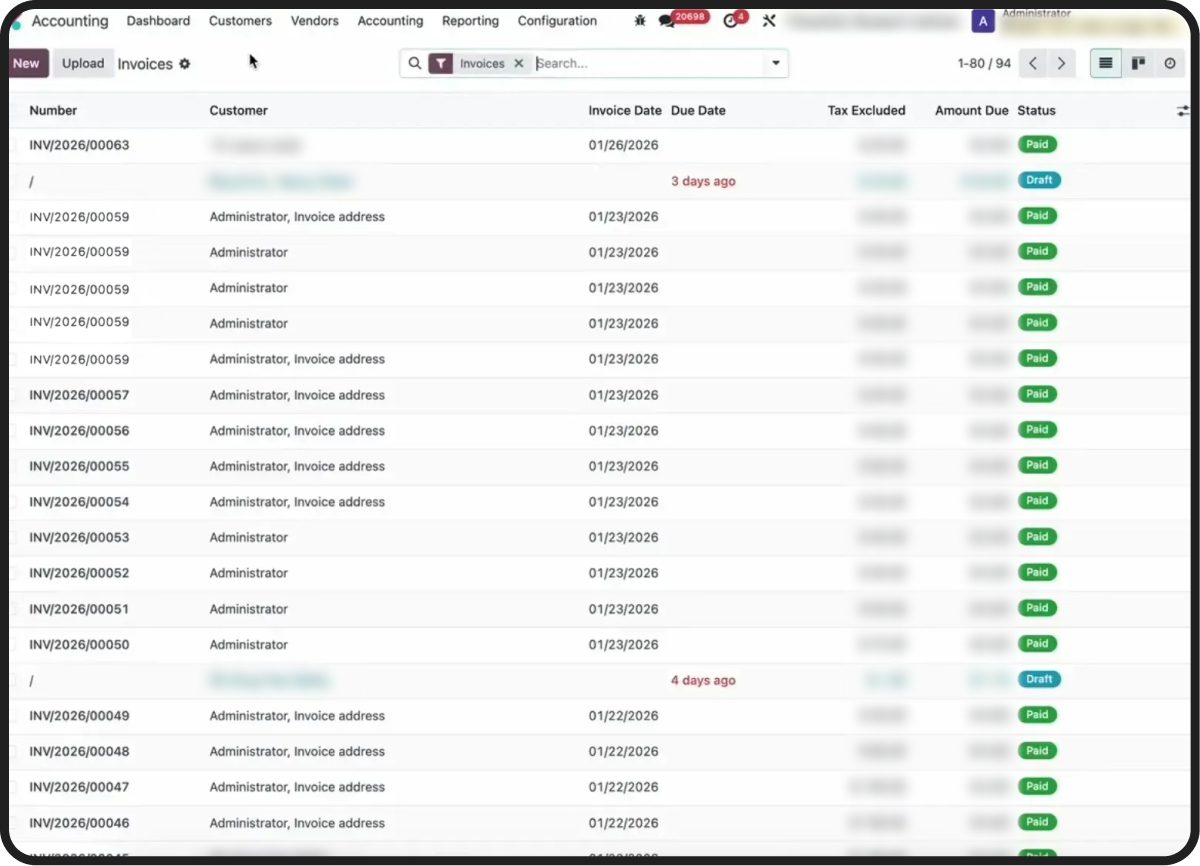
- Real-Time Accounting Visibility: Accountants now have immediate access to reconciled sales and tax data in QuickBooks
Implementation Approach
Deploying the Odoo QuickBooks Online Integration
The project followed a strategic plan to connect the client’s existing sales workflows with automated compliance and accounting engines.
Phase 1: System Review & Requirements Gathering
- Analysis of existing workflows and system fragmentation
- Evaluation of QuickBooks Online configuration and tax setup across Odoo, QBO, and Avalara AvaTax, aligned with accounting requirements
- Definition of the target integration structure and connector selection
Phase 2: Portal Configuration & UI Setup
- Fast-tracking the Odoo portal setup using “out-of-the-box” capabilities tailored for the client’s product catalog
- Organizing the digital and physical product listings for B2B customer self-service
Phase 3: Multi-System Integration
- Stripe payment gateway API integration
- Configuring the AvaTax connection for real-time tax pulls and address validation logic
- Mapping sales and payment data streams to QuickBooks Online
Phase 4: Validation & Production Launch
- Testing complex multi-level tax scenarios (State/County/City)
- Validating end-to-end data accuracy from the portal through to accounting reports