25% Less Ingredient Waste With Microsoft Dynamics 365 Business Central for Food Manufacturing


Client Background
Data Silos Slowed Business Processes for a Growing Food Manufacturer

Challenge
Disconnected Systems And Limited Real-Time Visibility Increased Compliance Risk
- Manual data re-entry between systems: Production, quality, purchasing, and finance tracked the same data separately, causing inconsistencies, delays, and increased compliance risks
- Lack of real-time batch visibility: Supervisors used static spreadsheets, which made it challenging to understand ingredient availability, production capacity, and batch scheduling in real-time
- Ingredient shortages caused frequent production stoppages: Without FEFO automation or accurate replenishment, production lines would stop when key ingredients or packaging materials were unavailable
- No accurate insight into yields or production losses: Actual ingredient consumption and waste were not accurately measured, making recipe cost control difficult
- Compliance and quality documentation fragmented: Paper logs slowed down audits and made traceability time-consuming and error-prone

Why They Chose Glorium Technologies
A Process-First Business Central Rollout With Minimal Disruption And Room To Scale
- End-to-end process analysis
- Clear migration roadmap with zero production disruption
- Future-state process design for food industry standards
- Strong out-of-the-box coverage
- Scalability for new production lines and distribution centers

Solution
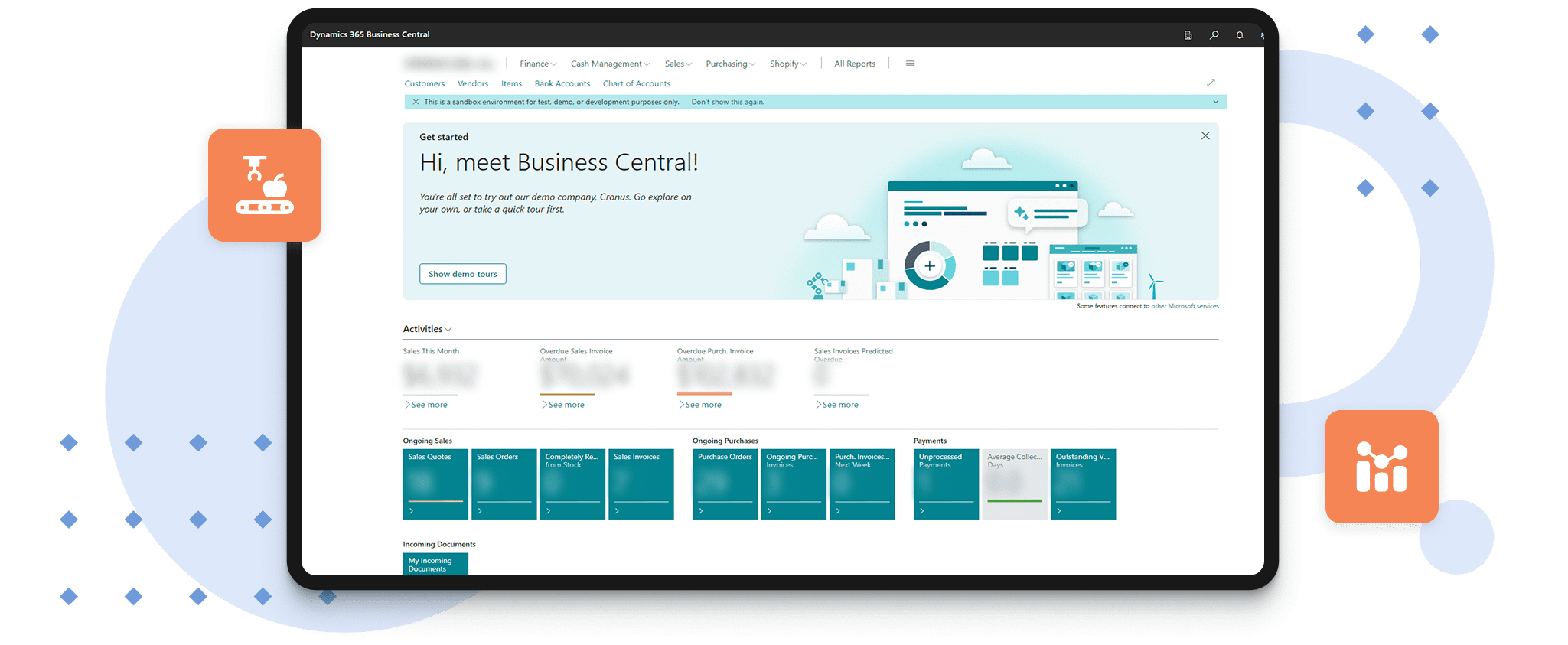
Enterprise Resource Planning with Dynamics 365 Business Central Cloud Access
- Finance & cost accounting
- Batch production & recipe management
- Inventory & ingredient control
- Purchasing & vendor management
- Warehouse operations
- FEFO and expiration tracking
- Quality & compliance logging

Features
Core Capabilities of Microsoft Dynamics 365 for Food & Beverage Manufacturer
- Batch & Recipe Management: Standard and variant recipes with yield tolerances, allergen mapping, and multi-step routing
- End-to-End Traceability: Ingredients tracked from receiving → prep → cooking → packaging → finished goods
- FEFO Warehouse Automation: Ingredients and packaging are automatically picked based on the closest expiration dates
- Vendor Lead-Time Tracking: Purchasing reliability improved through real-time monitoring of supplier delivery performance
- Quality & Compliance Logs: Temperature checks, sanitation records, and nonconformance reports captured digitally
- Yield & Waste Tracking: Actual consumption compared with recipe standards to identify efficiency gaps and cost deviations
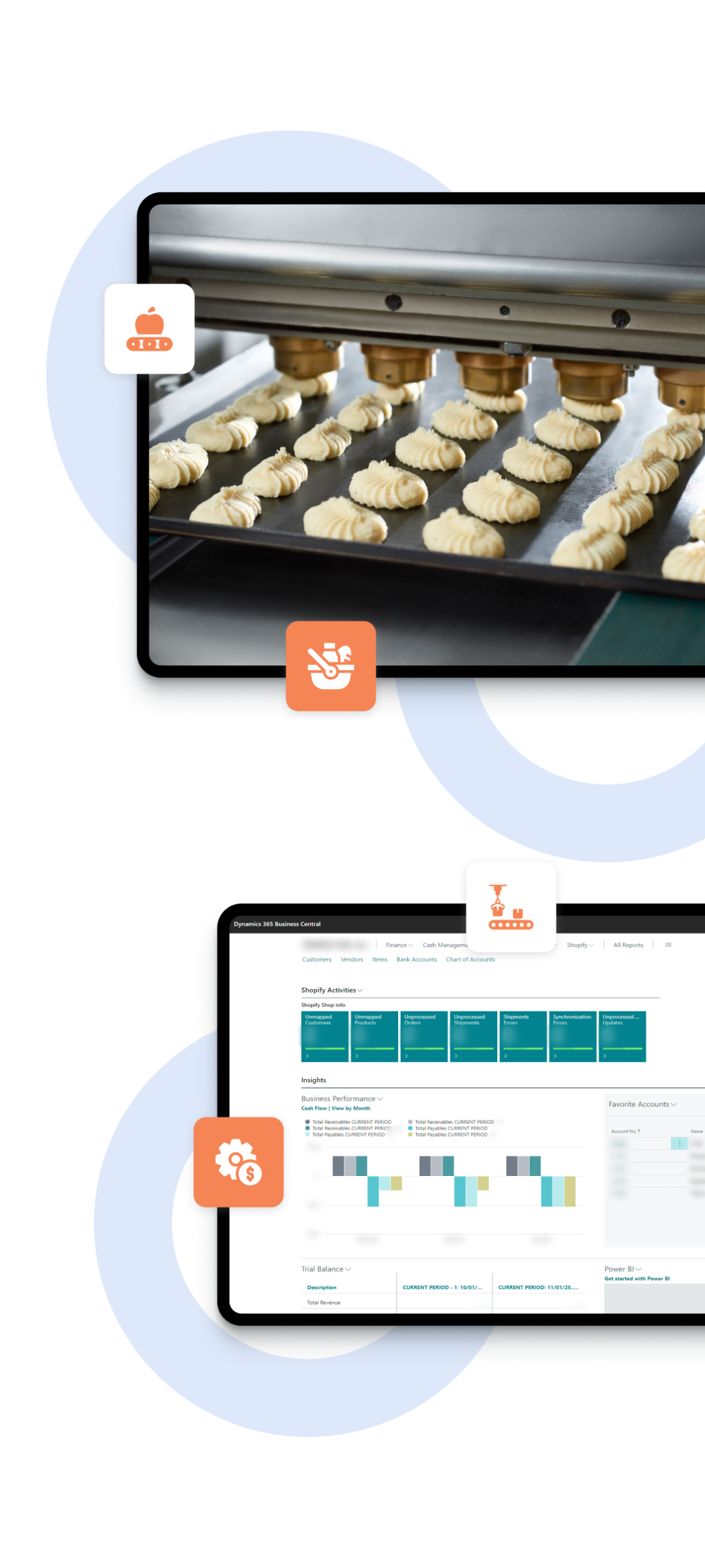
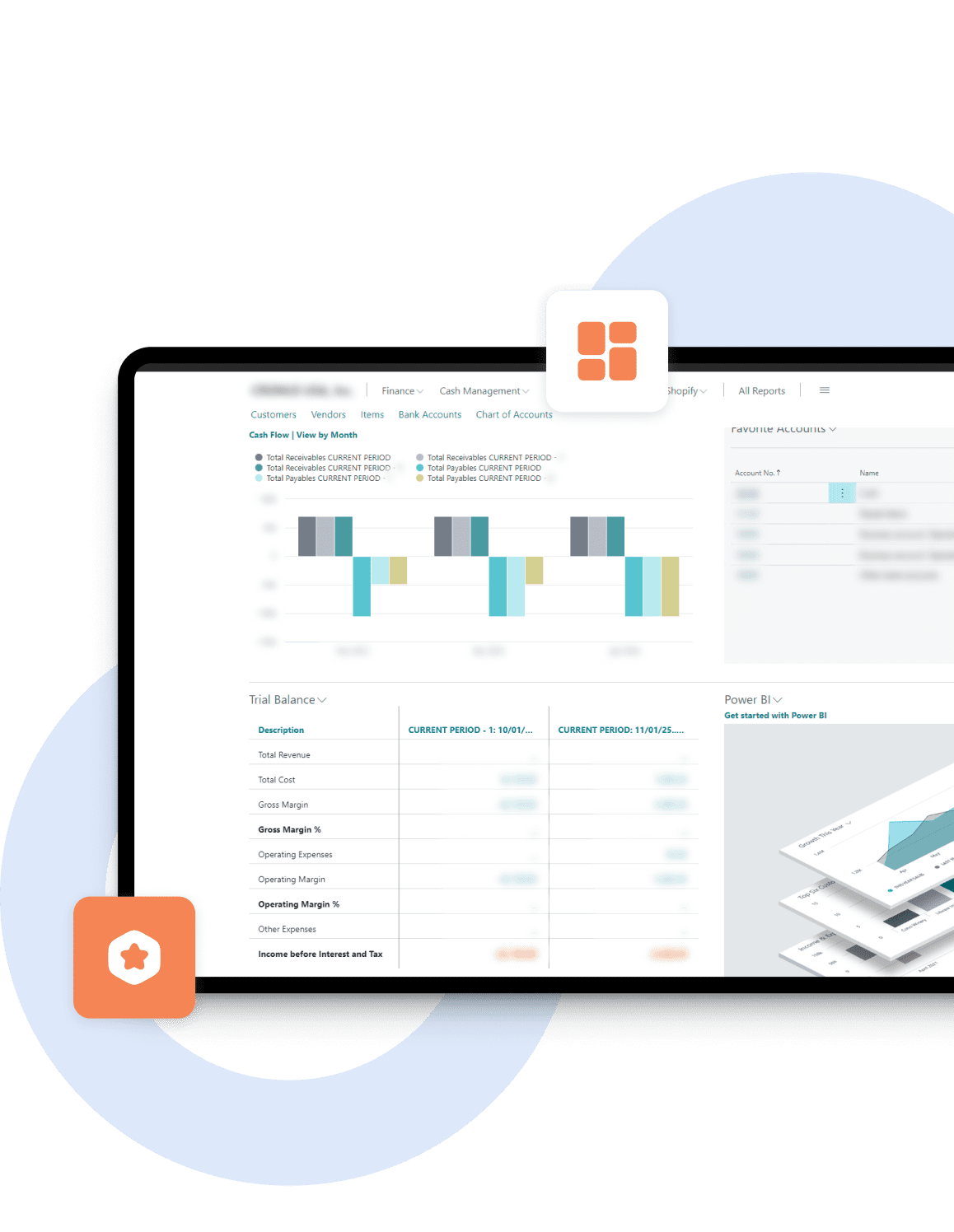
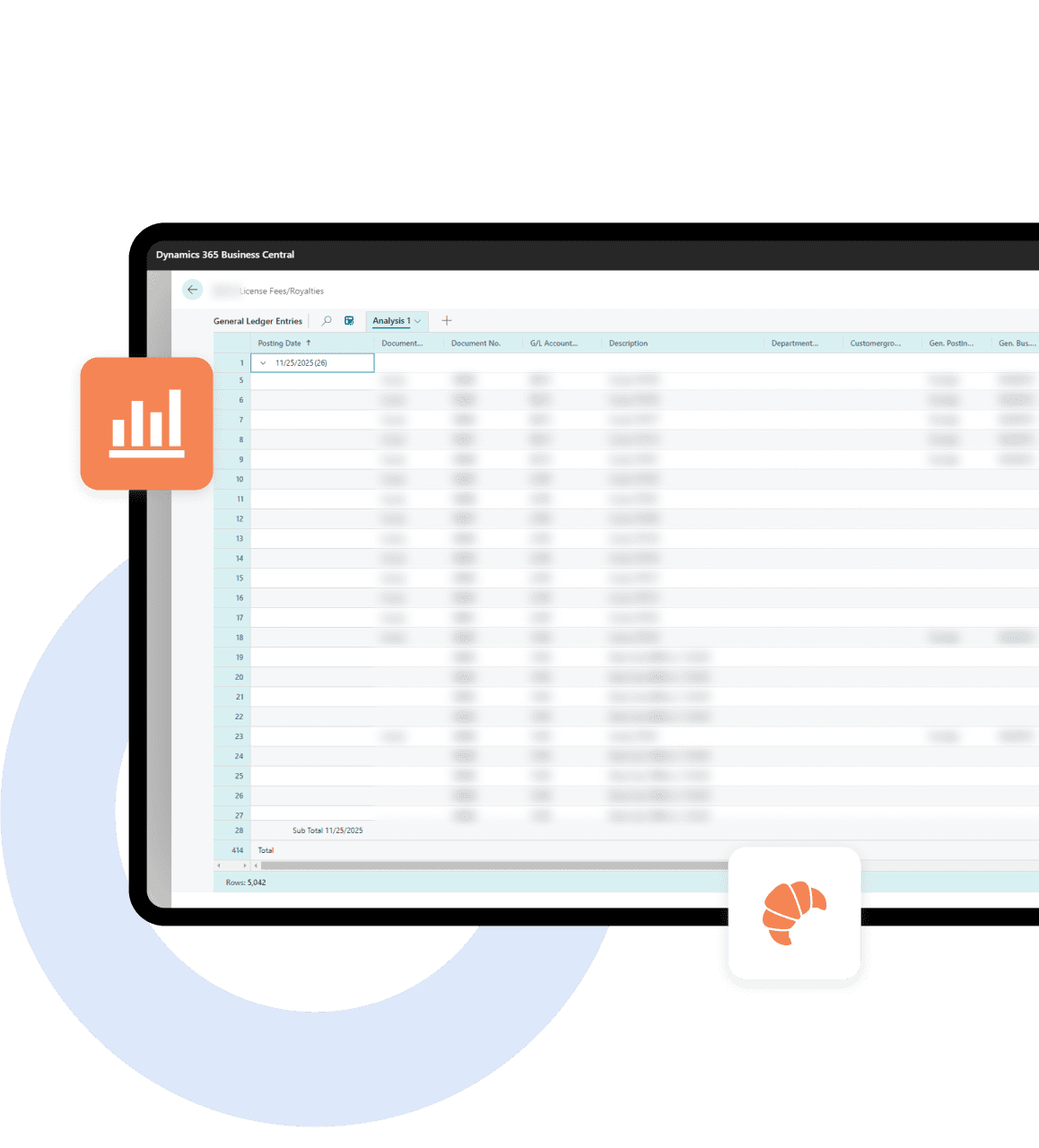
- Dashboards & Reporting: Real-time visibility into batch status, ingredient aging, yield trends, and production scheduling
Implementation Approach
A Phased Rollout That Fits a Food Manufacturer’s Business
Phase 1: Core Rollout
- Mapping of production, inventory, finance, and quality processes
- Setup of core BC modules
- Data migration from legacy systems
- Initial implementation of FEFO, BOMs, recipes, vendors, and SKUs
Phase 2: Industry Enhancements
- Yield tracking
- Waste measurement
- Supplier performance scoring
- Batch-level quality checkpoints
- Expiration and shelf-life logic
Phase 3: Training & Optimization
- Role-based training for production, quality, warehouse, and finance
- KPI dashboards for leadership

Results
Less Waste, Faster Scheduling, And Better Delivery Performance with Business Central
- 25% reduction in ingredient waste: FEFO automation, accurate expiration tracking, and real-time stock visibility reduced spoilage and write-offs
- Scheduling time reduced by 40%: BC automatically generates batch production orders based on demand, ingredients, and capacity
- 98% traceability accuracy: Full forward/backward traceability now takes minutes—critical for audits and recalls
- 30% higher nn-time delivery rate: Production and inventory are fully synchronized with customer commitments
- Real-time batch cost accuracy: Actual yield variances and labor inputs now feed directly into costing
- Compliance reporting time cut by 60%: Digital logs and automated batch documentation simplified audits

Business Value
Predictable Production, Lower Costs, And Full Operational Visibility with Business Central
 Predictable Operations
 Lower Production Costs
 Full Transparency




Certifications








Questions You May Have
What business processes can Microsoft Dynamics 365 Business Central cover for a food manufacturer?
Dynamics 365 Business Central for the food industry can run core business processes within a single ERP solution, including financial management, purchasing, inventory management, production, and warehouse management. This reduces data silos and keeps business data consistent across teams. When the same transactions power both operations and finance, reporting becomes cleaner, and day-to-day work requires fewer manual tasks. It also helps streamline processes by consolidating approvals, handoffs, and updates into a single unified platform with real-time data.
Why do food manufacturers choose Dynamics 365 Business Central instead of keeping separate systems?
Separate tools often create duplicate entries, mismatched numbers, and slow handoffs between production, quality, and finance. Dynamics 365 Business Central offers a more all-in-one solution, with complete visibility across production and supply chain steps. Real-time statuses help supervisors and planners respond more quickly when customer demand shifts. This improves team productivity and supports business scale as the business grows.
What is the difference between Business Central Essentials and Premium for manufacturing?
Business Central Essentials covers core finance and distribution, including financial management, sales, purchasing, inventory management, and basic warehouse management. For most food manufacturers, Premium is the better fit because it includes the Manufacturing capabilities needed for day-to-day production control, such as Production Orders, BOMs, and Routings. Premium can also include Service Management in the same system. The right edition depends on your production scope, batch complexity, and how tightly you need to connect costing and shop-floor execution to real-time data.
How does Business Central support financial management and cash flow control?
Business Central improves financial management by connecting operational transactions to finance, which keeps business data accurate and easier to audit. That helps teams track margins, variances, and overhead with fewer corrections. It also supports cash flow through structured invoicing, payment reminders, and statement delivery, so finance spends less time chasing paperwork. If the company buys or sells internationally, multiple currencies can be configured to reduce reconciliation effort.
How does Business Central support supply chain management and perishable supply planning?
Supply chain management works better when purchasing, inventory, and production share the same real-time data. With stronger supply planning, teams can reduce shortages, improve forecast accuracy, and avoid last-minute line stops. This helps optimize floor resources and keeps schedules more stable. It also supports smarter decision-making by allowing planners to rely on current stock, demand, and lead-time signals rather than static spreadsheets.
What changes in warehouse management and inventory management after moving to Business Central?
Warehouse management becomes more controlled when receipts, picks, and adjustments occur within a single system, with clear process steps and audit trails. Inventory management improves because reservation logic and scanning workflows reduce manual tasks and prevent silent stock drift. This provides complete visibility into ingredient aging and availability, supporting efficient order processing and fewer production interruptions.
What does seamless integration mean in the Microsoft ecosystem?
Seamless integration means Business Central can connect with Microsoft tools and other business applications, enabling data to move automatically between systems. That reduces re-entry, improves data quality, and protects team productivity. It also supports extensibility in multiple environments, so changes can be tested in separate environments before going live. This is especially useful when the business has complex needs and wants to keep operations stable while improving processes.
How do teams use Power BI and business intelligence for data-driven decisions?
Power BI can turn Business Central data into business intelligence dashboards for leadership and operations teams. This supports data-driven decision-making with real-time insights into yields, waste, batch progress, and service levels. With near real-time reporting, leaders can act on issues faster and reduce delays caused by manual reporting cycles. In mature setups, AI-driven insights can also help flag anomalies early, which supports smarter decisions during high-volume periods.
How does project management work in Business Central, and why does it matter?
Project management features can help track timelines, costs, and project status for initiatives like new production lines, facility upgrades, or rollout phases. This improves coordination across departments and helps foster collaboration because finance and operations review the same numbers. In some scenarios, it also supports project profitability by showing actuals against budgets, helping teams control costs as the business grows.
When does a manufacturer need an integrated industry solution such as Cosmo Advanced Manufacturing Pack?
An integrated industry solution is relevant when standard features do not provide sufficient depth for planning, execution, or reporting. Some manufacturers consider the Cosmo Advanced Manufacturing Pack when they need more specialized manufacturing functions or deeper control for complex needs. The decision should be driven by business requirements and a gap analysis, so the added toolset supports real outcomes rather than adding overhead.
Should Business Central run in the cloud, or is on-premises deployment a better fit?
While on-premises is an option for strict air-gapped requirements, SaaS is recommended to leverage AI, seamless updates, and Microsoft’s global compliance certifications. The right option depends on your risk profile, integration landscape, and how quickly you want to streamline operations and scale across sites or multiple companies.